


Xhorse VVDI Remote Keys are designed to make remote identification, diagnostics, and cloning faster and more reliable. With just a few built-in functions, locksmiths and technicians can quickly understand a remote’s status and even clone it without going through a full key learning process. This guide walks you through the core features, compatible with MINI Key Tool, Key Tool Max / Key Tool Max Pro, Key Tool MIDI, and Key Tool Plus.
1. Detect Remote Information
To quickly identify a VVDI remote and view its technical details:
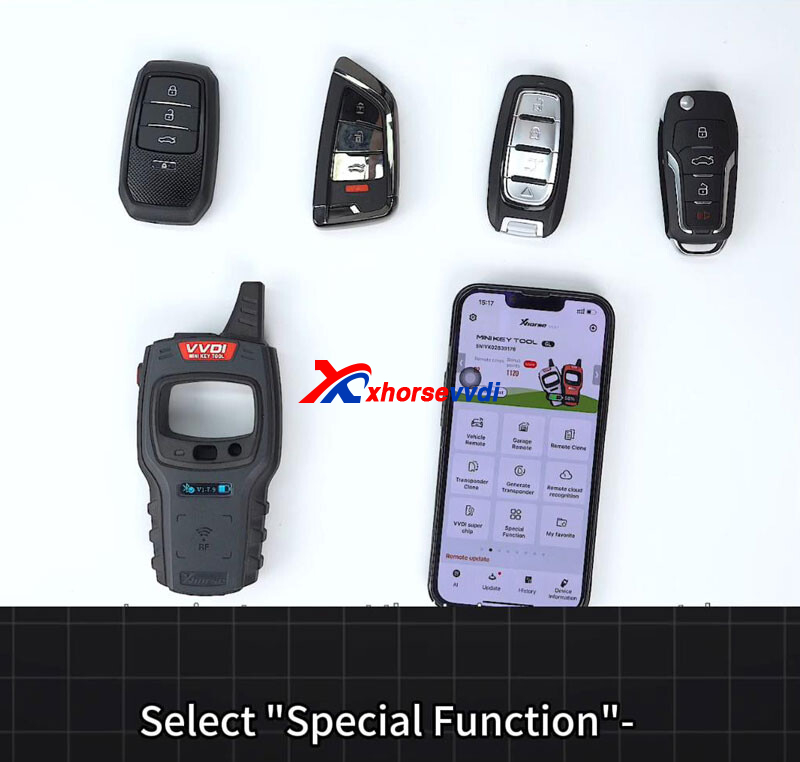
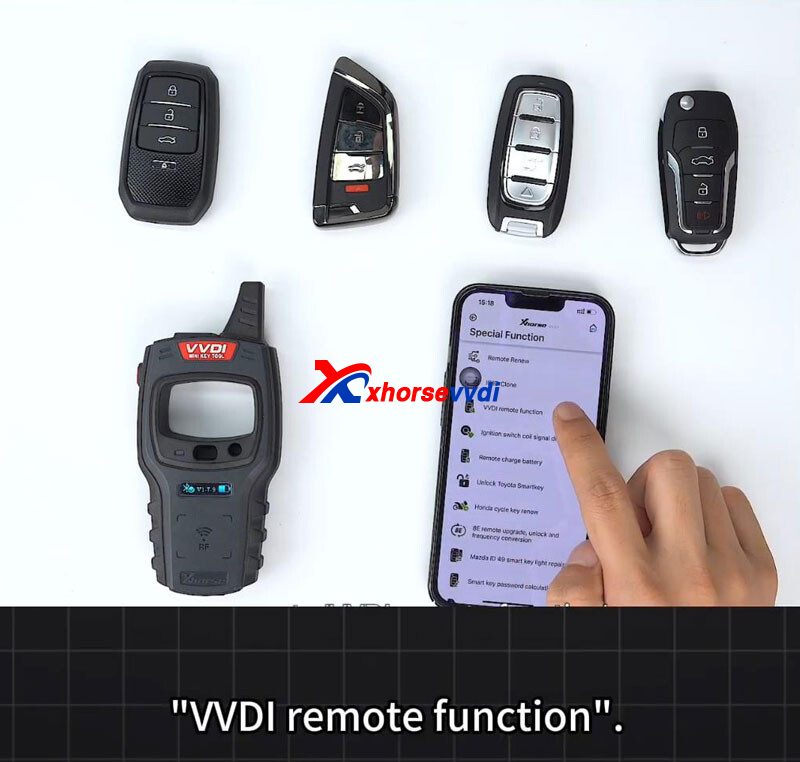
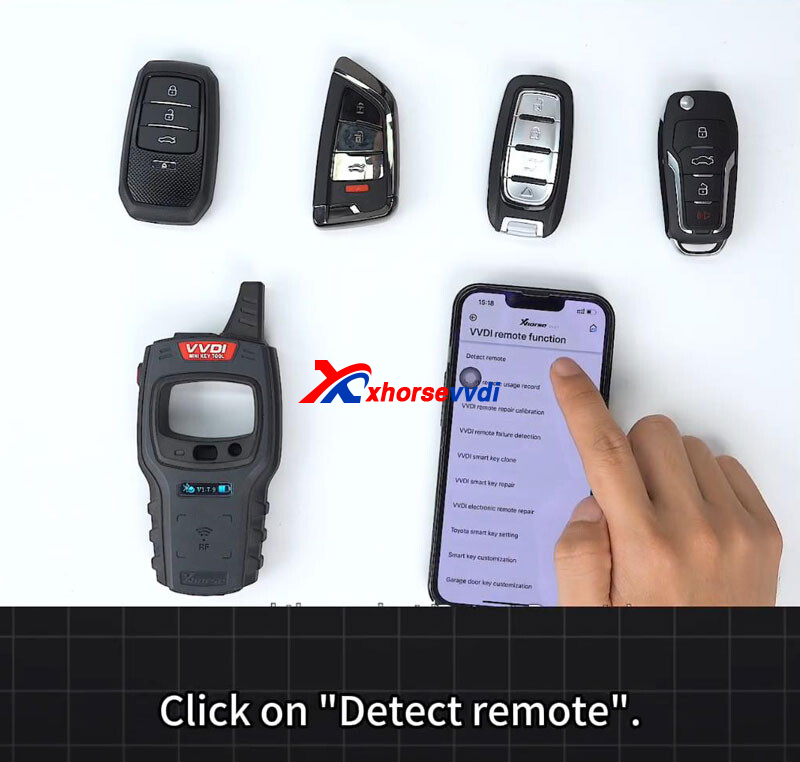
- Enter Special Function > VVDI Remote Function > Detect Remote.
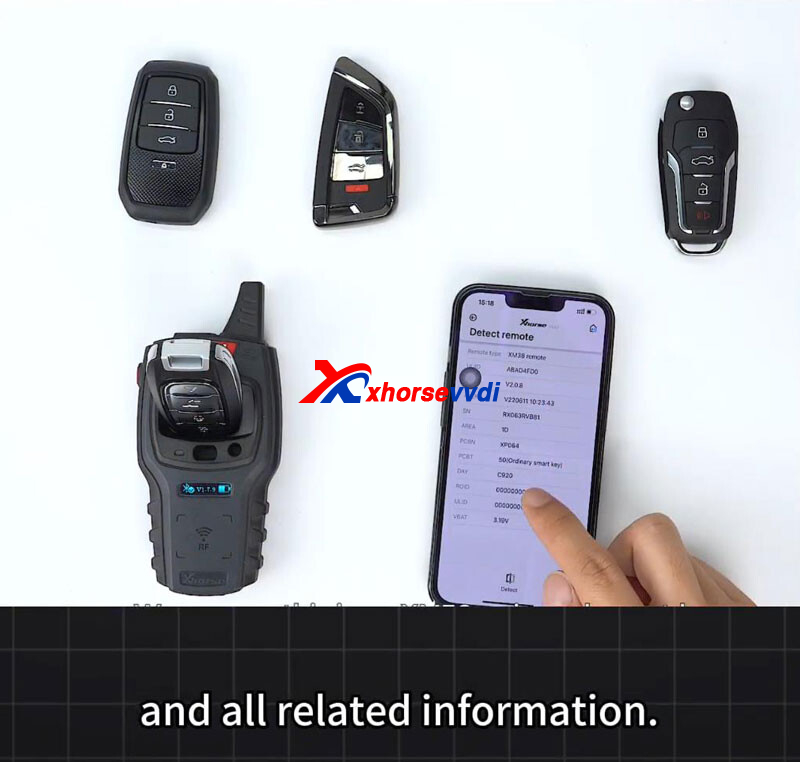
- Place the remote into the detection area.
- Within seconds, the tool will display the remote type along with detailed information such as chip data and configuration.
This function is ideal for confirming remote compatibility before programming or troubleshooting.
2. Query Remote Usage History
Understanding a remote’s past usage can be critical for diagnostics and verification:
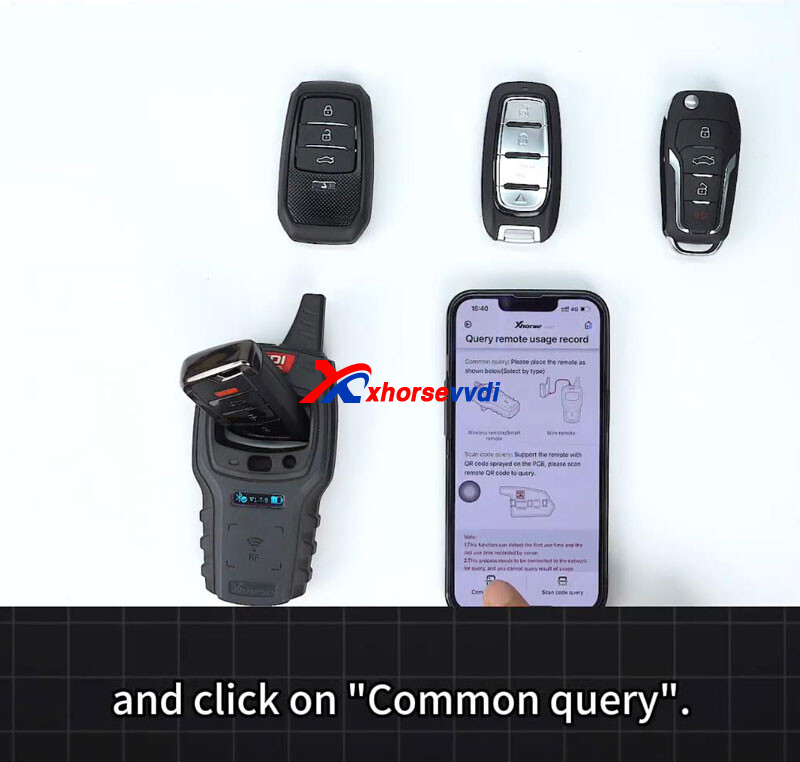
- Select Query remote usage record.
- Choose Common query and place the remote in the detection position.
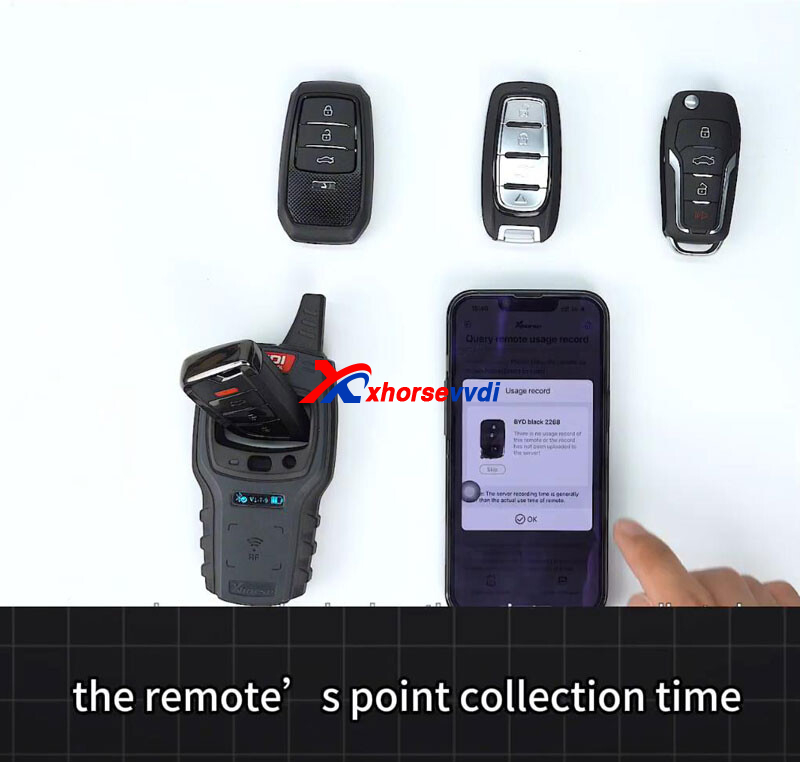
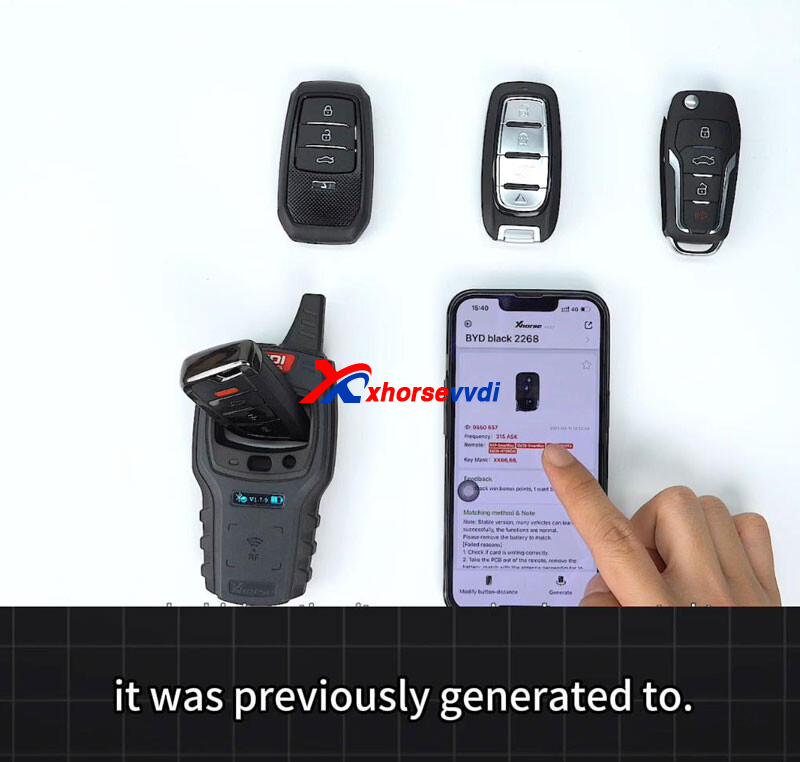
- After scanning, the system shows key details including point collection time, generation time, and the vehicle or option the remote was previously generated for.
This feature is especially useful when working with second-hand remotes or auditing previous programming work.
3. Clone VVDI Remotes Without Key Learning
Xhorse VVDI supports fast remote cloning without performing a traditional key learning procedure:
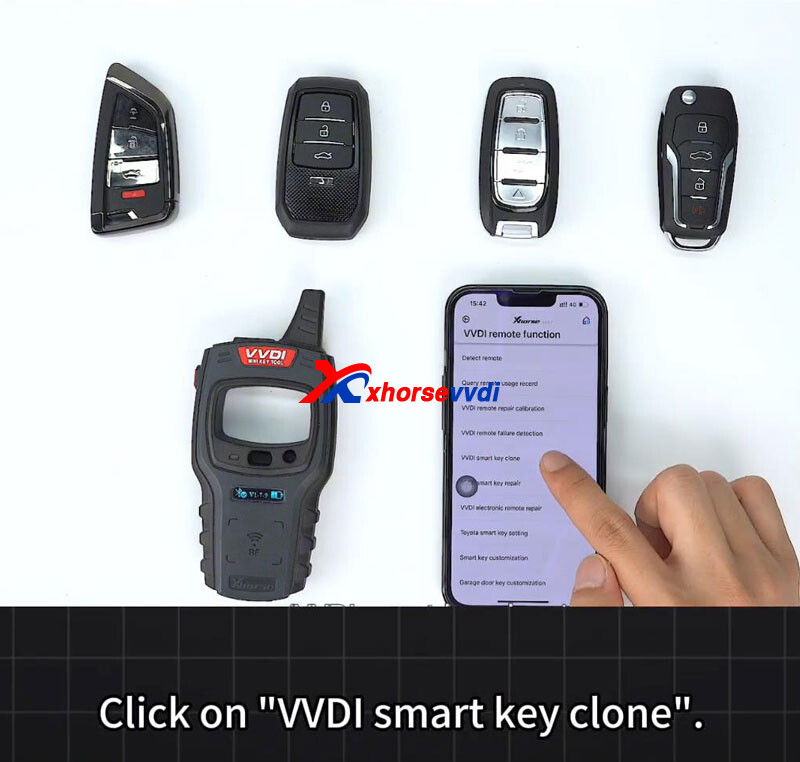
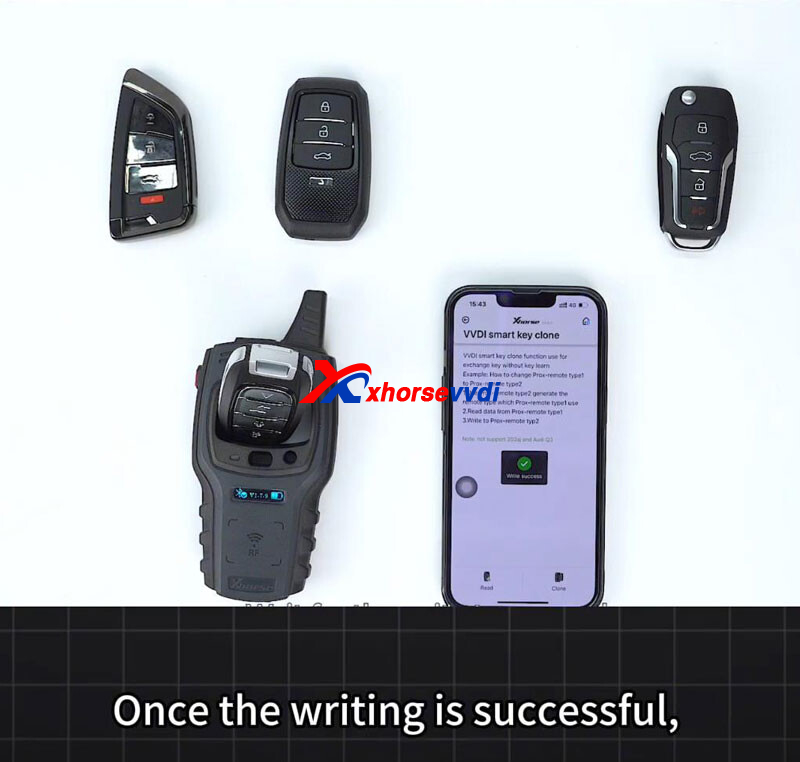
- Enter VVDI smart key clone.
- Read data from a working, already-matched remote.
- After the data is read successfully, place a new VVDI remote into the coil.
- Tap Clone to write the data to the new remote.
- Once completed, the cloned remote is ready for immediate use—no additional pairing required.
This method saves significant time and simplifies workflows, especially for replacement or spare remotes.
With remote detection, usage history query, and keyless cloning, Xhorse VVDI tools provide a powerful and efficient solution for modern remote programming. These features reduce unnecessary steps, improve accuracy, and help technicians complete jobs faster and with greater confidence.
Skype: xhorsevvdi.com
Whatsapp: https://wa.me/8613983756354


 Whatsapp:
 Skype: