
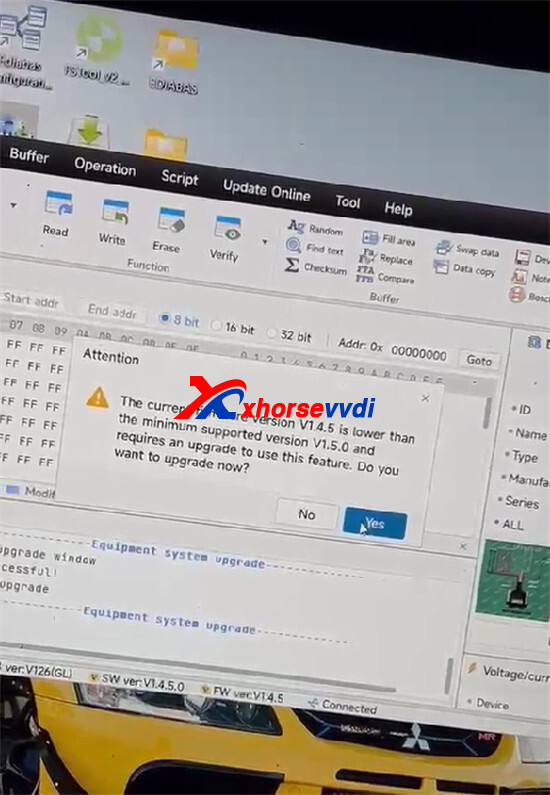
If your Xhorse Multi-Prog remains in Recovery Mode, shows the Device System Version as “—“, or reports Error 4133AAAA after a firmware update, manually enter Firmware Upgrade Mode and update the firmware again.
Symptoms
- Device stuck in Recovery Mode
- Device System Version displays “—“
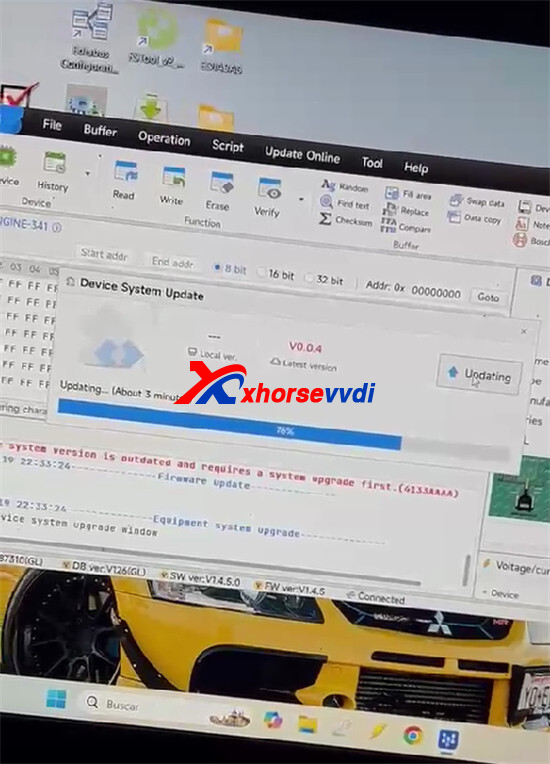
Firmware update reaches 100% and shows “Update Successful”
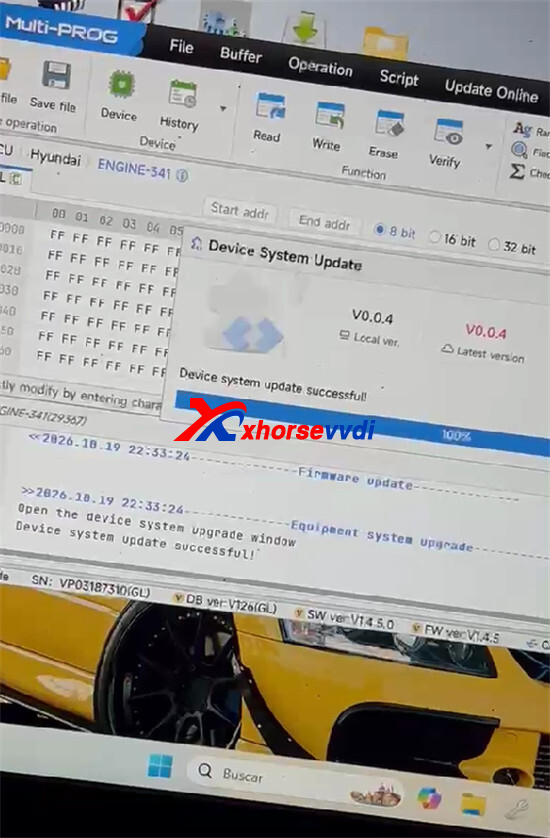
- Error 4133AAAAcontinues to appear
- Read/write functions unavailable
How to Fix It
Step 1: Connect Multi-Prog to your PC.
Step 2: Press and hold the RST button.
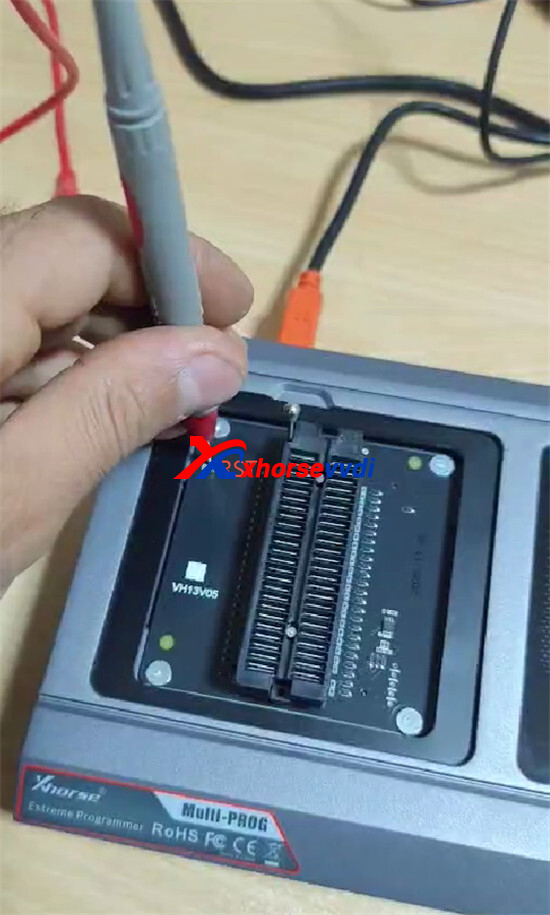
Step 3: Power on the device while holding the RST button.
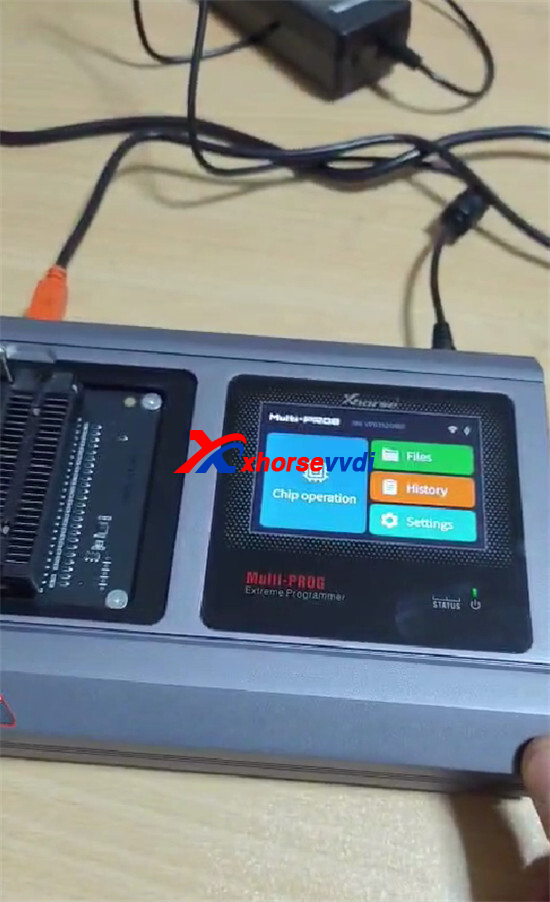
Step 4: Keep holding the button for about 10 seconds to enter Firmware Upgrade Mode.
Step 5: Run the firmware update again.
After the update, verify that the system version is displayed correctly and Recovery Mode has been cleared.
Result
This method successfully resolved the issue and restored normal operation of Multi-Prog Programmer.
Skype: xhorsevvdi.com
Whatsapp: https://wa.me/8613983756354


 Whatsapp:
 Skype: