


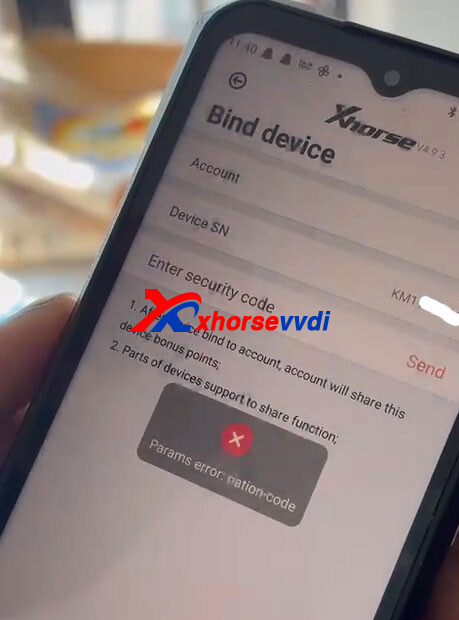
If you encounter the “Params error: nation-code” while trying to bind your Xhorse Dolphin XP005L in the Xhorse App, it’s usually caused by account or region configuration issues. The fix is straightforward.
Problem:
When binding the device in the Xhorse App, the system displays:
“Params error: nation-code”, preventing successful connection.
Solution:
Follow these steps:
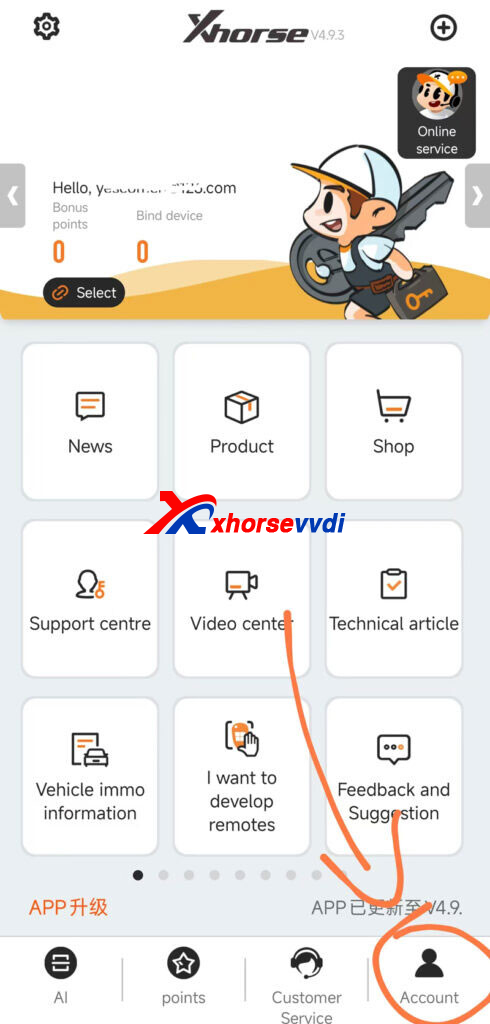
1.Create and Log in to an Xhorse Account
- Open the Xhorse App
- Go to Account
- Register a new account (make sure to select the correct country/region)
- Log in
2.Bind the Device
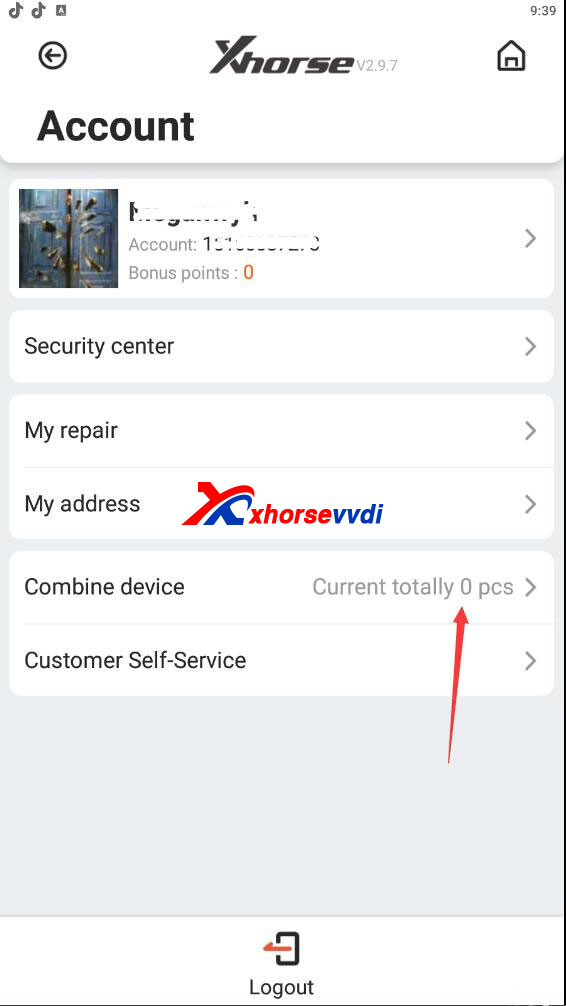
- After logging in, go to Combine Device
- Select your Dolphin XP005L from the list
- Complete the binding process
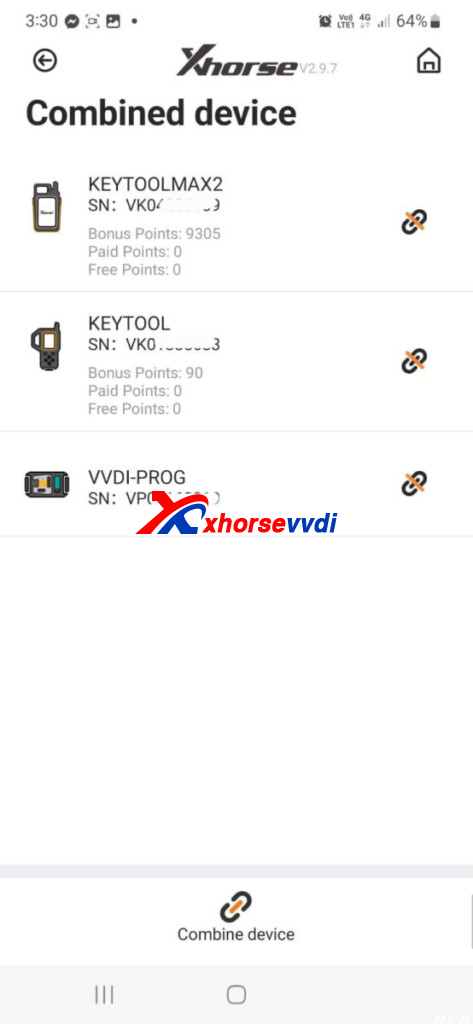
3.Verify Binding Status
- Enter Combine Device again
- Check whether your device appears in the bound device list
Tips
- Ensure your app is updated to the latest version
- Double-check that your account region matches your actual location
- Use a stable internet connection during binding
This error is typically caused by missing or incorrect account region data. Logging in with a properly registered Xhorse account resolves the issue quickly.
Skype: xhorsevvdi.com
Whatsapp: https://wa.me/8613983756354


 Whatsapp:
 Skype: