


Problem:
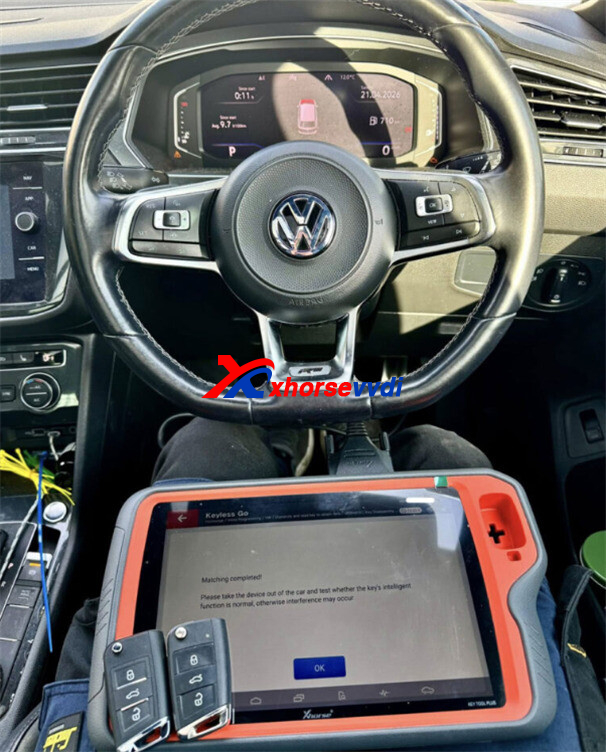
While programming an MQB49 5C key on a 2020 VW Tiguan using Xhorse VVDI Key Tool Plus, the newly generated VVDI key failed to turn on the ignition—even though key learning appeared successful.
Initial Process & Results
- IMMO data was successfully read from the original key
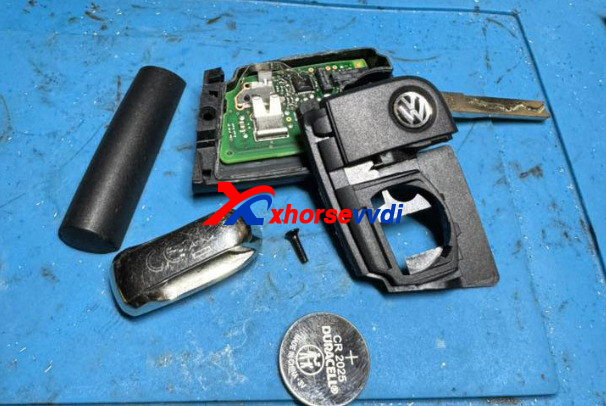
- Dealer key generated using Xhorse SMQB1EN Smart remote
- Key learning performed with ignition OFF and hazard lights ON (as per standard procedure)
- Dashboard confirmed successful learning with “2-2” indication
Outcome:
- Original key: Fully functional (ignition + remote)
- VVDI key: Remote functions and ESL worked, but ignition could not be switched ON
Solution
After consulting Xhorse technical support, the issue was resolved with a simple adjustment:
👉 Repeat the key learning process with the ignition turned ON
Final Result
- Both keys successfully programmed
- Full ignition function restored
- Remote control and ESL working perfectly on both keys
Pro Tip
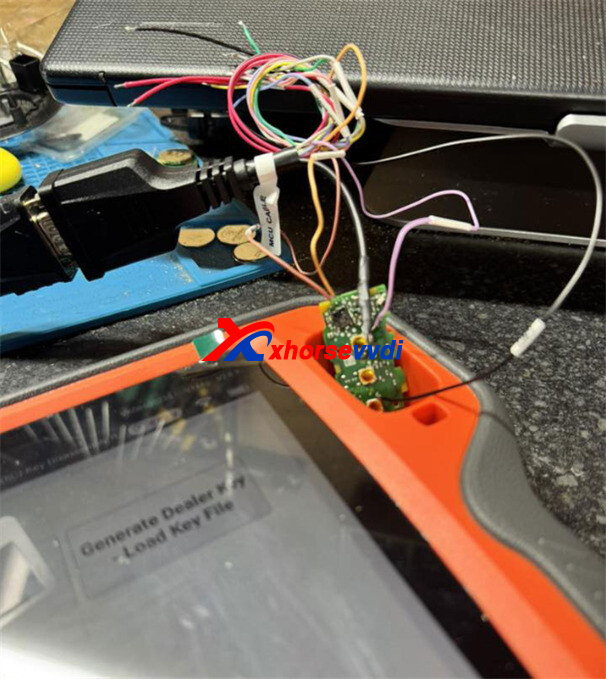
💡 Solder a needle to the wake line — this makes the connection more stable and the process much easier.
This case shows that even when programming appears successful, ignition status during learning can be critical for MQB systems.
Skype: xhorsevvdi.com
Whatsapp: https://wa.me/8613983756354


 Whatsapp:
 Skype: