


Problem:
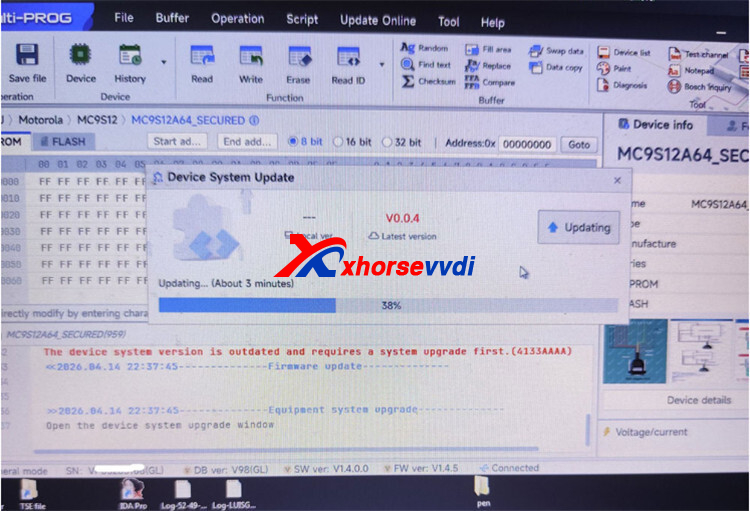
During firmware update, the Xhorse Multi-Prog shows:
“The device system version is outdated (4133AAAA)” — even after upgrading.
Solution:
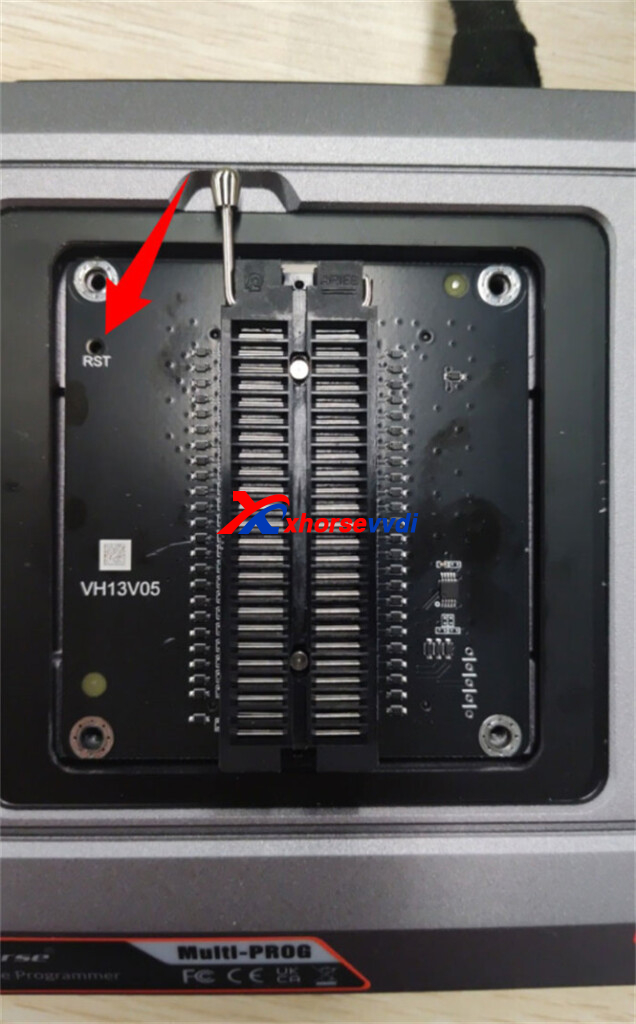
Step 1: Reset Device
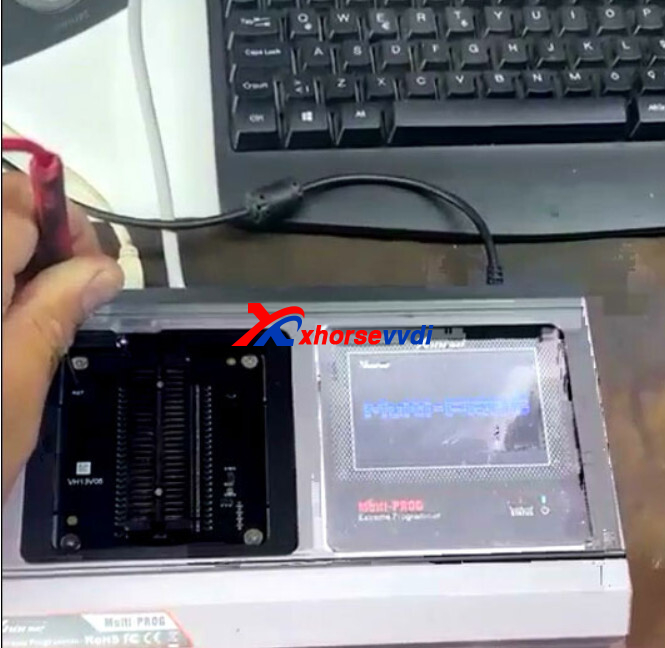
Power off the unit
Hold the Reset button
Power on while holding it
Keep holding for 5 seconds, then release
Step 2: Force Update
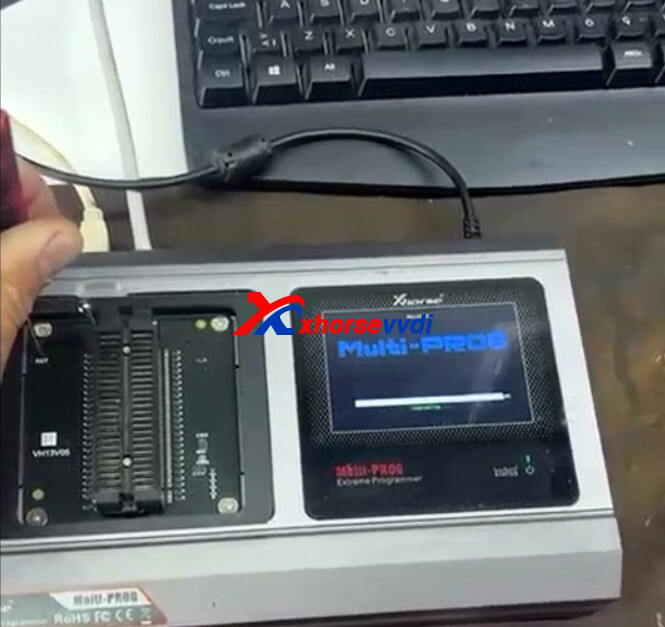
Reconnect the device
Perform a forced firmware update
Result:
Error 4133AAAA will be cleared and the device works normally.
Skype: xhorsevvdi.com
Whatsapp: https://wa.me/8613983756354


 Whatsapp:
 Skype: