


This guide walks you through how to read immobilizer data and generate dealer keys for Volkswagen and Audi 5C/5D systems using the Xhorse Multi-Prog. You’ll learn two proven methods: a stable soldering connection and a faster solder-free adapter solution. Both approaches help you prepare original or VVDI keys for final vehicle programming.
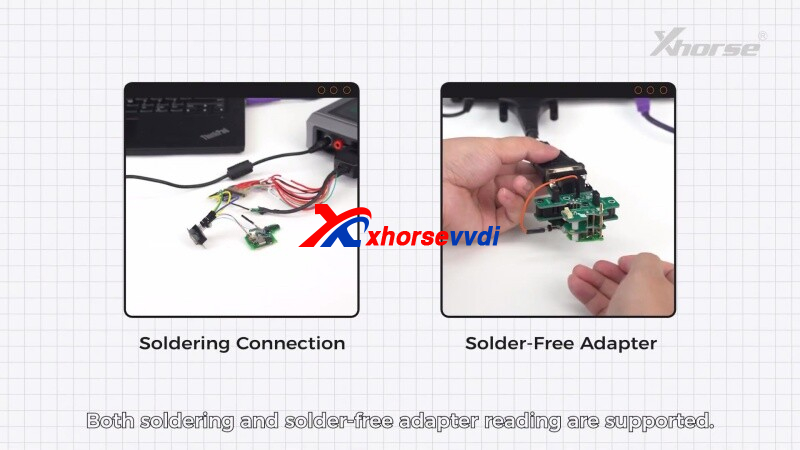
Requirements:
- Programmer: Xhorse Multi-Prog with PC software
- Transponder: Original key or Xhorse VVDI key
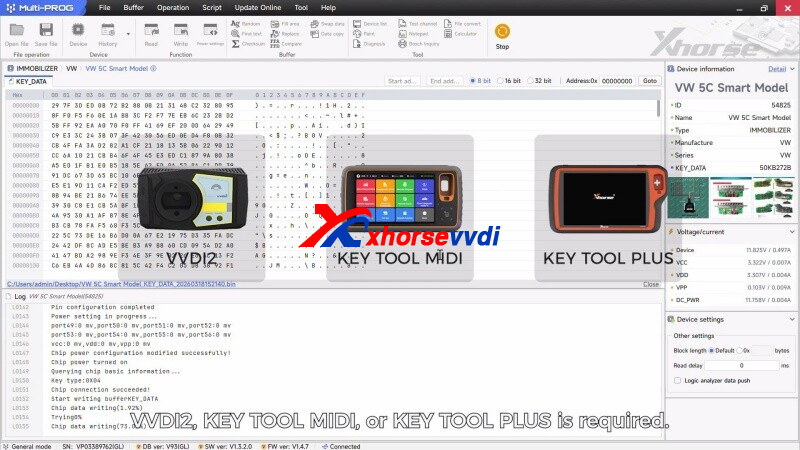
- Key Learning Tools: Xhorse VVDI2, Key Tool MIDI, or Key Tool Plus
Method 1: Soldering Connection (Stable & Reliable)
This traditional method is recommended for technicians who want a direct and secure MCU connection.
Step-by-step:
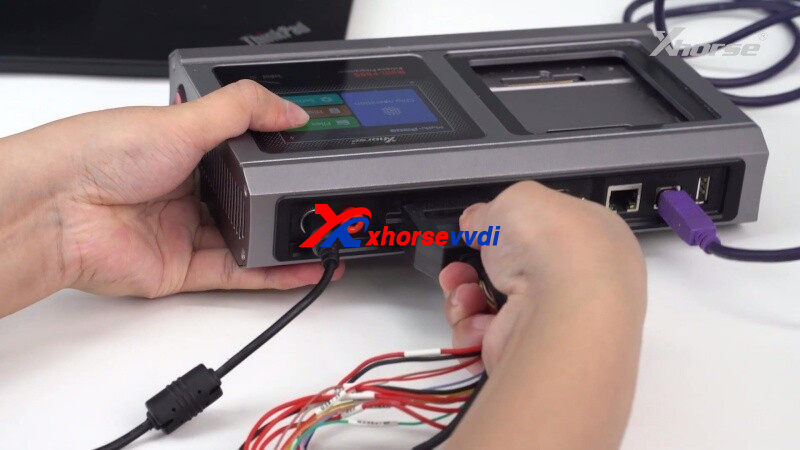
1.Connect Device
- Link the Multi-Prog to your PC and launch the software.
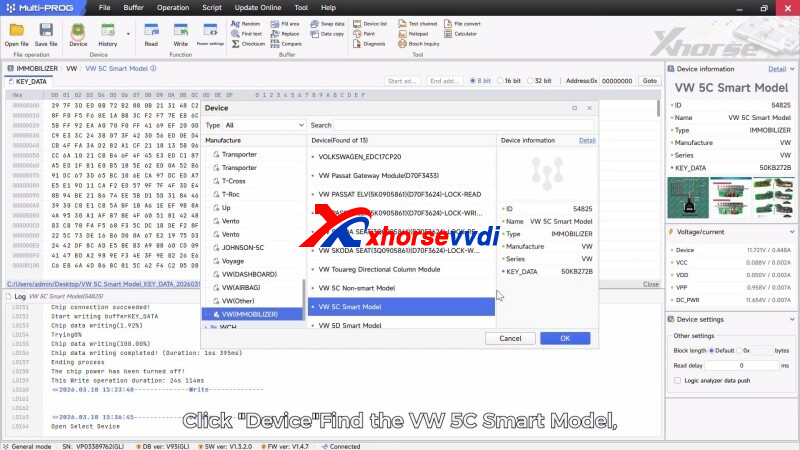
2.Select Vehicle Type
- Navigate to: Device → VW 5C Smart Model and open the wiring diagram.
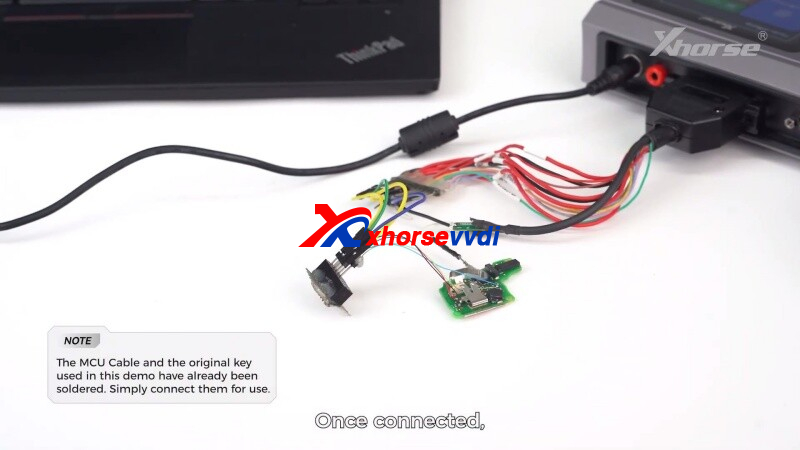
3.Prepare Hardware
- Solder the original key PCB to the MCU cable following the diagram.
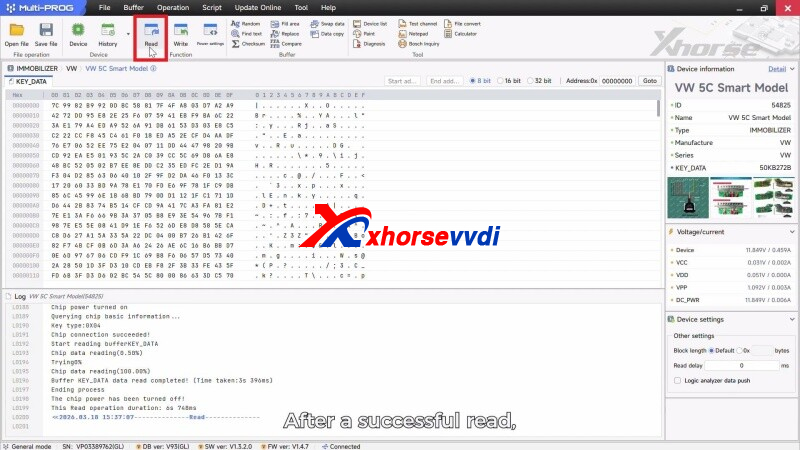
4.Read Data
- Click Read to extract key data, then save the file on your computer.
5.Generate Dealer Key
- Remove the original key and solder the new key in place
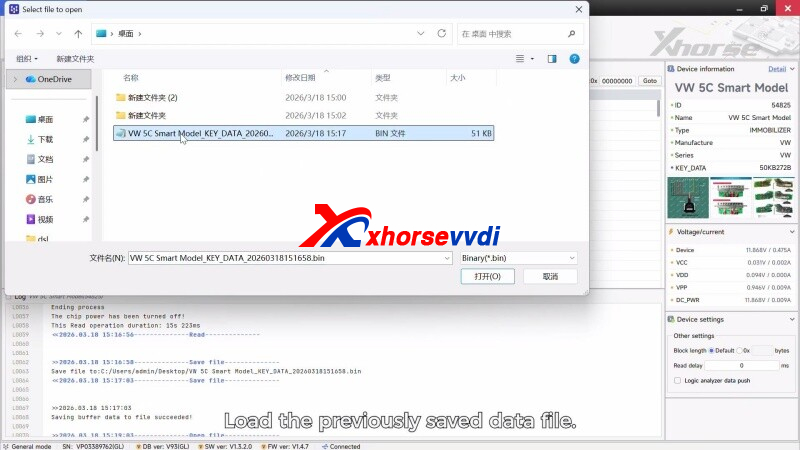
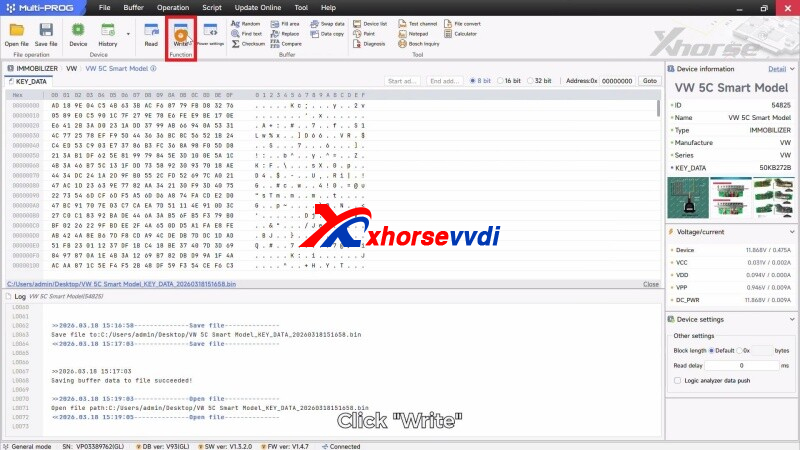
- Click Open File, load the saved data, then press Write
- Once completed, the dealer key is successfully generated
Method 2: Solder-Free Adapter (Fast & Convenient)
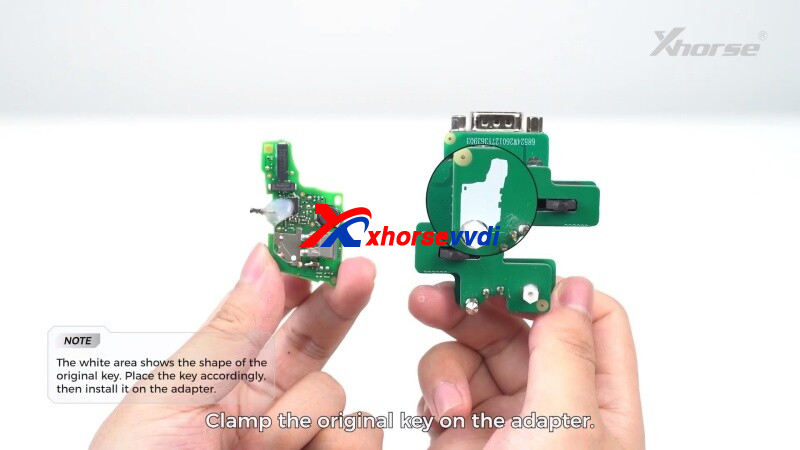
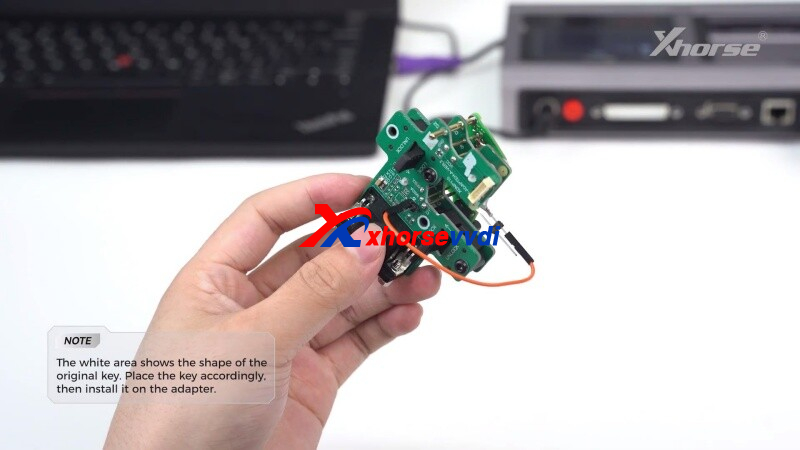
For quicker operation, use the Xhorse XDNPVDGL MQB 5C/5D adapter to avoid soldering.
Step-by-step:
1.Connect Adapter
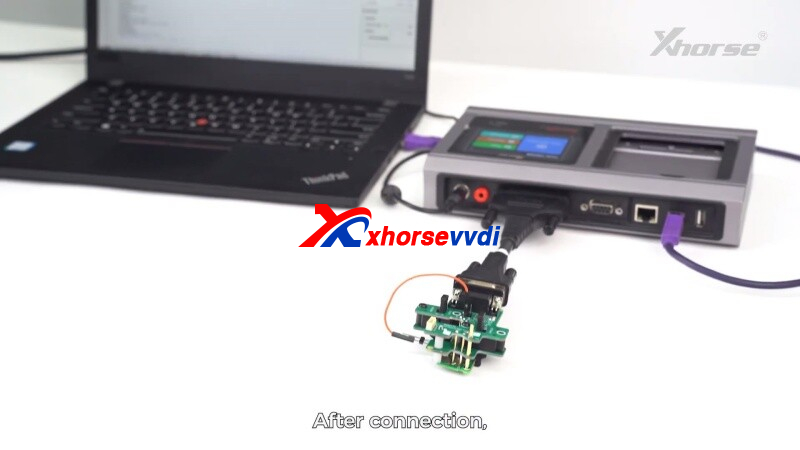
- Insert the original key into the adapter and connect it to Multi-Prog via MCU cable.
2.Read Key Data
- Press Read in the software and wait for successful extraction.
3.Save File
- Store the data file on your PC and remove the original key.
4.Write New Key
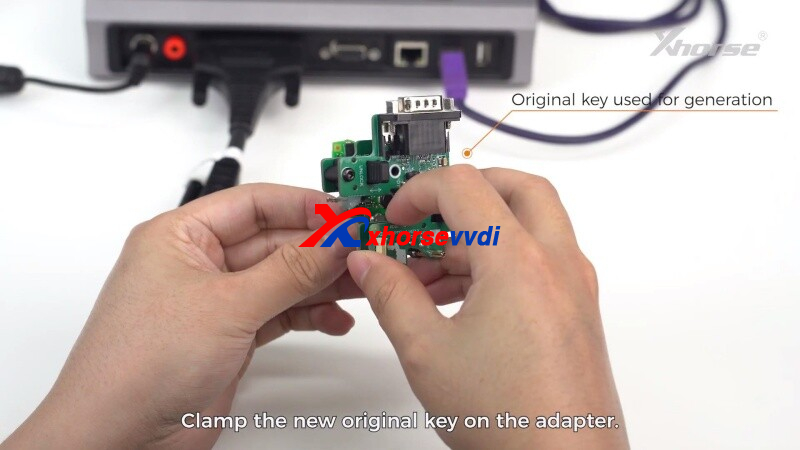
- Insert the new key into the adapter
- Click Open File, select the saved data, and press Write
- The system will confirm once dealer key generation is complete
Final Step: Vehicle Key Learning
After generating the dealer key, you must complete programming at the vehicle. Use professional tools such as VVDI Key Tool Plus or VVDI2 to perform key learning and synchronization with the immobilizer system.
Why Choose Xhorse Multi-Prog?
The Xhorse platform offers a complete solution—from EEPROM/MCU data reading with Multi-Prog to vehicle key programming with VVDI tools. This integration ensures high efficiency and reliability when working with VW/Audi MQB, 5C, and 5D immobilizer systems.
Whether you prefer a hands-on soldering approach or a fast adapter-based workflow, Xhorse provides flexible solutions to meet different technician needs.
Skype: xhorsevvdi.com
Whatsapp: https://wa.me/8613983756354


 Whatsapp:
 Skype: