


In this guide, we’ll walk you through how to add a new smart key to a 2018 Nissan Navara using the Xhorse VVDI Key Tool Max PRO. The entire procedure is performed via OBD and is quick and easy when following the correct steps.
Required Tools and Parts:
Before you begin, make sure you have the following items ready:
- Xhorse VVDI Key Tool Max PRO or Key Tool Max
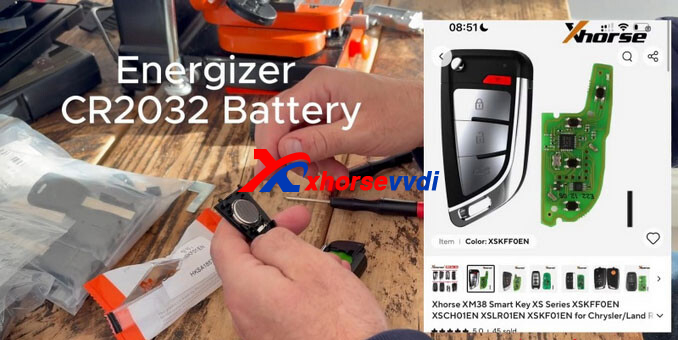
- Xhorse XSKFF0EN Universal Smart Remote
- CR2032 battery
- A working original Nissan Navara smart key (recommended for reference)
Step 1: Generate the Universal Smart Remote
Insert the XSKFF0EN universal remote into the VVDI Key Tool Max PRO.
On the device, navigate to:
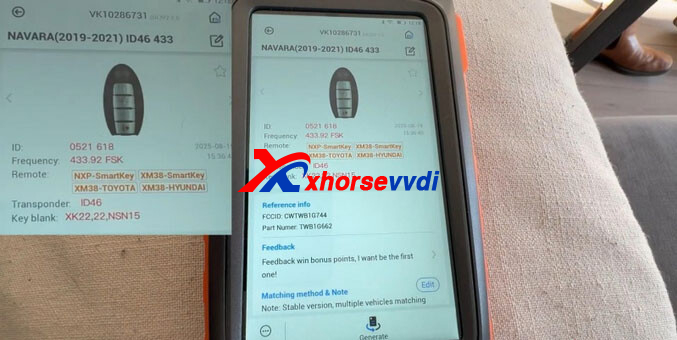
Remote Program → Nissan → Navara → Navara (2019–2021) ID46 433 → Generate
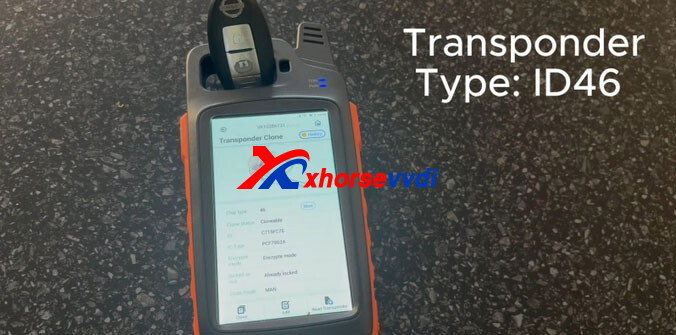
This step configures the remote with the correct 433.93 MHz FSK frequency and ID46 proximity transponder, making it compatible with the Nissan Navara system.
Step 2: Read the BCM PIN Code
Next, access the immobilizer programming menu:
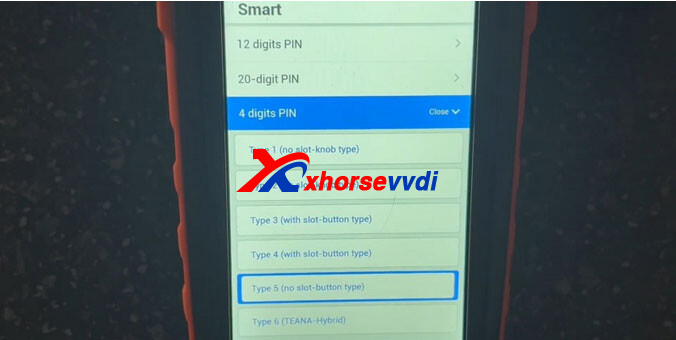
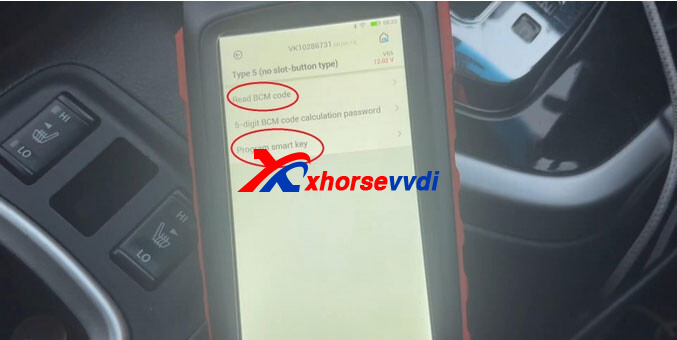
Immo Programming → Nissan → Select from System → Smart → 4-digit PIN → Type 5 (no slot / button start)
Choose Read BCM Code, then switch the ignition ON when prompted.
Select Yes to allow the tool to calculate the PIN online.
Once completed, the screen will display the BCM code and security passwords. Be sure to write these down for later use.
Step 3: Program the New Smart Key
Remain in the same menu and select Program Smart Key.
- Remove all smart keys from the vehicle
- Press the START button once
- The security indicator will flash twice
Confirm Yes to release the steering lock automatically and begin the key programming process.
Step 4: Smart Key Matching
Follow the on-screen instructions carefully:
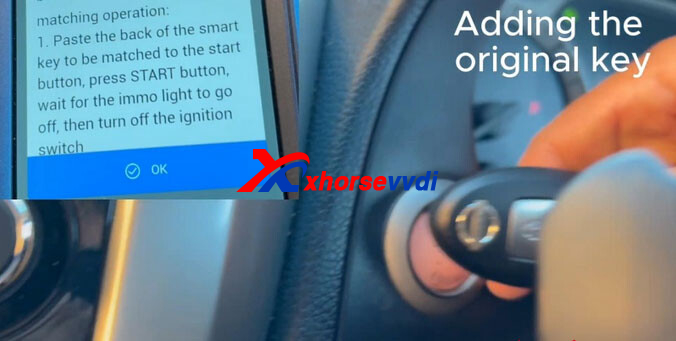
- Place the back of the new smart key against the START button and press START
- Wait until the immobilizer indicator turns off, then switch the ignition OFF
- Repeat the same process if you are adding additional keys
- Once programming is finished, hold the key near the START button again, start the engine, then turn it OFF
If the steering lock does not release, simply press the START button again to reset it.
Step 5: Final Testing and Verification
Start the vehicle using the newly programmed key.
If the engine does not start immediately, hold the key close to the induction coil and try again until you hear a confirmation beep.
Verify both the original and new keys by:
- Opening and closing the driver’s door
- Testing lock and unlock buttons
- Starting the engine and letting it run for at least 5 seconds
If all functions operate normally, the smart key programming is complete.
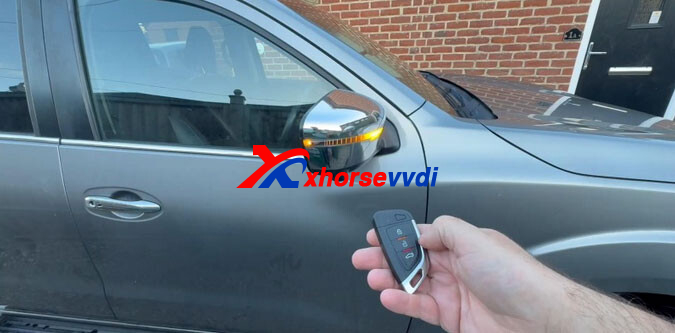
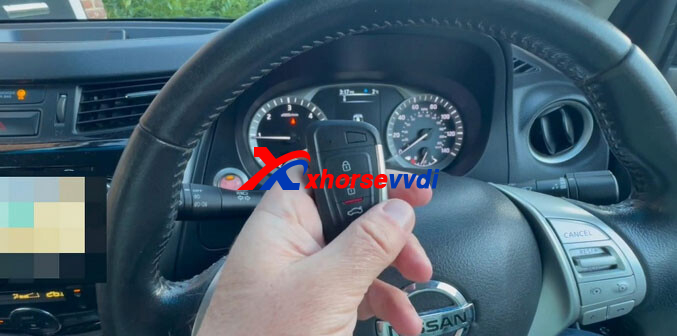
This tutorial demonstrates how to successfully program a Nissan Navara smart key using the Xhorse VVDI Key Tool Max PRO via OBD. With just a few straightforward steps, you can add new smart keys quickly and reliably.
Skype: xhorsevvdi.com
Whatsapp: https://wa.me/8613983756354


 Whatsapp:
 Skype: