


Customer Problem
Some users of the Dolphin II XP005L key cutting machine may encounter a calibration failure with the message “Error Code: 28” during the calibration process. When this error appears, the machine cannot complete calibration normally, which affects regular operation.
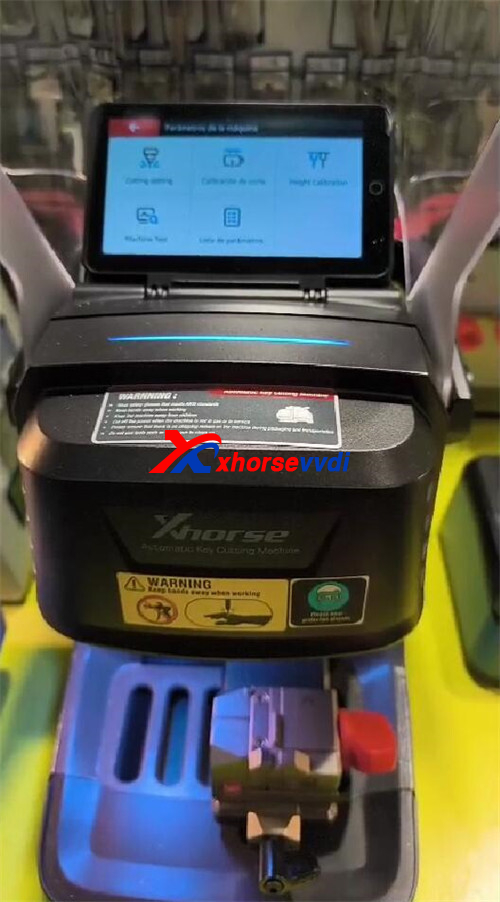
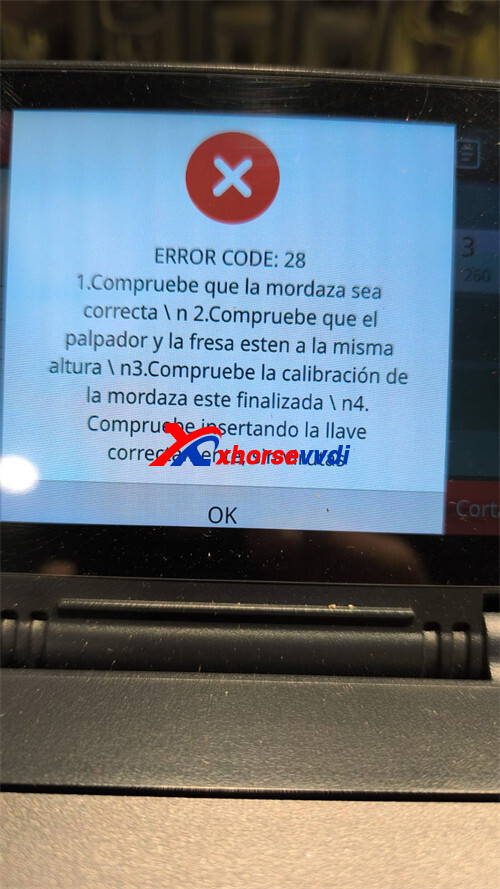
Solution
This issue is usually caused by excessive tightness or misalignment on the Y-axis. You can resolve it by following the steps below carefully:
1.Disassemble the casing
Power off the Dolphin II XP005L and disconnect it from the power supply. Then, carefully remove the outer casing to access the internal components.
2.Loosen the Y-axis screws
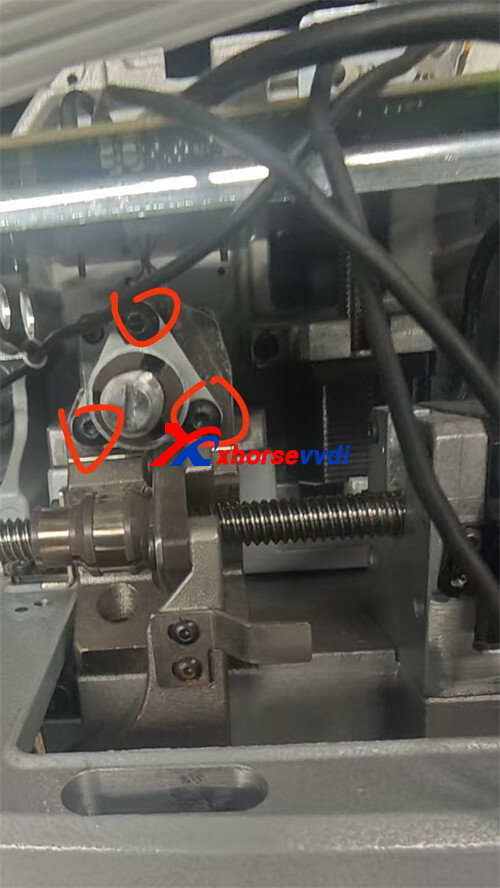
Locate the three screws on the Y-axis (as shown in Figure 3). Slightly loosen these three screws, but do not remove them completely. This helps release tension and allows the Y-axis to move freely during calibration.
3.Perform calibration again
After loosening the screws, reassemble or keep the casing safely aside if required, then power on the machine and run the calibration process again. In most cases, the calibration will complete successfully and Error Code 28 will be cleared.
If your Xhorse Dolphin II XP005L displays Calibration Error Code: 28, it is usually a mechanical adjustment issue rather than a software fault. By loosening the three Y-axis screws slightly and recalibrating, the problem can be quickly resolved. If the error persists after these steps, it is recommended to contact technical support for further assistance.
Skype: xhorsevvdi.com
Whatsapp: https://wa.me/8613983756354


 Whatsapp:
 Skype: