


Xhorse key cutting machines, including the Dolphin XP-005L and Condor XC-Mini Plus II, are widely trusted by locksmiths and automotive professionals for their precision and reliability. However, like any advanced equipment, occasional technical issues can arise. This guide provides practical troubleshooting solutions and maintenance tips to keep your machines running smoothly and efficiently.
Power & Battery Solutions
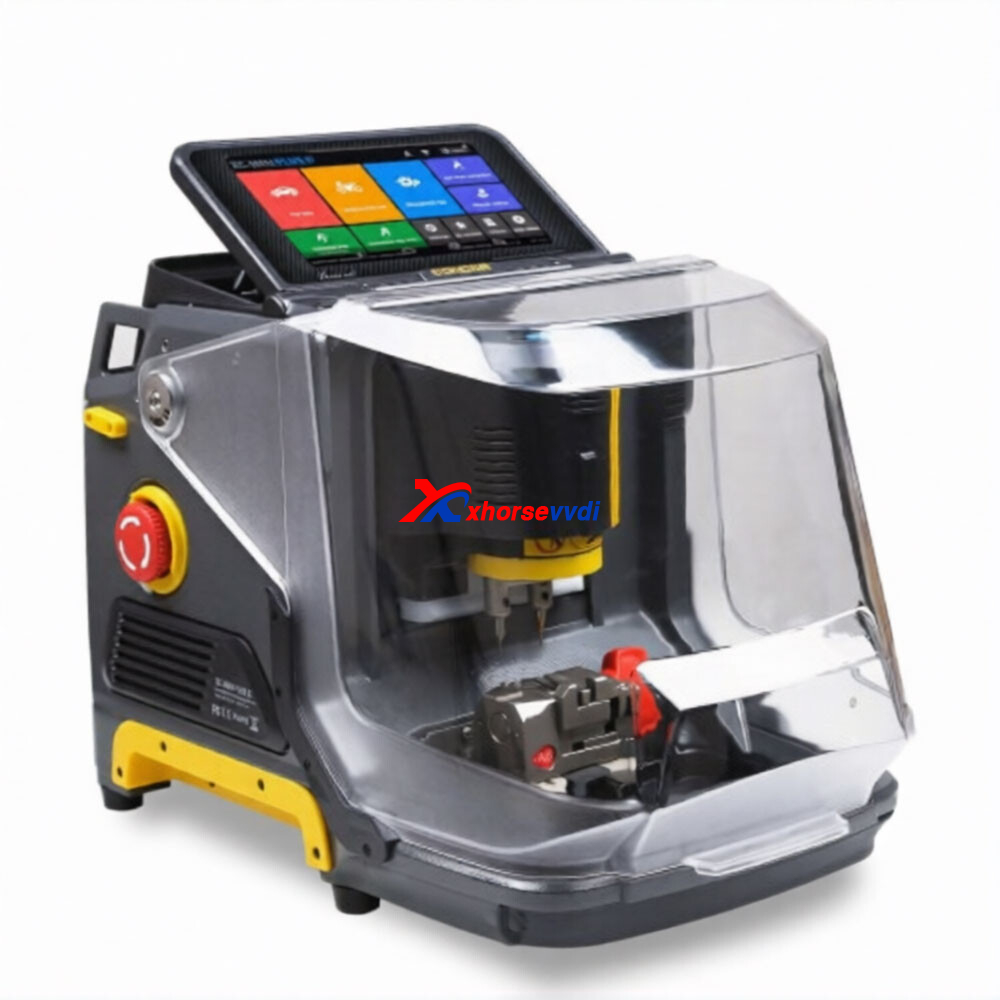
1.Power Requirements for Condor XC-Mini Plus II
The Condor XC-Mini Plus II operates on:
- 90–264V AC or 24V DC input
- Rated power: 200W
To ensure stable performance, always connect the machine to a power source that meets these requirements. Insufficient power supply can lead to interruptions or inconsistent cutting results.
2.Built-in Battery Availability
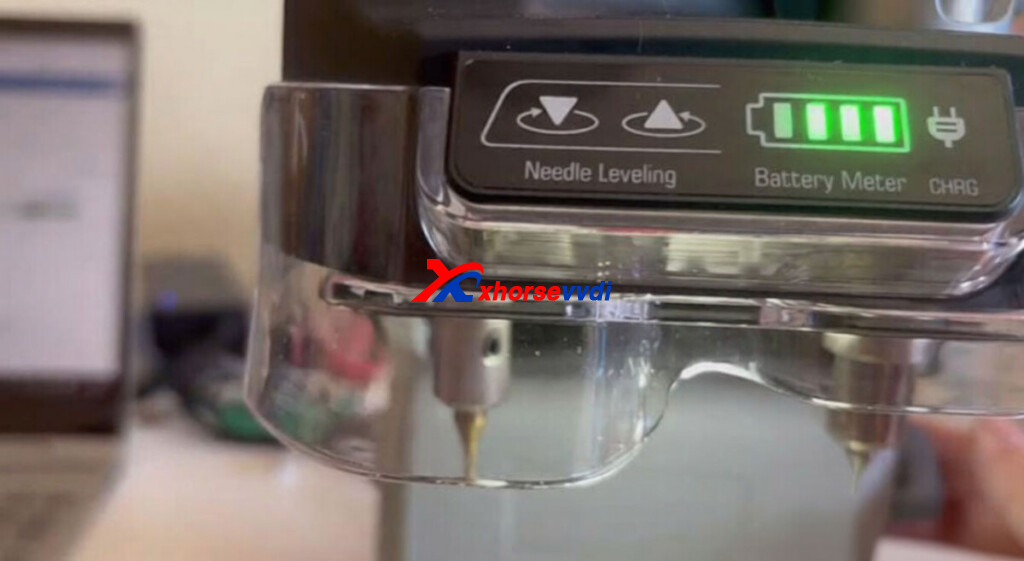
The XC-Mini Plus II does not include an internal battery. It must remain connected to an external power source during operation. This design ensures consistent power delivery for high-precision cutting tasks.
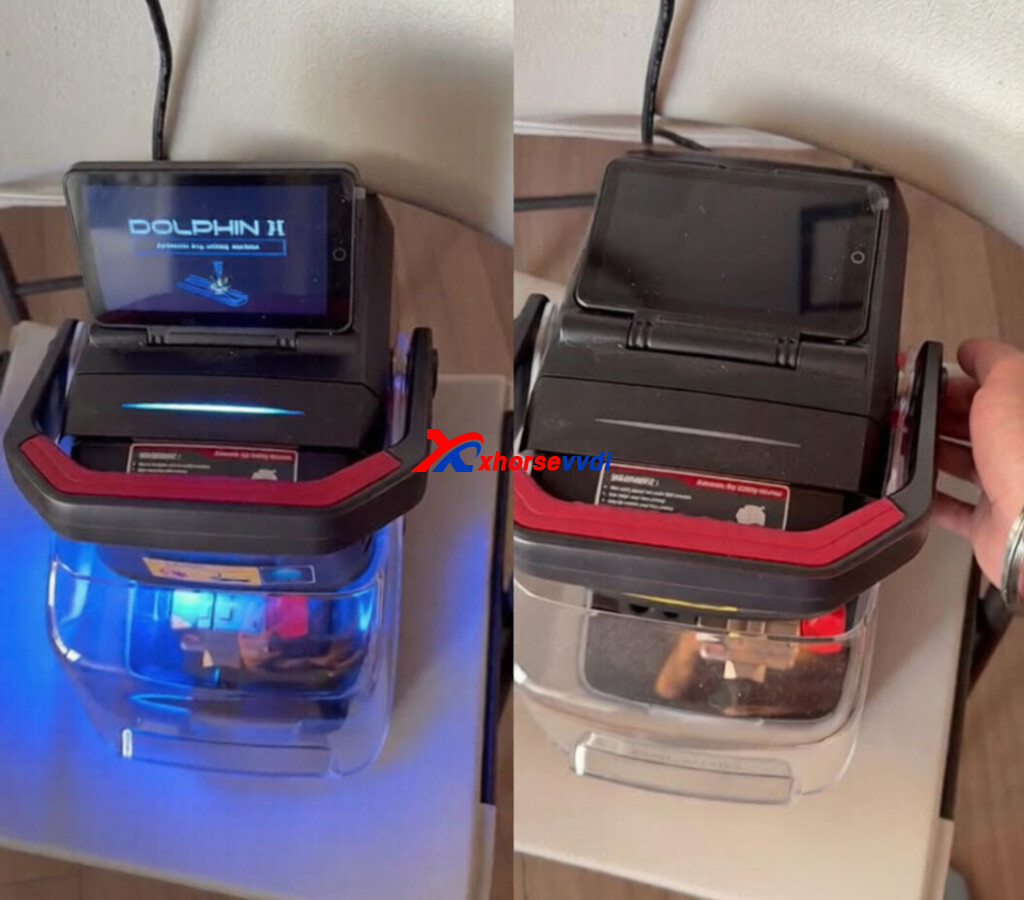
3.Dolphin XP-005L Power-Off Issue
If your Dolphin XP-005L shuts down immediately after unplugging the adapter, the most likely causes are:
- Battery failure
- Protection board malfunction
Recommended solution:
- Use a multimeter to measure battery voltage.
- Refer to the official “Measurement Method Of Dolphin Battery” guide.
- Provide your device serial number to technical support for replacement if needed.
Mechanical & Motor Maintenance
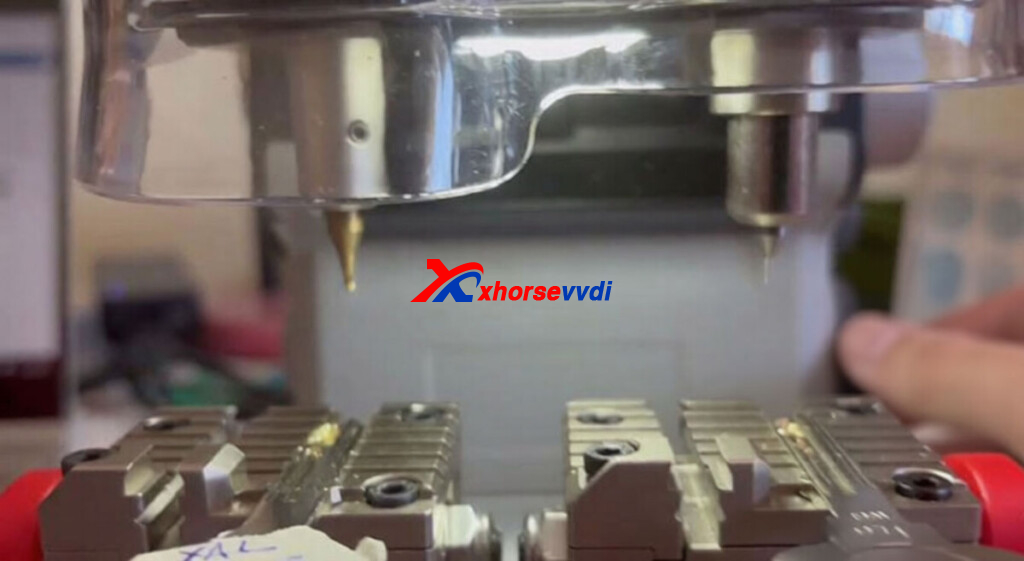
1.Cutter or Motor Not Rotating (Like Dolphin XP007)
If the cutter or motor fails to rotate, follow these steps:
- Open the device cover carefully.
- Inspect the drive belt for:
Breakage
Looseness
Misalignment - Adjust or replace the belt if necessary.
If the belt is functioning properly but the motor still does not respond:
- Record a short diagnostic video
- Send it to technical support for further analysis (possible circuit board issue)
Software & Account Features
1.Activating Free Tokens
To access free token services:
- Bind your Xhorse key cutting machine and Key Tool Plus to the same Xhorse account.
- Contact your sales representative.
- Request activation of token services.
Once activated, you can begin receiving free tokens for supported functions.
2.Accessing Operation Instructions
All Dolphin machine instructions are integrated into the Xhorse App, including:
- Wiring diagrams
- Step-by-step prompts
- Key cutting procedures
Simply follow the in-app guidance for accurate and efficient operation.
Quick Maintenance Checklist
To minimize downtime and ensure long-term performance:
- Prepare Device Information:
Keep your serial number and shipping details ready when requesting parts. - Perform Voltage Testing:
Always verify battery condition with a multimeter before ordering replacements. - Ensure Power Stability:
Confirm your power source meets the 200W requirement for the XC-Mini Plus II to avoid interruptions.
Proper troubleshooting and regular maintenance are essential for maximizing the lifespan and performance of your Xhorse key cutting machine. By understanding common issues—whether related to power, mechanical components, or software—you can quickly resolve problems and maintain efficient workflow in your shop.
Keeping these best practices in mind will help ensure consistent, high-quality key cutting results while reducing unnecessary downtime.
Skype: xhorsevvdi.com
Whatsapp: https://wa.me/8613983756354


 Whatsapp:
 Skype: