
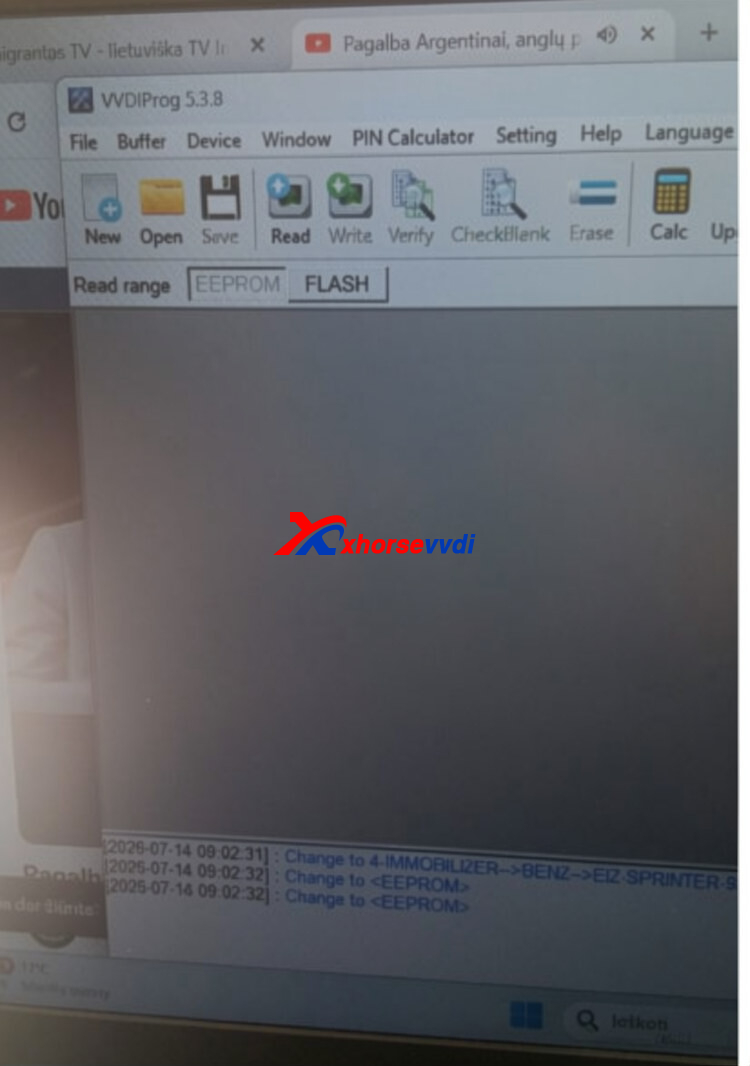
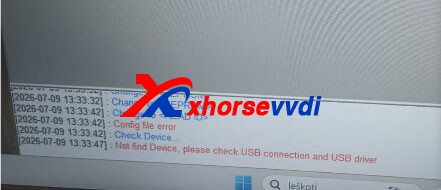
If you updated your Xhorse VVDI Prog software to V5.3.8 and encountered the “Config File Error” or “Not Find Device” message, don’t worry. This issue is usually related to the device connection or driver installation. Follow the troubleshooting steps below to resolve the problem.
Problem
After upgrading the VVDI Prog software to Version 5.3.8, the software fails to recognize the programmer and displays one of the following errors:
- Config File Error
- Not Find Device
As a result, the software cannot communicate with the VVDI Prog hardware.
Solution
Step 1: Check the Device Indicator
First, check whether the yellow indicator light on the VVDI Prog is flashing.
- If the yellow light is flashing: The device is powered and communicating normally.
- If the yellow light is not flashing: Unplug the VVDI Prog from the USB port, then reconnect it and check again.
Step 2: Reinstall the Driver
If reconnecting the device doesn’t solve the problem, reinstall the USB driver.
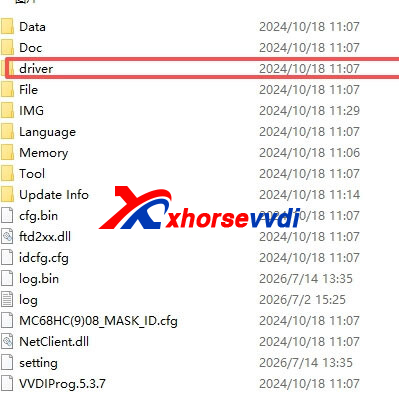
- Open the VVDI Prog installation folder.
- Enter the DRIVER directory.
- Double-click the 2016 driver installation file.
- Complete the installation and restart the software.
This step can resolve driver-related communication issues after the software update.
Step 3: Test with USB Only
If the error still persists:
- Disconnect all external connections, including the power supply and any adapters.
- Connect only the USB cable between the VVDI Prog and the computer.
- Check whether the yellow indicator light starts flashing.
If the yellow light still does not flash after unplugging and reconnecting the USB cable, it indicates that the VVDI Prog hardware may be faulty and requires repair or replacement.
The Config File Error and Not Find Device issues in Xhorse VVDI Prog V5.3.8 are commonly caused by driver installation problems, USB communication issues, or hardware failure. Start by checking the device’s yellow indicator light, reinstall the driver if necessary, and test the programmer with only the USB connection. If the device still cannot be detected and the indicator remains off, the hardware itself is likely defective.
Skype: xhorsevvdi.com
Whatsapp: https://wa.me/8613983756354


 Whatsapp:
 Skype: