
This guide explains how to read the engine control unit from a 2018 BMW X1 with the B38 engine, featuring the Bosch MG1CS201 TC298TP, using the Xhorse Multi-Prog.
Before You Start: Confirm ECU Information
Accurate ECU identification is essential before beginning. Check the ECU part number, hardware number, and software version carefully, as different Bosch ECU variants may use different wiring, pinouts, and communication procedures.
Step 1: Remove and Inspect the ECU
Safely remove the ECU from the vehicle after disconnecting the battery. Check the module for physical damage, corrosion, or signs of previous repair. Clean the ECU surface and record all identification information from the label.
Step 2: Set Up Xhorse Multi-Prog
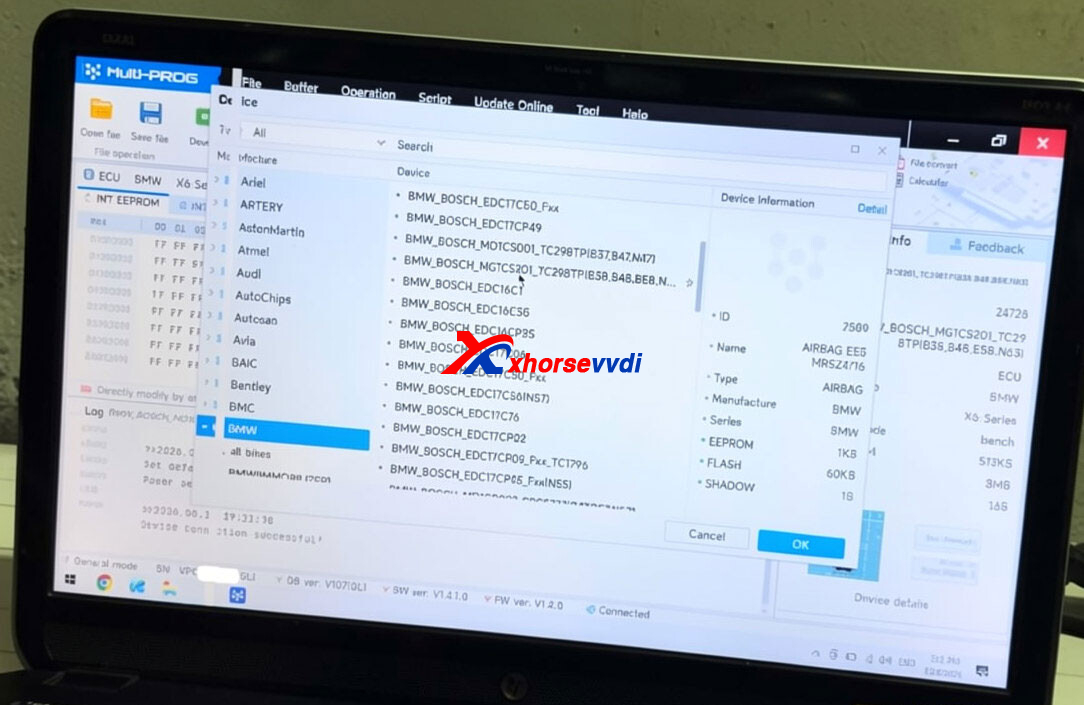
Connect the Xhorse Multi-Prog and ensure its software and database are up to date. Select the corresponding Bosch MG1CS201 ECU in the software, then verify the selected ECU information and connection method before starting the read operation.
Step 3: Select the Appropriate Connection Method
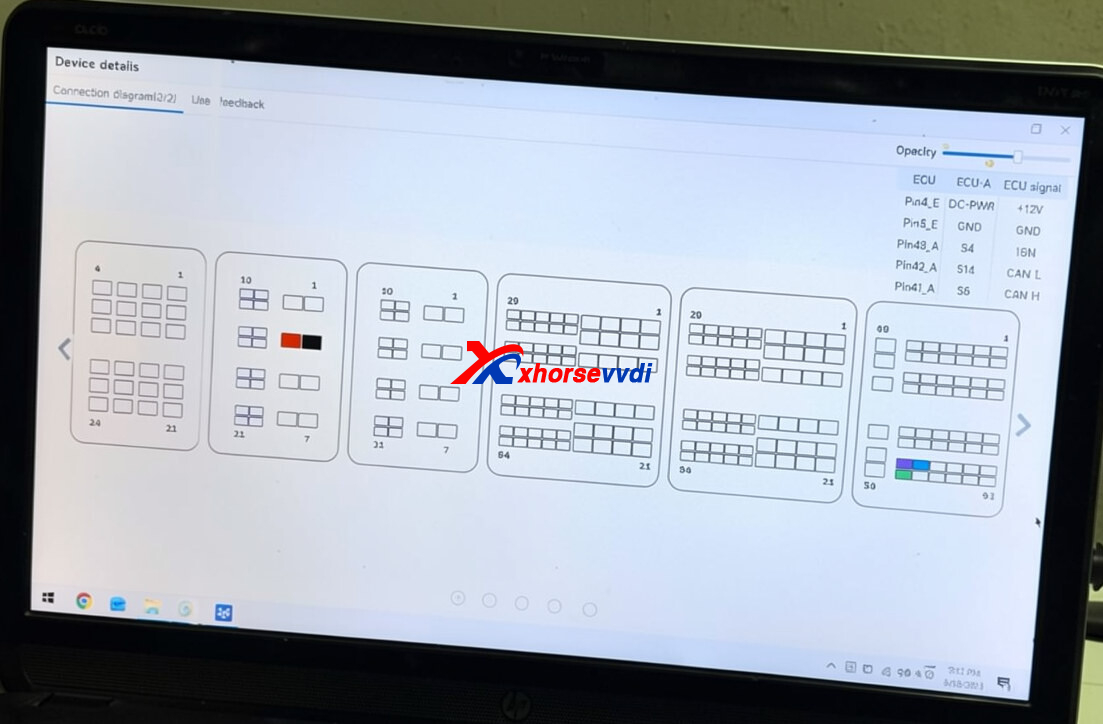
Based on the specific ECU version, you may need to use bench mode or connect directly to the PCB after opening the ECU. Always refer to the official wiring diagram in the programmer software and make sure the power and communication connections are correct.
Use a stable, regulated power supply whenever possible. Unstable voltage may cause communication failures or data corruption during the reading process. Double-check all wiring before powering on the ECU.
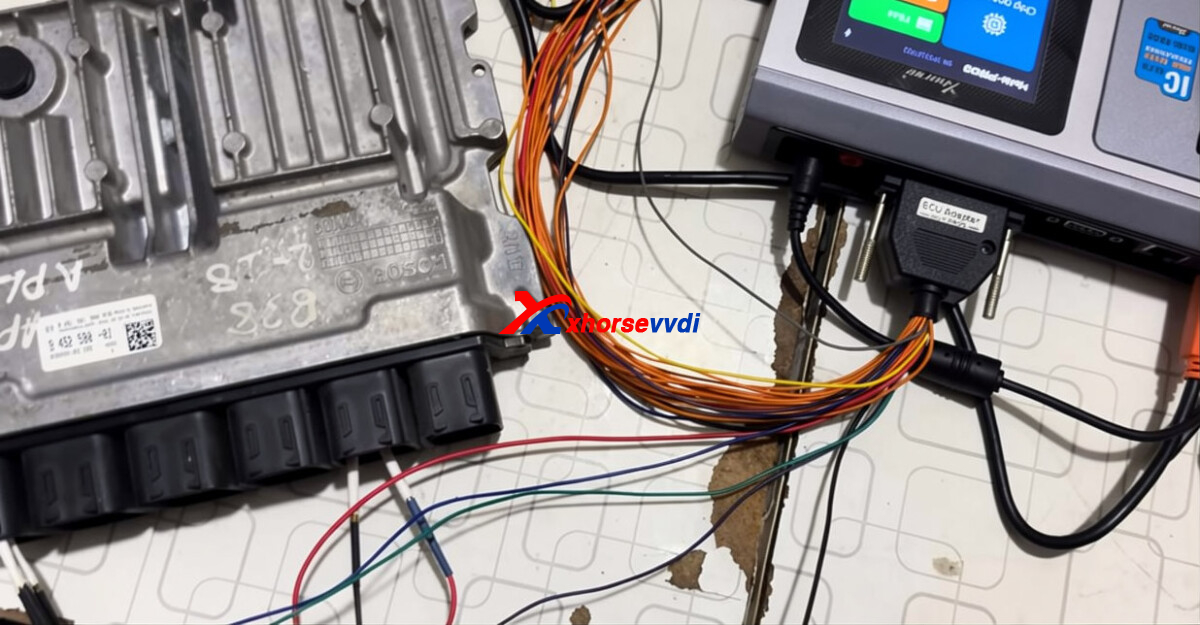
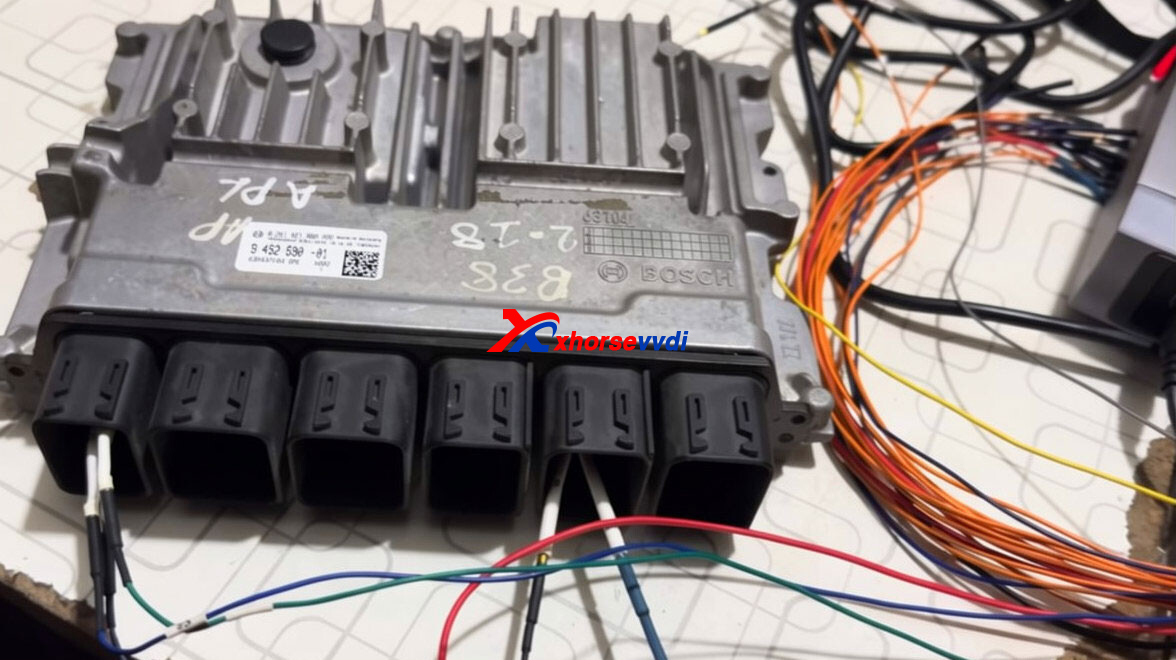
Step 4: Connect to the ECU and Read Data
After verifying all connections, power on the ECU and use Multi-Prog to establish communication. Once connected successfully, the software will display the ECU’s identification details, including hardware and software numbers.
If supported, perform a complete backup read before making any changes. Save the original data securely and keep multiple backup copies to ensure the original ECU data can be restored when needed.
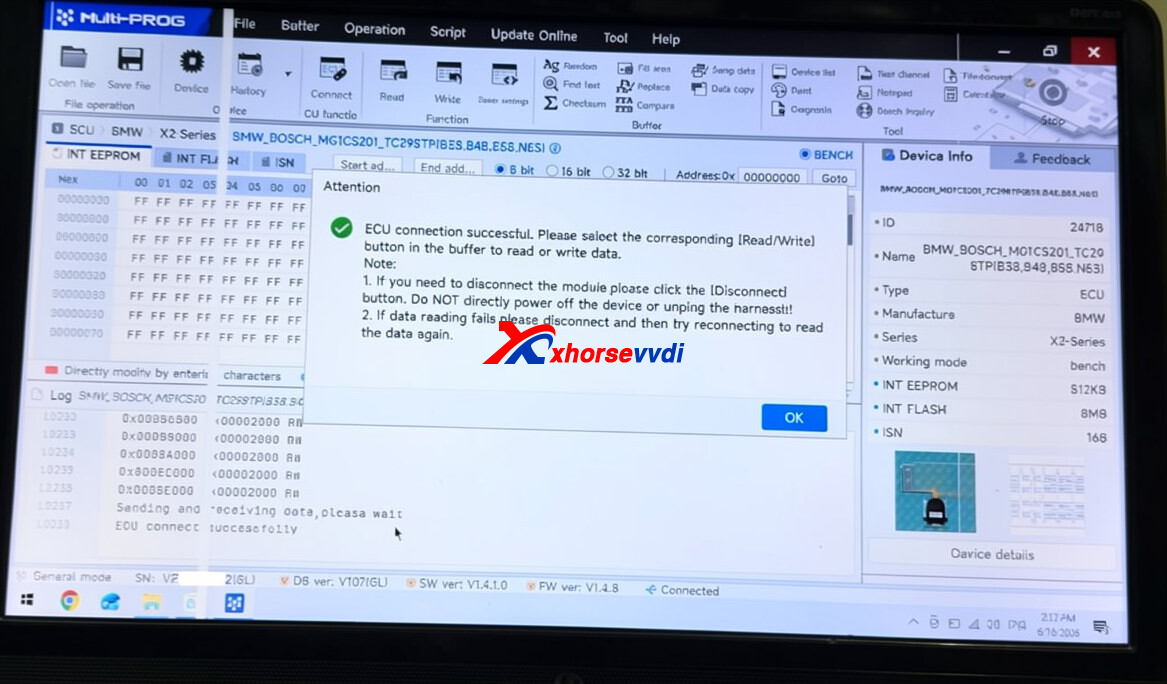
Step 5: Monitor the Reading Process
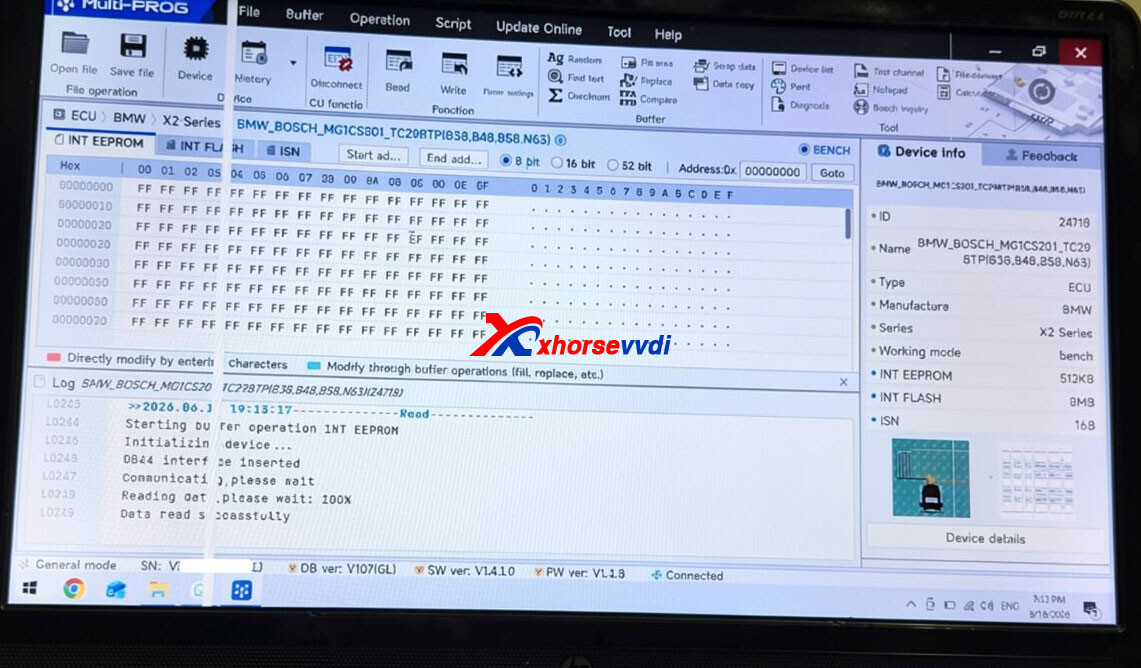
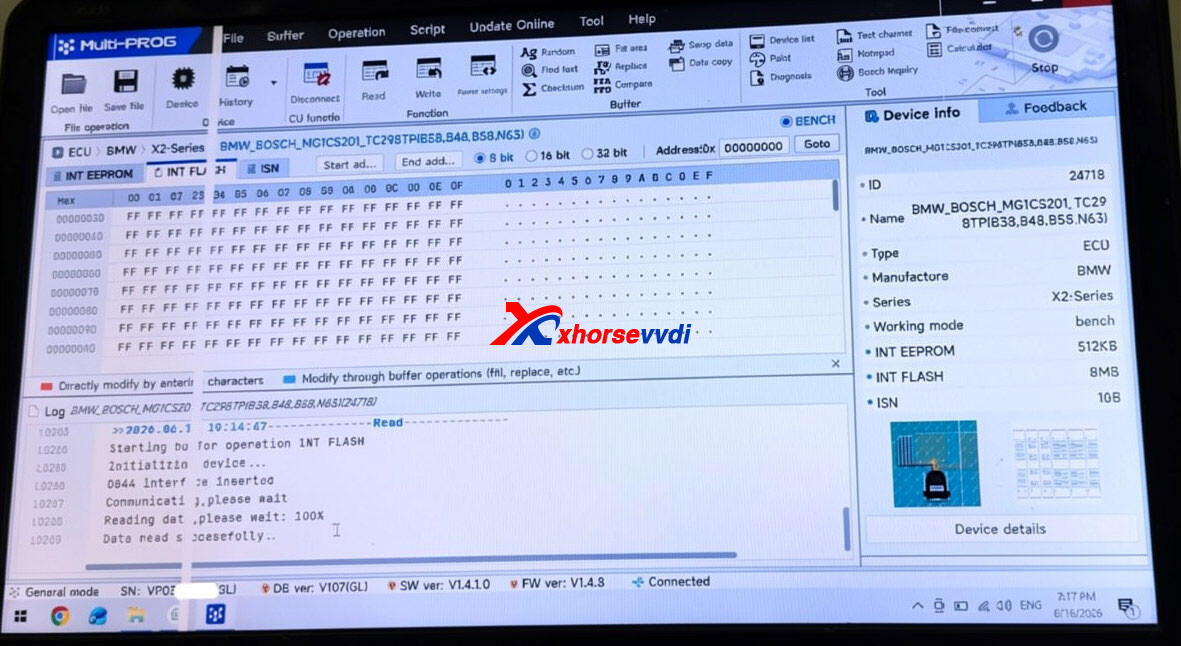
During the reading process, keep the power supply, USB cable, and communication connections stable. Do not interrupt or disconnect any cables, as this may cause data reading failure or incomplete data. Monitor the progress and wait until the software confirms that the operation has been completed successfully.
Read EEPROM.
Read Flash.
Read ISN code.
tep 6: Save and Check Your Files
Once the reading process is complete, save the files using clear and descriptive names, including key details such as the vehicle model, engine, ECU number, and date. This helps keep your files organized and makes future diagnostics or recovery work easier.
If the software provides a verification function, use it to check the saved data. Make sure the file size and read status are consistent with the expected values for the selected ECU.
Skype: xhorsevvdi.com
Whatsapp: https://wa.me/8613983756354


 Whatsapp:
 Skype: