

Problem:
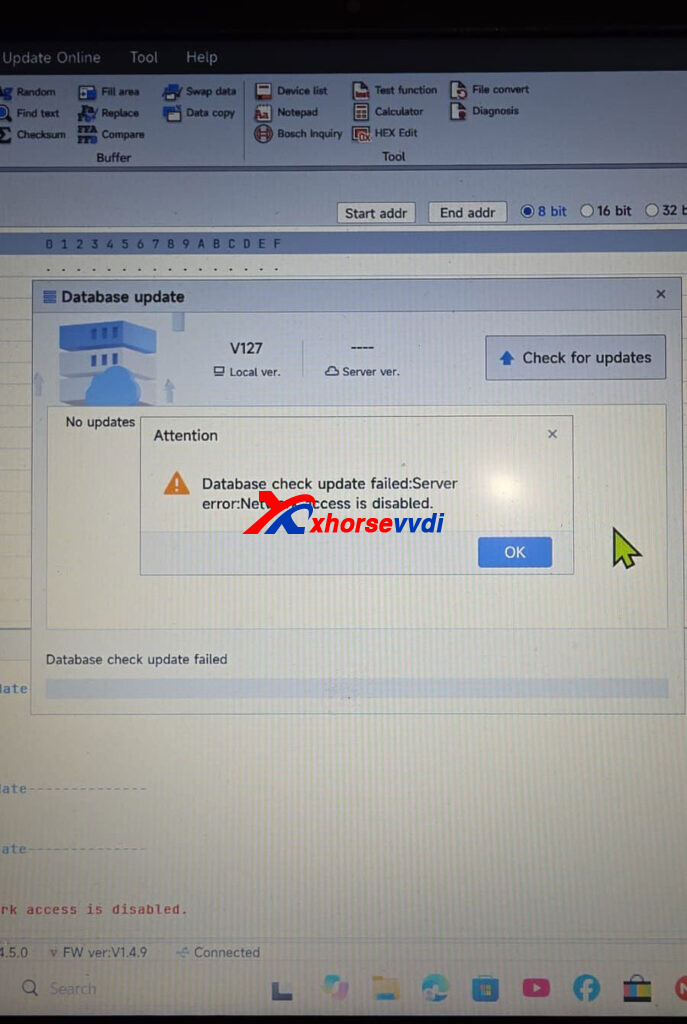
When using the Xhorse Multi-Prog programmer for the first time, the device failed to connect to the network. The software displayed the following error message: “Database check update failed. Server error. Network access is disabled.” As a result, the software could not complete the database update or establish a connection to the server.
Solution:
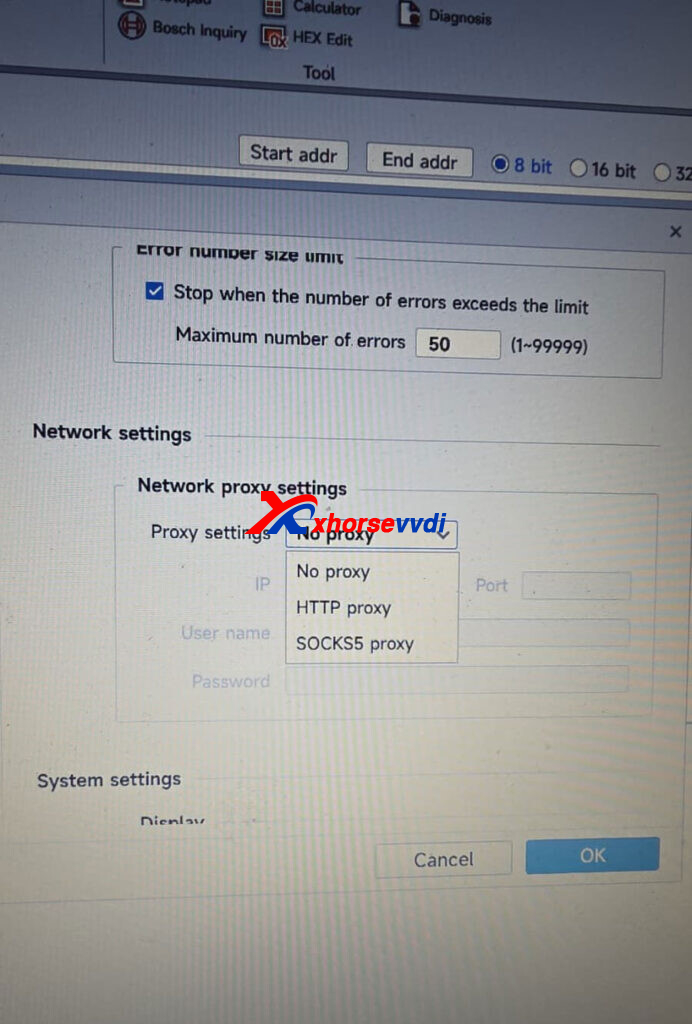
Disable your VPN connection and turn off any proxy settings on your network. Once both are disabled, restart the software and try connecting to the network again.
Skype: xhorsevvdi.com
Whatsapp: https://wa.me/8613983756354


 Whatsapp:

 Skype: