
Lost all keys to a 2012 Toyota Sienna? This step-by-step guide covers the complete AKL process, including mechanical key decoding, precision key cutting with the Xhorse Dolphin XP-005, and transponder programming using the Xhorse VVDI Key Tool Max Pro.
Phase 1: Retrieving the Key Code via Door Cylinder
- Locate the retaining screw on the driver’s door edge and unscrew it to pull out the door lock cylinder.
- Inspect the cylinder casing for the stamped codes. Avoid the first alphanumeric code. Look for the 5-digit numerical key codestamped at the bottom (e.g., 52769).
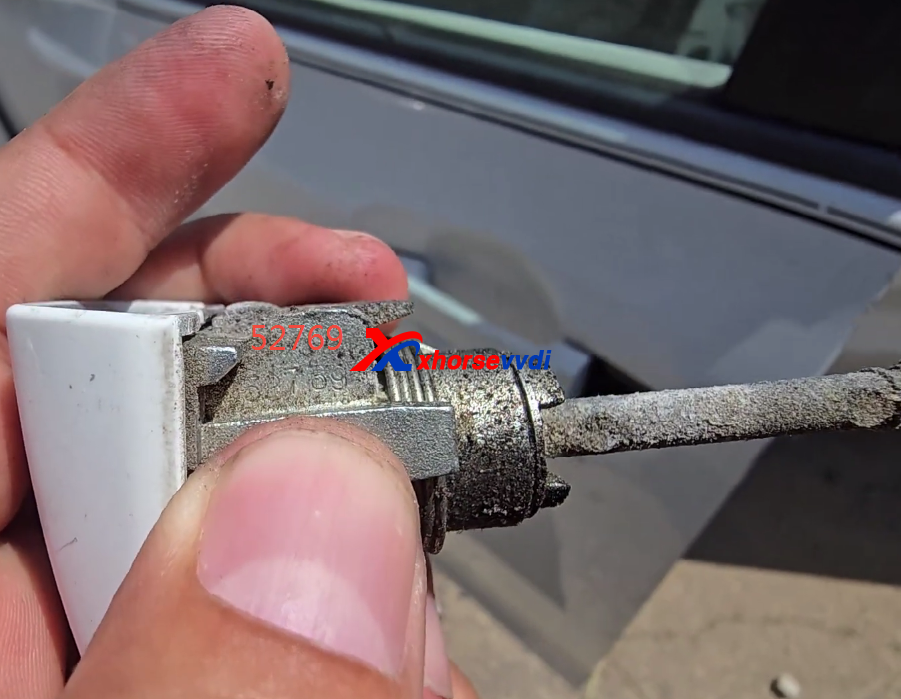
- Note: If the code is unreadable on the driver’s side, remove the passenger side cylinder if equipped.
Phase 2: Decoding & Cutting the Blade
- Connect your Xhorse Dolphin key cutting machine to Key Tool Max Pro tablet or your mobile app via hotspot internet.
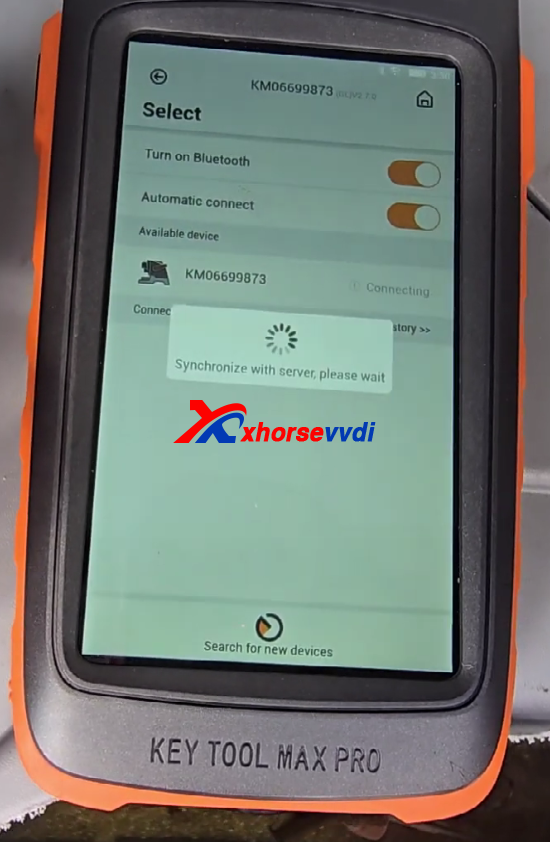
- Navigate to All Keys Lost> Toyota > Enter the 5-digit mechanical code.
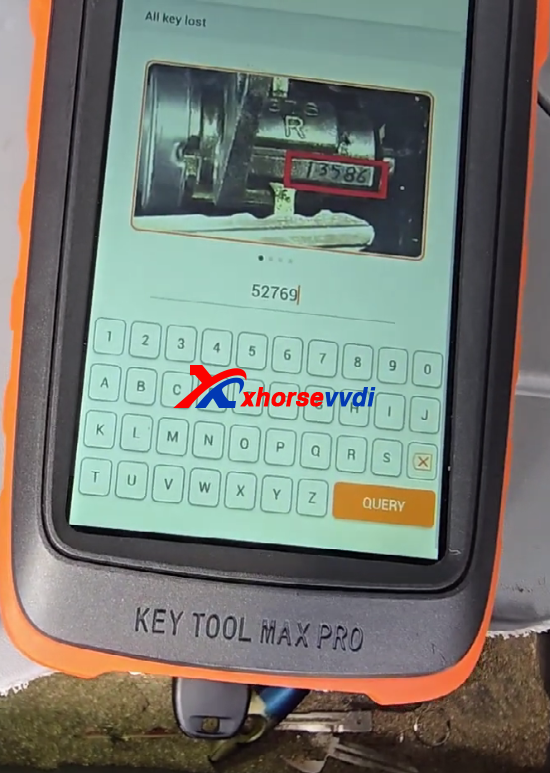
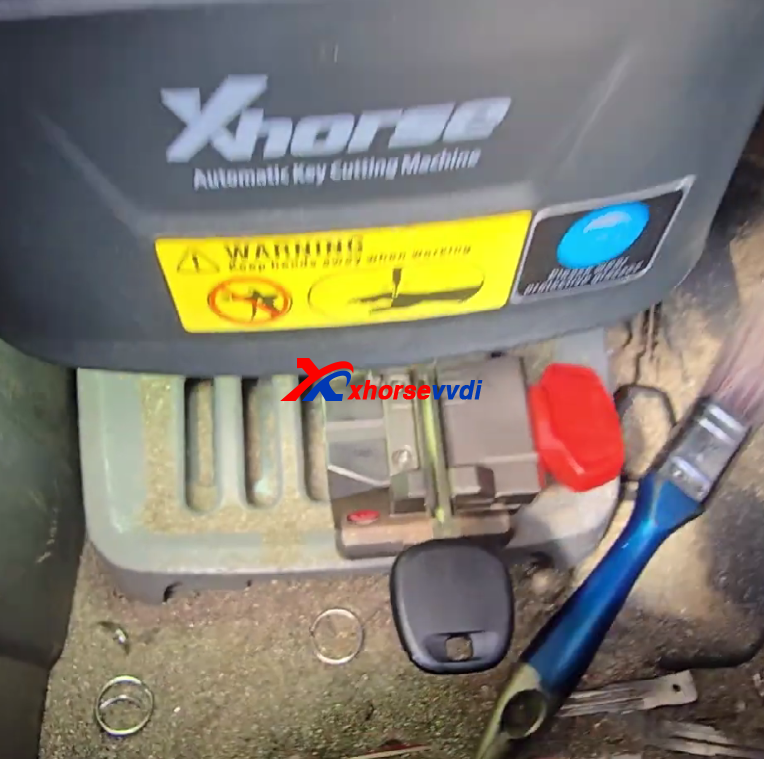
- The app will direct you to align the key blank on the M5 clamp(using position #3 or #4 depending on tool instructions).
- Select Cutand allow the Dolphin to finish duplicating the blade.
Phase 3: G-Chip Transponder Programming
- Insert your freshly cut key and switch the ignition ON.
- On your VVDI Key Tool Max Pro, navigate to: Immo Programming> Toyota > Select by Vehicle > Sienna > Sienna Flip Key.
- Select G-Chip (4D72)and click All Keys Lost / Reset IMMO.
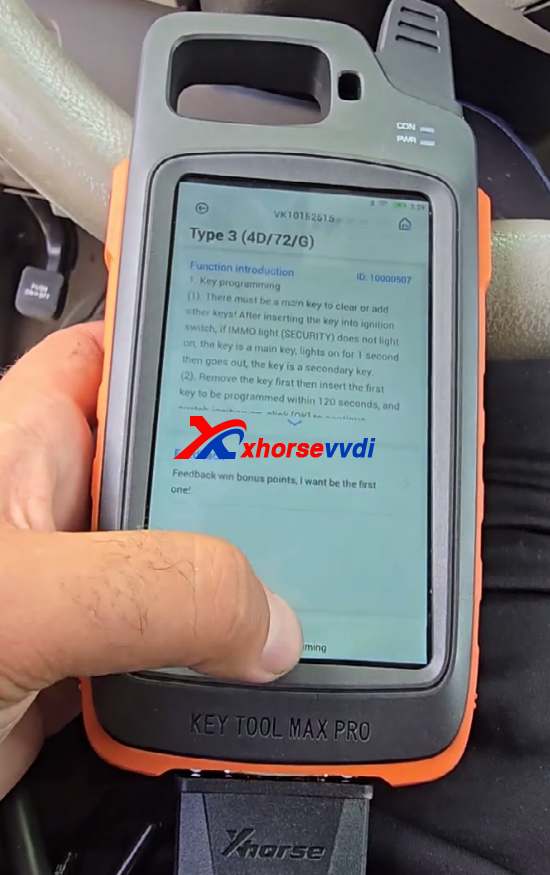
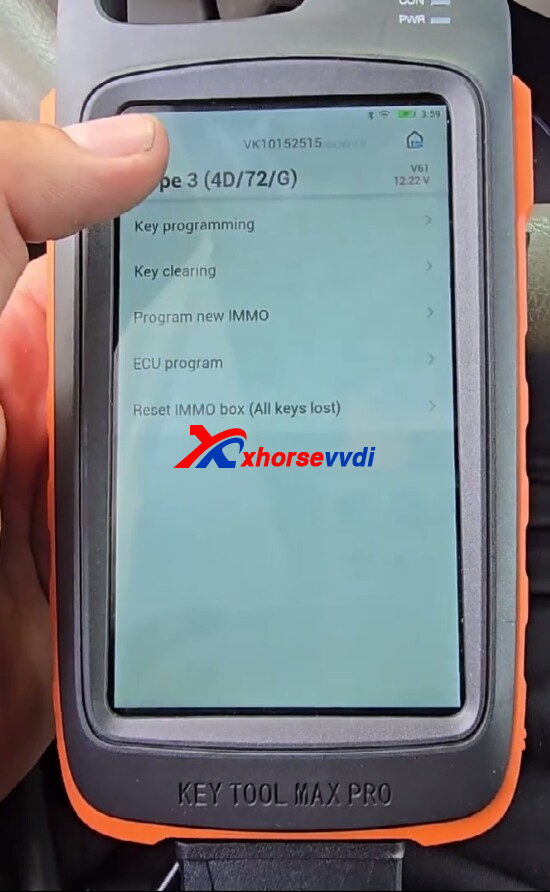
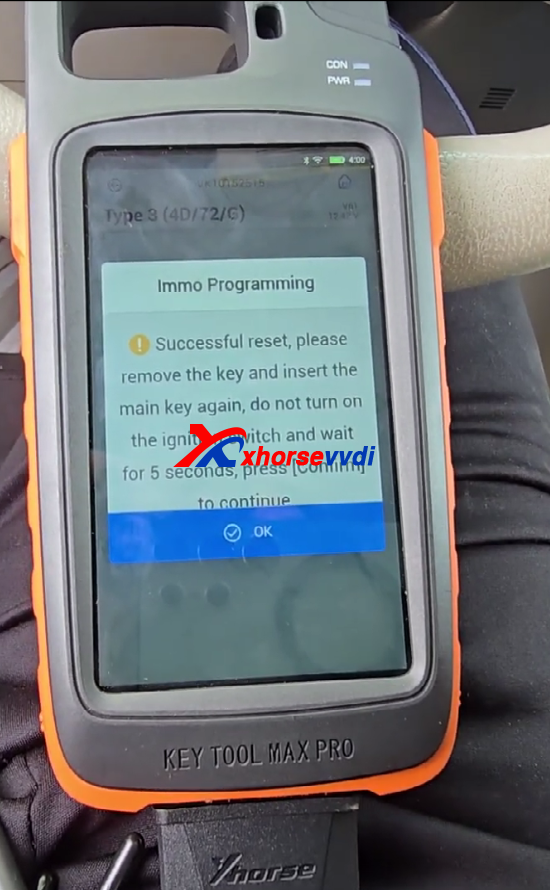
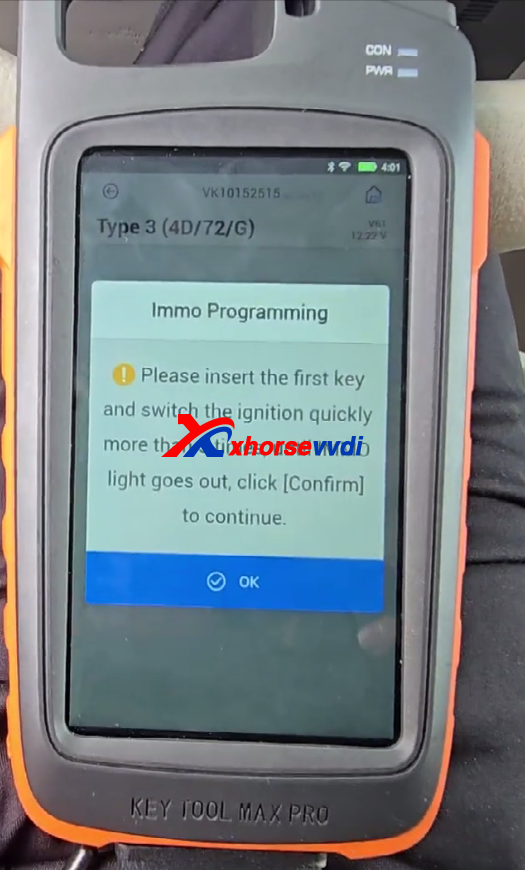
- Once the communication completes successfully, remove the key, re-insert it, and turn the ignition ON.
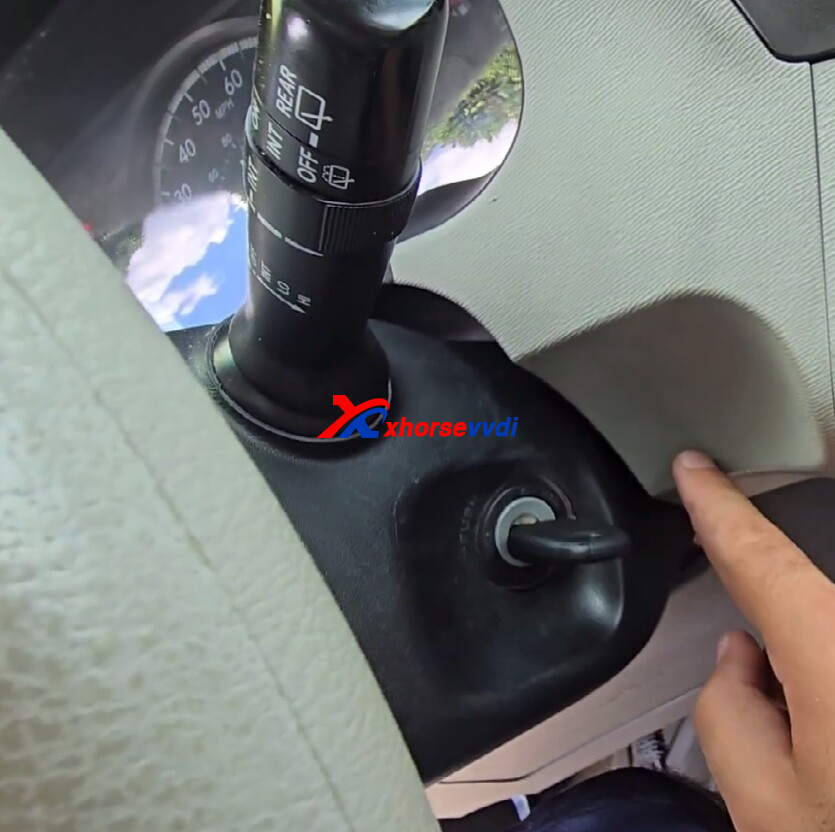
- To finalize the immobilization sync, pull the key out, insert it back into the cylinder slot, and cycle the ignition switch from OFF to ON exactly 5 times. The security dashboard light will immediately turn off, signaling a successful pairing.
Phase 4: Remote Control Transmitter Pairing
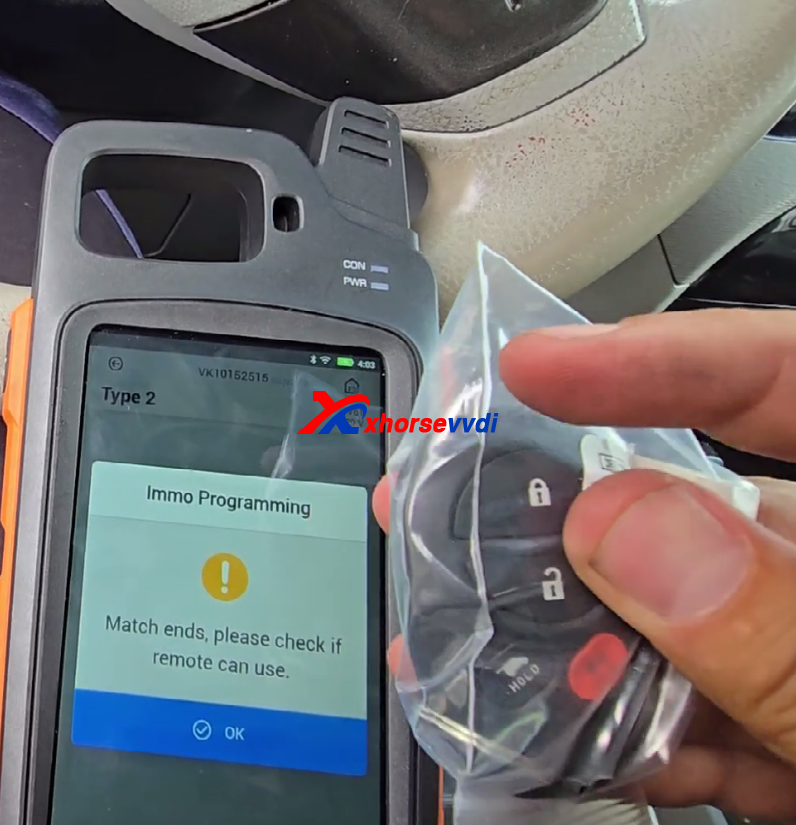
- Exit the immobilizer menu and navigate to Select by Type> Remote System.
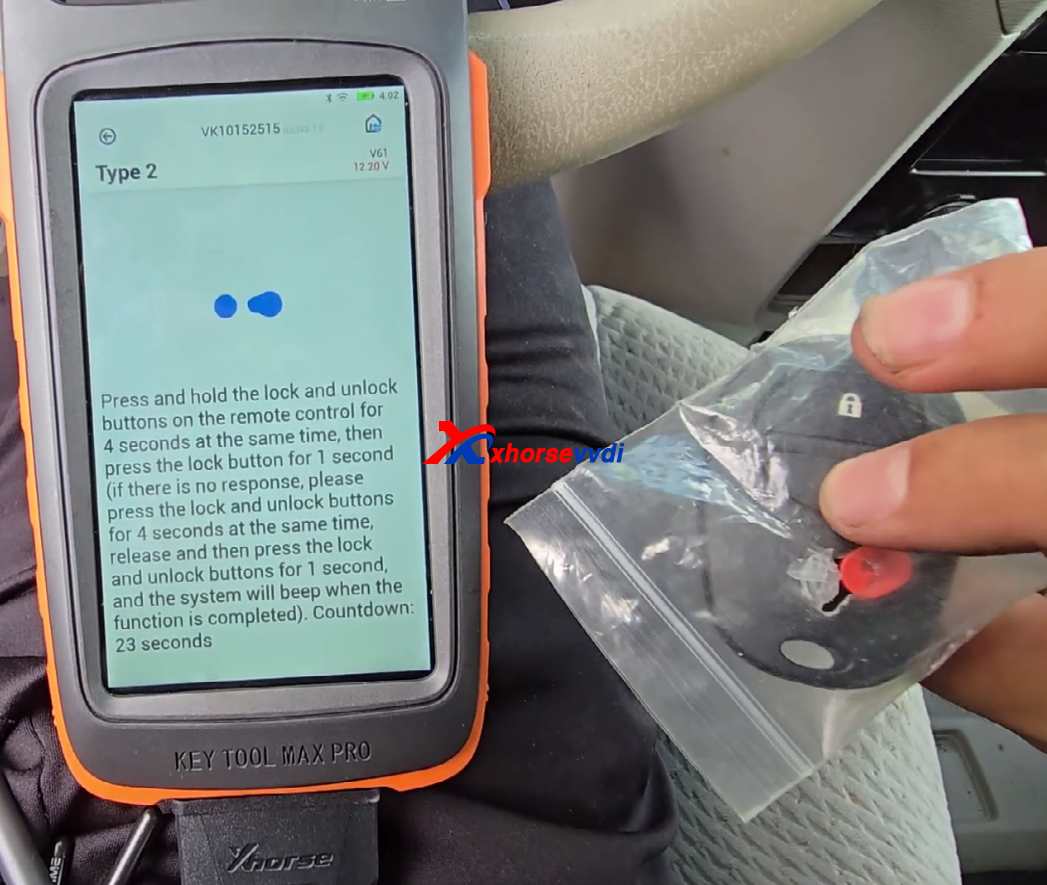
- Choose the common configuration (typically Type 2or Type 3) and select Remote Adding.
- Open the vehicle door, turn the ignition switch ON, and initialize the procedure.
- On the remote fob, press and hold the Lock and Unlockbuttons simultaneously for 1 second, release them, and immediately tap the Lock button once. Repeat this rhythm until the vehicle responds with an audible chime or automated lock cycle.
Skype: xhorsevvdi.com
Whatsapp: https://wa.me/8613983756354


 Whatsapp:
 Skype: