

Problem:
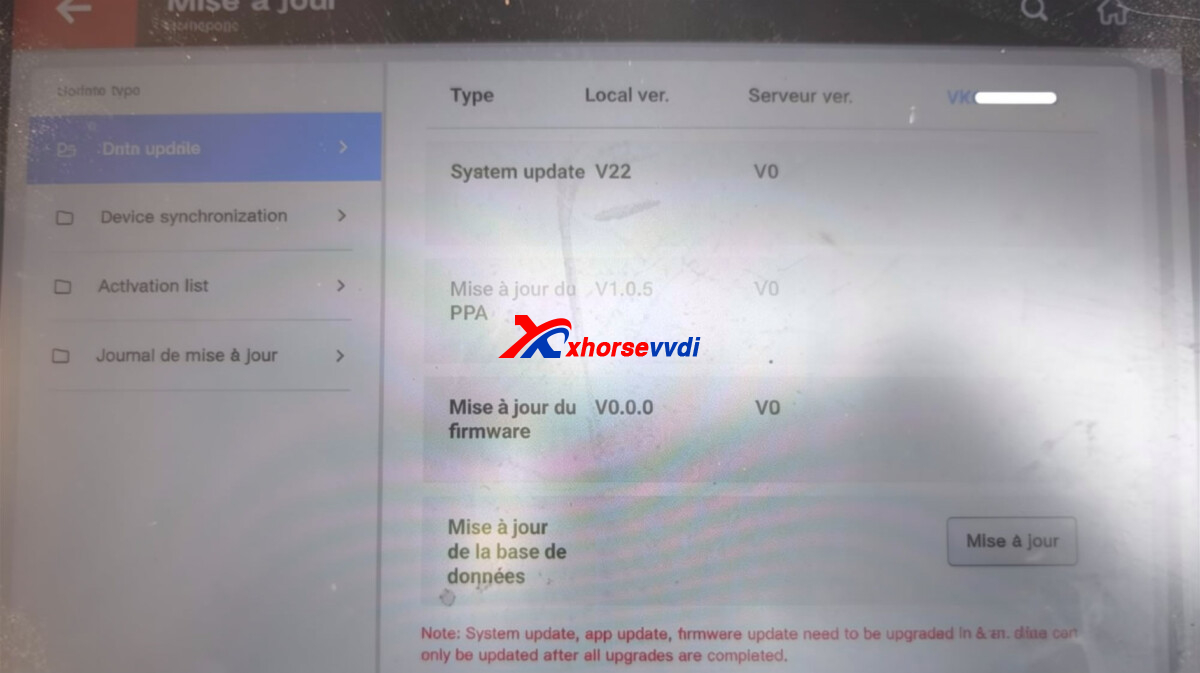
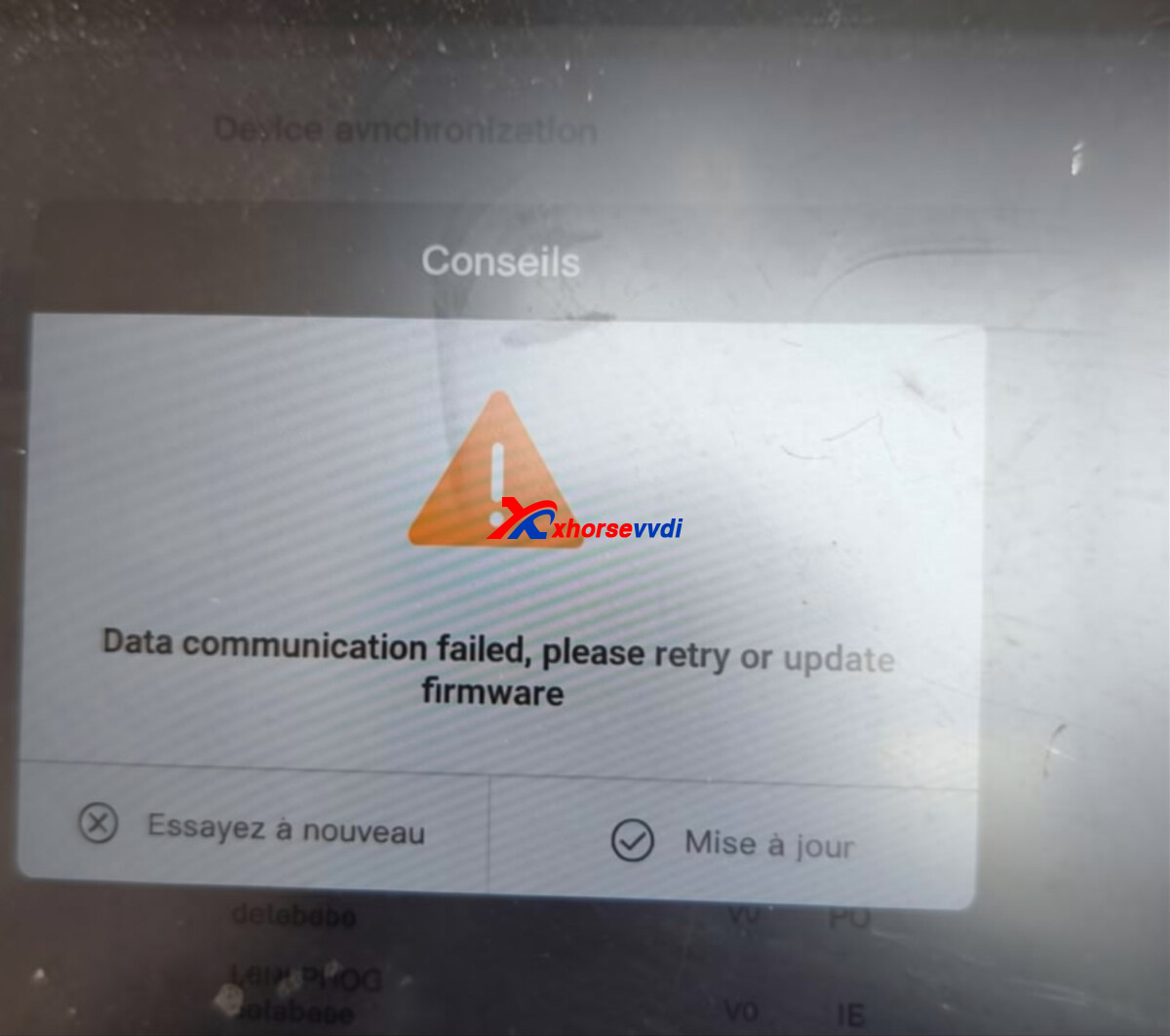
Xhorse VVDI Key Tool Plus loses communication after a software update and displays: “Data communication failed, retry or update firmware.”
How do I fix this problem?
Solution:
Follow the steps below to clear the cache.
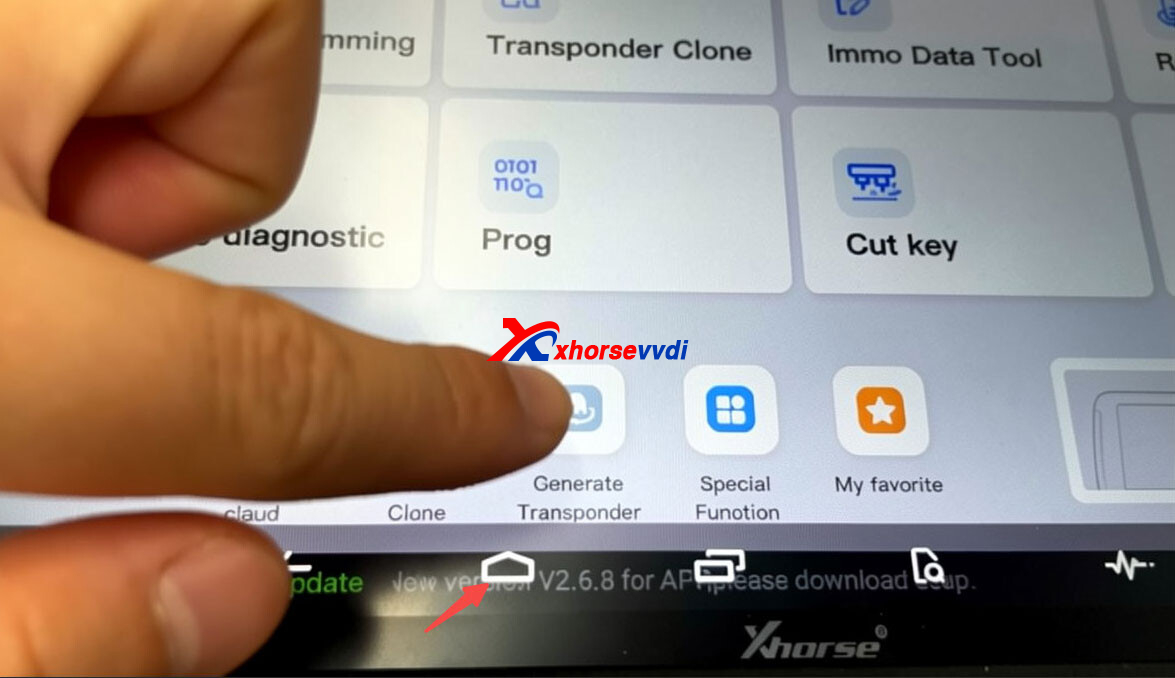
Swipe up on the tablet and tap the Home button.
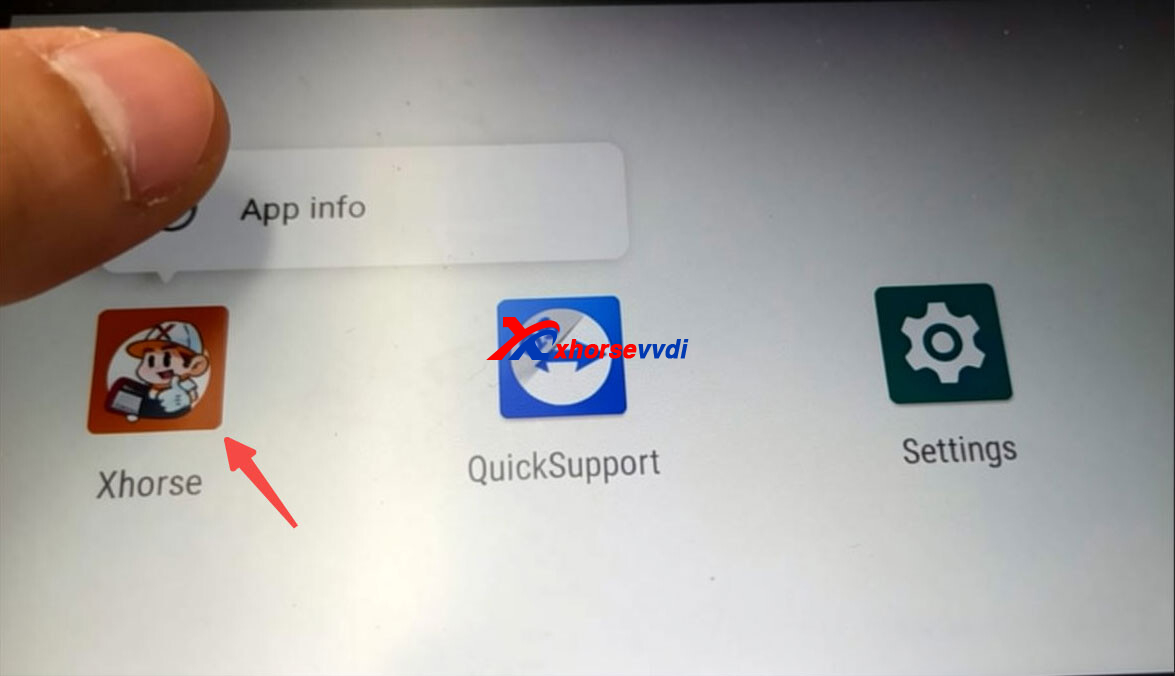
Press and hold the Xhorse app icon, then tap “App info.”
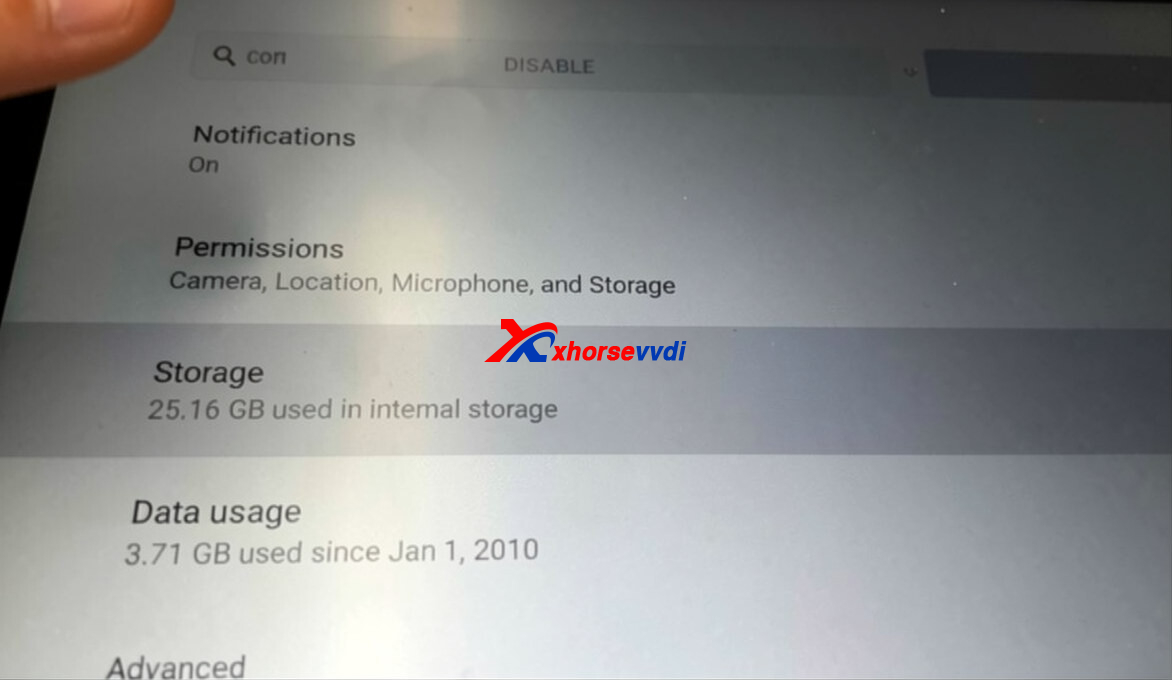
Click Storage
Click Clear Cache.
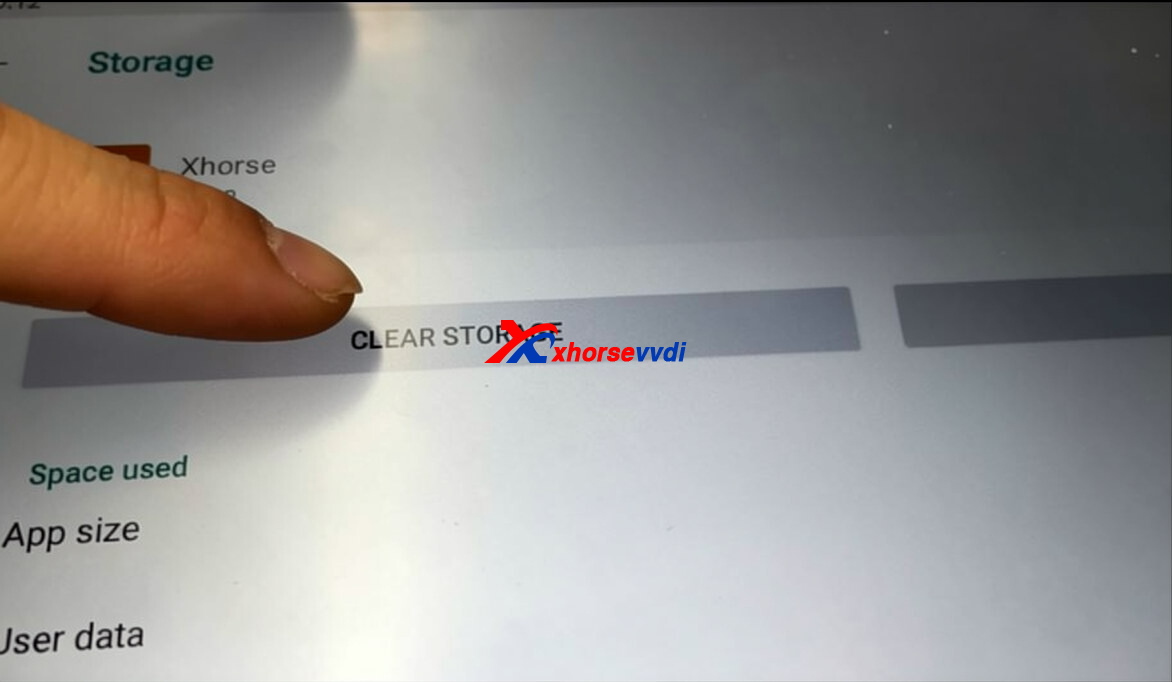
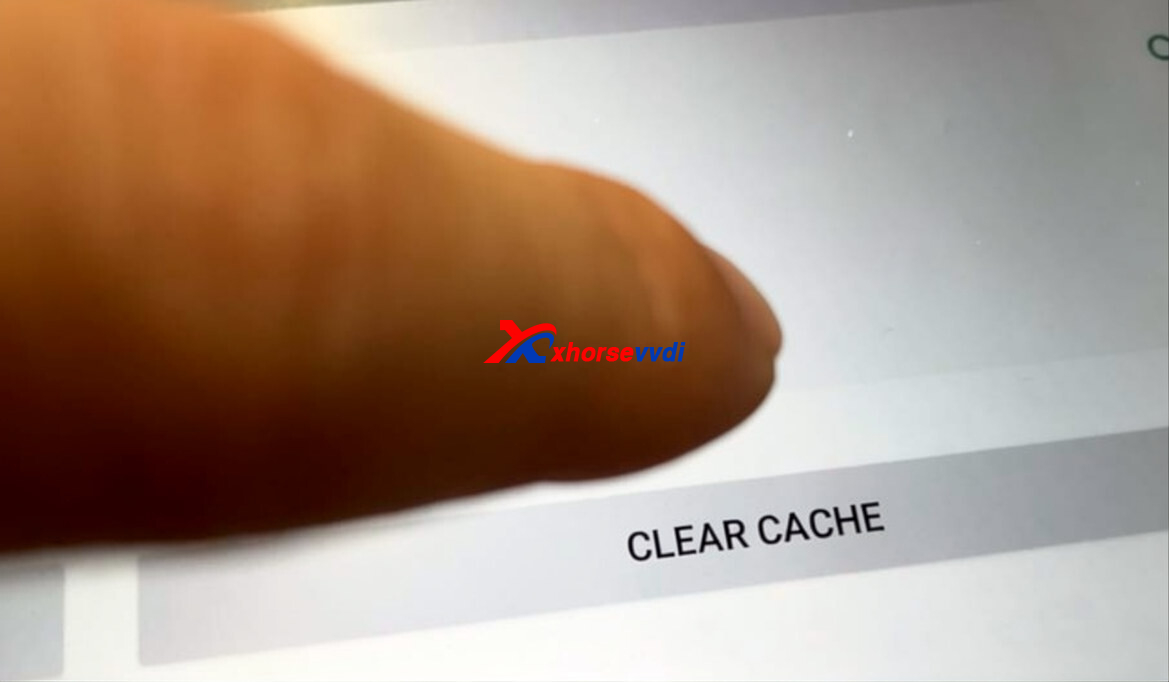
Then update the software once again.
Skype: xhorsevvdi.com
Whatsapp: https://wa.me/8613983756354


 Whatsapp:
 Skype: