


Xhorse newest replease MQB49 5C and 5D key adding functions for VVDI Key Tool Plus.
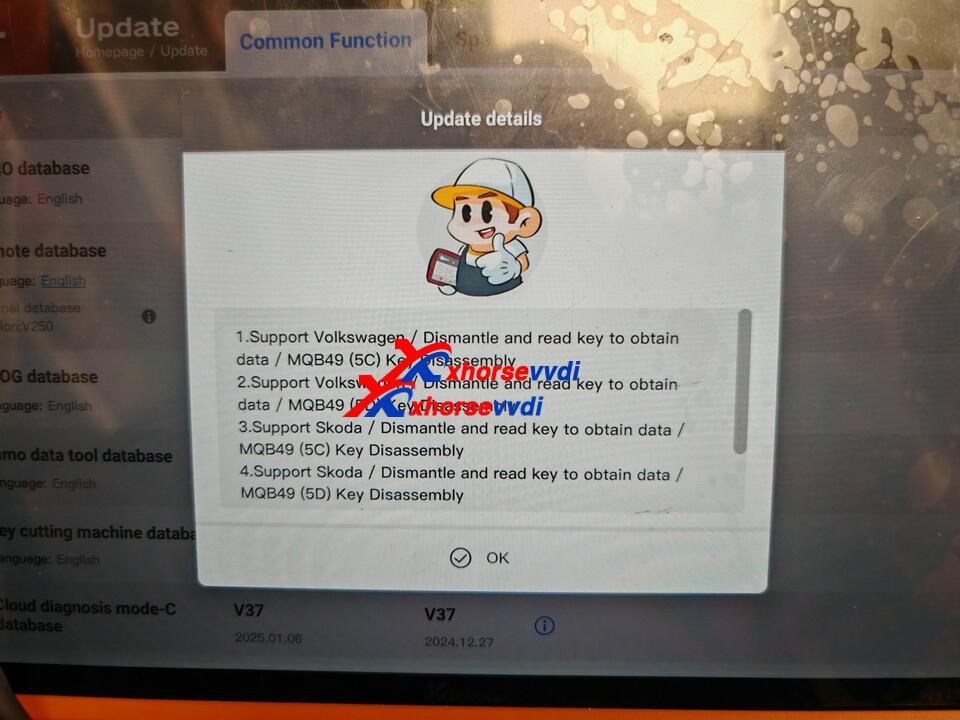
Update your VVDI Key Tool Plus IMMO database to V142 and PROG database to V187 and newer to update VAG 5C and 5D function:
- 1.Support Volkswagen / Dismantle and read key to obtaindata / MQB49 (5C)Key Disassembly
- 2.Support Volkswagen / Dismantle and read key to obtaindata / MQB49 (5D) Key Disassembly
- 3.Support Skoda / Dismantle and read key to obtain data /MQB49 (5C) Key Disassembly
- 4.Support Skoda / Dismantle and read key to obtain data /MQB49 (5D) Key Disassembly
Compatible Device:
Currently supported on VVDI Key Tool Plus only.
VVDI2 and MIDI are not supported yet.
Supported Keys:
- 5C: Can use Xhorse XM38 smart key or the original 5C key
- 5D: Original key is required
How to Add a VAG MQB49 5C or 5D Key Using VVDI Key Tool Plus
Follow the steps below to program a VAG MQB49 5C or 5D key with VVDI Key Tool Plus:
Go to IMMO Programming- VW- Select by type- MQB instrument- Read key to obtain data – MQB49 (5C) key disassembly reading or MQB49 (5D) key dismantling and reading.
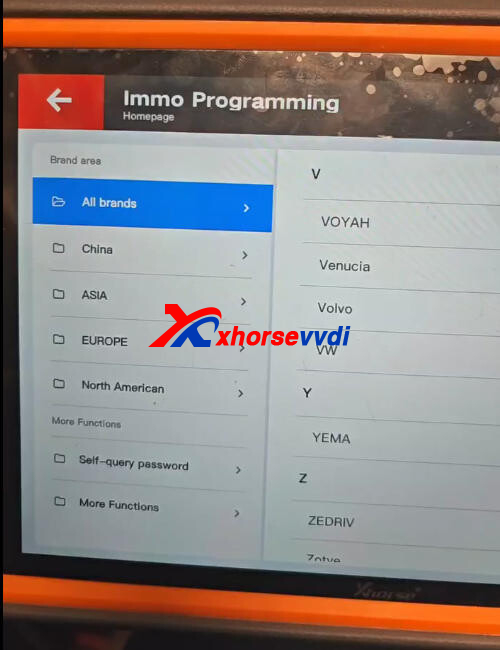
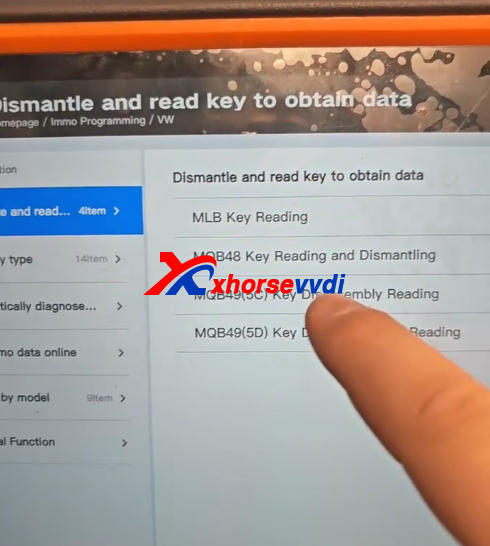
Read original key data
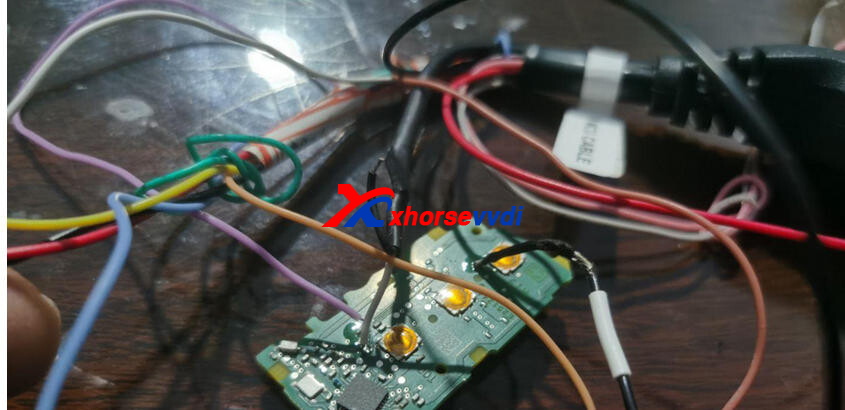
Read and save key data.
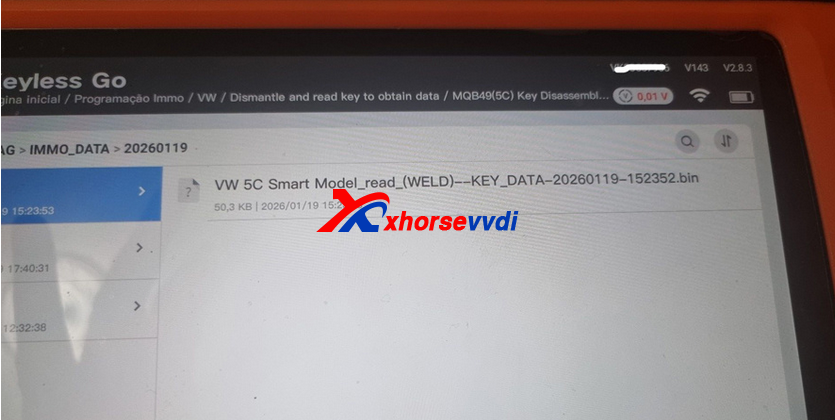
Generate dealer key by uploading key file.
Learn key
For some 2023+ models you may also need to unlock SFD gateway before learning key in car.
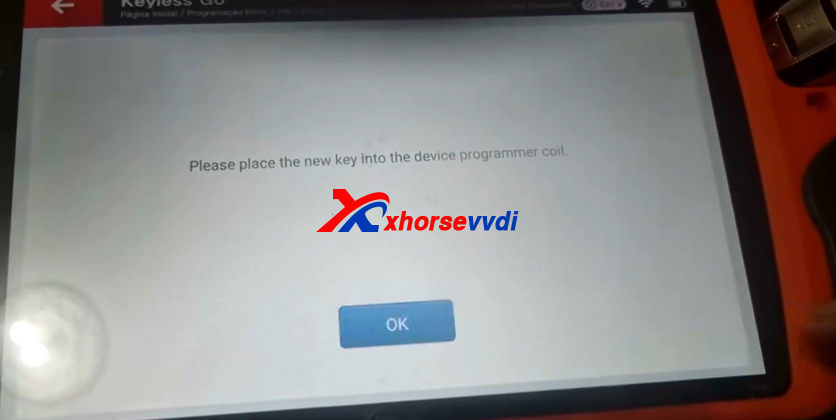
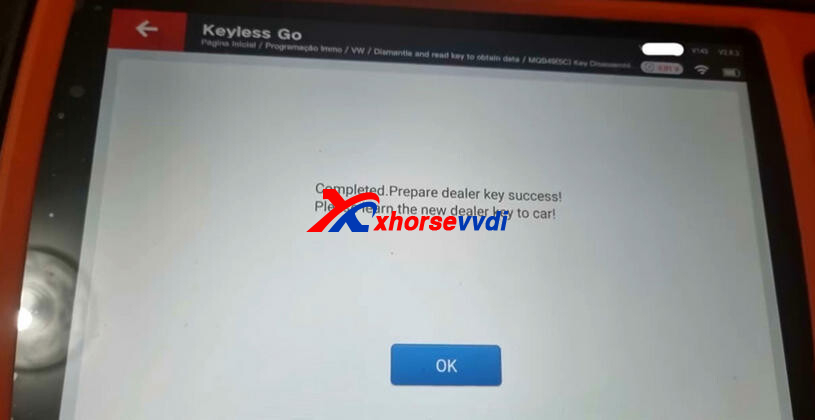
After uploading the key data file, the system will automatically display the CS and PIN information.
Xhorse will also be releasing a solder-free adapter for MQB49 5C and 5D soon, making the data reading process easier, faster, and safer — without the need for soldering.


 Whatsapp:
 Skype: