
This guide explains how to replace the battery in the Xhorse Dolphin II XP005L key cutting machine. Follow the instructions to safely remove the old battery, install a new one, and reassemble the machine.
Required Tools
- Xhorse Dolphin II XP005L
- 2.5 mm hex key
- Replacement battery
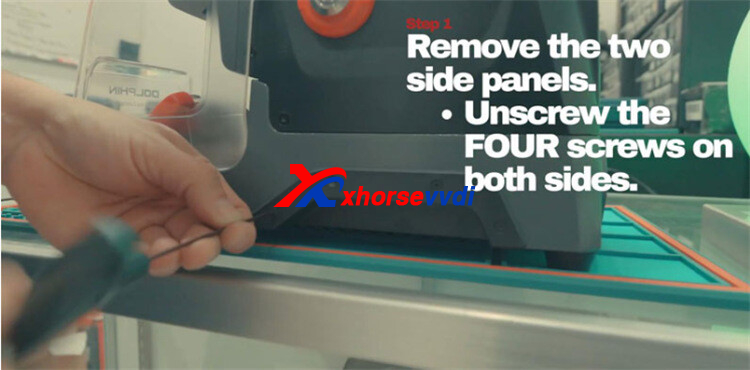
Step 1. Remove the Side Covers
Use a 2.5 mm hex key to loosen and remove the screws holding both side covers in place. Carefully take off the covers and keep them together with the screws for reassembly.
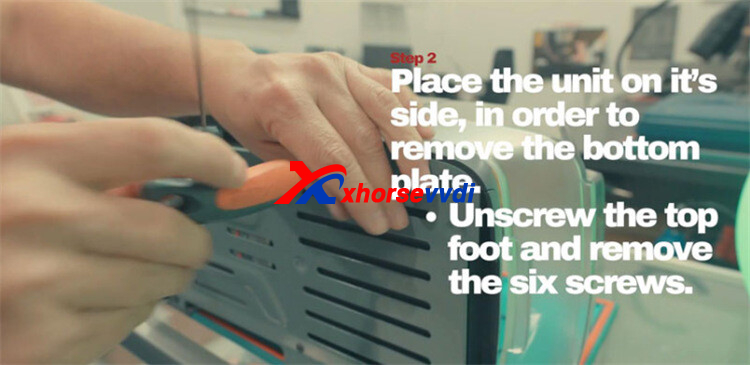
Step 2: Access the Battery Compartment
Turn the machine onto its side and remove the front top foot. Unscrew the six screws securing the bottom cover, then carefully lift off the cover to expose the battery compartment.
Step 3: Remove the Old Battery
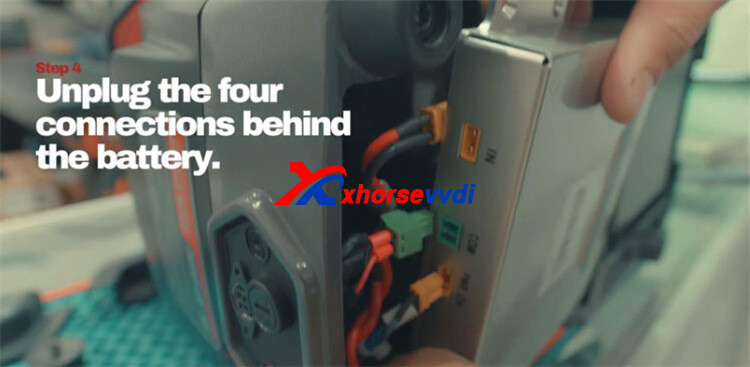
Unscrew the four bolts holding the battery in place, with two located at the top and two at the bottom. Disconnect the four connectors behind the battery, then carefully take out the old battery.
Step 4: Fit the New Battery
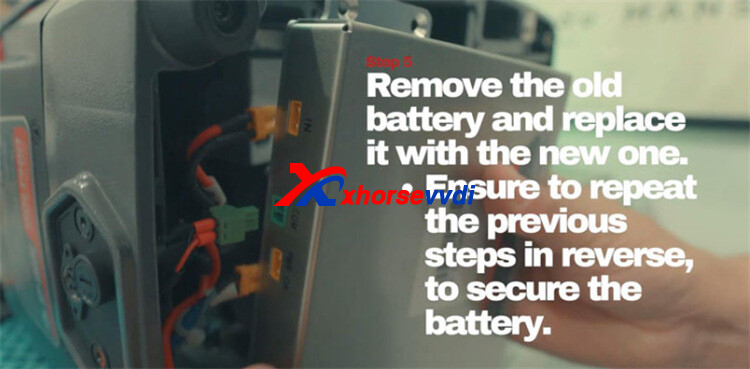
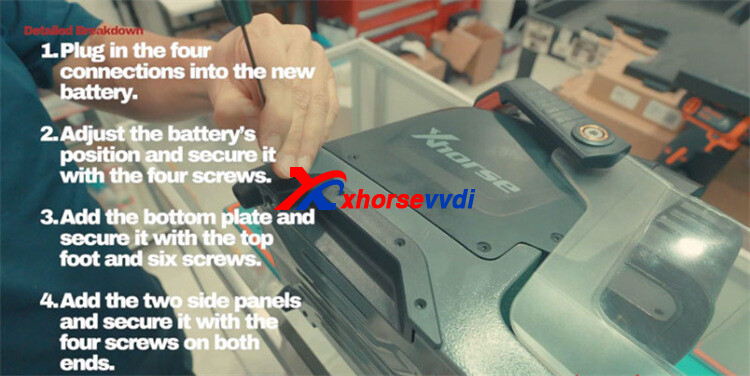
Connect all four plugs to the replacement battery before placing it into the compartment. Make sure the battery is properly aligned, then reinstall the four retaining screws. Tighten the upper screws first to keep the battery in place, followed by the remaining screws. Ensure all screws are secure, but avoid overtightening.
Step 5. Reassemble the Machine
Reinstall the bottom cover and top foot, then secure them with the six screws. Tighten the upper screws first to ensure the assembly is properly aligned.
Reattach both side panels and fasten them with their retaining screws to complete the reassembly.
Step 6: Test and Verify
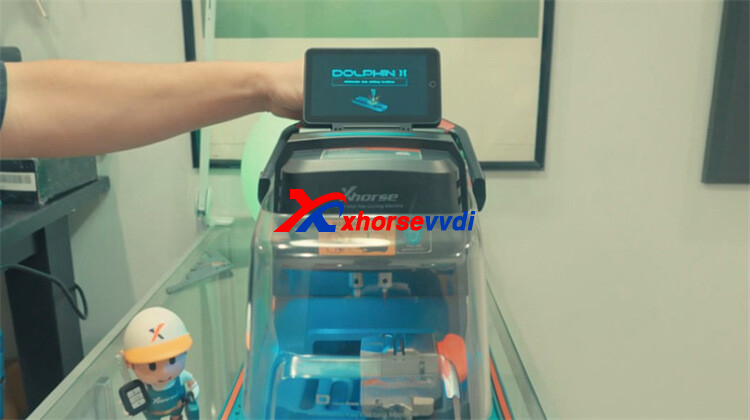
Power on your Dolphin II XP-005L
Confirm that the machine boots up smoothly and that the battery status indicator shows a full or nearly full charge.


 Whatsapp:
 Skype: