


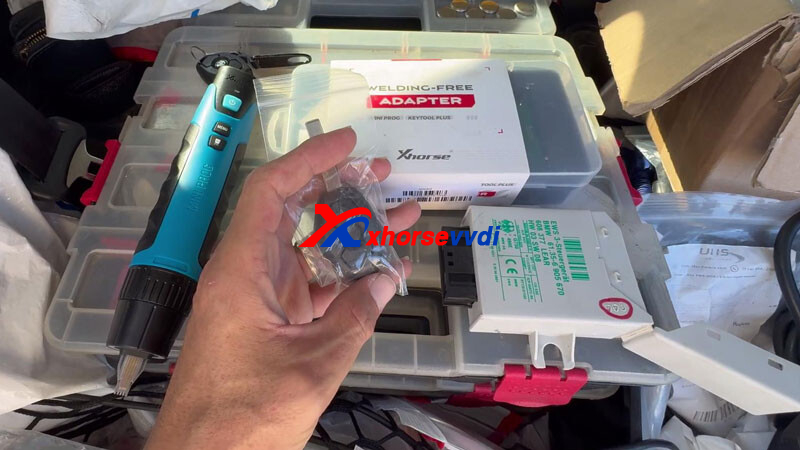
Program BMW EWS3 keys quickly and reliably with the Xhorse VVDI MINI Prog and XDNP50 BMW EWS3 Adapter. This professional combination removes the need for soldering, reducing risk and improving efficiency—perfect for both workshop and mobile locksmith jobs.
Setup & Preparation
Before starting the programming process, complete a simple one-time setup for the XDNP50 Adapter:
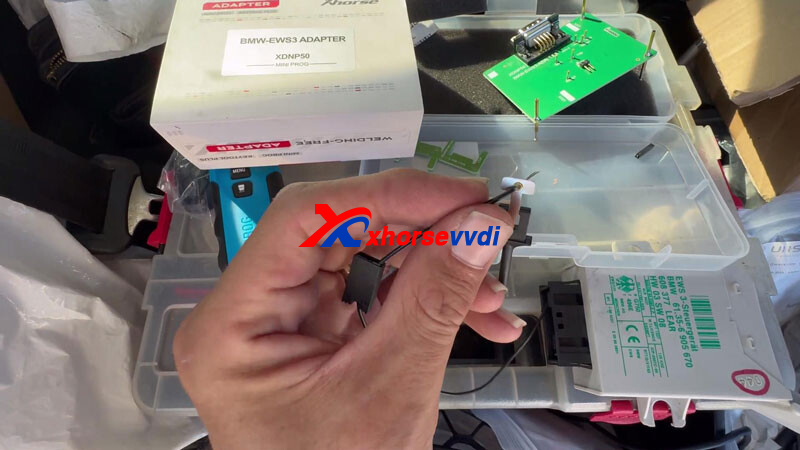
- Assemble the Adapter: Split the holder into two parts. Prepare the cable by cutting and stripping it, then secure it firmly into the adapter’s round terminal.
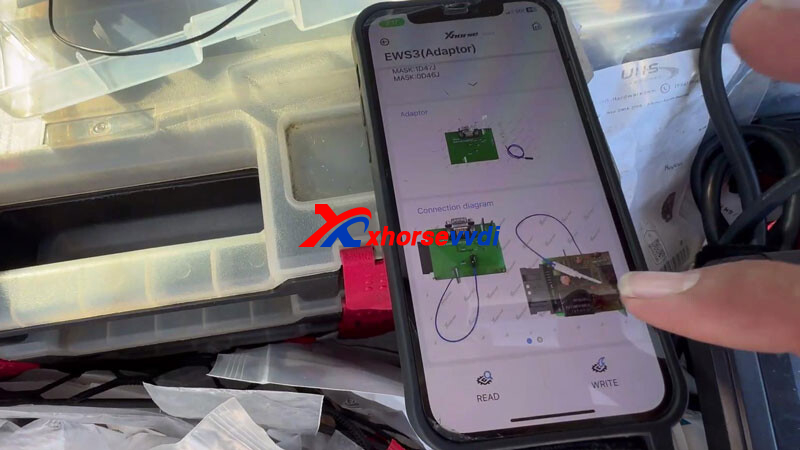
- Connect to EWS Module: Attach the adapter to the EWS module according to the wiring diagram in the Xhorse app. Make sure the “shark-tooth” probe is precisely aligned with the correct chip pin for stable communication.
Step-by-Step Procedure
1. Read EEPROM Data
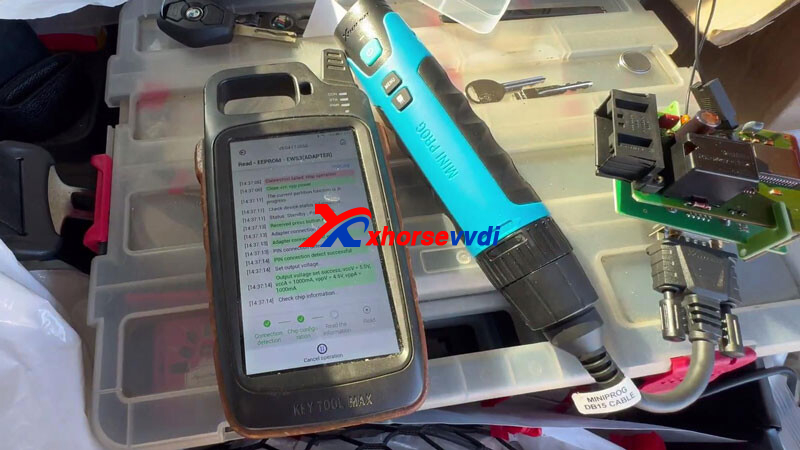
Launch the Xhorse app and navigate to IMMO > BMW > EWS3 > Adapter. Connect the VVDI MINI Prog and read the EEPROM data. Save the file for key generation.
2. Generate Dealer Key
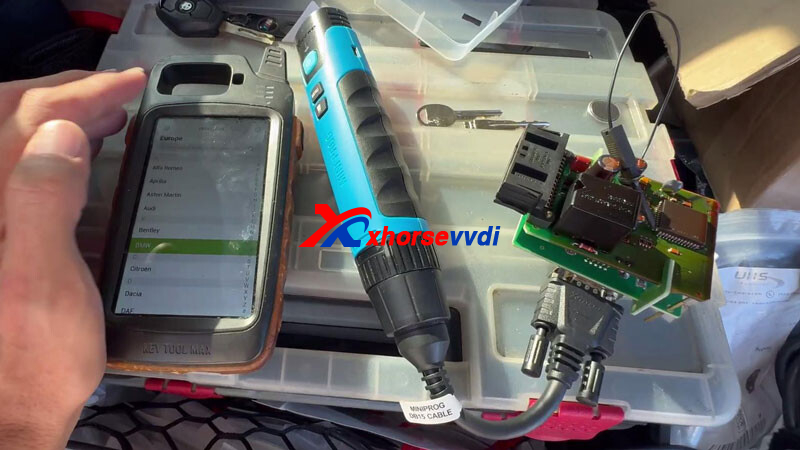
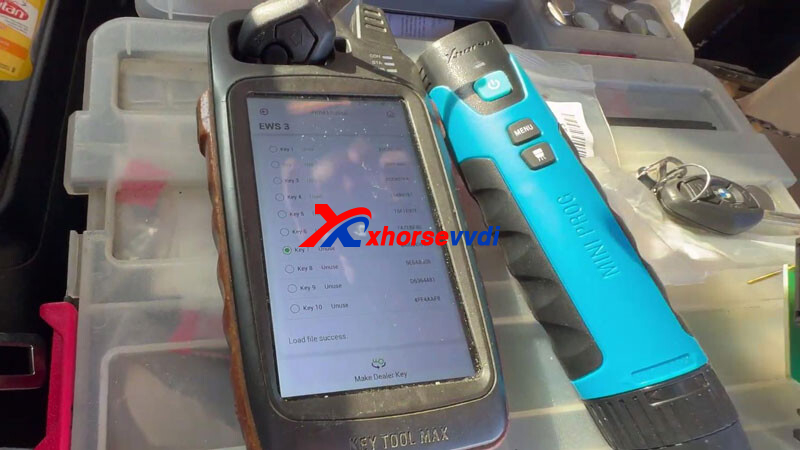
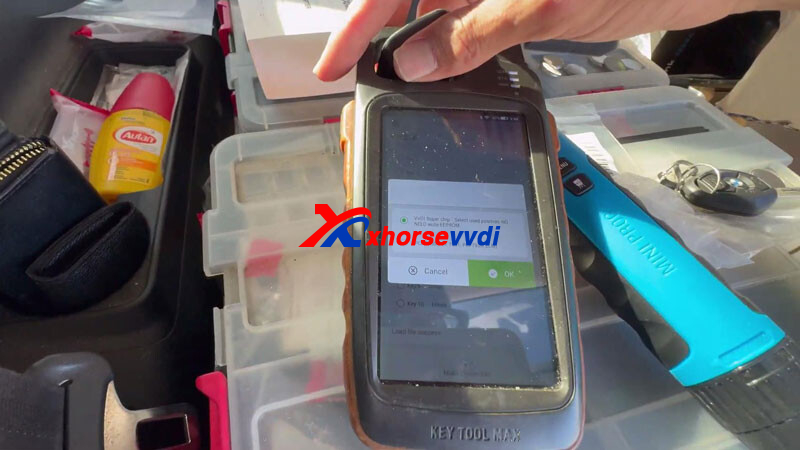
Go to Special Function > IMMO Data Tool. Load the saved EEPROM file, choose an available key slot, and insert a new key into your Key Tool Max Pro. Tap Generate Dealer Key to complete the process.
3. Test the Key
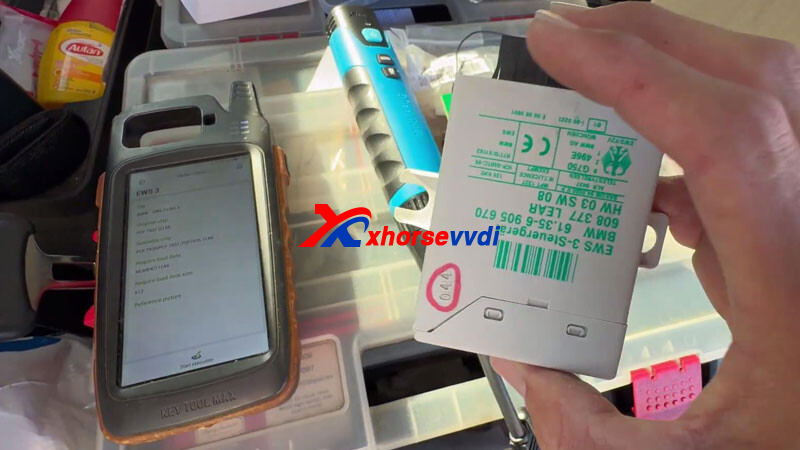
Reinstall the EWS module back into the vehicle. No need to write data back. Simply cycle the ignition once—your new key should start the engine successfully.
Why Choose This Solution?
The VVDI MINI Prog with Xhorse XDNP50 Adapter offers a modern, solder-free alternative to traditional tools like the AK90. It delivers faster operation, improved safety, and consistent performance, making it an excellent choice for professional locksmiths handling BMW EWS3 systems.
Skype: xhorsevvdi.com
Whatsapp: https://wa.me/8613983756354


 Whatsapp:
 Skype: