
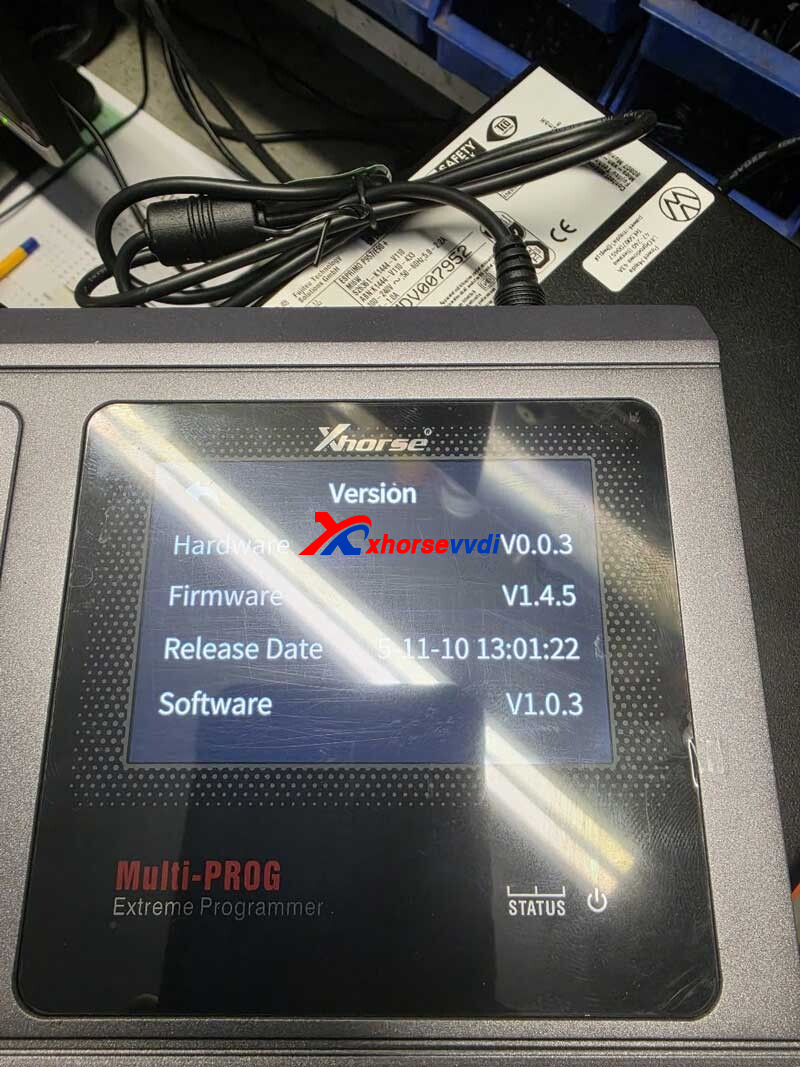
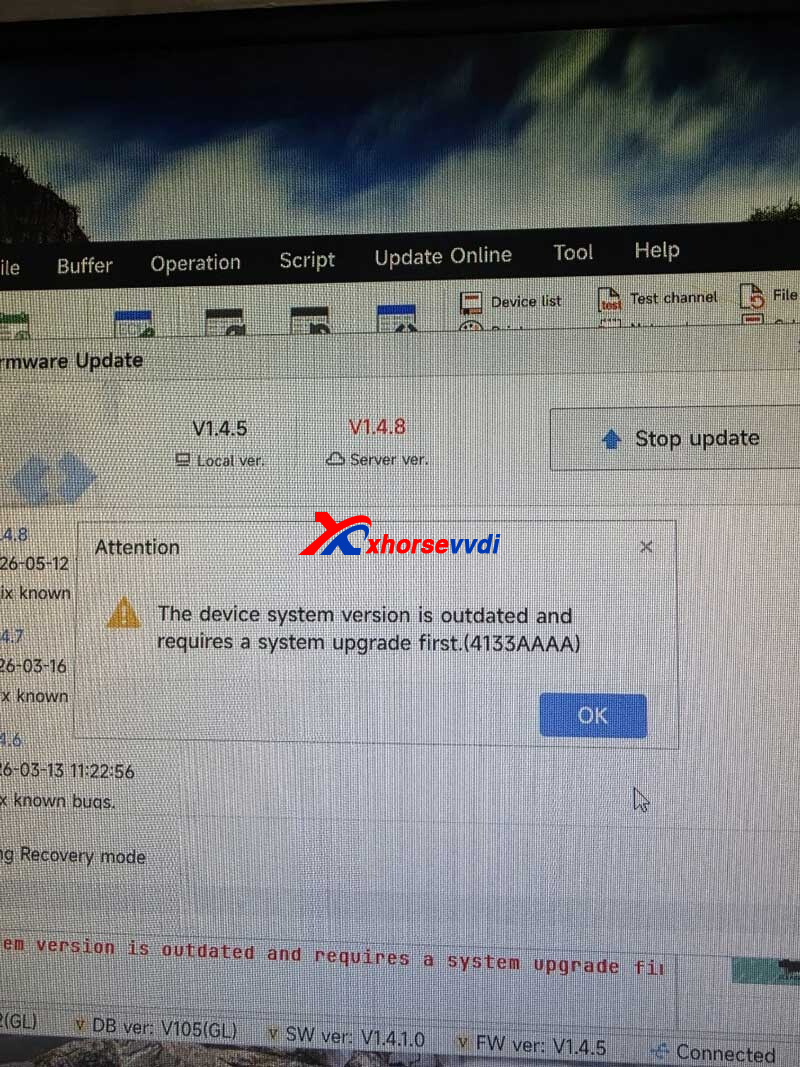
The Xhorse Multi-Prog may sometimes display the following error message during startup:
“The device system version is outdated which requires a system upgrade first (4133AAAA).”
This issue is related to an outdated firmware version on the device. Fortunately, it can be fixed quickly by entering forced firmware upgrade mode and performing a system update.
What Causes Error 4133AAAA?
This error appears when the firmware version installed on the Multi-Prog does not match the required system version during the startup verification process. As a result, the device fails the version check and blocks normal operation.
How to Fix the Problem
Follow these steps to enter forced firmware upgrade mode:
Step 1
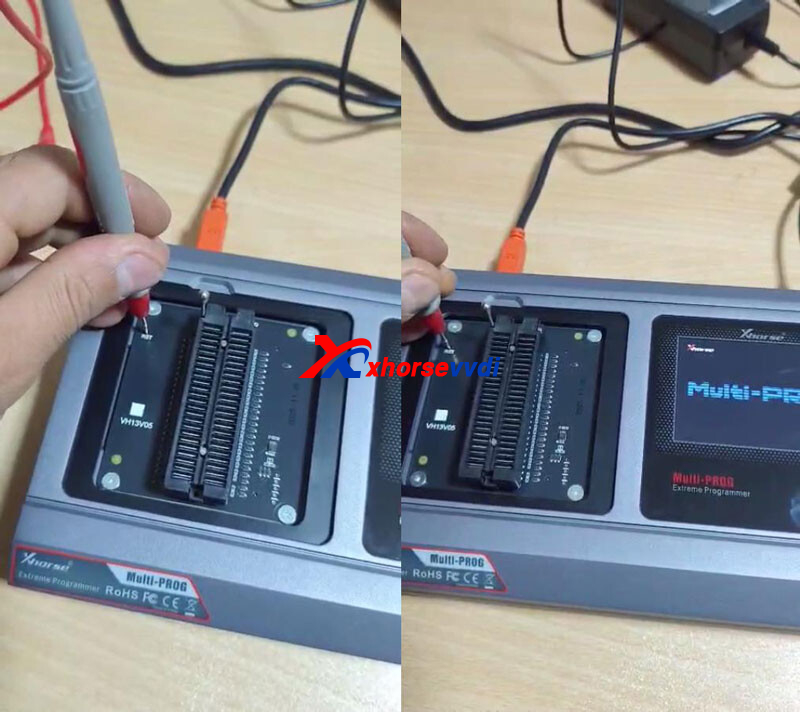
Press and hold the RST (Reset) hole button on the device.
Step 2
While continuing to hold the RST button, power on the Multi-Prog.
Step 3
Keep holding the button for approximately 5 seconds after powering on.
Step 4
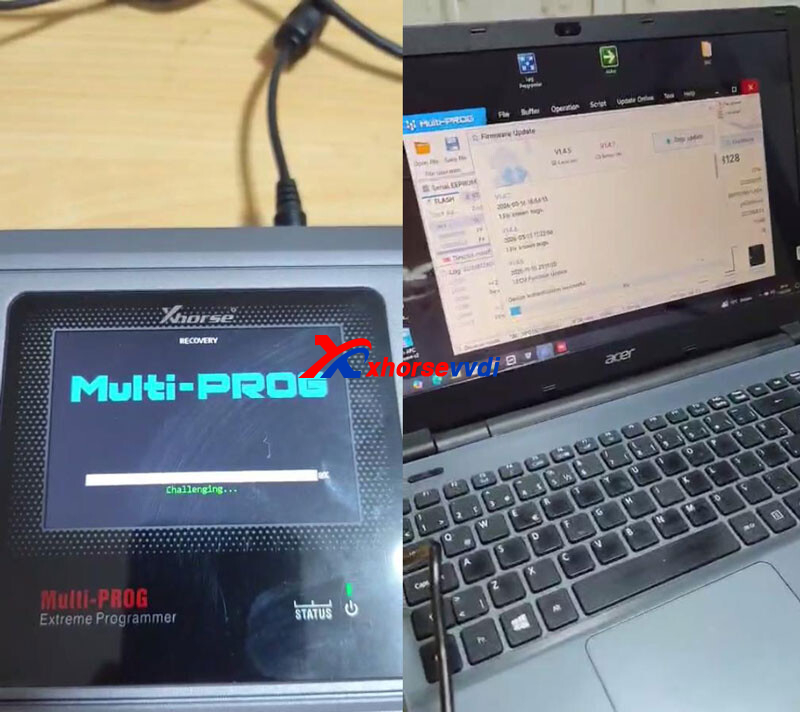
The device will automatically enter forced firmware upgrade mode.
At this point, perform the firmware/system update following the standard Xhorse upgrade procedure.
Final Result
After the firmware update is completed successfully, the 4133AAAA error will be removed and the Xhorse Multi-Prog Programmer will return to normal working condition.
This method is an effective solution for devices stuck due to outdated system firmware or version mismatch errors.
Skype: xhorsevvdi.com
Whatsapp: https://wa.me/8613983756354


 Whatsapp:
 Skype: