
Problem:
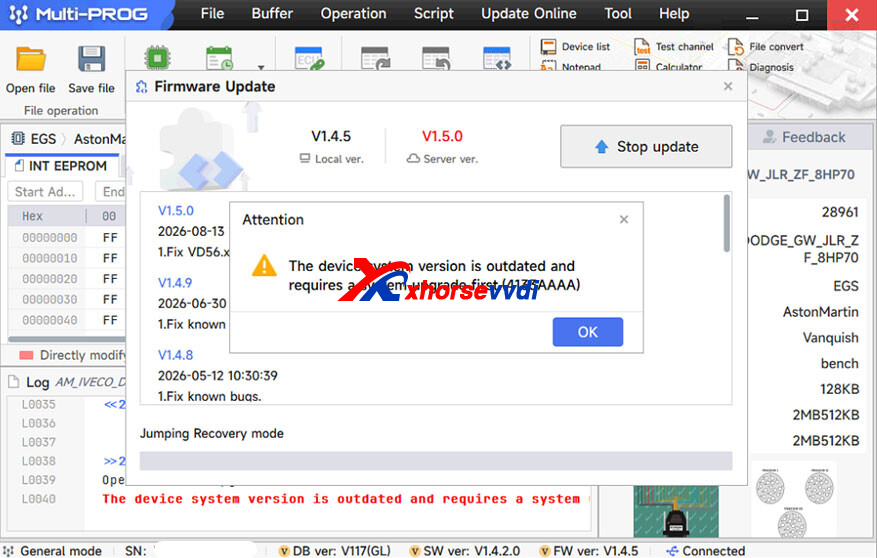
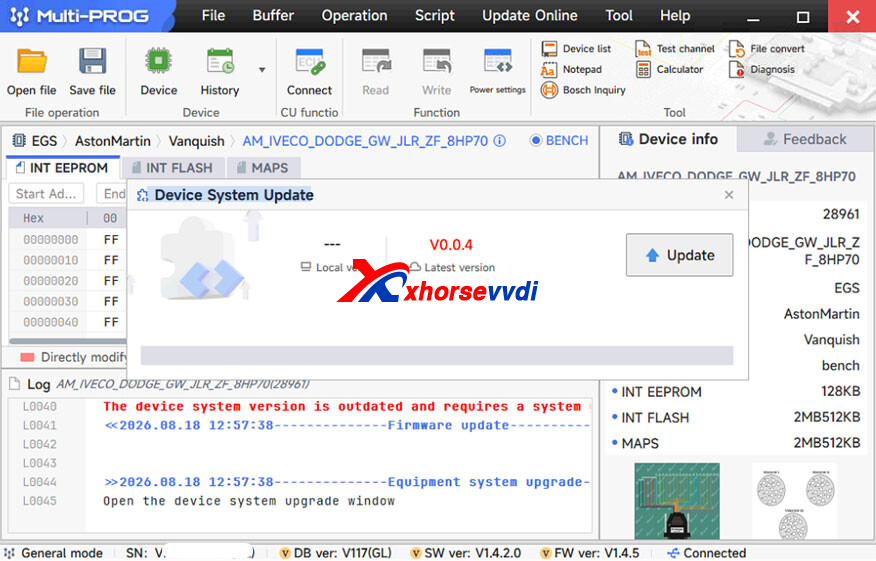
When I use Xhorse Multi-Prog, I get the error message “The device system version is outdated and requires a system upgrade first(4133AAAA)”. After clicking updatethe “Device System Update” error message reappears. This error keeps repeating. How can I fix this?
XhorseVVDI.com‘s Engineer Solution:
Please press and hold the RST button while turning on the power, and keep holding it for 5seconds after turning on the power. Then Release. To see if the device can gointo the firmware upgrade mode.
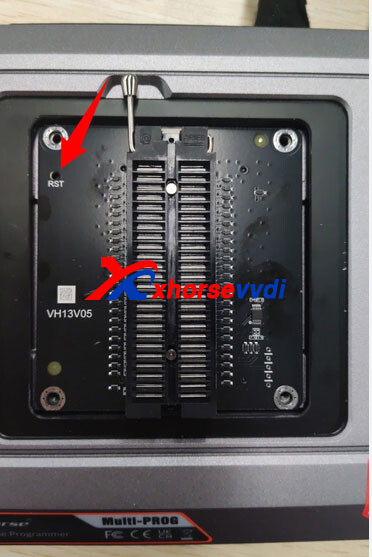
Skype: xhorsevvdi.com
Whatsapp: https://wa.me/8613983756354


 Whatsapp:
 Skype: