


Problem
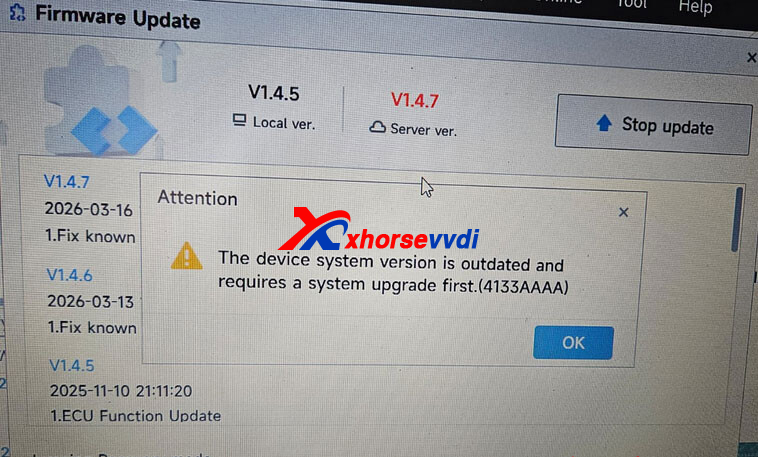
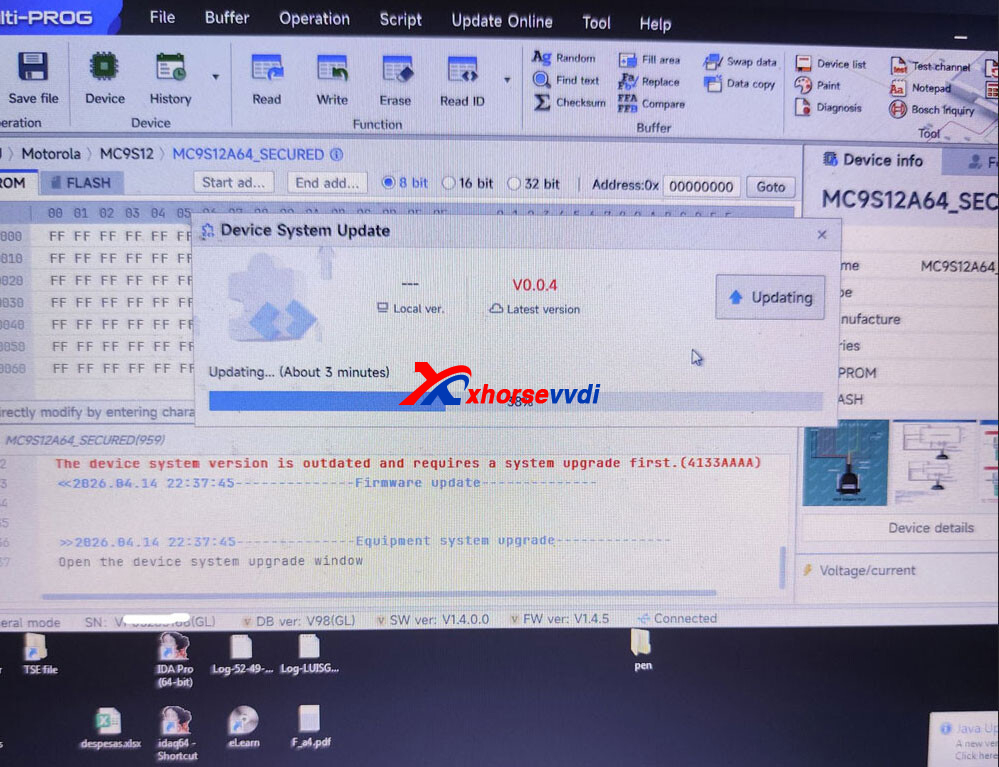
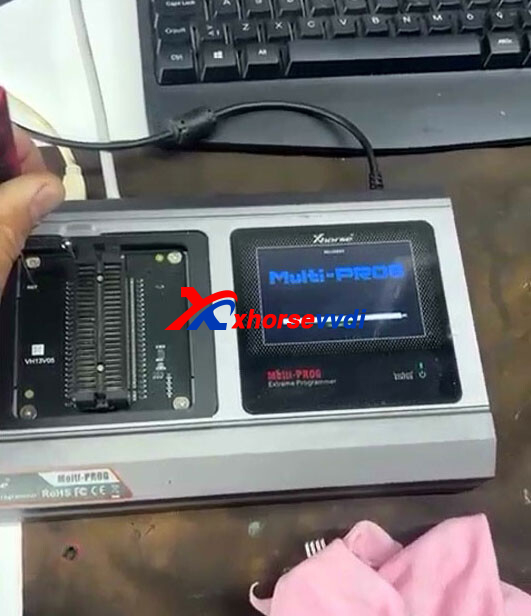
When attempting to update the firmware on the Xhorse Multi-Prog device, the system repeatedly shows a “device system is outdated” message. Even after a successful update, the same prompt appears again, and the firmware fails to install properly.
Solution
The issue can be resolved by performing a hard reset and forcing the device into firmware upgrade mode.
Steps to Fix:
- Turn off the device.
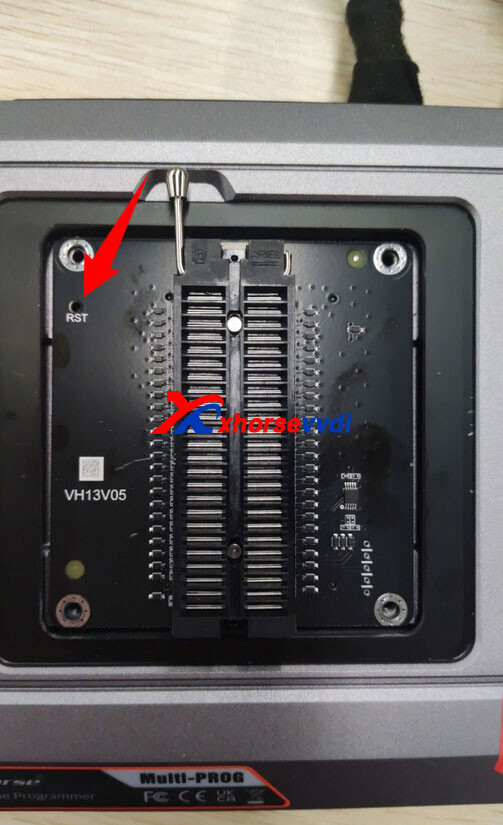
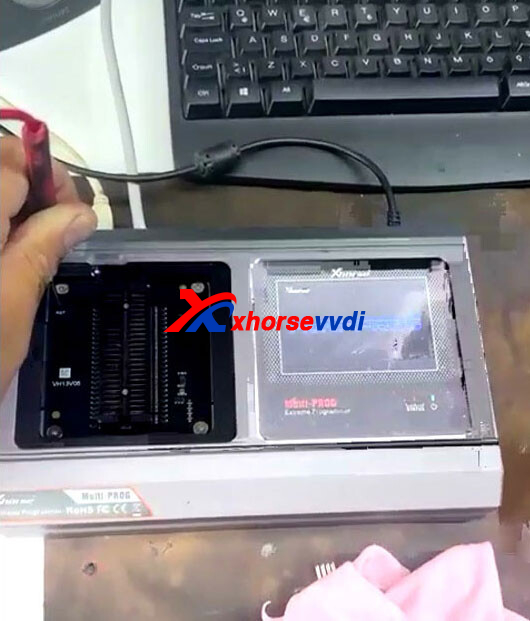
- Press and hold the RST (reset) button.
- While holding the RST button, power on the device.
- Keep holding the button for about 5 seconds after powering on.
- Release the button.
- Check if the device enters firmware upgrade mode, then proceed with the update again.
After completing these steps, the firmware should install normally and the “system outdated” error should be resolved.
Skype: xhorsevvdi.com
Whatsapp: https://wa.me/8613983756354


 Whatsapp:
 Skype: