


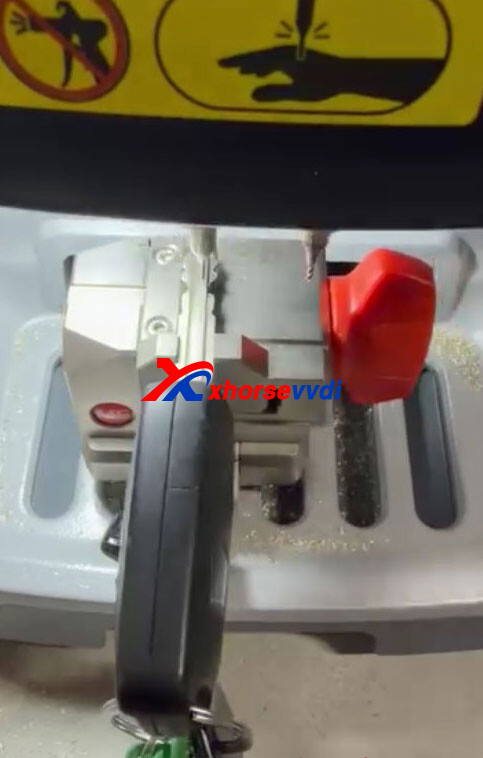
A customer was cutting a key blade for a 2012 Kia Cerato using the Silca HYN14R (#33) profile.
While decoding with the Xhorse Dolphin XP005, the probe kept missing some cuts and generated an incorrect key pattern, so the customer had to decode the key manually by eye.
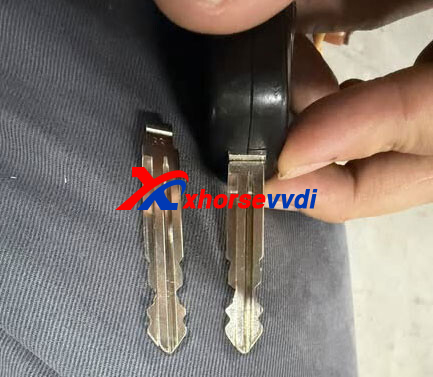
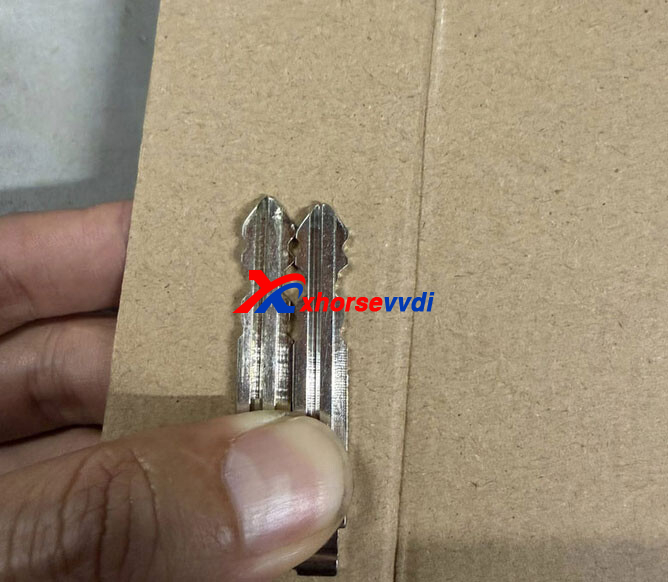
After cutting, he noticed the tip of the duplicated key was slightly shorter than the original key. As a result, the new key could only turn the lock properly when pulled out slightly.
What caused this issue and how can it be fixed?
XhorseVVDI.com‘s Solution:
Instead of selecting the key by vehicle model, perform the duplication using the “Universal Duplication” option.
After switching to universal duplication mode, the decoding became accurate and the new key matched the original key length correctly. Problem solved.
Skype: xhorsevvdi.com
Whatsapp: https://wa.me/8613983756354


 Whatsapp:
 Skype: