


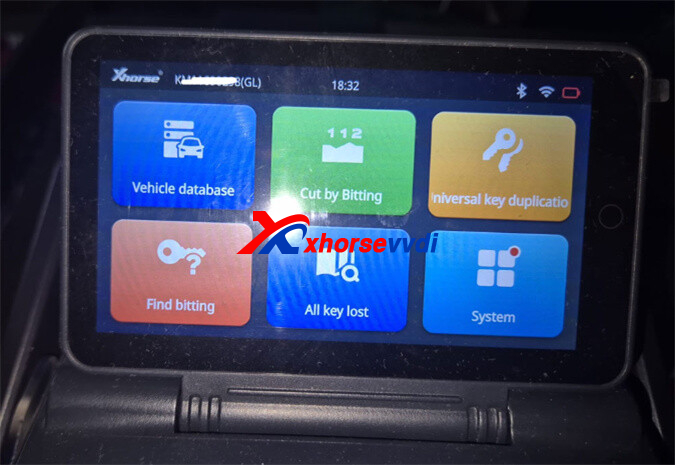
Is your Xhorse Dolphin XP005L Key Cutting Machine not charging even though it’s brand new? Don’t rush to replace parts just yet. You can quickly test the battery condition with a few simple steps using a multimeter.
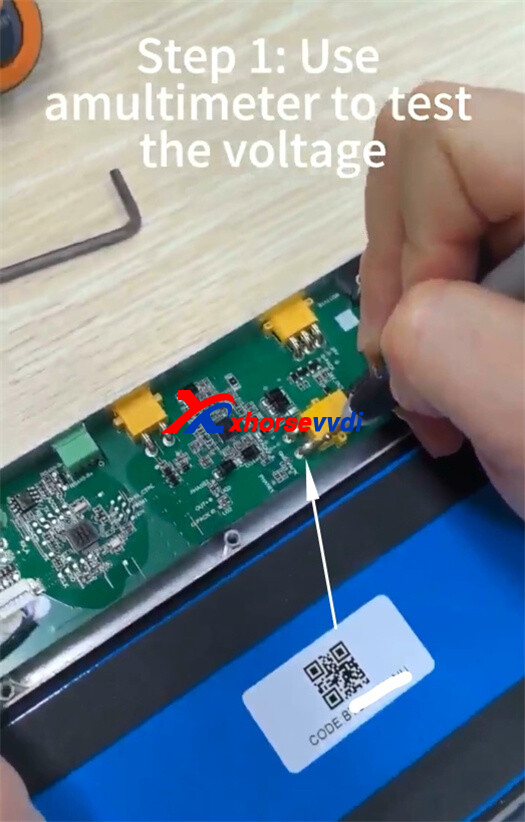
Step 1: Measure the Battery Voltage
Start by removing the battery module from the machine.
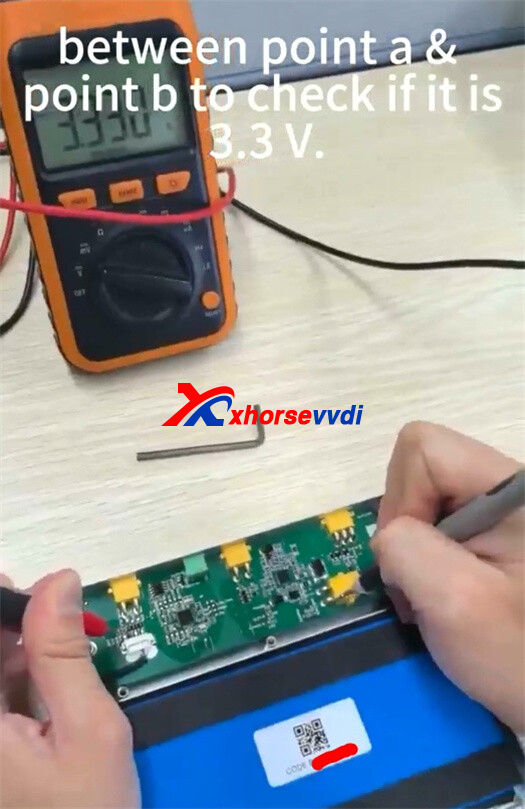
- Use a multimeter to test between Point A and Point B
- A healthy battery should show around 3.3V
If the reading is far off, the battery may already have an issue.
Step 2: Test the Circuit Switch
Next, perform a quick switch test to verify proper circuit function.
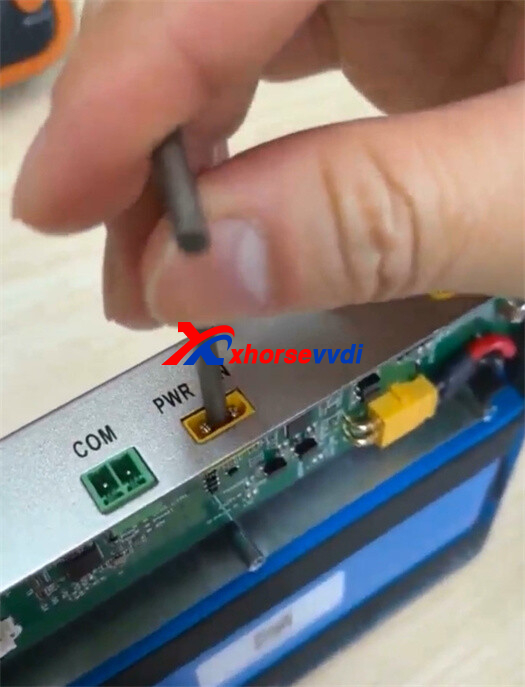
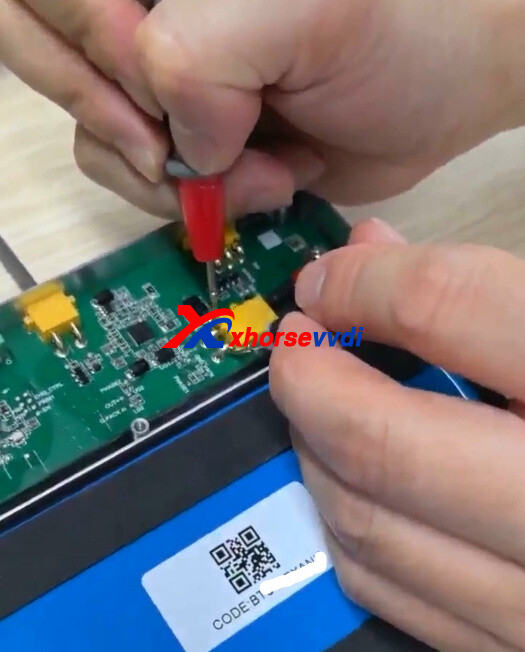
- Short the switch terminals
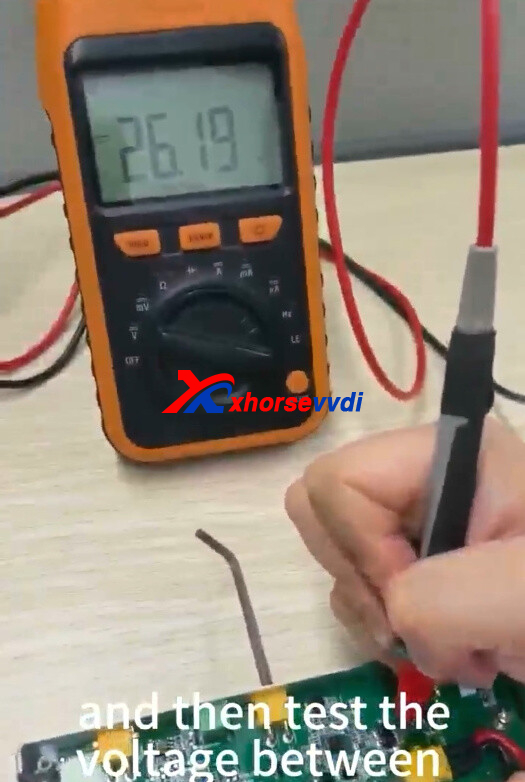
- Measure voltage between Point A and Point D
- The expected reading should be approximately 28V
This confirms whether the internal circuit is working correctly.
Step 3: Observe Voltage Drop
Now check how the battery behaves when disconnected.
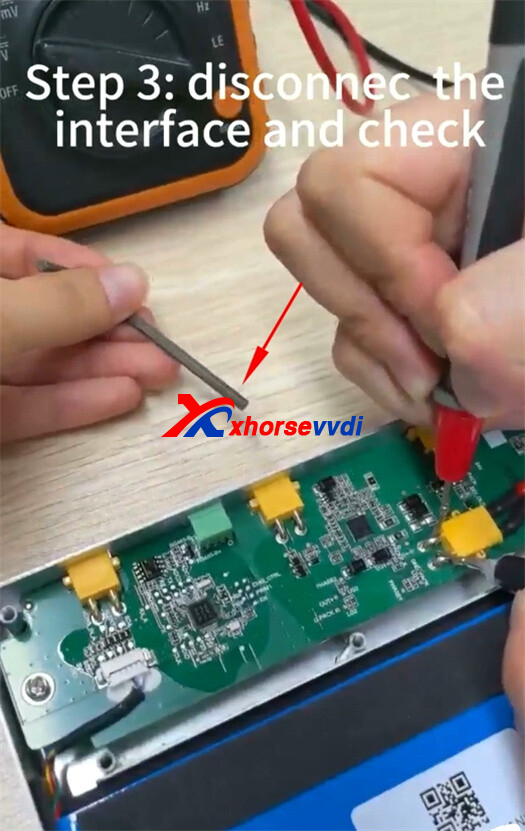
- Disconnect the interface
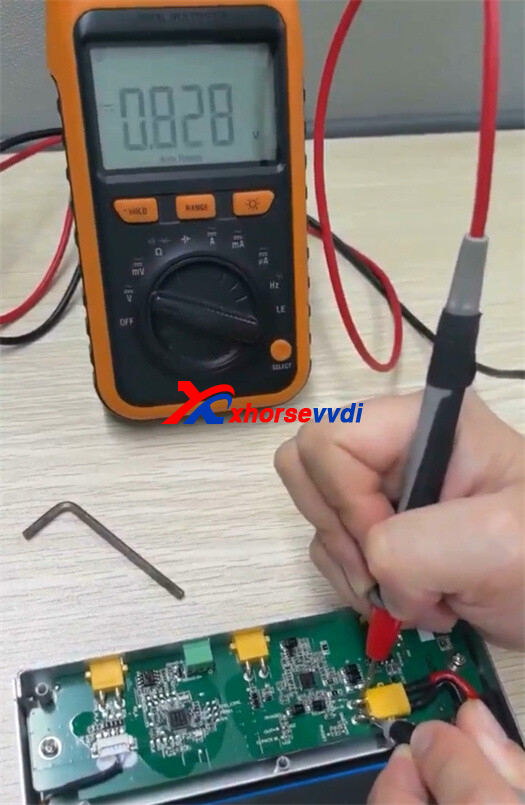
- Monitor the voltage on your multimeter
- The voltage should gradually drop to 0V
A normal battery will discharge smoothly rather than dropping instantly.

Test Results Explained
Pass all three tests:
- Your battery is in good condition — no replacement needed.
Fail any step:
- The Xhorse Dolphin XP005L battery cell is likely faulty and should be replaced.
Pro Tip
Before assuming a charging issue is caused by the machine itself, always test the battery first. A quick diagnosis like this can save both time and unnecessary repair costs.
Skype: xhorsevvdi.com
Whatsapp: https://wa.me/8613983756354


 Whatsapp:
 Skype: