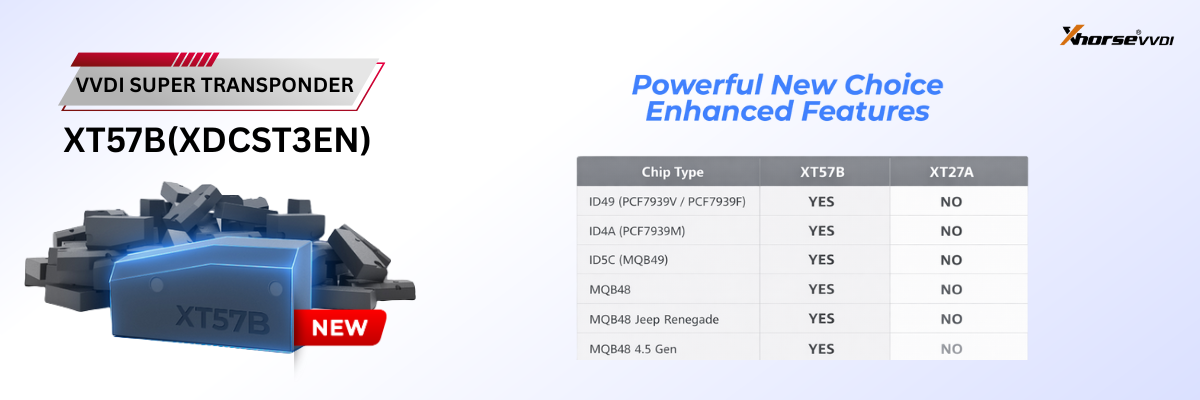

Successfully added a smart key to a 2026 Toyota Glanza using the Xhorse Key Tool MIDI.
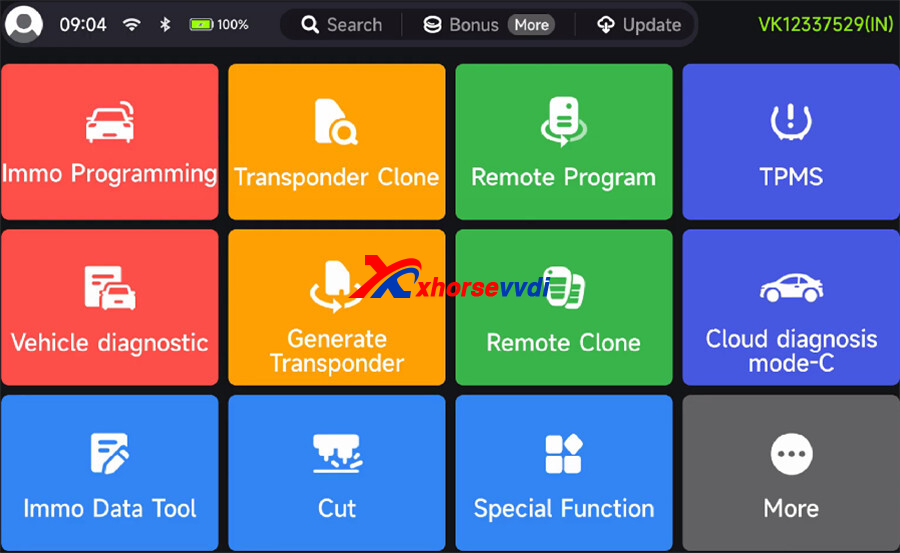
Navigation Path:
Immo Programming-> Maruti Suzuki-> Select from vehicle-> Baleno-> 2021- -> Key Programming (Smart key, ID4A)-> Start programming-> Add Key
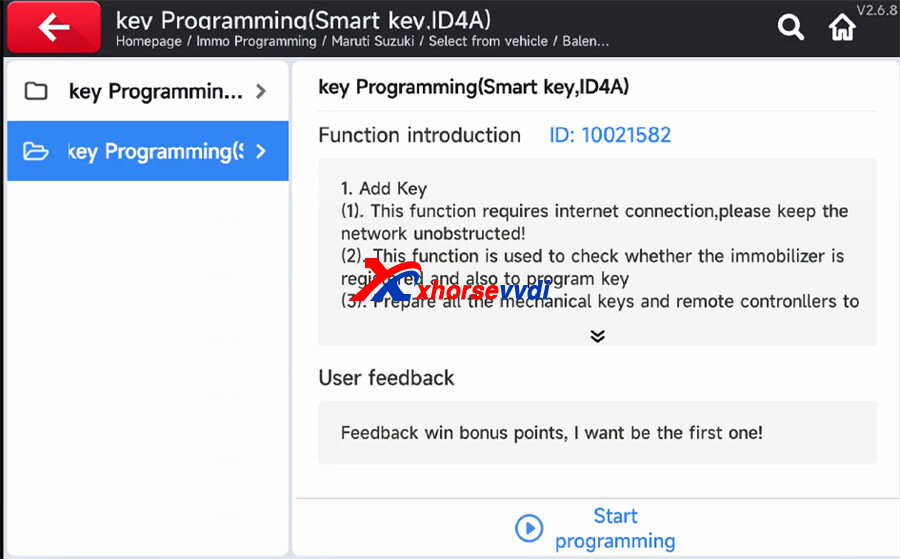
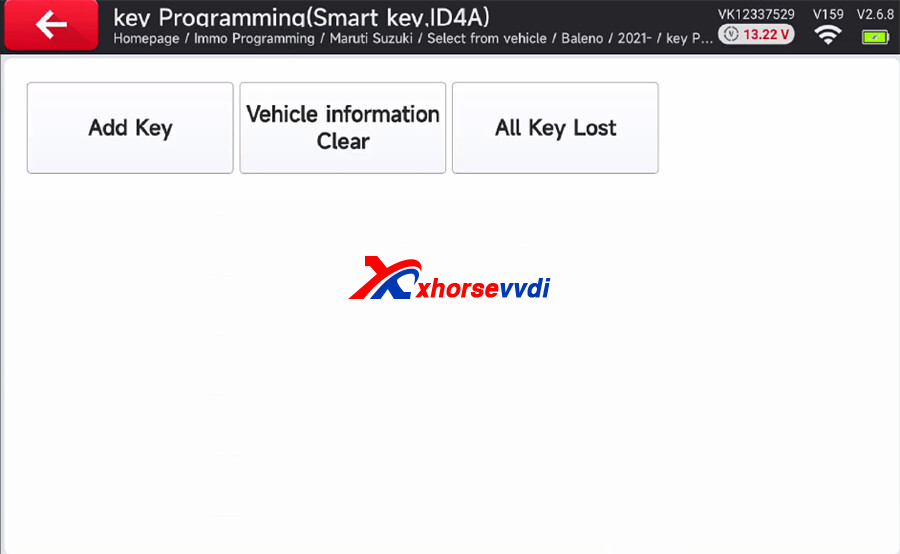
Add Key Instruction
(1). This function requires internet connection, please keep the network unobstructed!
(2). This function is used to check whether the immobilizer is registered and also to program key (3). Prepare all the mechanical keys and remote contronllers to register
Turn on The ignition Switch for vehicles with ignition switch
Turn on the ignition switch and click [OK]
For vehicles with keyless push start system, turn on the ignition switch then click [OK], Click [OK] even if the ignition does not turn on.
Important:
- Do not activate this function on blank ECM
- Write ECU program data for the blank ECM on SEPS first
Previous registration information will be totally cleared
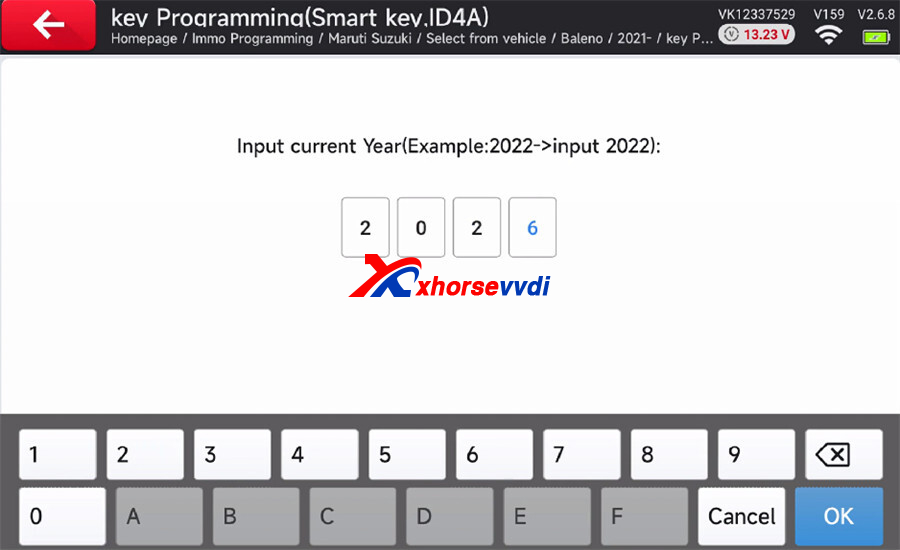
Input the current year (e.g.2026)
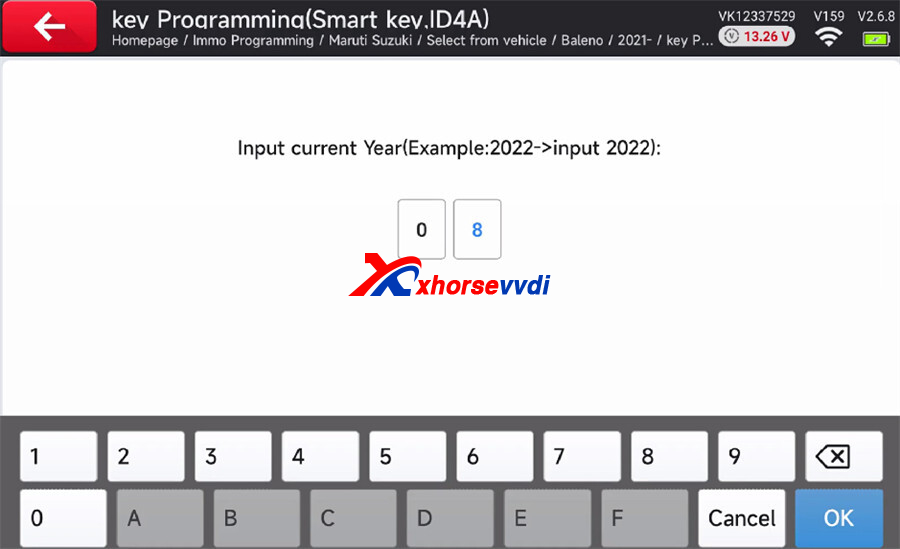
Input the current month (e.g.8)
Register the transmitter or the remote controller
Hold by applying the remote controller to the engine switch
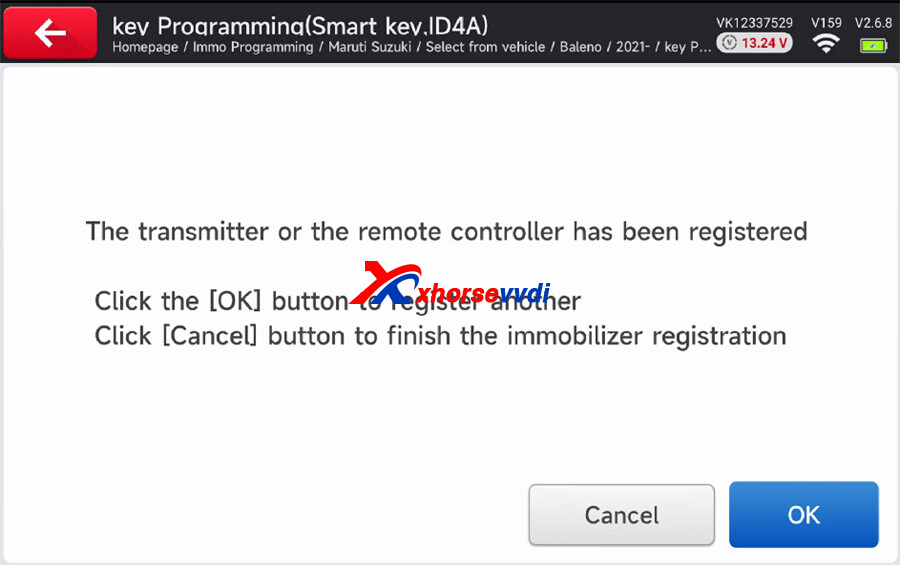
Register transmitter or remote successfully
With Key Tool Midi Power Kept on, turn off ignition switch and then turn on again with engine switch,
Next Hold by applying the remote controller to the engine switch Click [OK] button to continue Click [Cancel] button to stop the registration and display registration information
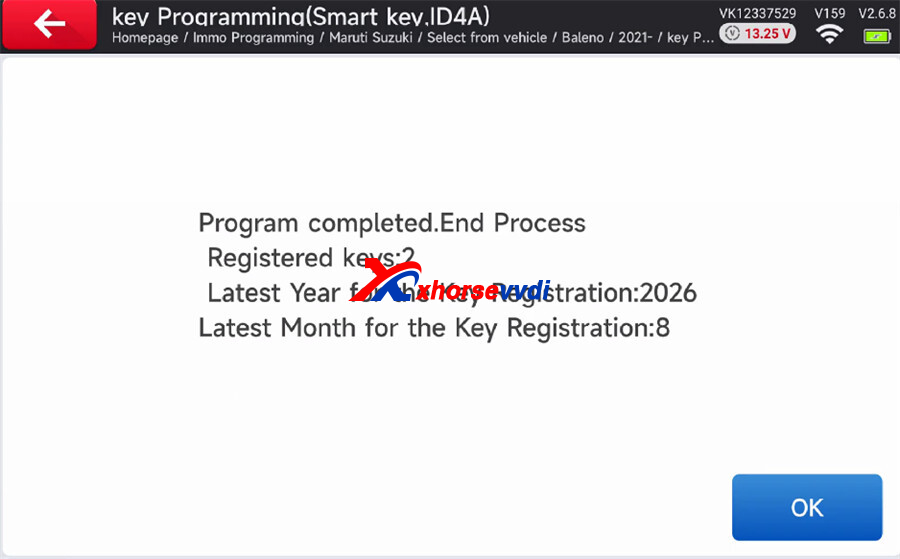
Programming is completed, and the registered key is 2 now.
Skype: xhorsevvdi.com
Whatsapp: https://wa.me/8613983756354


 Whatsapp:
 Skype: