
Customer Feedback:
Failed to update the Xhorse Dolphin XP005L key cutting machine.
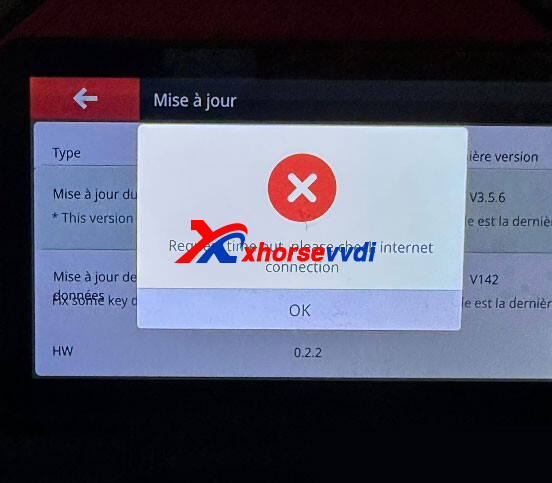
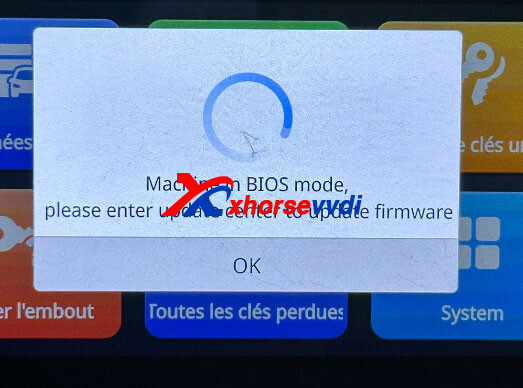
The device displayed the following error messages:
- Request timed out.
- Machine entered BIOS mode.
Any solution?
Solution:
Change the network connection.
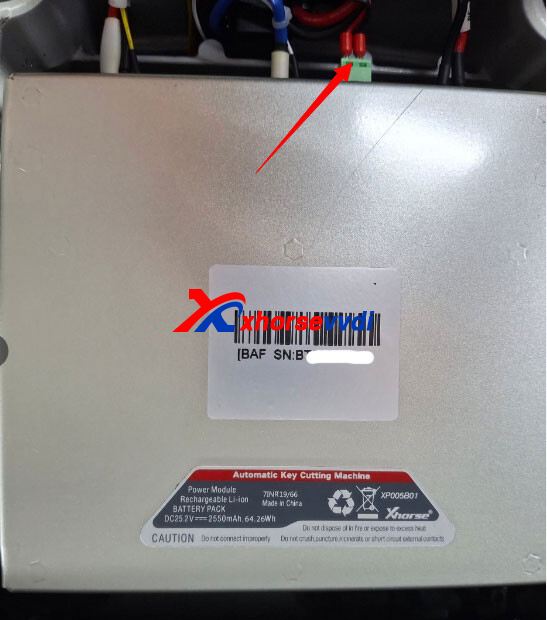
Then disconnect the green cable from the battery and power on the device to update the firmware.
Once the update is complete, reconnect the green battery connector and perform the firmware update again.
(Update the firmware twice in total.)
Skype: xhorsevvdi.com
Whatsapp: https://wa.me/8613983756354


 Whatsapp:

 Skype: