
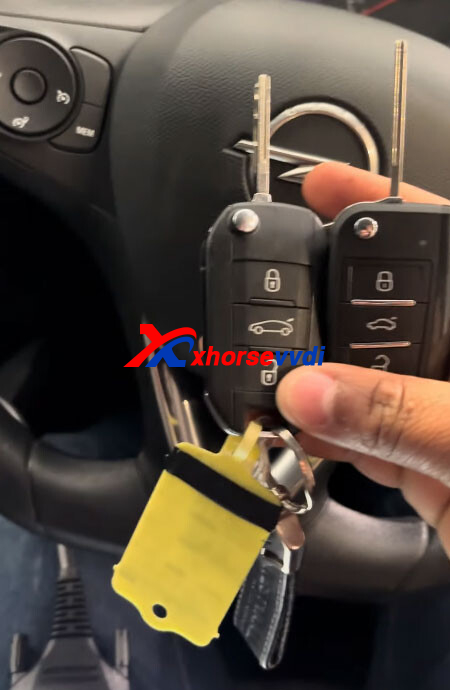
Successfully programmed a 2024 Opel Corsa F flip key with all keys lost using the Xhorse Key Tool MIDI programmer.
Step 1: Read PIN Code
Decode the door lock using a Lishi auto pick.
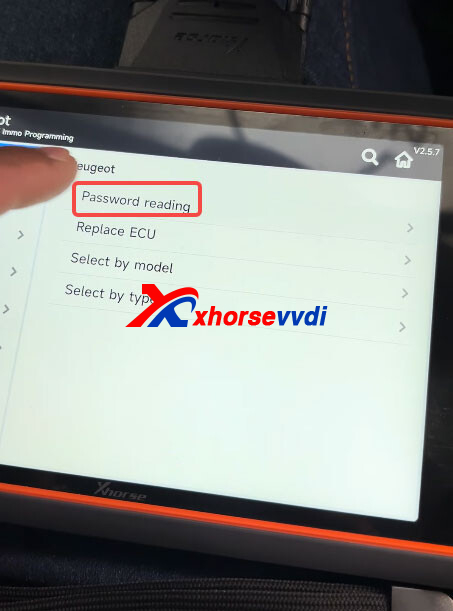
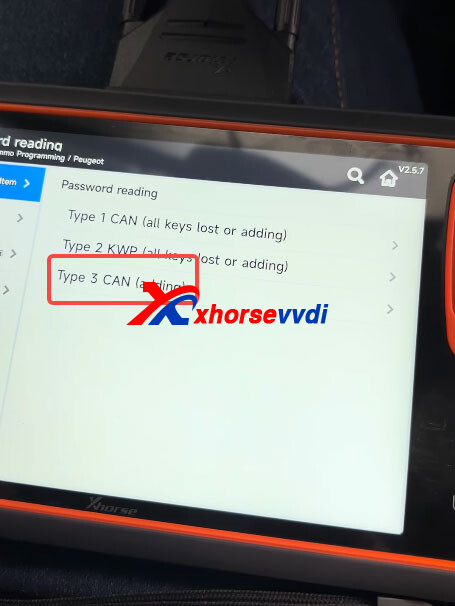
Go to IMMO Programming –> Peugeot –> Password Reading –> Type 3 CAN (Adding).
Select Read Password.
Turn off the ignition switch.
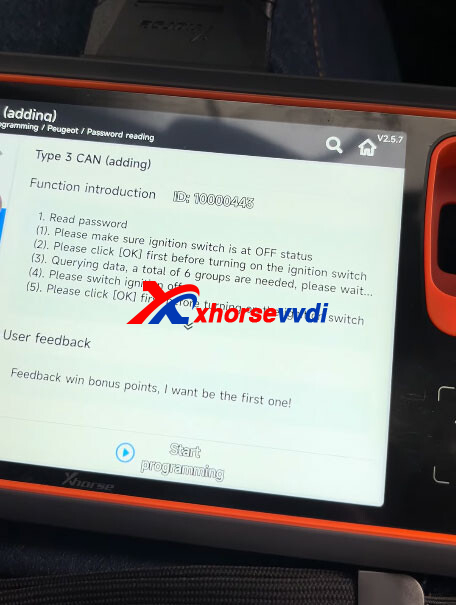
Turn the ignition off and wait 5 seconds, then turn it back on. Repeat this process until the Xhorse Key Tool MIDI successfully reads the 4-digit password.
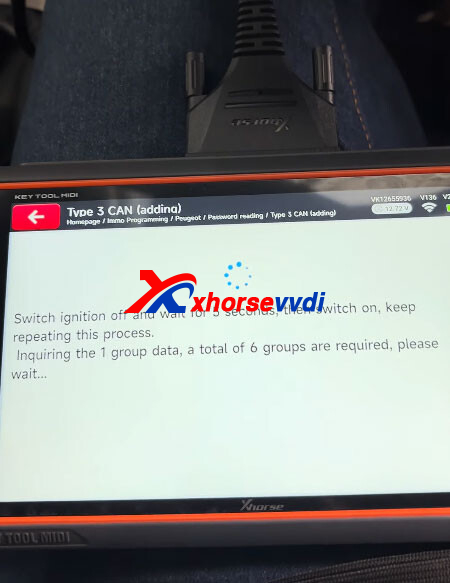
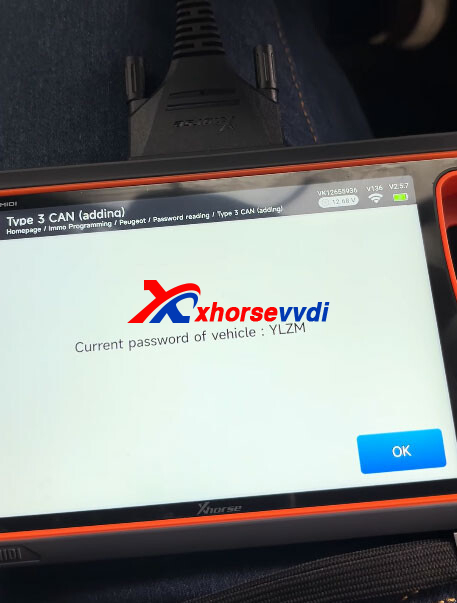
NOTE: Opel and Peugeot share similar systems on this model, making PIN code reading straightforward through the Peugeot menu once you understand how the system works.
Step 2: Program All Keys Lost
The procedures for key adding and all keys lost are the same.
Go to IMMO Programming- Opel- Select Model- Corsa- Corsa F- Flip Keys- 2019 Onwards- All Keys Lost.
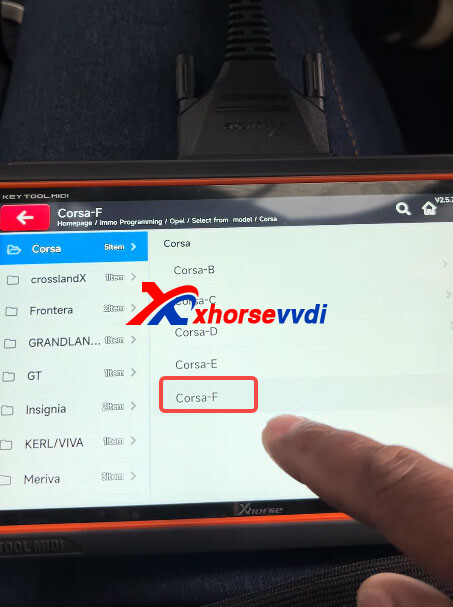
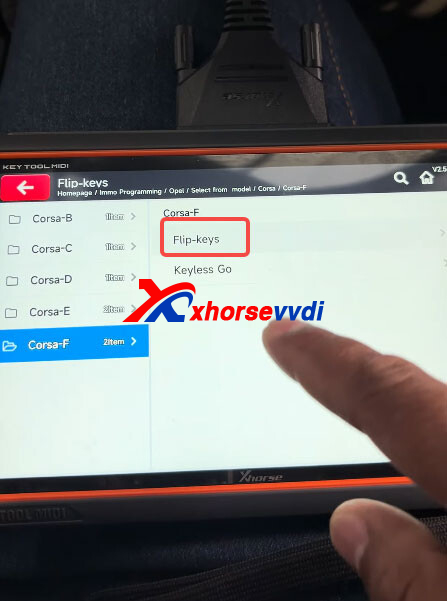
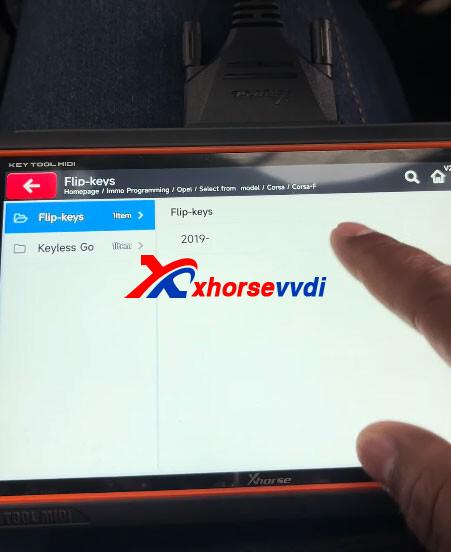
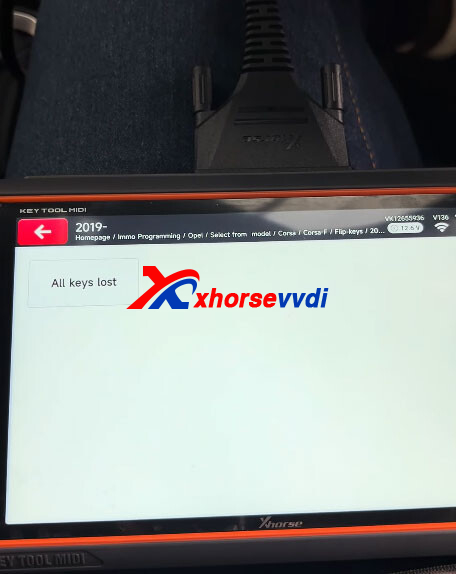
All existing keys will be erased once this function is completed.
Please enter the PIN code to continue.
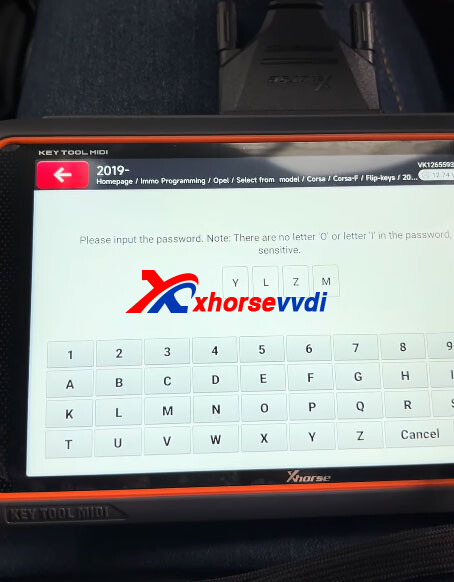
Enter the number of keys to be programmed: 2
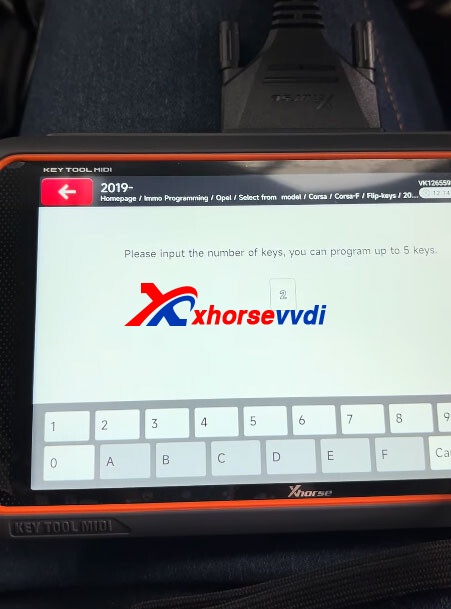
Insert the first key to be programmed and turn on the ignition within 15 seconds.
The first key has been programmed successfully.
Switch off the ignition and remove the key.
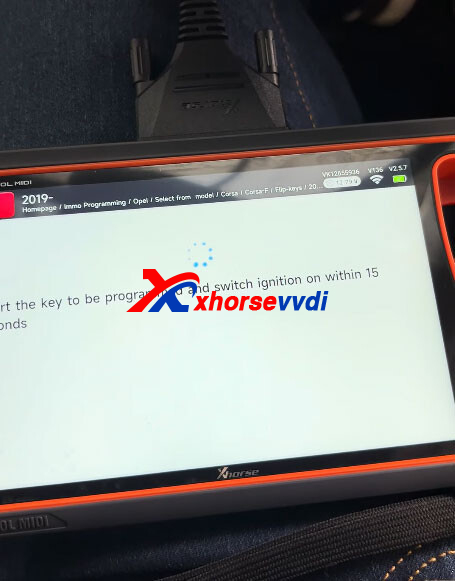
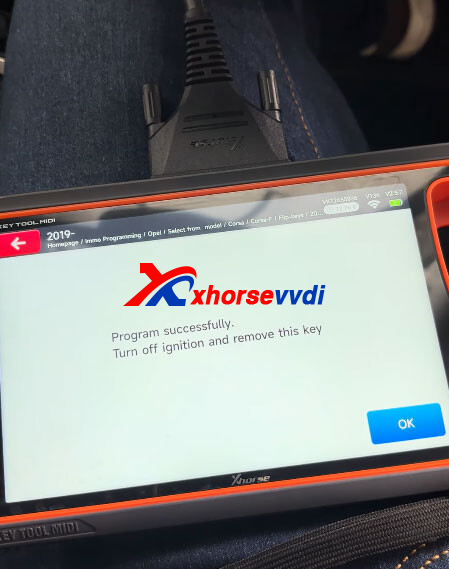
Insert the second key and switch the ignition on within 15 seconds.
Key programming completed successfully.
Switch off the ignition and remove the key.
Next, synchronize the remote by following these steps:
- Insert a key and switch the ignition on.
- Press any button on the remote within 20 seconds and hold for 10 seconds.
- Switch off the ignition and remove the key.
- Repeat the above steps to synchronize the second remote.
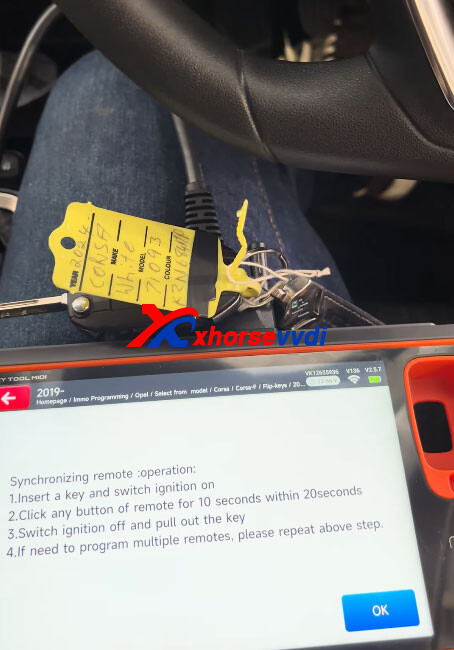
Test both programmed keys to confirm they work properly and ensure successful key programming.
Skype: xhorsevvdi.com
Whatsapp: https://wa.me/8613983756354


 Whatsapp:
 Skype: