


In this case study, we examine a BMW 48V battery control board that arrived completely unresponsive after a failed programming attempt. The root cause was traced back to incorrect tool configuration, which corrupted the board during the process. We’ll walk through the diagnosis, repair procedure, and the steps taken to successfully restore the module to working condition.
Checking the Board Type
This particular unit is a Version 1.0 BMW 48V battery control board. You should know that these boards come in a few different setups:
- Gen 1:This version comes with one solid main plug.
- Gen 1.5:This one has two separate plugs.
- Gen 1.0:This is the exact version we are fixing today.
Even though the outside plugs look different depending on the version, they all work exactly the same way on the inside.
Initial Diagnostic Check
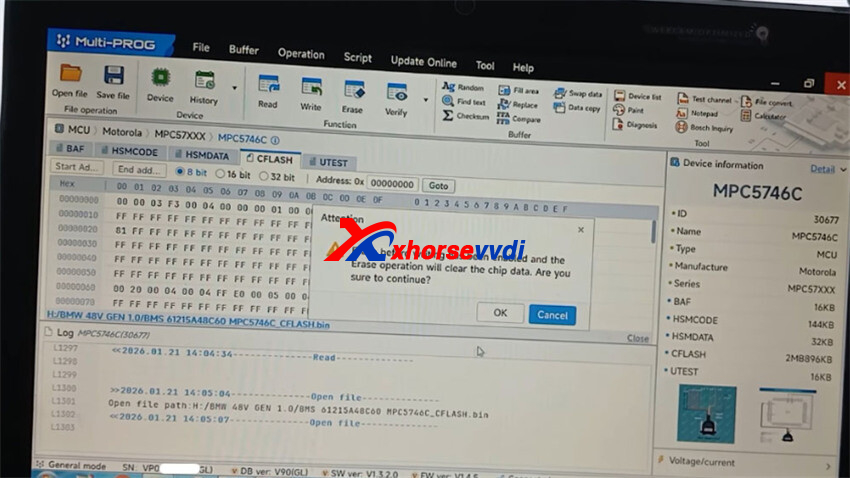
Hooked up the BMS board to an Xhorse Multi-Prog programmer to read the data.
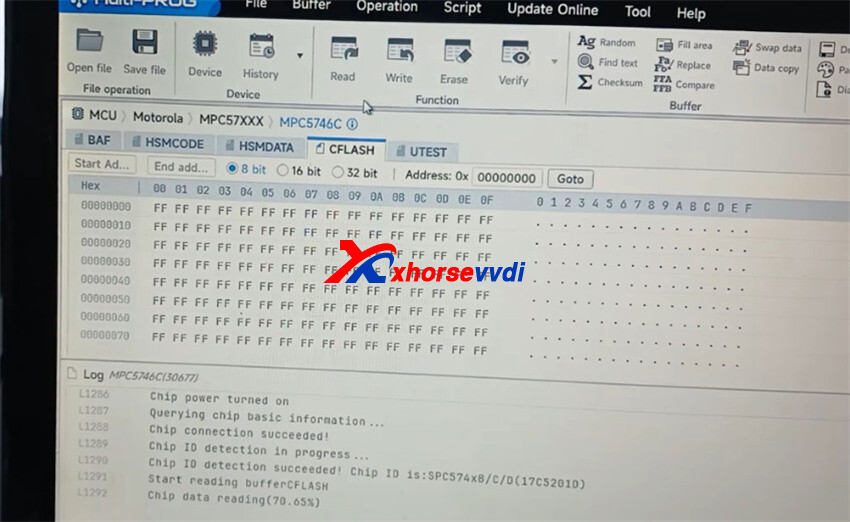
Everything looked good at the start, and the progress bar moved up steadily. To get this board fixed properly, you mainly need two pieces of data: the MH (Manufacturer) Codes and the CFlash (Configuration Flash) files.
One important thing to note is that this board runs on a 5746G processor from the ATO family.
Pay close attention to this chip, because its memory paths and data locations are completely different from other chips in the same group.
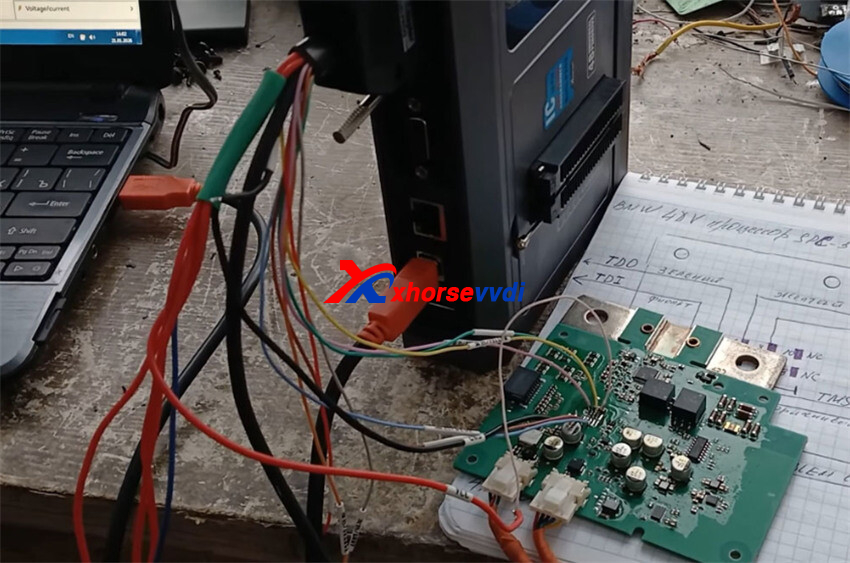
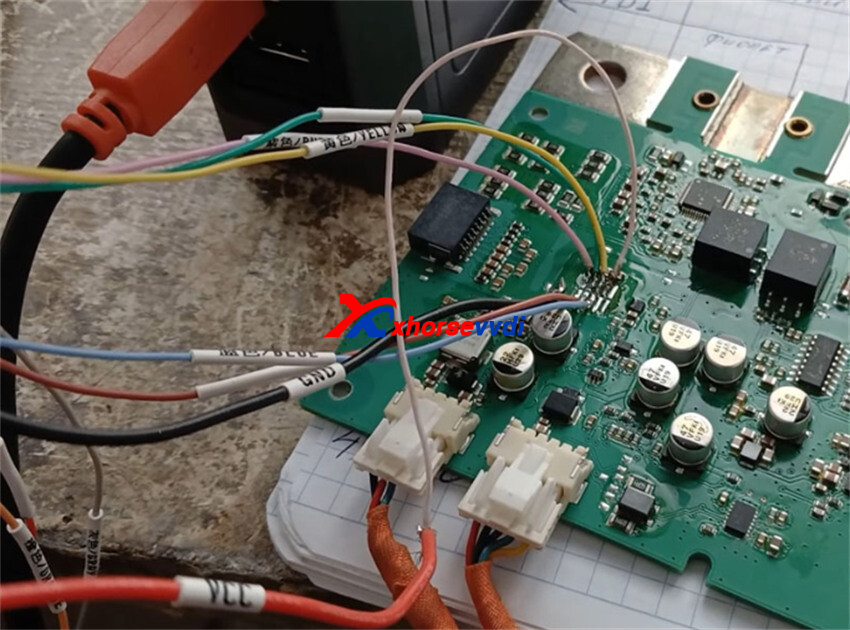
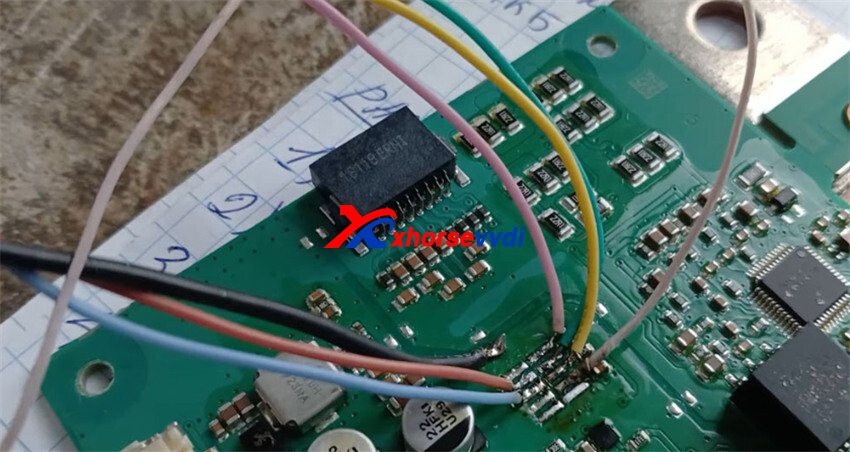
The Problem: What Actually Broke?
When the board arrived at our shop, it wouldn’t talk to our diagnostic tools at all. The customer told us that someone had previously tried to program it with a VVDI tool. Right after that, the board went completely silent and wouldn’t respond.
The Real Mistake:
The previous worker picked the wrong chip type in the software. The board uses a chip labeled 5746G (which is part of the ATO family). Instead of picking the exact 5746G chip, they chose a similar chip from the same group that had an “M” in its name. Because of that one wrong letter, the programming tool looked in the wrong places inside the chip’s memory, which made the whole board stop working.
How to Fix It, Step-by-Step
To bring this board back to life, you need to use Multi Prog and follow these exact steps:
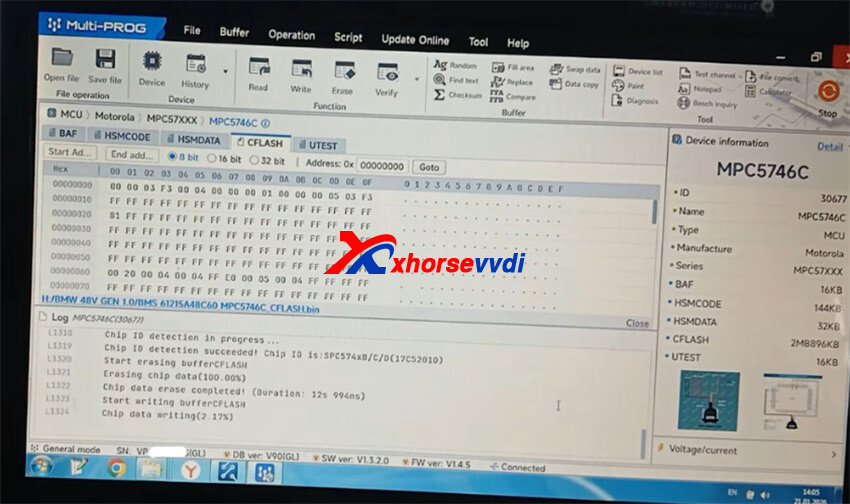
- Understand the Correct Memory Layout:For the correct 5746G chip (the “C” version), the tool shows a specific layout: the Buffer, the MH Codes (Manufacturer Codes), and the CFlash. You can completely ignore the “UTest” part. The incorrect “M” version has a different layout, which is why it caused a communication error.
- Write the Correct CFlash Data:Connect Multi-Prog and start reading the data. You will see the progress percentage bar go up. Next, write the correct CFlash data back onto the board. The tool will erase the old data first—make sure you do not unplug anything or stop this process mid-way, or it will become an absolute nightmare to fix manually.
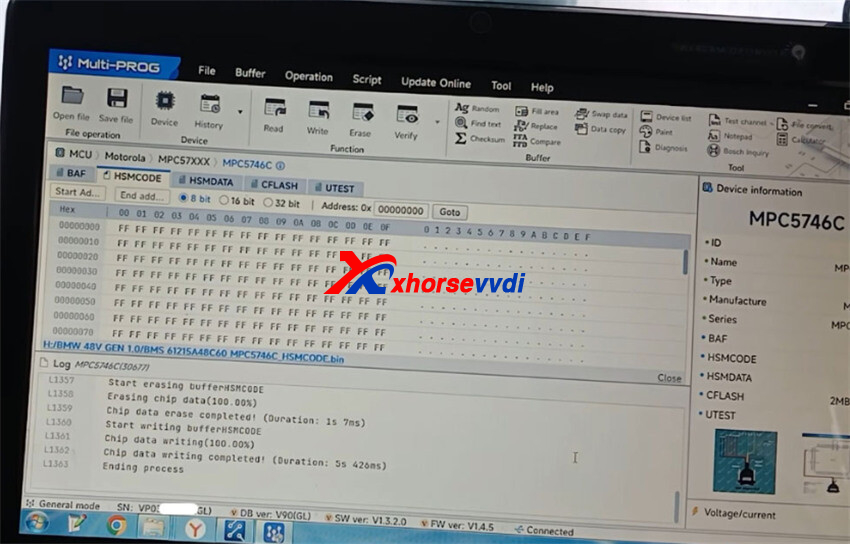
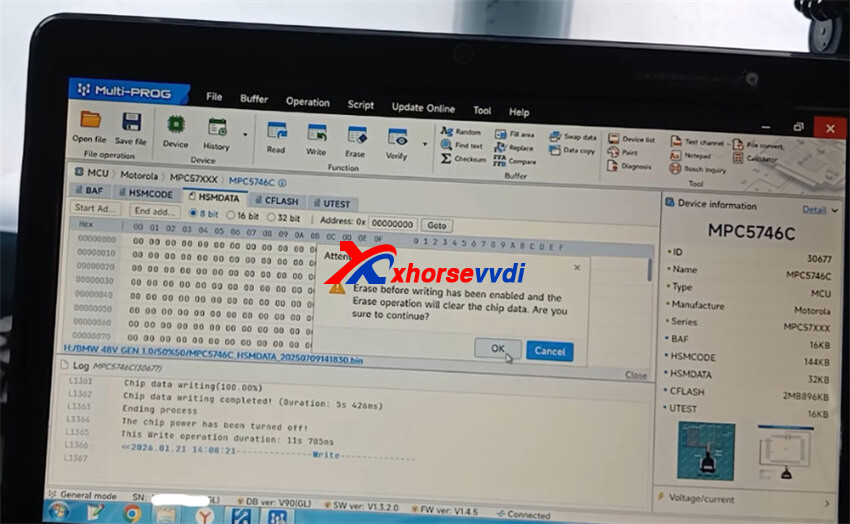
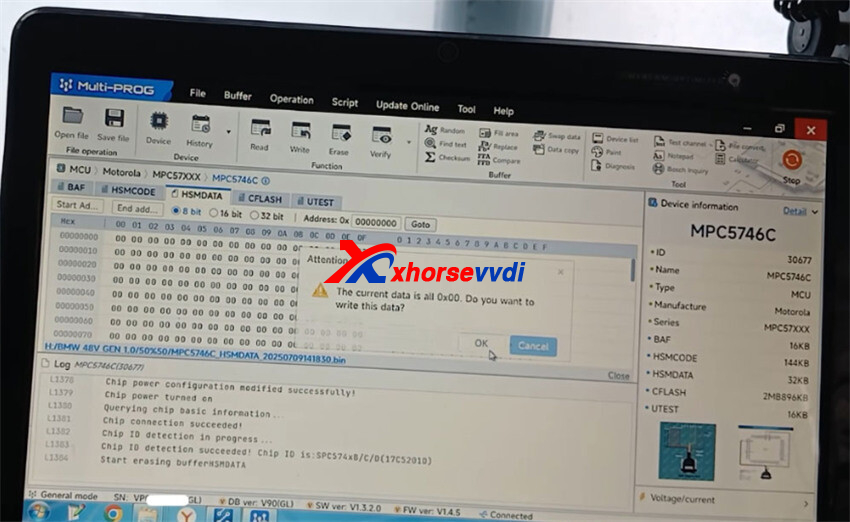
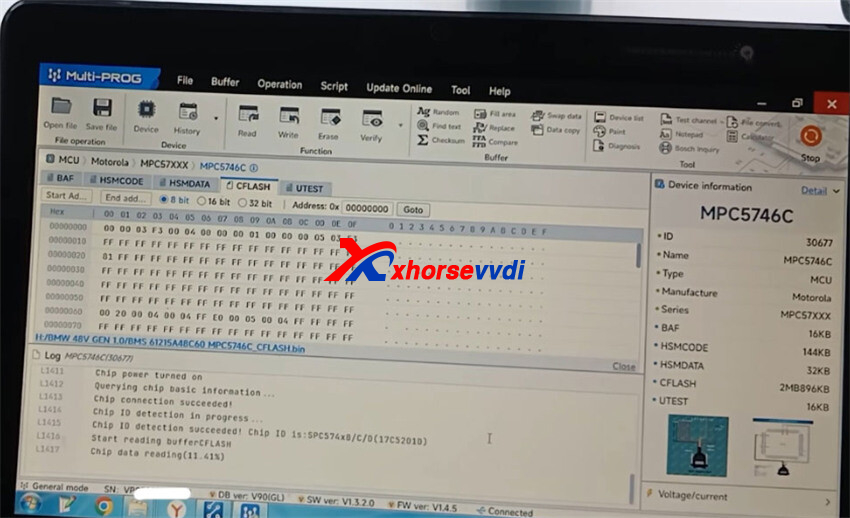
- The Most Important Step:After a failed VVDI Programmer attempt, just rewriting the CFlash isn’t enough. You must manually replace the MH Code and MHD Data files because the tool won’t fix them automatically.
- Write the MH Codes:Select the right manufacturer files and hit write. This part finishes very quickly.
Smart Tips for Your Bench
- Write Things Down:There are way too many chips and versions to remember. Keep physical notes or a cheat sheet at your desk so you don’t make mistakes.
- Use Colors:Solder your wires using different colors so you can easily tell the connections apart next time.
- Always Double-Check:Turn off “auto-verify” to speed up the writing process, but always click the manual verify button when it finishes. If the check fails, either the file is bad or the chip itself is broken.
A Quick Word on the Software Layout
- Xhorse Multi Prog Programmer: It works great, but the file window is tiny and hard to read. Plus, there is no scroll arrow, so you have to click the thin scrollbar directly, which is a bit annoying.
- VVDI ProgProgrammer: It has a nice, clear, full-screen view where everything is easy to find. But as this job shows, a clean screen won’t stop you from breaking a module if you click the wrong chip name!
In the end, the BMW 48V battery board was fully fixed and working again.
Skype: xhorsevvdi.com
Whatsapp: https://wa.me/8613983756354


 Whatsapp:
 Skype: