


If the original battery of your Xhorse VVDI Key Tool Plus is damaged or no longer holds a charge, you can replace it easily by following the steps below.
Compatible Battery
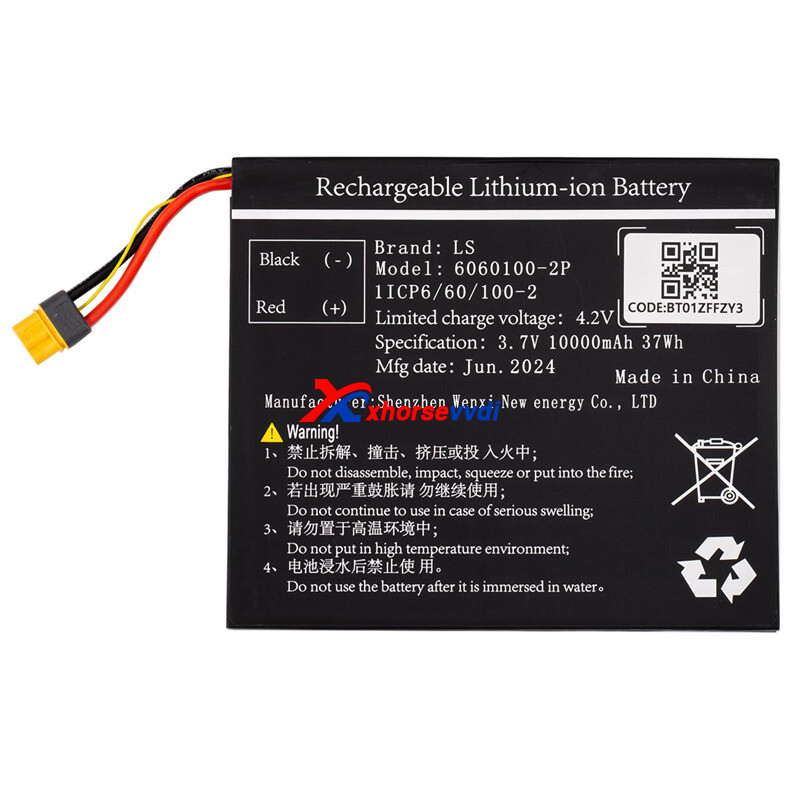
Use the XHORSE XDKP00EN Battery, designed for VVDI Key Tool Plus Full Version & VA Version.
Battery Replacement Steps
1. Install & Update
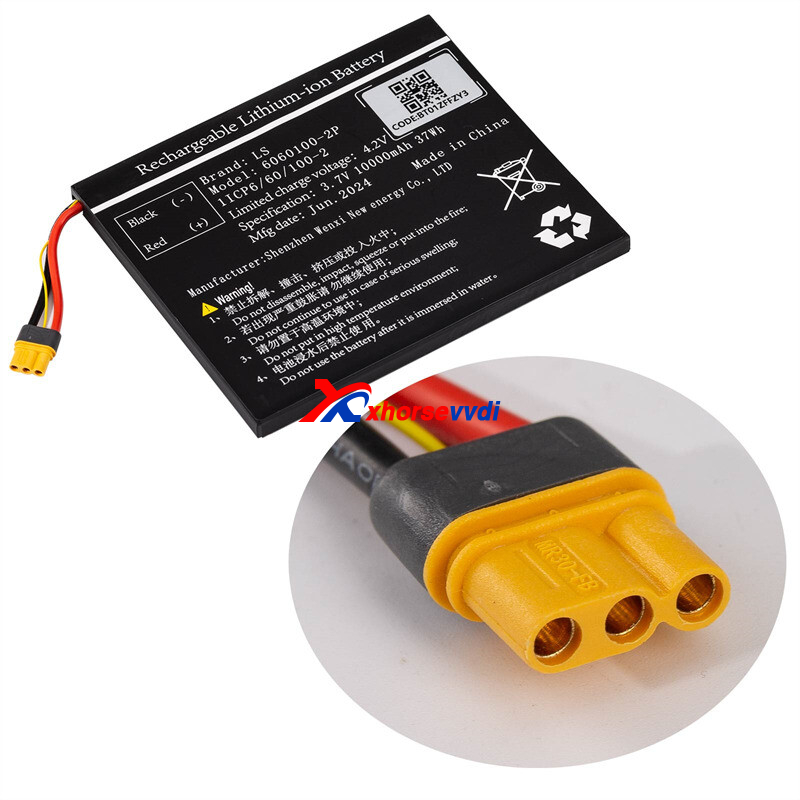
Take a clear photo of the new battery label (you’ll need the code later).
Insert the new battery into the Key Tool Plus.
Power on the device and update the APP to the latest version.
2. Battery Initialization
Open the VVDI Key Tool Plus app.
Go to Settings → Battery Initialization.
Enter the code shown on the battery label.
3. Finish & Confirm
Follow the on-screen instructions.
When you see the message “Battery Initialization Success”, the process is complete.
If you need to purchase a new Xhorse VVDI Key Tool Plus battery, feel free to contact us for details and availability.
Skype: xhorsevvdi.com
Whatsapp: https://wa.me/8613983756354


 Whatsapp:
 Skype: