



If your VVDI MLB Tool is already bound to another account, unbinding must be done through the Xhorse App, not the PC software.
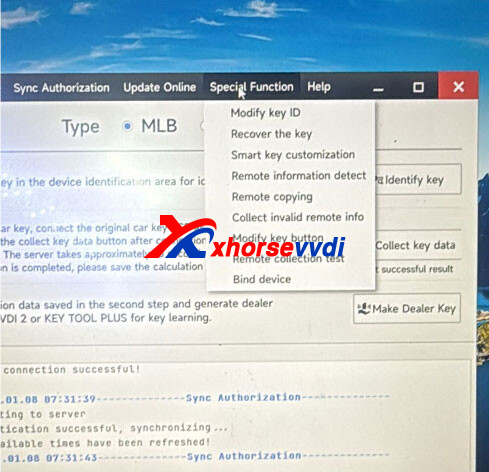
Steps to Unbind VVDI MLB Tool in the Xhorse App:
Open the Xhorse App and log in to the account currently bound to the device.
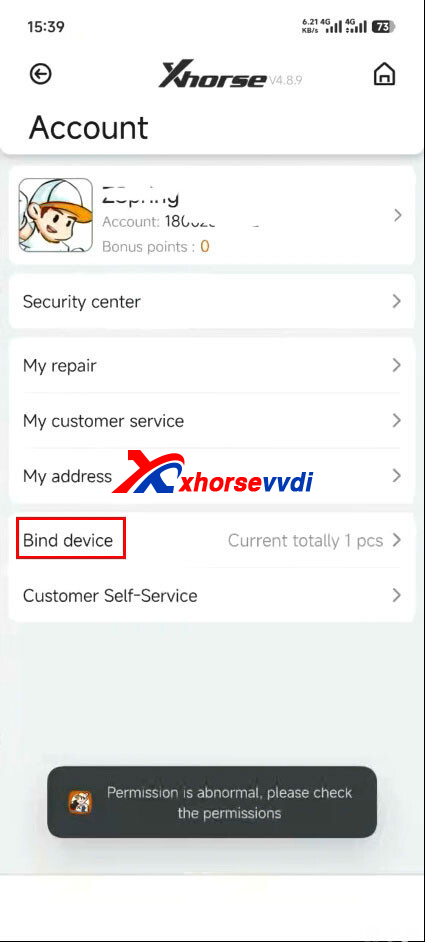
Go to Account → Bind Device.
Find and select the VVDI MLB Tool you want to unbind.
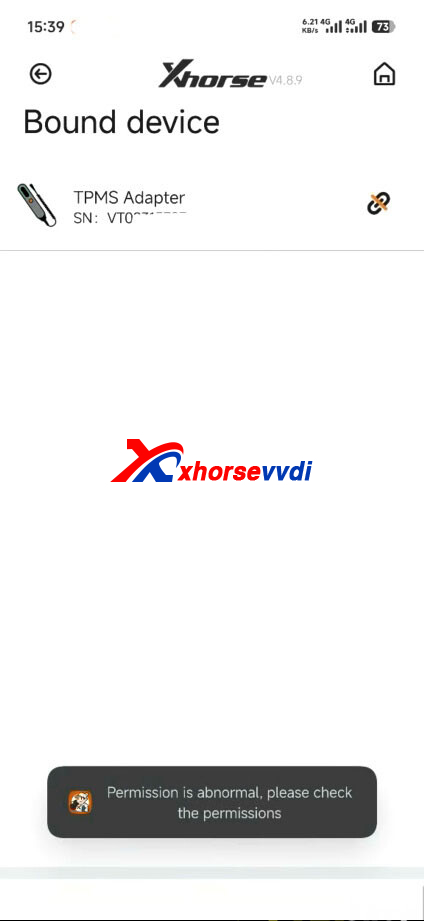
Verify the device serial number (SN)
Request and enter the security verification code to confirm unbinding.
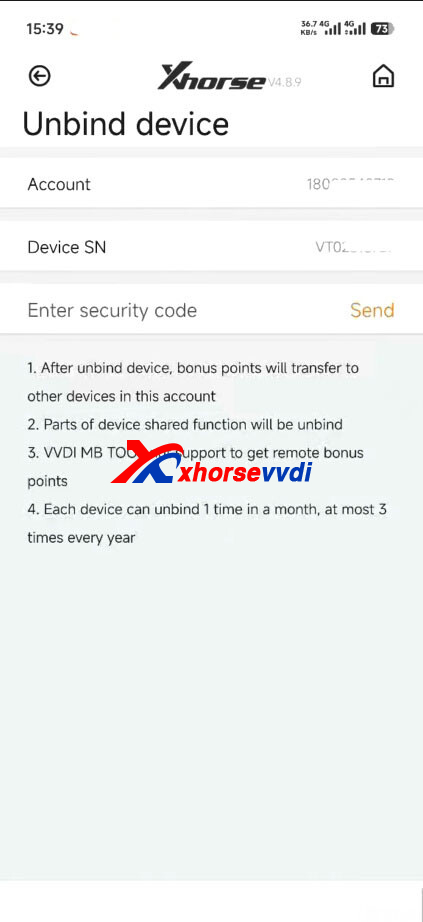
Complete the unbind process.
Important Notes:
After the device is unbound, any bonus points on the device will be transferred to other devices under the same account
Each device can be unbound once per month, with a maximum of three unbinds per year.
If the device owner cannot access the original account, you may need to contact the previous owner or Xhorse official support for assistance.
Once unbound, the Xhorse VVDI MLB Tool can be safely bound to a new Xhorse account and used normally.
Skype: xhorsevvdi.com
Whatsapp: https://wa.me/8613983756354


 Whatsapp:
 Skype: