
Problem:
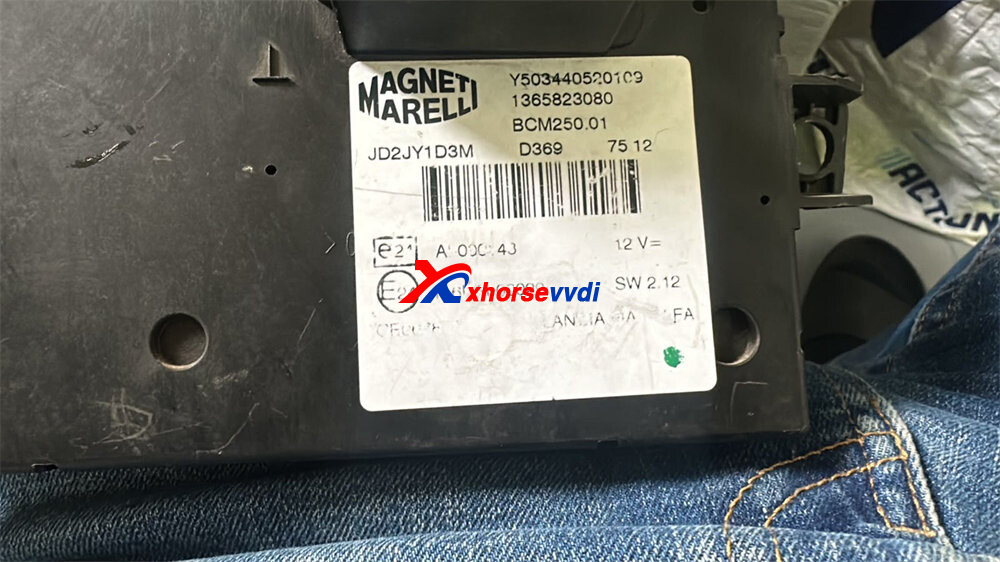
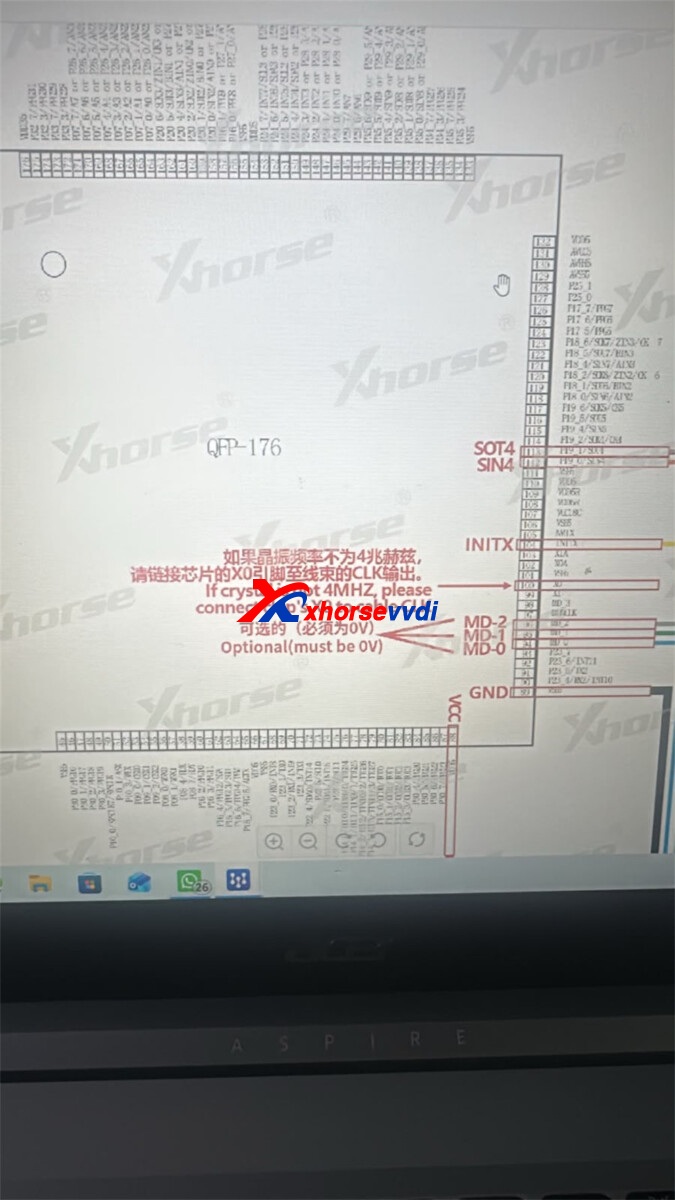
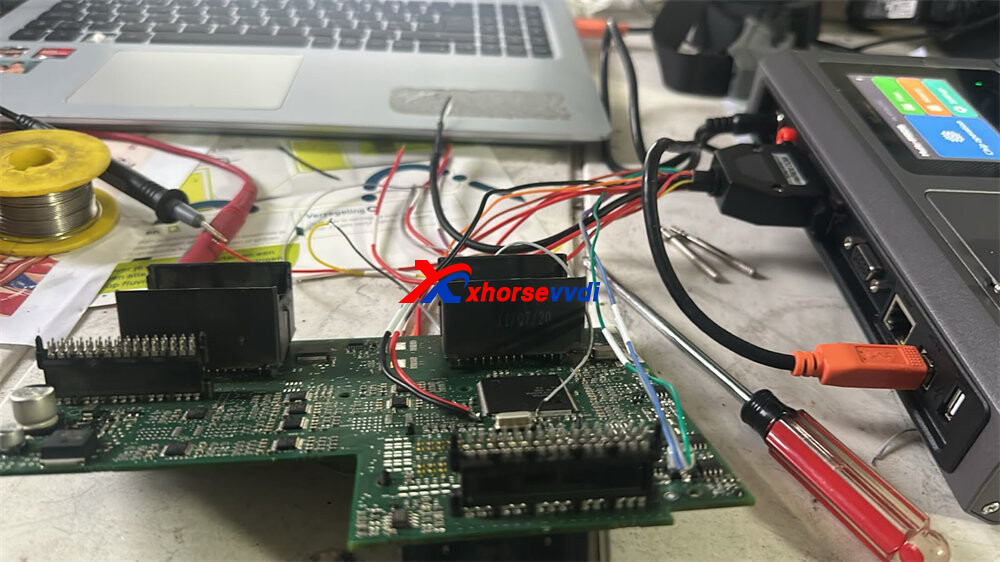
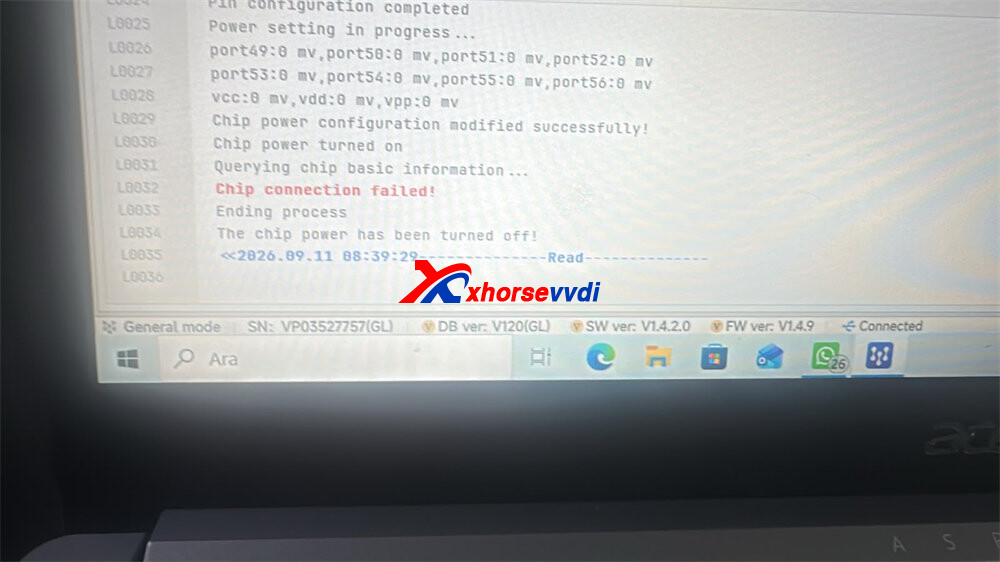
One customer reported that he connected Xhorse Multi-Prog to a BCM according to the corresponding wiring diagram in the software, but always got the error message “chip connection failed!”.
The solution:
Try the methods below:
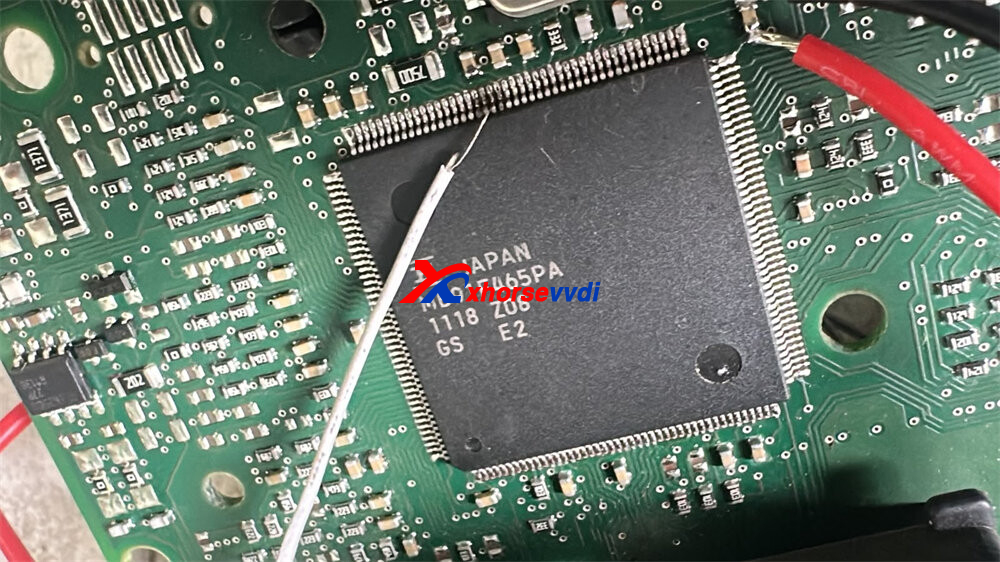
1.Verify that MD0, MD1, and MD2 are all connected to GND.
2.Without connecting VCC, supply 12V externally to the module and test it.
3.If it still does not work, try lifting the TX, RX, and RESET pins and testing again.
Skype: xhorsevvdi.com
Whatsapp: https://wa.me/8613983756354


 Whatsapp:
 Skype: