


Problem:
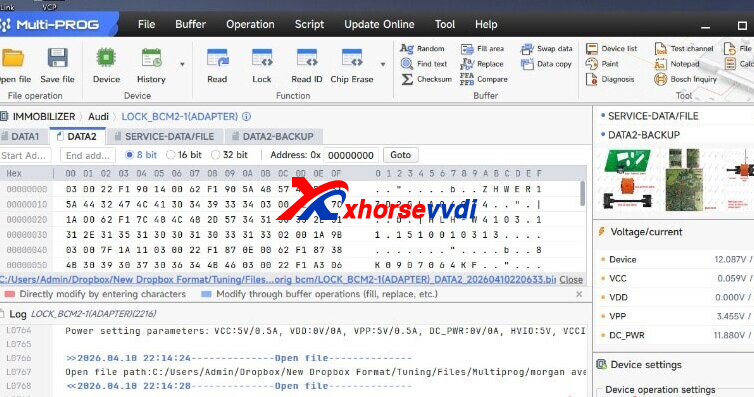
When using Xhorse Multi-Prog with an old BCM2 adapter to clone an Audi BCM2 (A4 type), the module shows as encrypted. Synch data is not required, and you can read Data 1 and Data 2, but don’t know how to use these files.
XhorseVVDI.com Engineer’s Solution:
The old adapter cannot complete a full read, so full cloning isn’t possible directly. You need the new BCM2 adapter or process the data manually.
Steps:
- Read Data 1 and Data 2 with Multi Prog
- Load both files into VVDI Key Tool Plus
- The tool will generate:
- Service File
- Key (IMMO) File
- Write the Service File into the donor BCM2
Result:
No synch needed — BCM2 cloning completed successfully.
Skype: xhorsevvdi.com
Whatsapp: https://wa.me/8613983756354


 Whatsapp:
 Skype: