
The Xhorse VVDI Key Tool MIDI Advanced Version now supports reading original VAG MQB49 5C/5D key data and performing key addition without requiring the Multi-Prog.
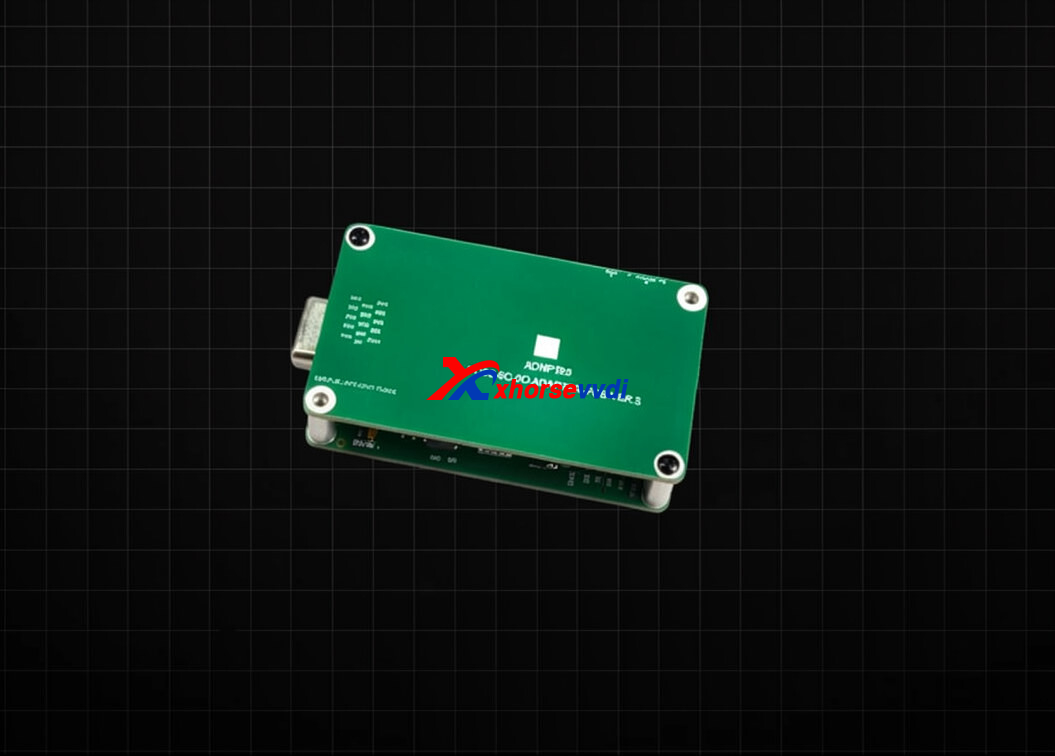
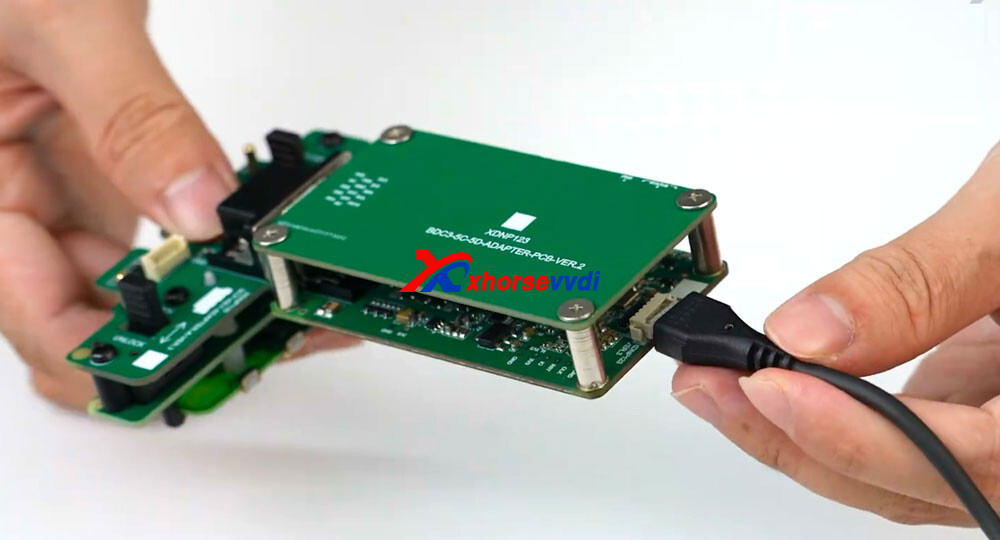
To connect the Xhorse 5C/5D Adapter to the Key Tool MIDI, an XNDP123 Converter is required.
With the correct connection, you can complete MQB49 5C/5D key data reading and key programming quickly and efficiently using the Key Tool MIDI Advanced Version.
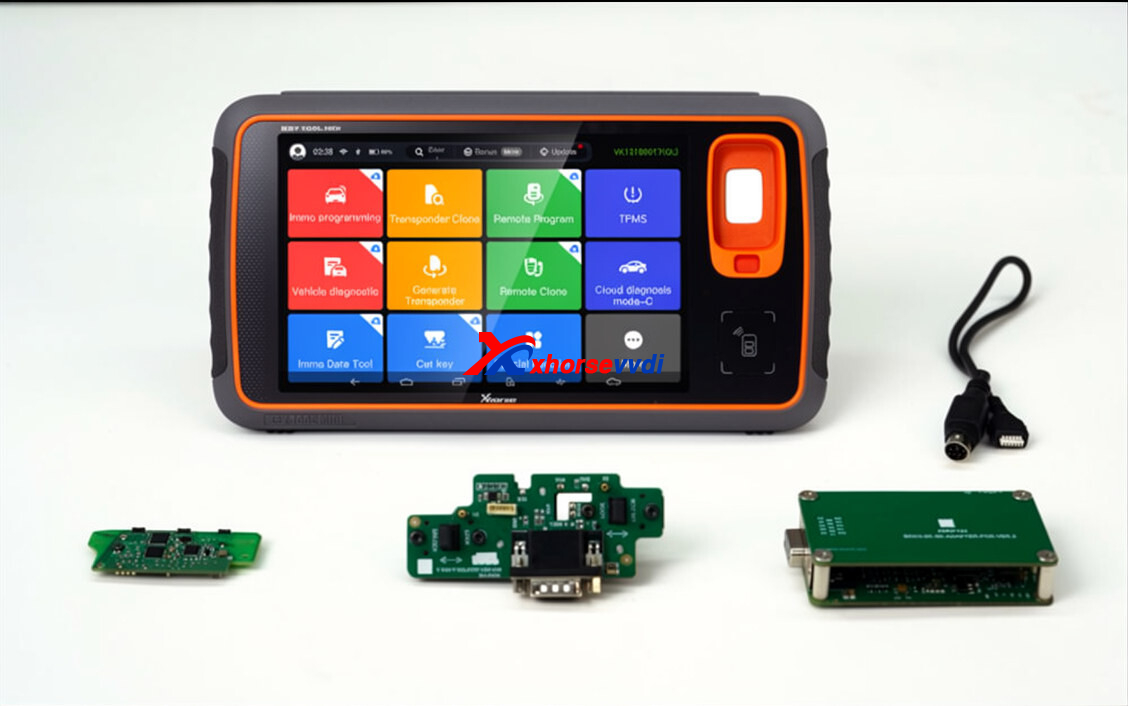
First, remove the original key PCB from the key shell.
Then connect the PCB to the 5C/5D adapter for data reading and processing.
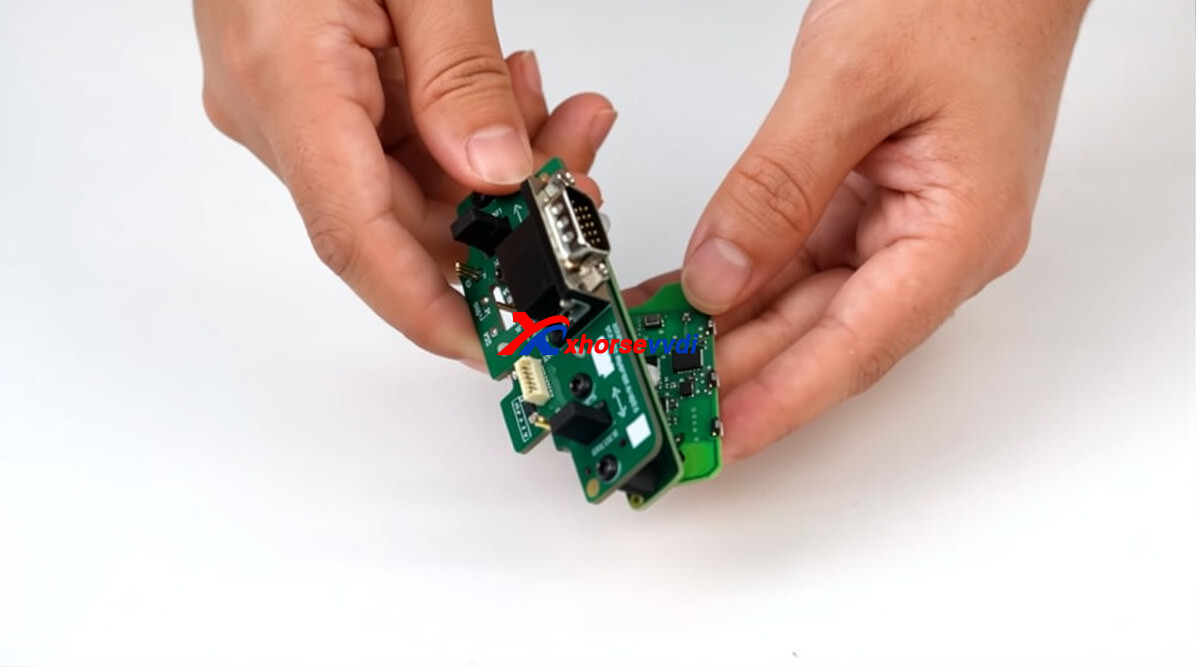
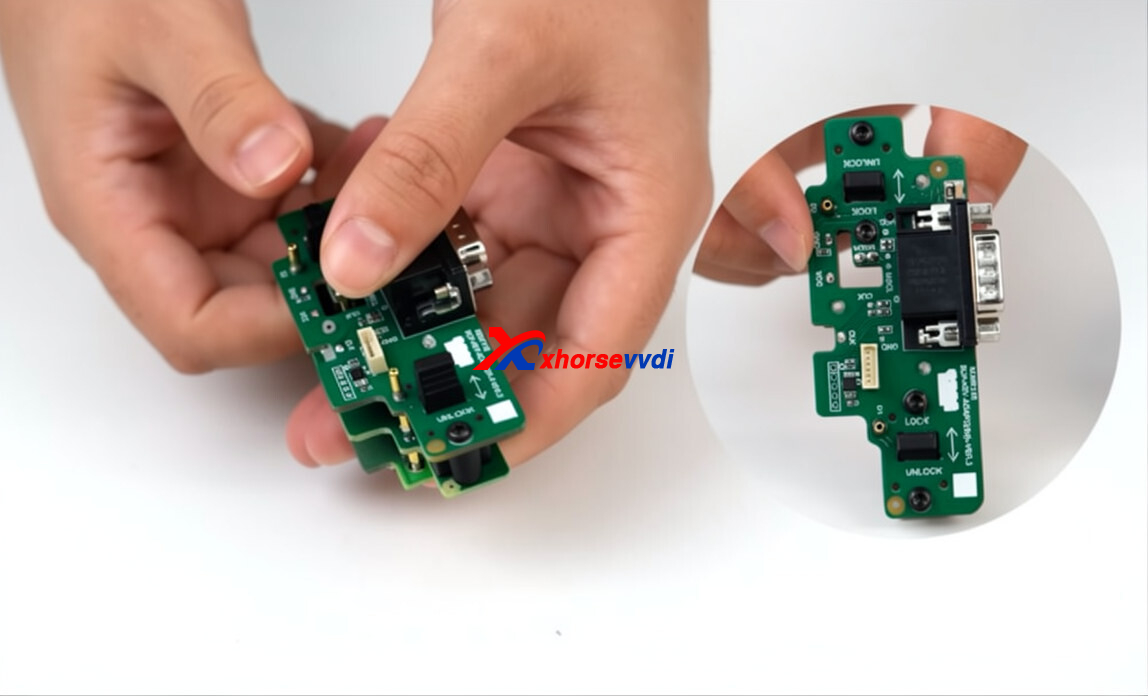
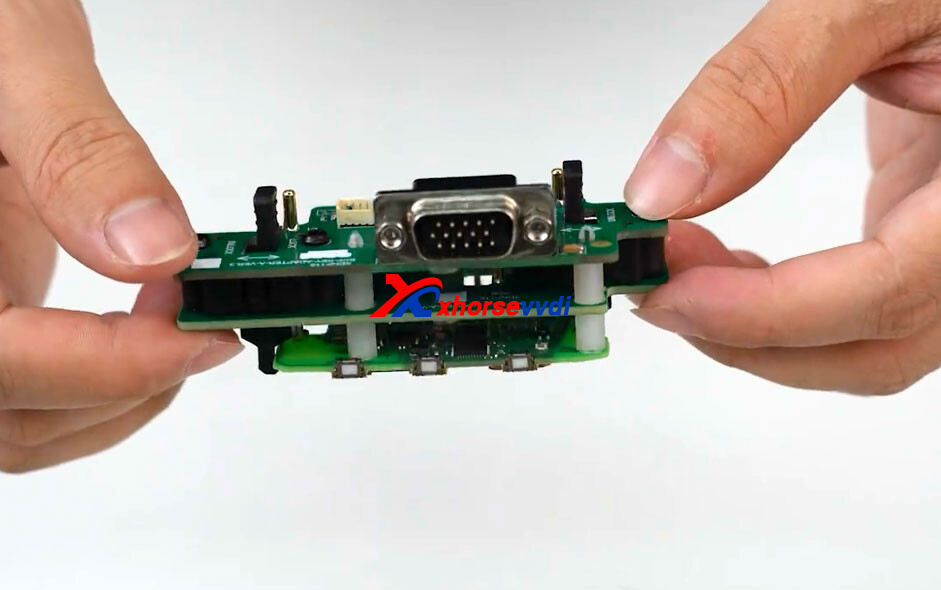
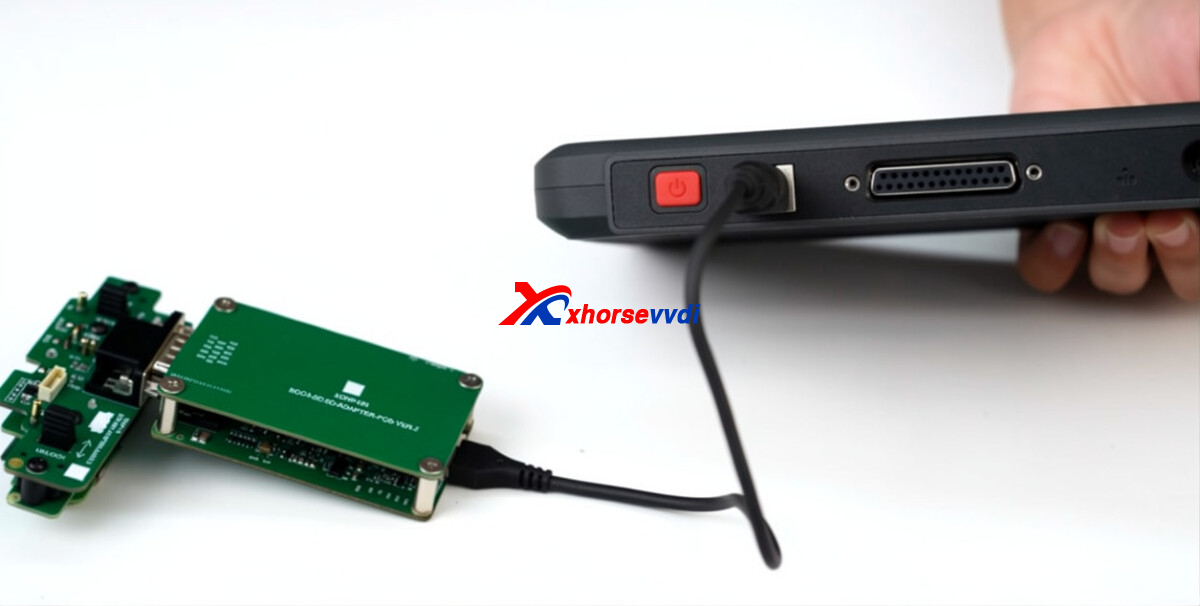
Connect 5C/5D adapter with XDNP123 converter.
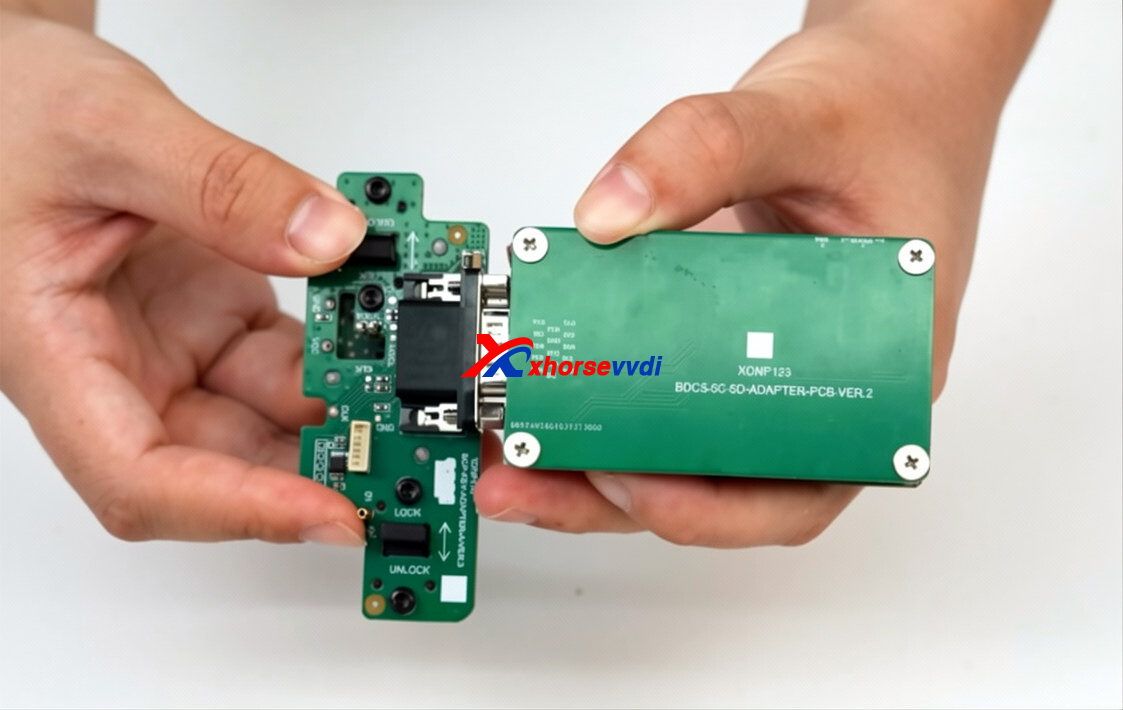
Connect the XNDP123 converter to the MIDI tablet using a USB cable for stable communication and reliable data transfer.
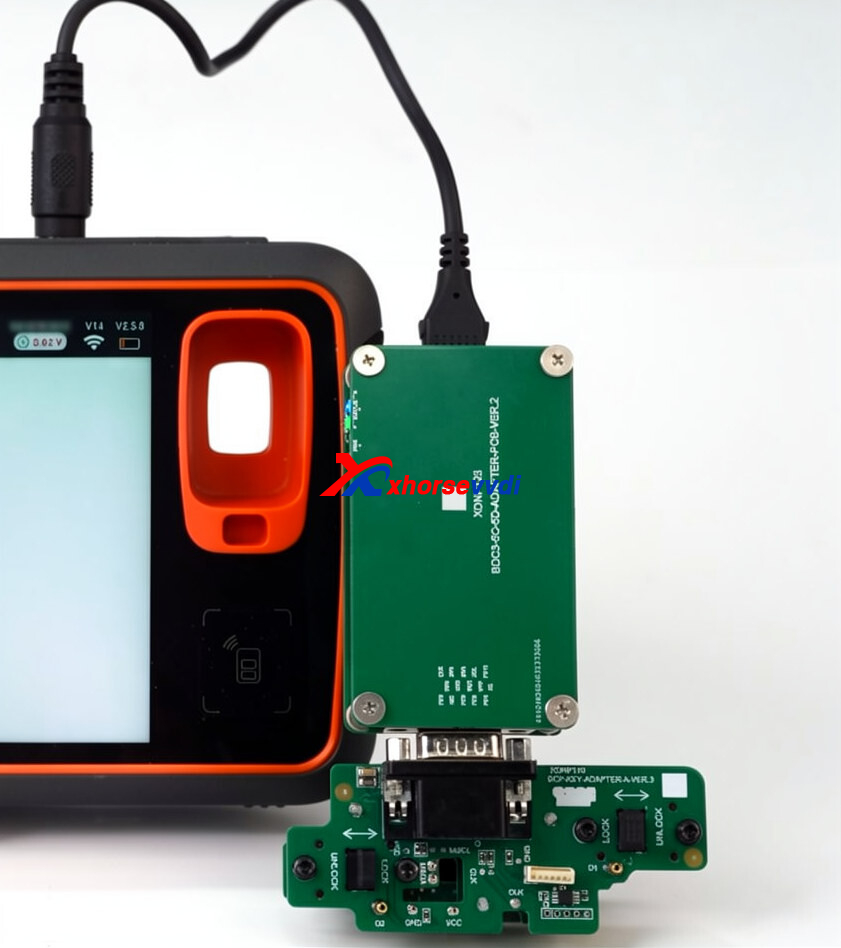
Now you can read MQB 5C/5D key data, generate dealer keys, and program new keys directly with the MIDI — no need for additional devices or complicated setups.
Skype: xhorsevvdi.com
Whatsapp: https://wa.me/8613983756354


 Whatsapp:
 Skype: