

How to Program a Renault Kwid (RXL) 4A Blade Key for All Keys Lost Using Xhorse Multi-Prog and Key Tool MIDI/Key Tool Plus?
Step by Step:
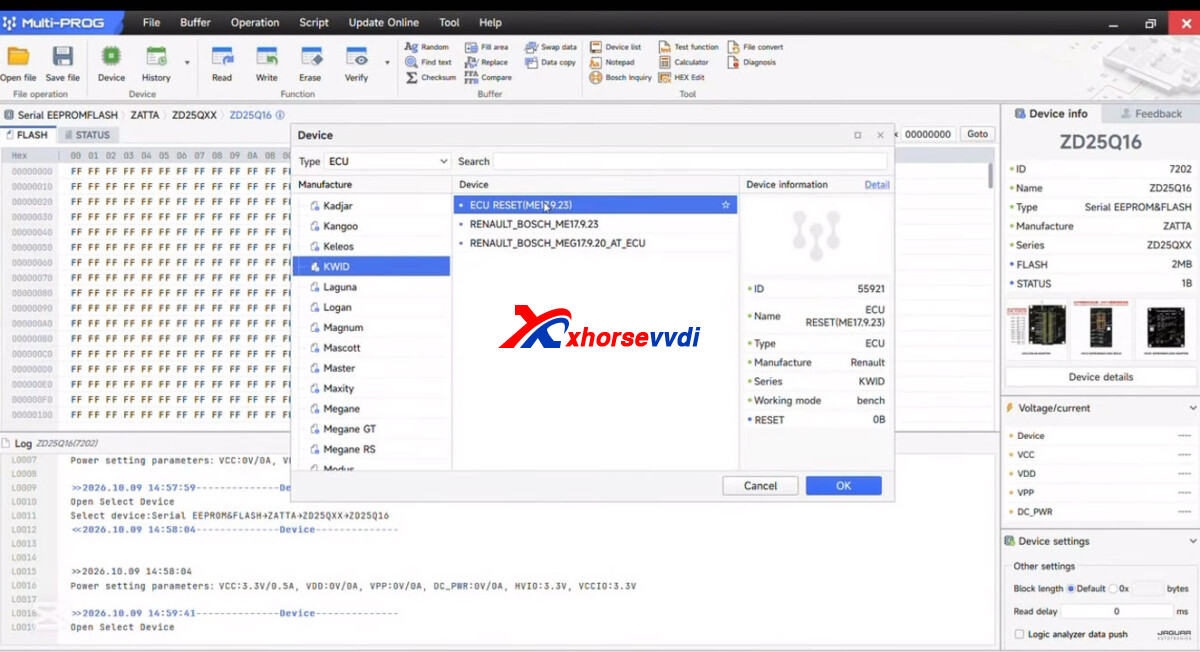
Step 1: ECU Reset
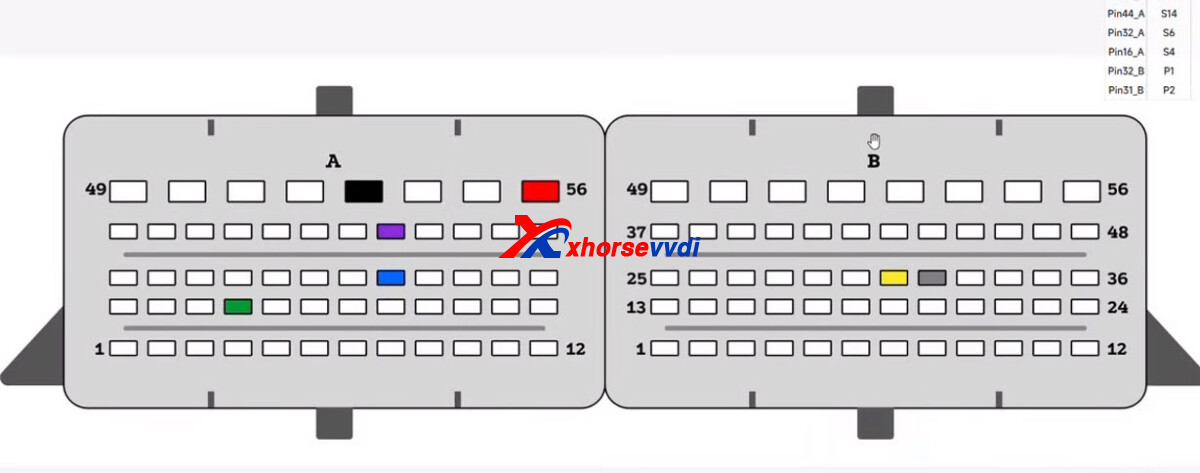
Select Device → ECU → Renault → KWID → ECU Reset (ME17.9.23).
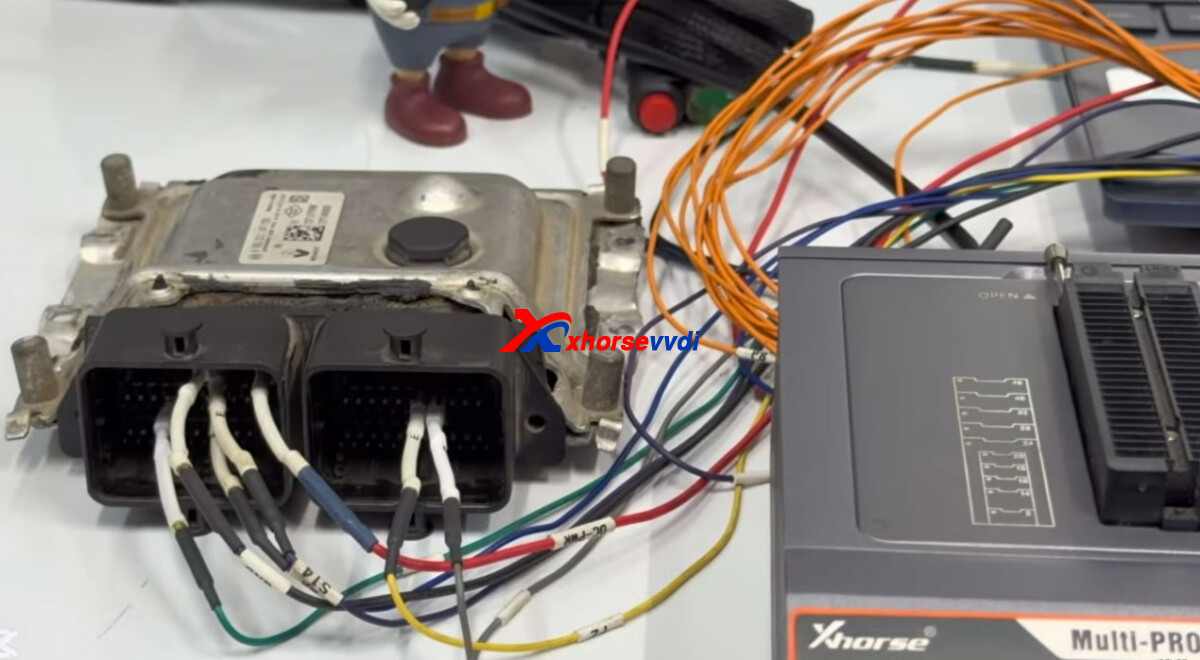
Connect the pins according to the Xhorse Multi-Prog pinout diagram.
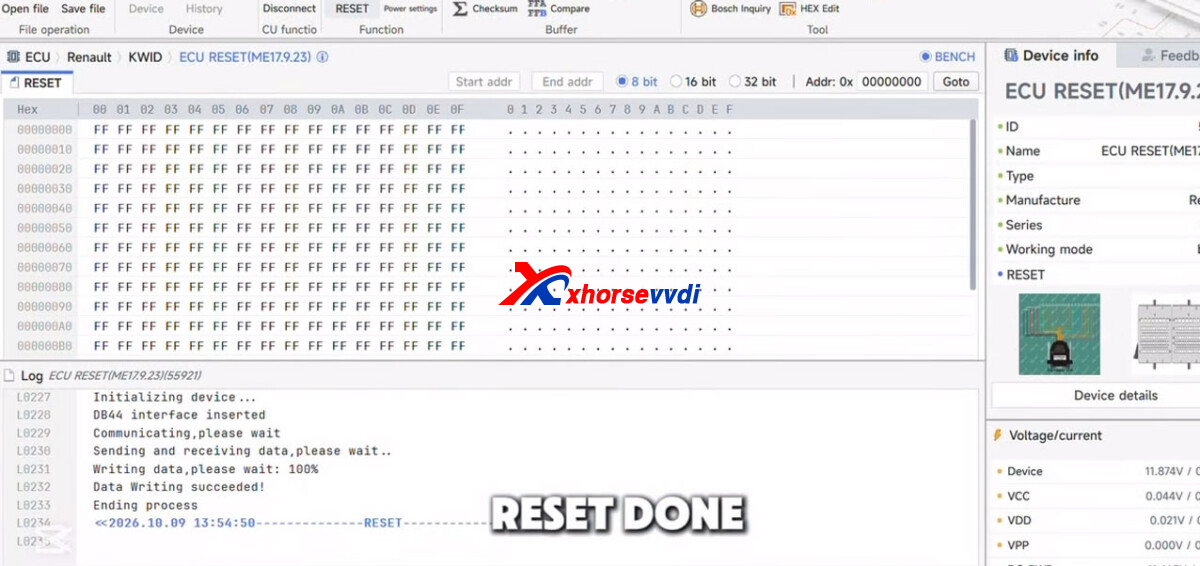
ECU reset completed successfully.
Disconnect the ECU.
Step 2: Generate the XT57B chip
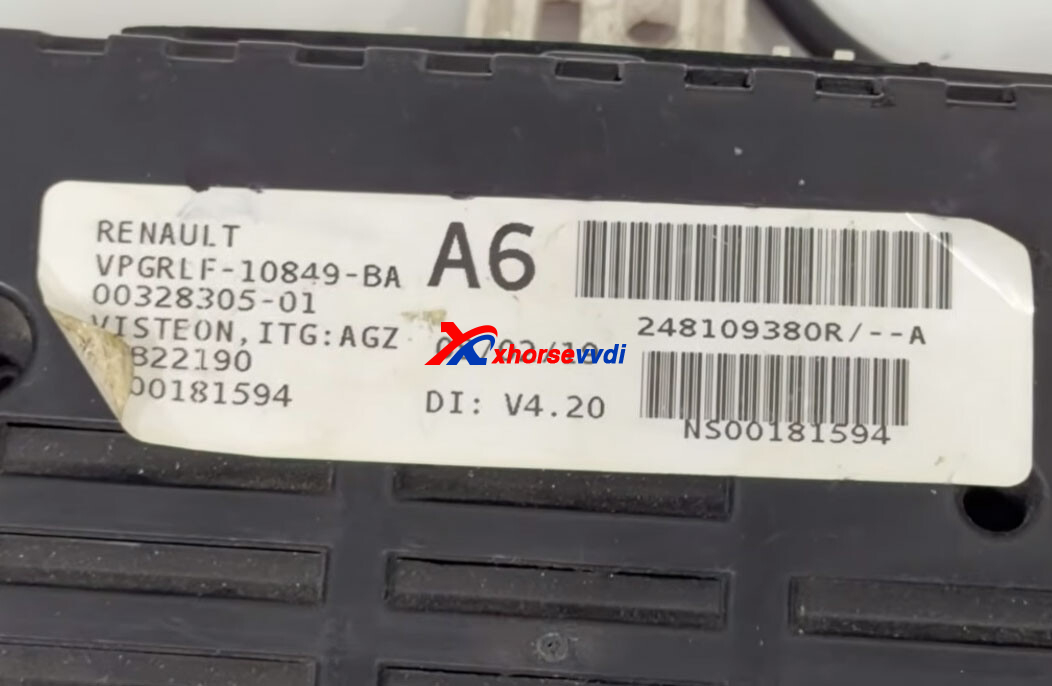
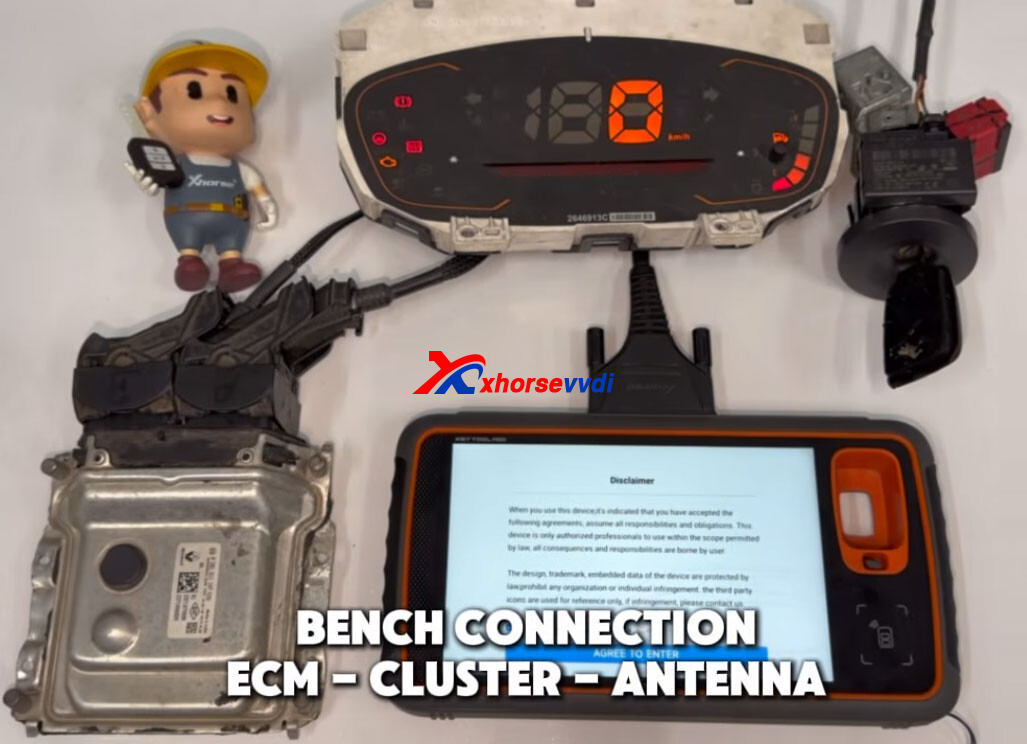
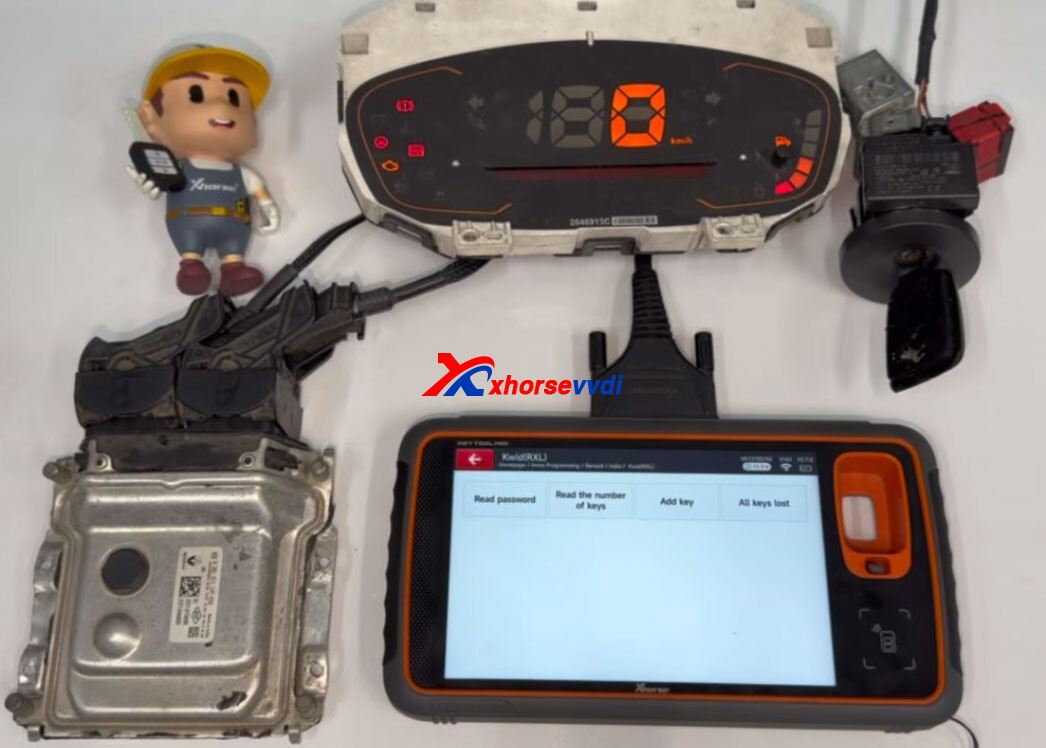
Reinstall the ECU in the vehicle, or establish a bench connection with the ECU, instrument cluster, and ignition using the Xhorse Key TOOL MIDI/Plus.
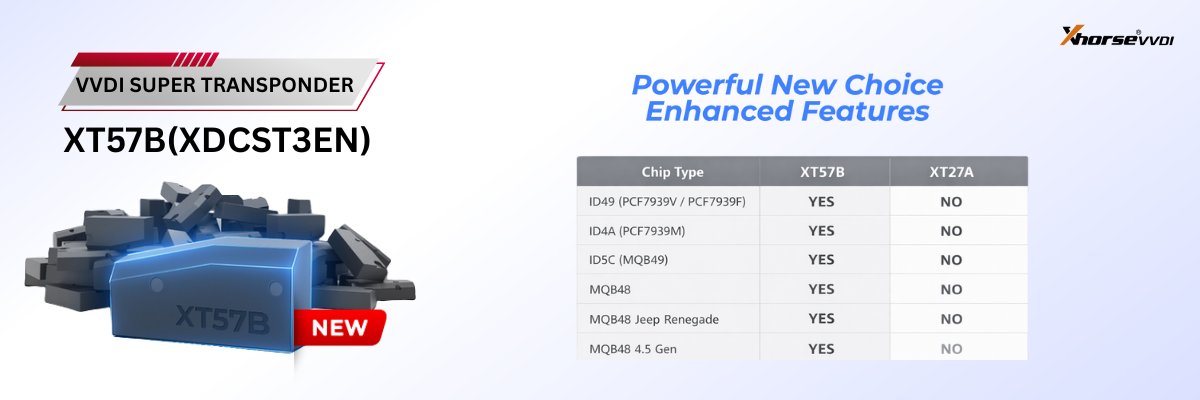
Use the XT57B chip to generate a 4A blank chip.
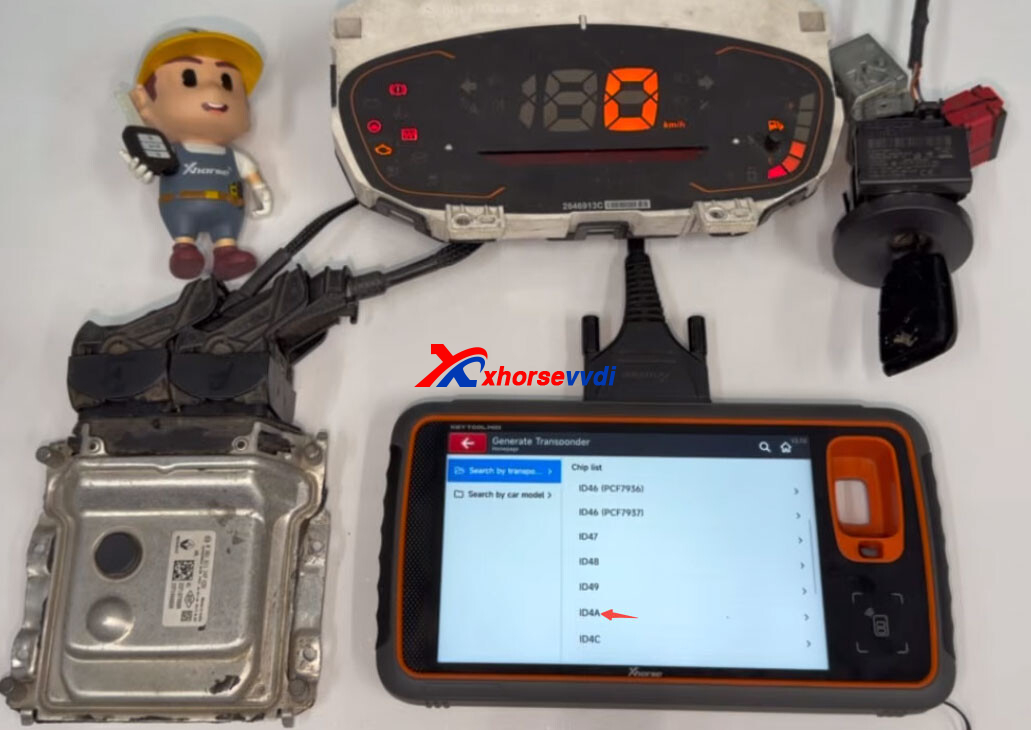
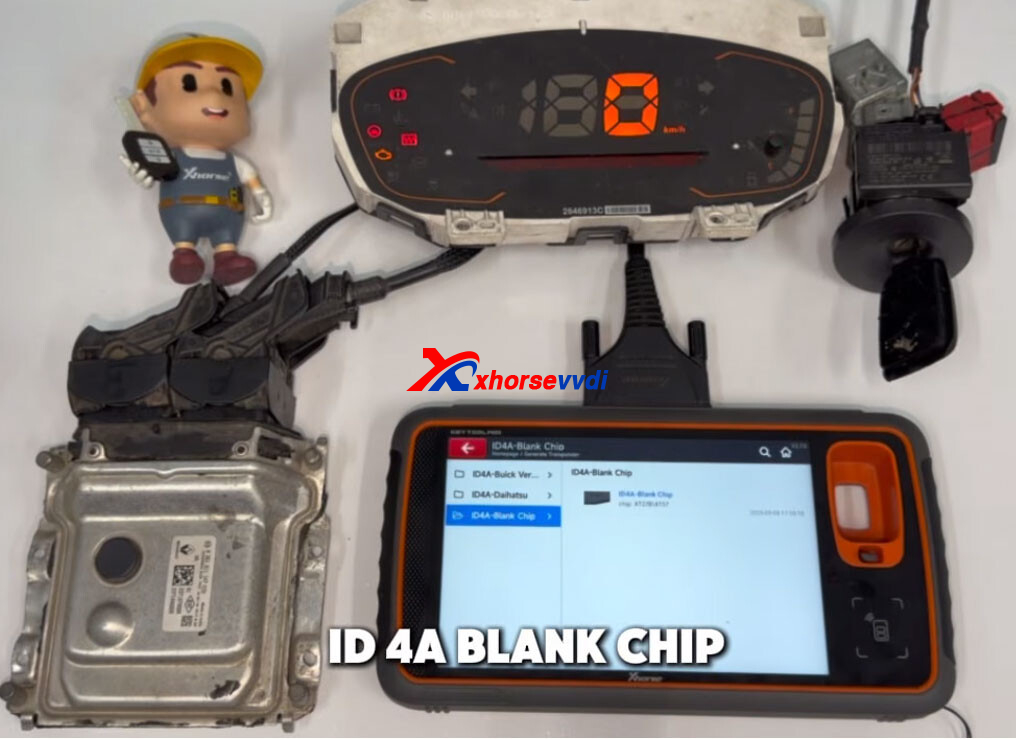
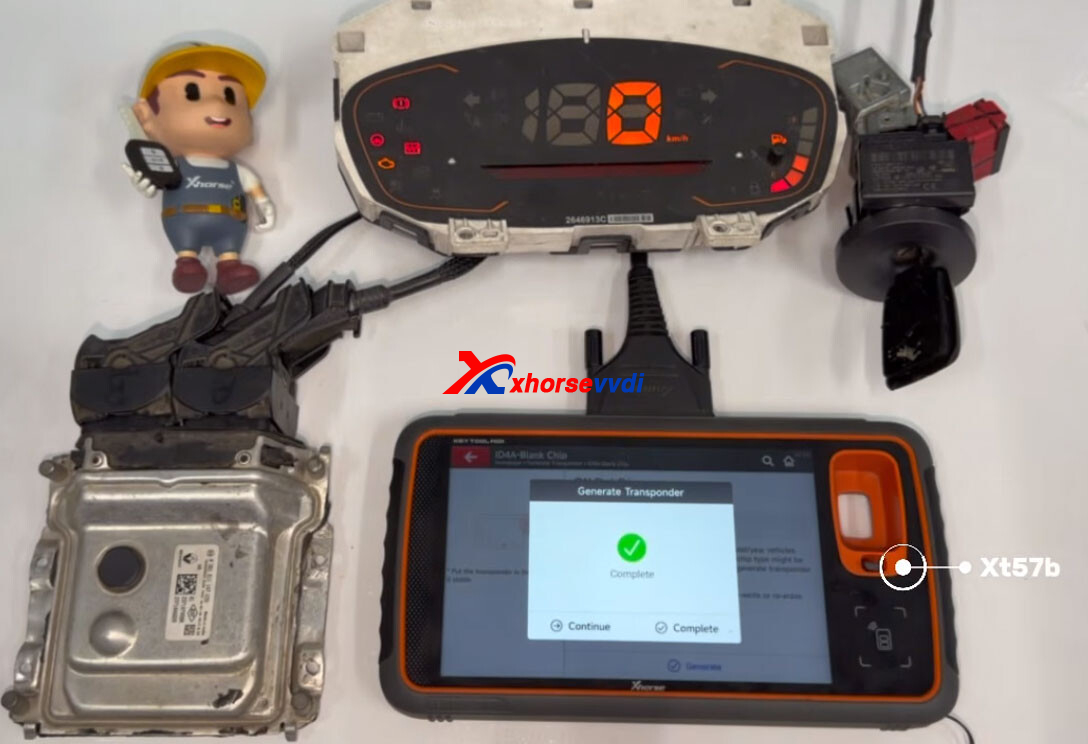
Step 3: IMMO Programming
Navigate to IMMO Programming – Renault – India – Kwid (RXL), then click Start Programming.
Select All Keys Lost.
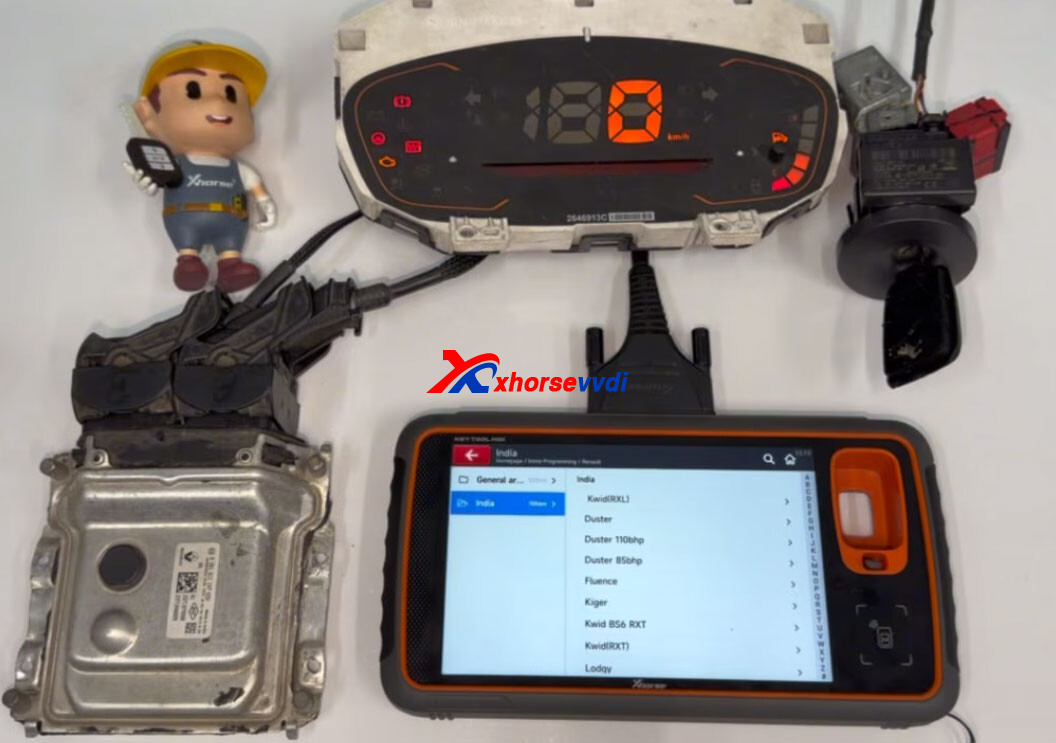
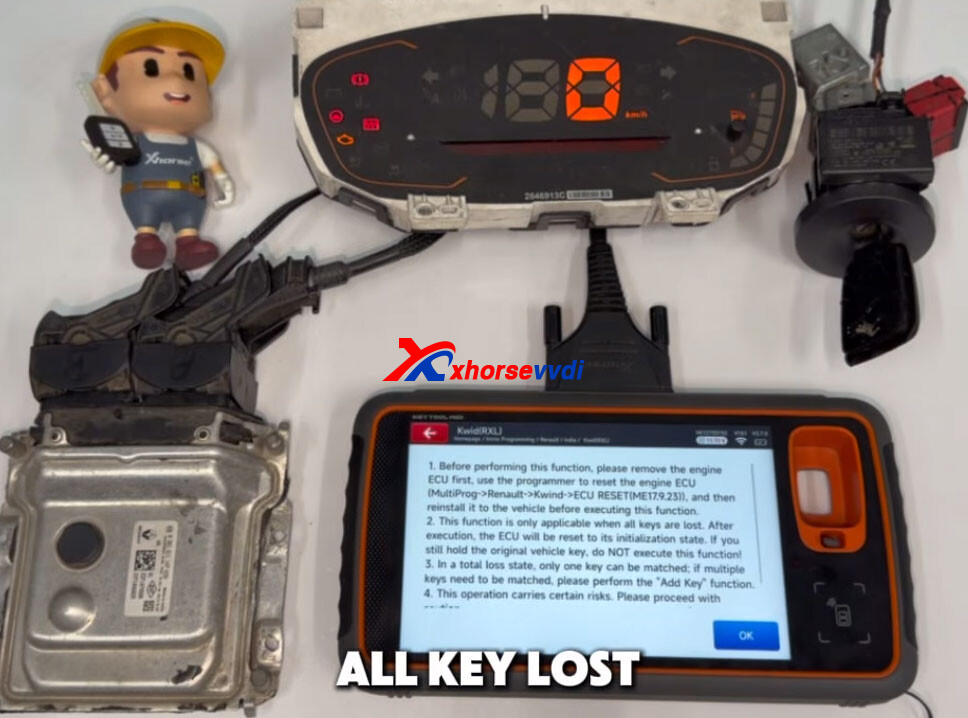
Before performing this function, remove the engine ECU from the vehicle and use the Multi Prog programmer to reset the ECU. Once the reset is complete, reinstall the ECU and establish the bench connection as described in Step 1.
Press OK to continue.
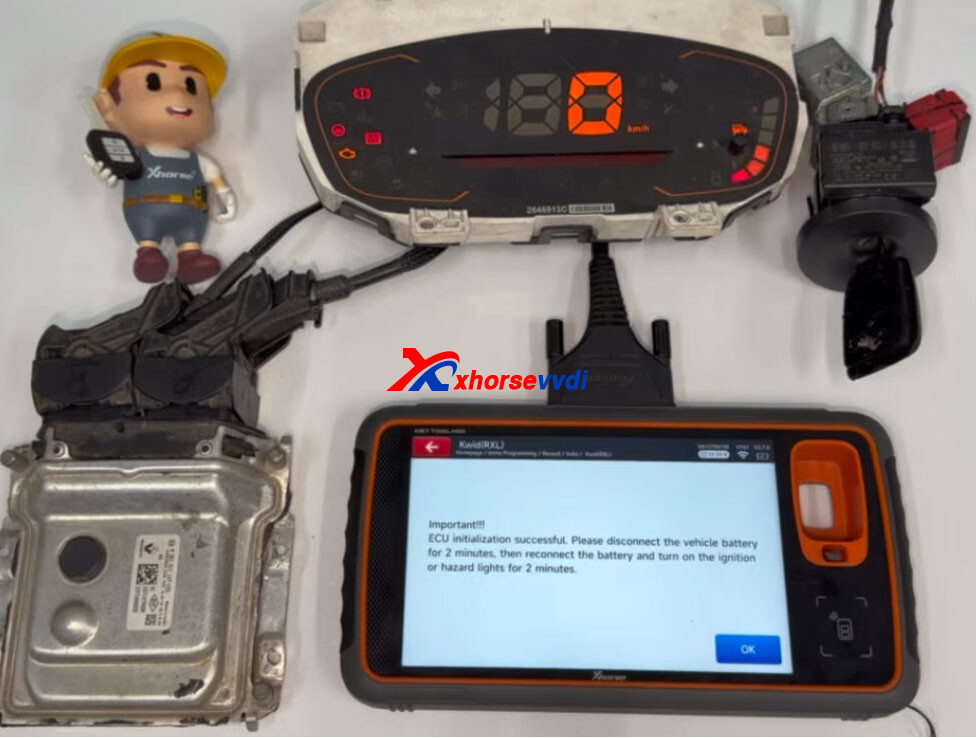
ECU initialization completed successfully.
Disconnect the vehicle battery for 1 minute, reconnect it, then switch on the ignition or activate the hazard lights for 2 minutes.
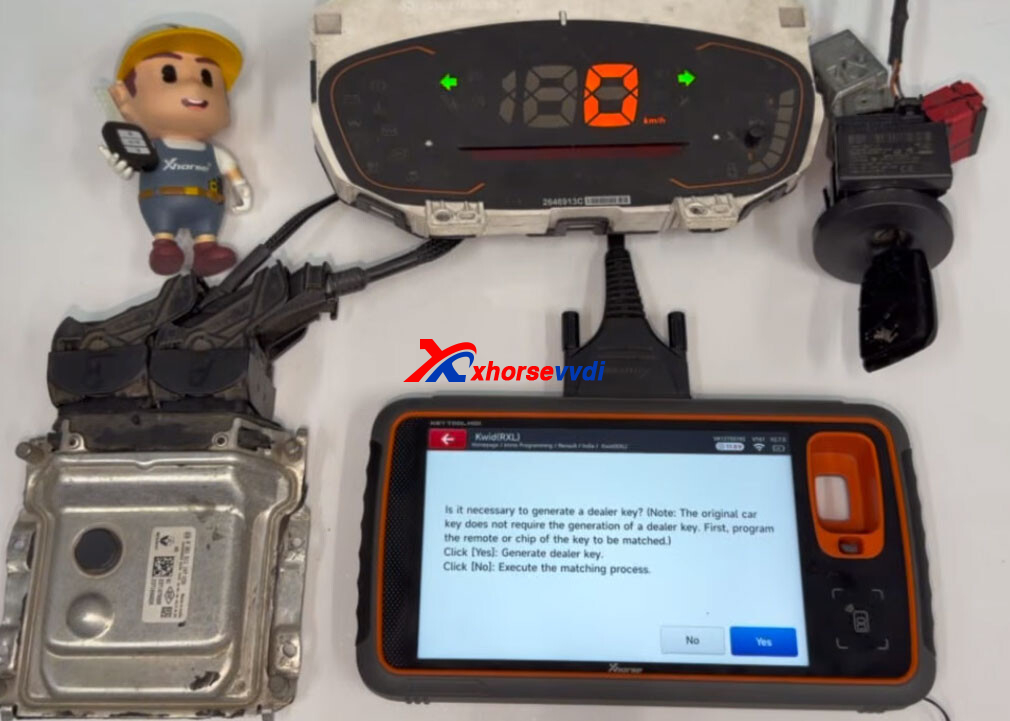
Switch on the hazard lights and turn the ignition OFF.
Select Yes to start generating the dealer key.
Insert the key with the XT57B chip into the sensing coil of the Key Tool MIDI.
Successfully generate the dealer key.
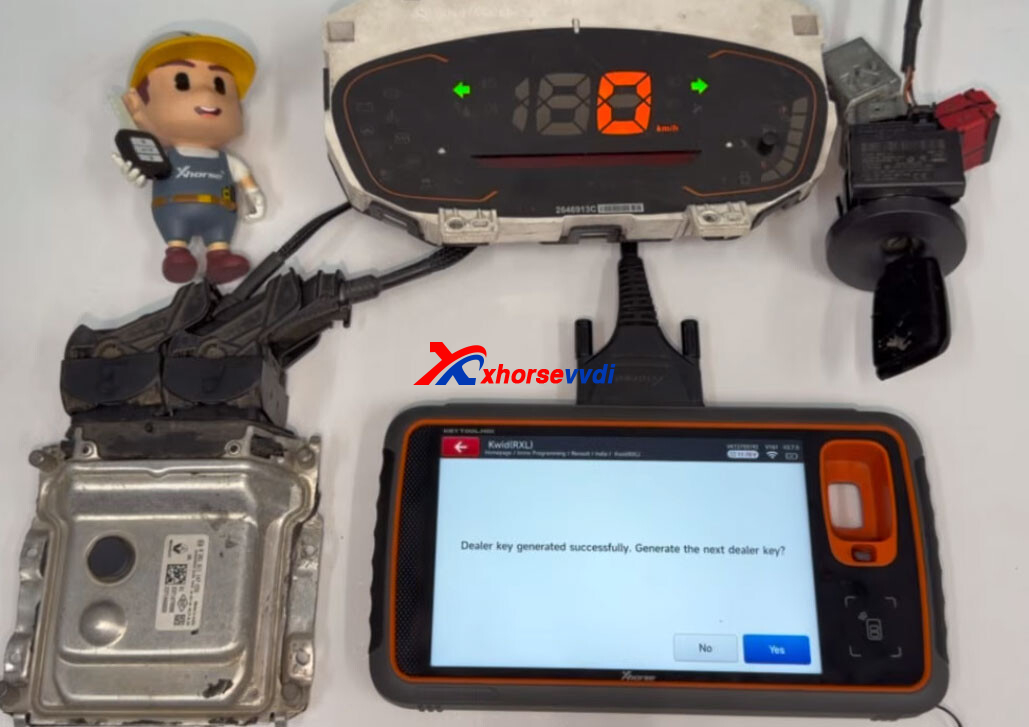
Press No to skip generating the next key.
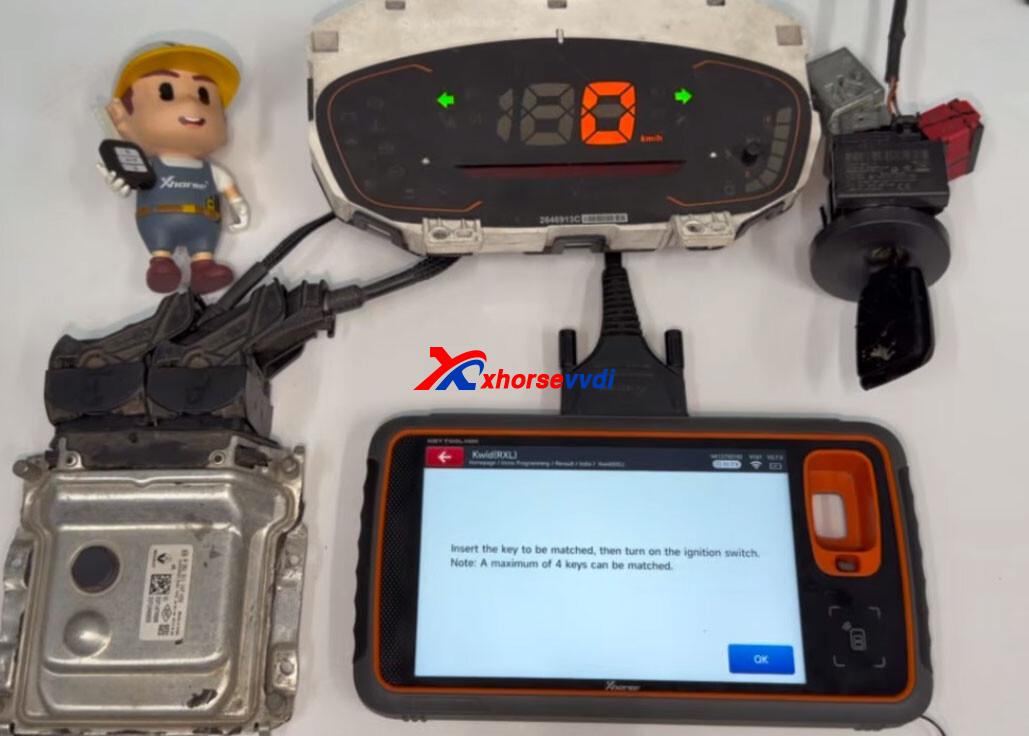
Insert the key to be programmed and turn on the ignition.
Switch off the ignition, wait for 5 seconds, then turn it on again.
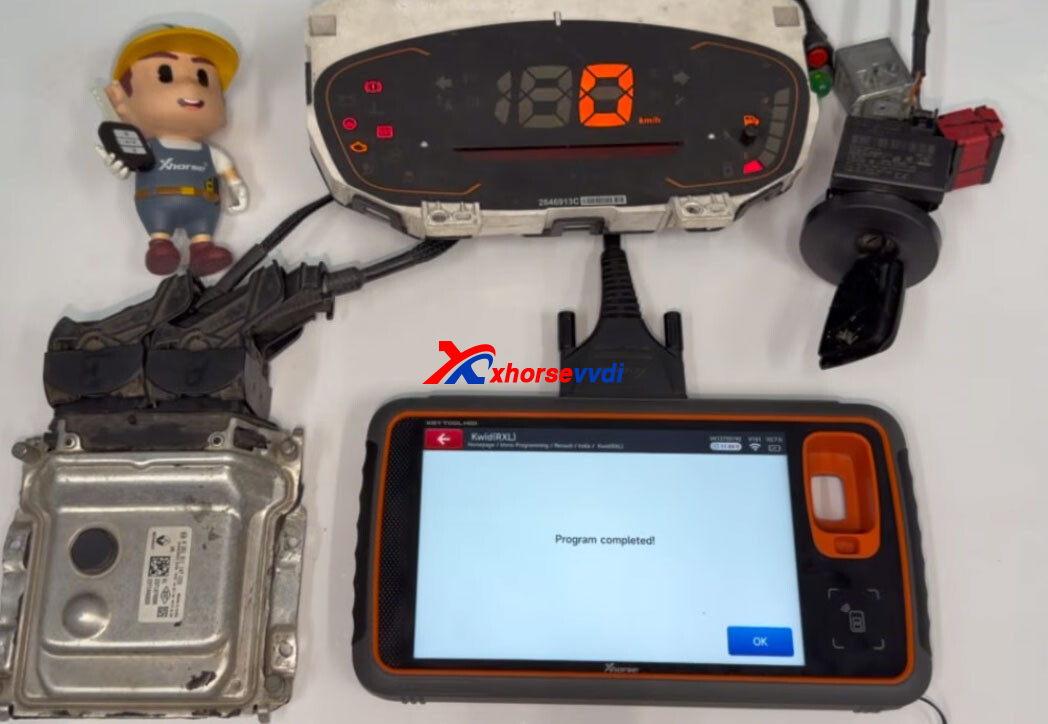
Key programming completed successfully.
Skype: xhorsevvdi.com
Whatsapp: https://wa.me/8613983756354


 Whatsapp:

 Skype: