
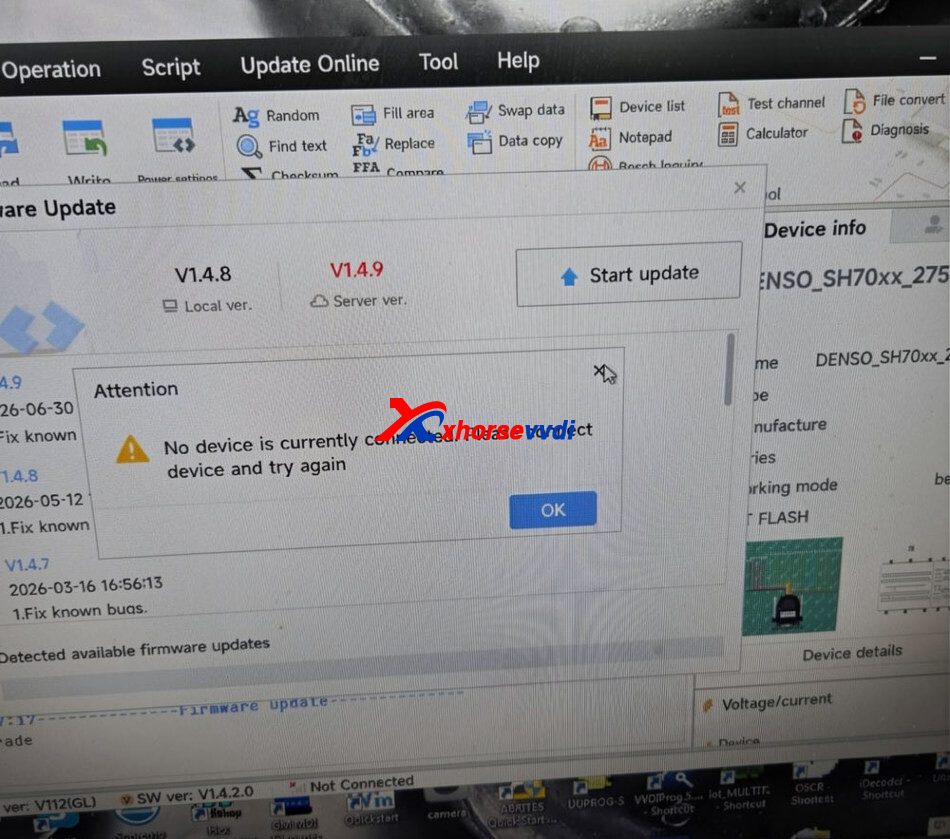
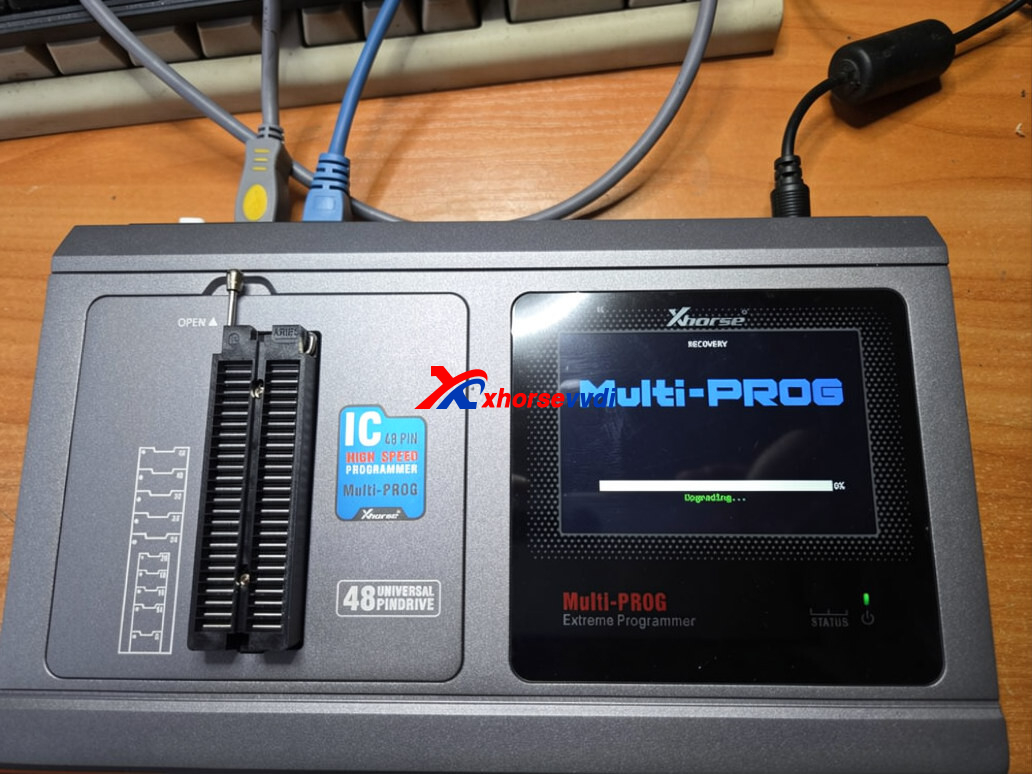
Some users may find that after updating the Xhorse Multi Prog to Firmware V1.4.9, the device is no longer detected by the software. The programmer may display “UPDATING” and remain stuck in that state.
Why it happens?
During the V1.4.9 firmware update, the Multi-Prog temporarily switches USB modes. If the PC loses the USB driver connection for a moment, the device can remain in bootloader mode, causing the “UPDATING” message to stay on the screen.
How to fix it?
- Connect the Multi Prog directly to a USB 2.0 port (avoid USB hubs).
- Open the Xhorse Multi Prog software.
- Press and hold the Reset button on the device for 10 seconds.
- Reconnect the device and enter Firmware Recovery mode from the software to complete the firmware update.
After the recovery process is finished, the Multi Prog should reconnect normally and be ready for use.
Skype: xhorsevvdi.com
Whatsapp: https://wa.me/8613983756354


 Whatsapp:
 Skype: