


Adding a smart key to newer Toyota models can be challenging, especially with advanced immobilizer systems. In this case, a 2025 Toyota Alphard (Korean version) equipped with an 8A smart key system was successfully programmed using the Xhorse VVDI Key Tool Plus. Below is a step-by-step overview of the process, along with the required tools.
Hardware & Tools
Key-Steps
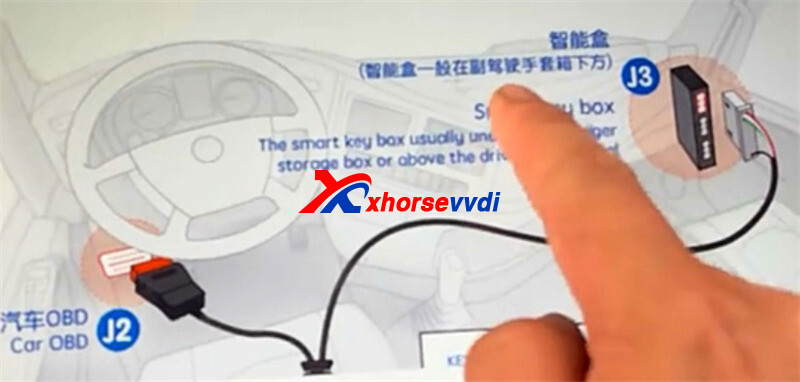
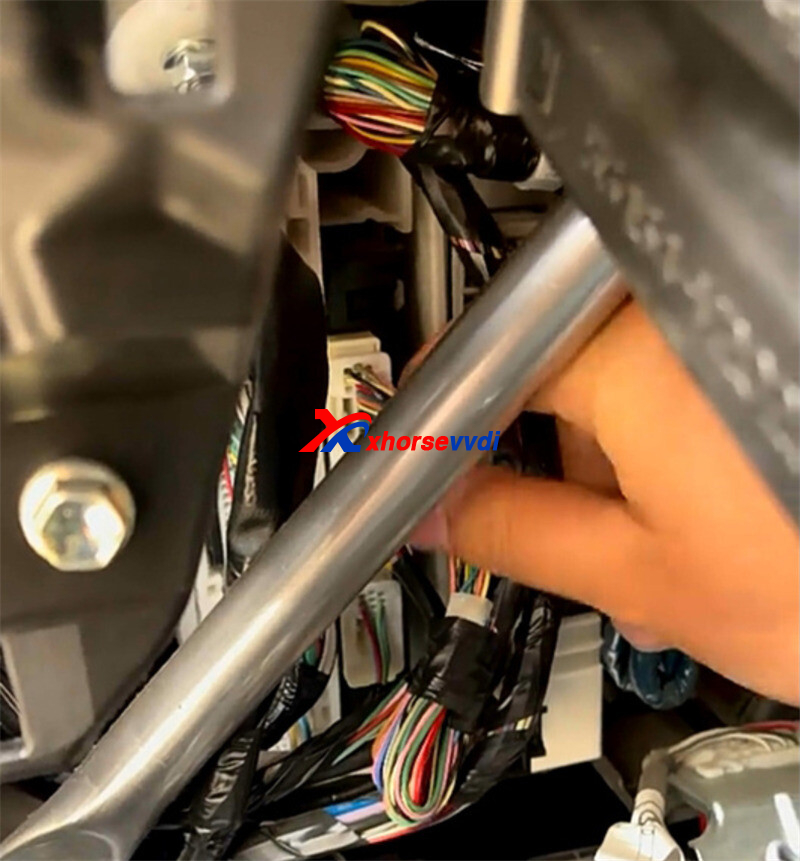
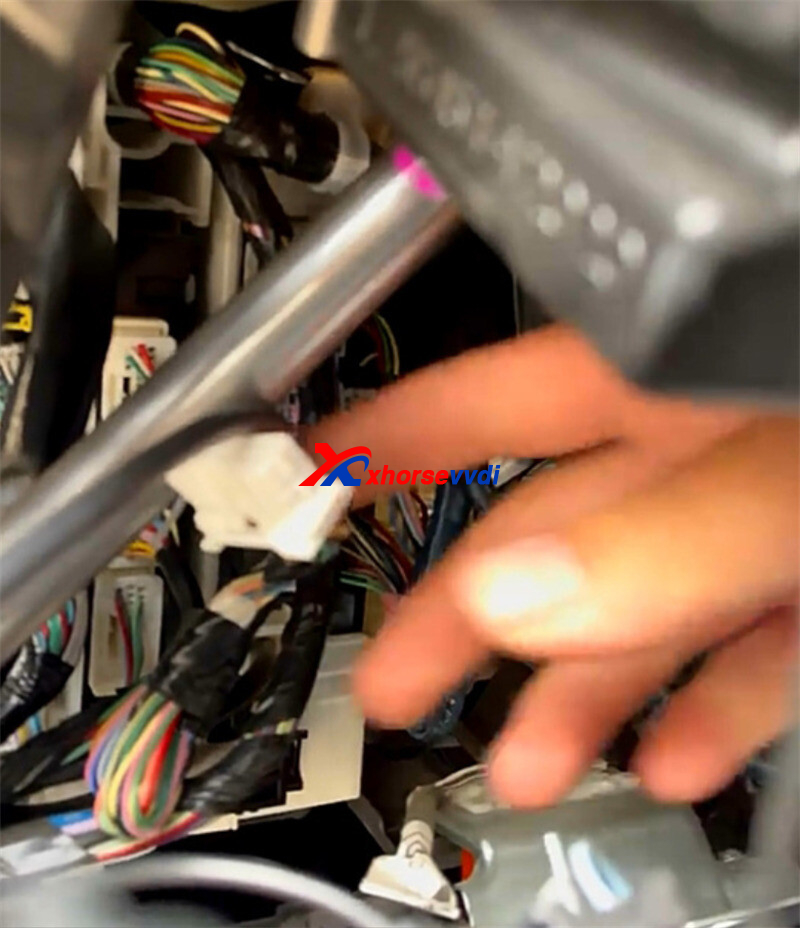
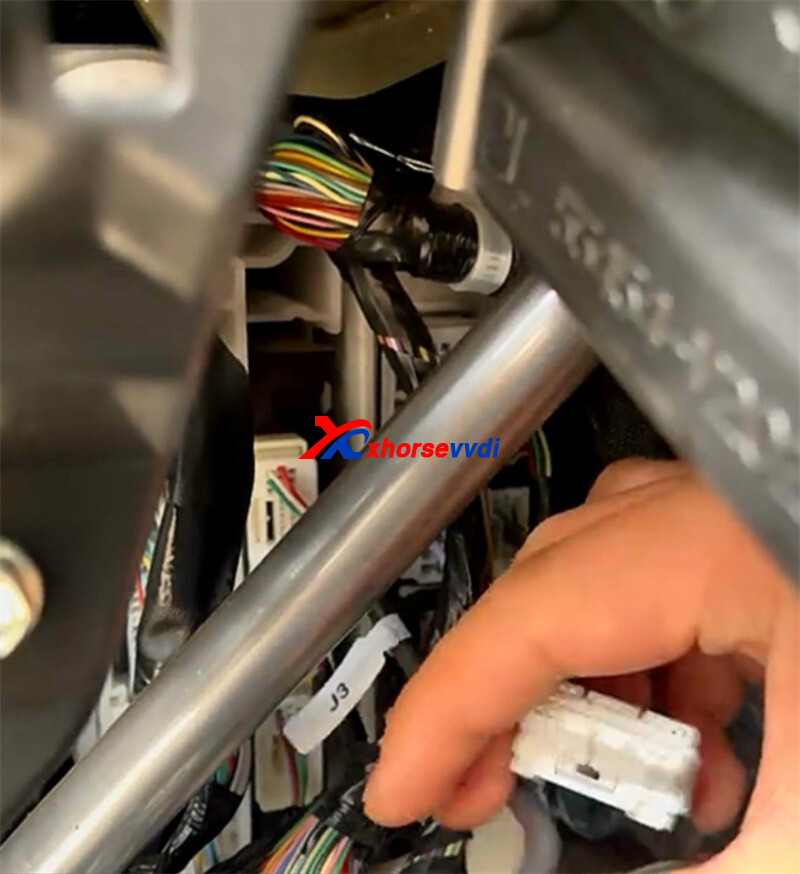
- Locate the smart box – Under the driver’s side instrument panel. Use the BA AKL cable to bypass the gateway.
- Connect cables
- BA AKL adapter → J3 connector
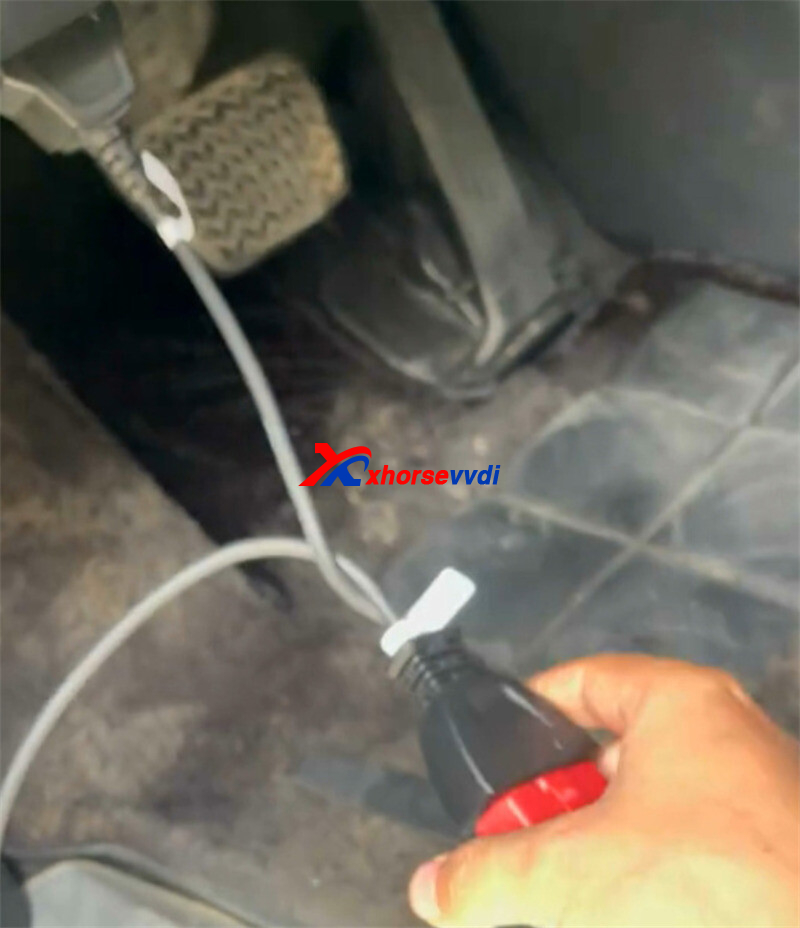
- J2 connector → OBD socket
- J1 connector → Key Tool Plus
- Back up immo data
Menu: Select from type -> Type 4 8A P4 BA/B8 option
Keep network stable. Backup time: 3–5 min.
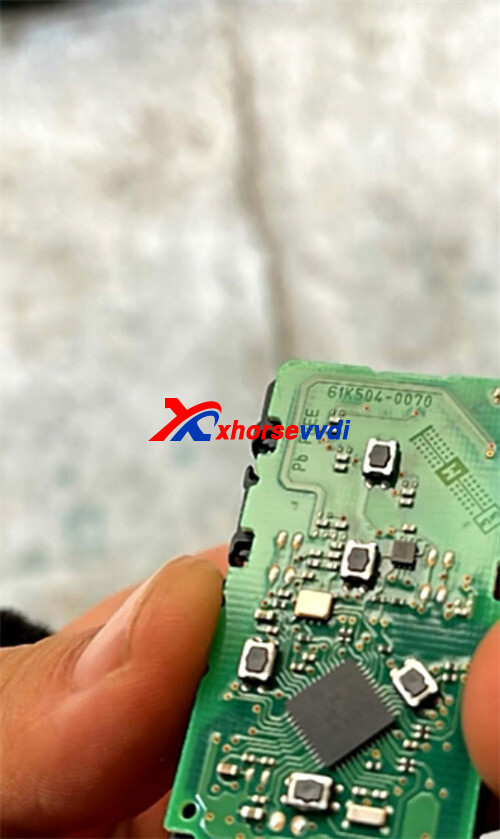
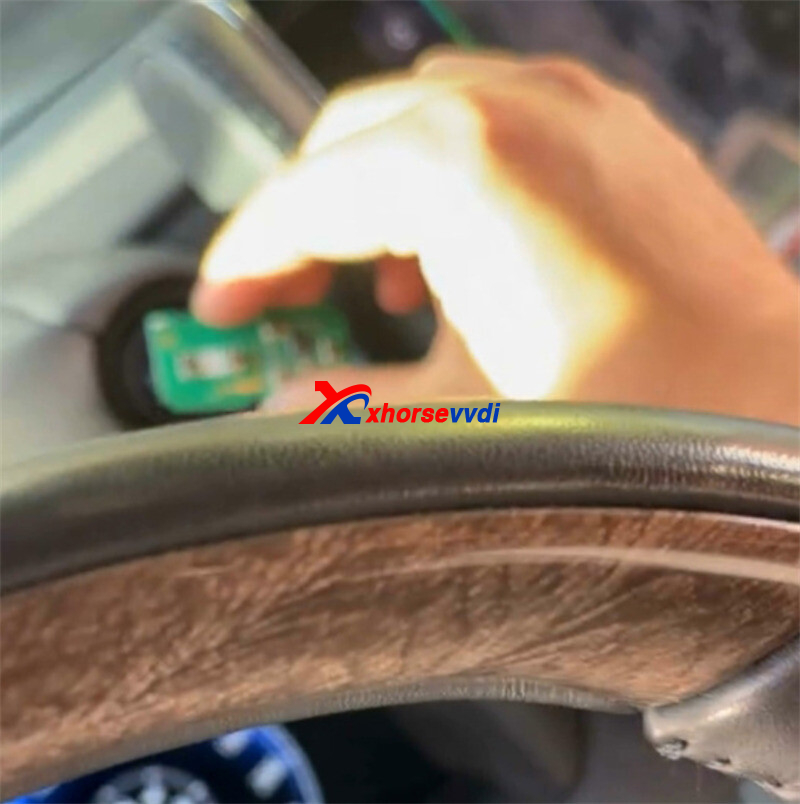
- Program the XM38 remote – Generate to the correct remote program.
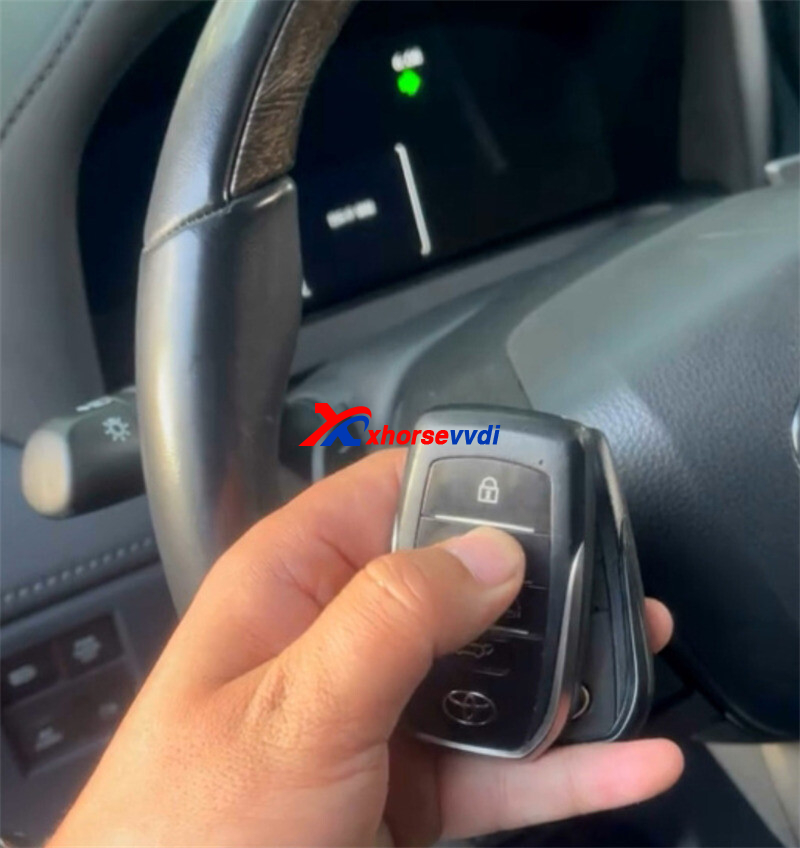
- Add smart key – Complete via device prompts.
Skype: xhorsevvdi.com
Whatsapp: https://wa.me/8613983756354


 Whatsapp:
 Skype: