


I just wrapped up another smooth ECU cloning job using the Xhorse Multi-Prog, and I figured I’d share the workflow for anyone curious about how this tool performs in real situations. A customer brought in an original ECU along with a used replacement sourced online and simply asked for a full data clone. No special functions, just a clean copy from one unit to the other. Here’s how the process went from start to finish.
Step 1. Connect
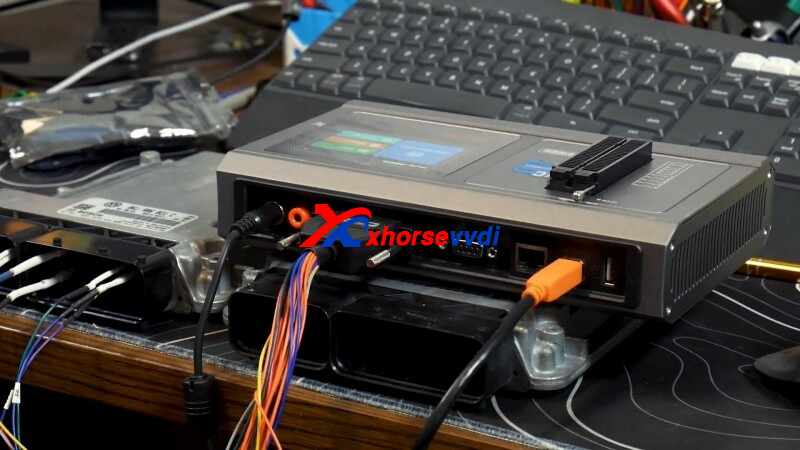
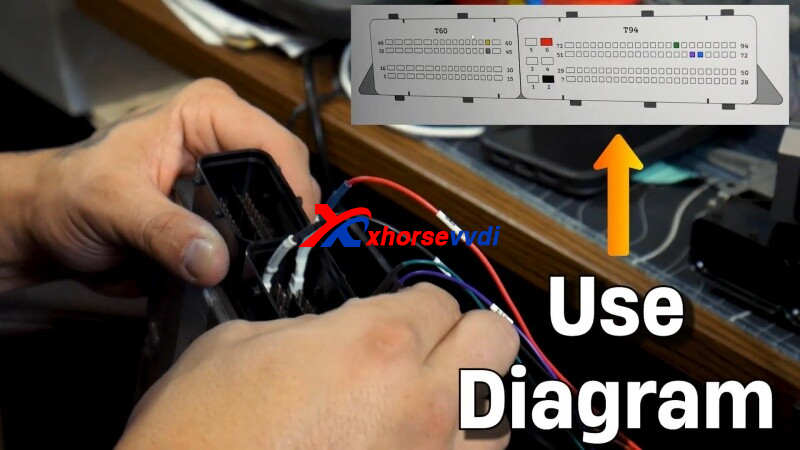
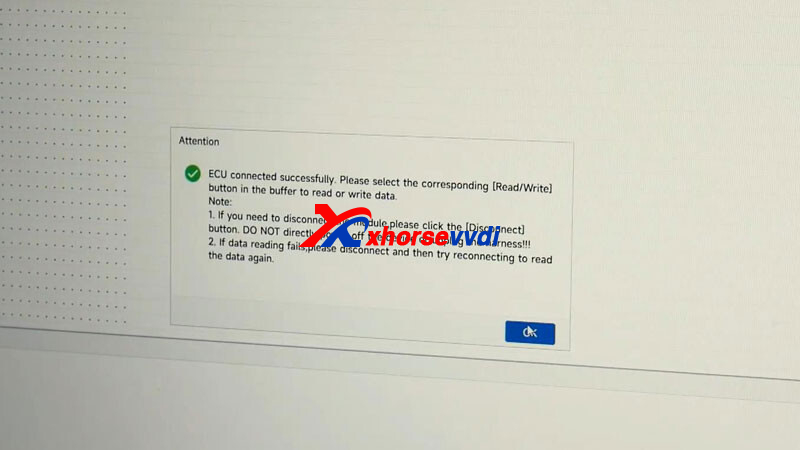
I began by setting up the original ECU on the bench. One thing I appreciate about the Multi-Prog is how clearly it displays the pin-out information—no guesswork, no confusion. After selecting the correct ECU type (a VW CC with MED17.1), I hit Connect and the software immediately established communication.
Step 2. Read EPROM & Flash
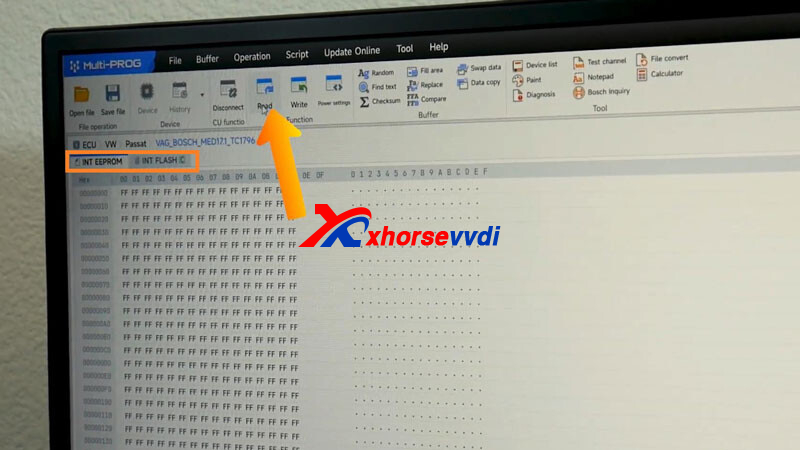
With the connection confirmed, it was time to pull the data. For cloning, the two critical areas are:
Internal EPROM
Internal Flash
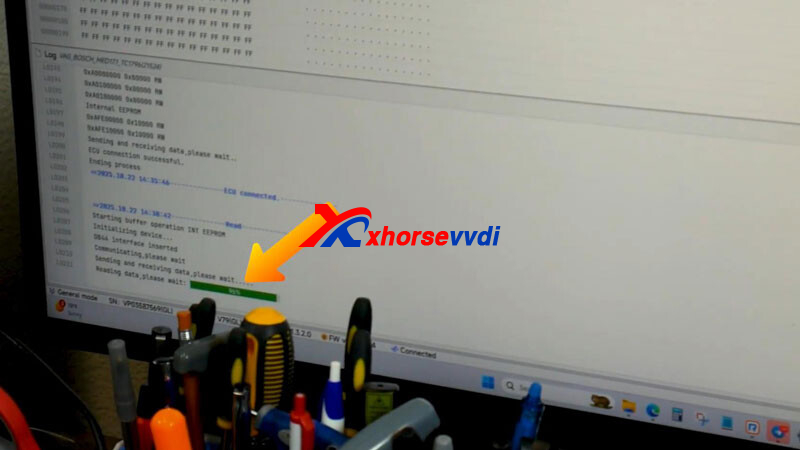
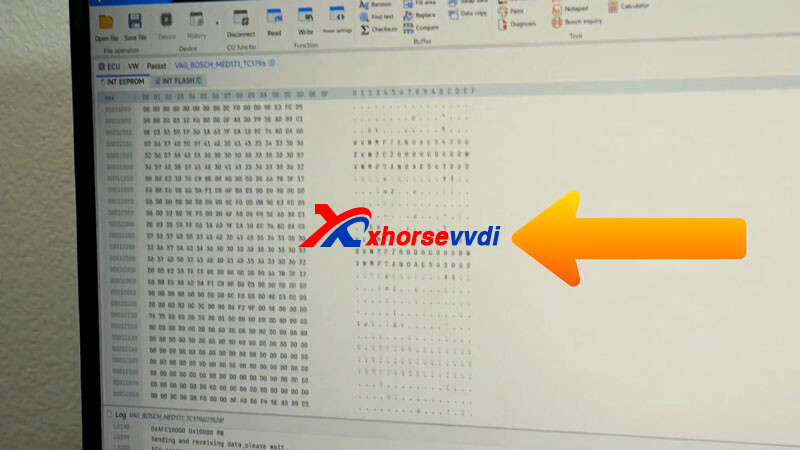
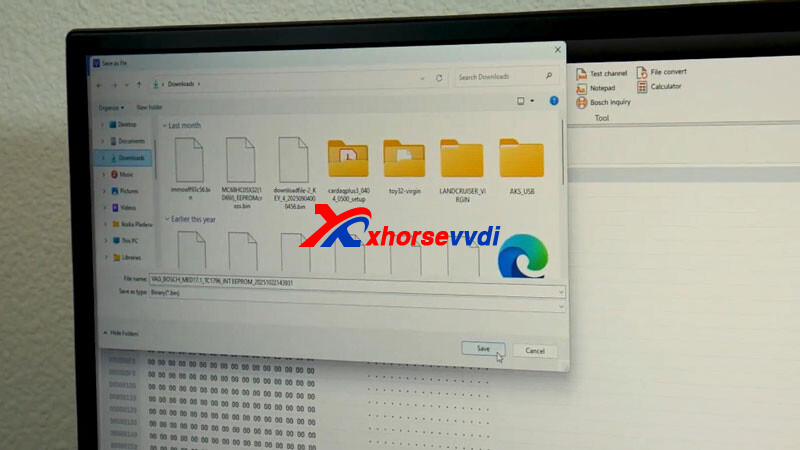
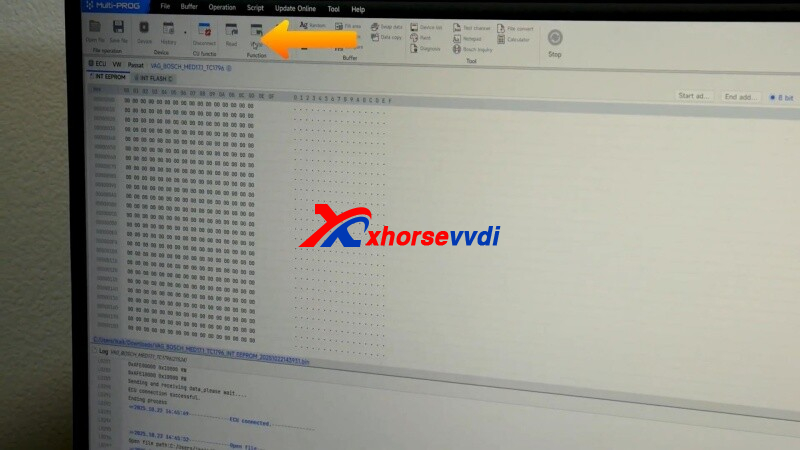
I started by reading the Internal EPROM. A quick click on Read, watched the progress indicator, and then confirmed that the resulting data wasn’t empty or corrupted. Once verified, I saved the file.
Next up: Internal Flash. This one naturally takes a bit longer because of the larger file size, but the Multi-Prog handled it without any hiccups. After the read completed, I skimmed through the data to confirm integrity and saved the Flash file as well.
Step 3. Write
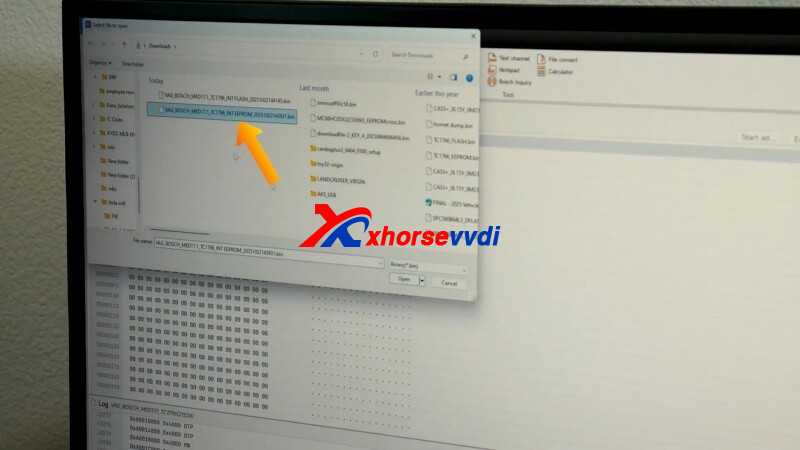
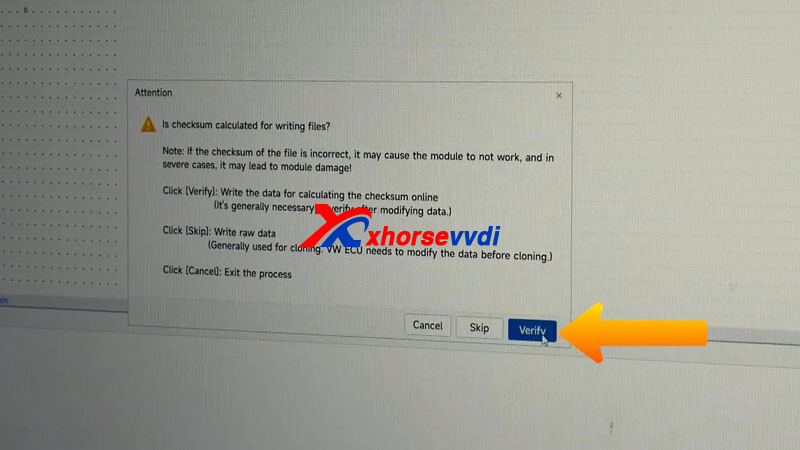
Then it was time to move on to the used ECU. I connected it using the same pin-out diagram and loaded the EPROM file I saved earlier. A simple click on Write, waited for the process to finish, and then repeated the same steps for the Flash file.
Once both files were written successfully, I disconnected the setup. At this point, the customer just needs to install the cloned ECU into the car and perform a mileage calibration. After that, the vehicle should start with no issues.
The Xhorse VVDI Multi Prog really simplifies ECU work. Even if you accidentally swap a couple of wires, the tool is quite forgiving and designed to prevent damage. Whether you’re new to cloning or have years of experience, it keeps the job straightforward and dependable.
For more information on tools, accessories, or locksmith training, check out www.xhorsevvdi.com.
Skype: xhorsevvdi.com
Whatsapp: https://wa.me/8613983756354


 Whatsapp:
 Skype: