


Adding a key to a 2015 Audi RS5 equipped with an encrypted BCM2 immobilizer system requires the correct procedure, stable connectivity, and professional tools. Whether you are adding a spare key or handling an All Keys Lost (AKL) situation, this guide walks you through the complete workflow using the Xhorse VVDI Key Tool Plus.
Required Tools & Preparation
Before starting, make sure you have the following:
- Device: Xhorse VVDI Key Tool Plus
- Adapter: Xhorse Audi BCM2 Solder-Free Adapter
- Power Supply: Stable 12V power source for bench operation
- Internet: Reliable Wi-Fi connection (essential for service mode processing)
⚠️ A stable internet connection is critical when writing service mode data. Interruptions may cause BCM2 failure.
Step 1: Identify BCM2 Status via OBD
- Connect VVDI Key Tool Plus to the vehicle’s OBD2 port.
- Navigate to Audi immobilizer programming.
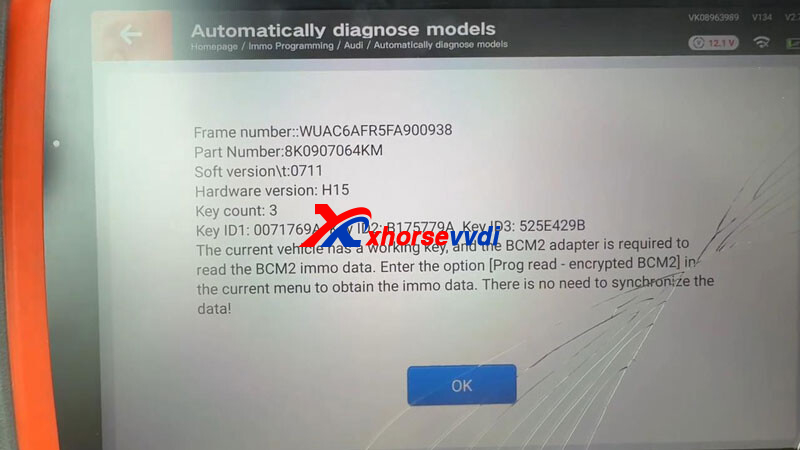
- Read BCM2 information and check encryption status.
- If unencrypted, key programming can be completed directly via OBD.
- If encrypted, the BCM2 must be removed for bench processing.
This identification step prevents unnecessary module removal.
Step 2: Remove the BCM2 Module
For encrypted BCM2 systems:
- The BCM2 module is typically located in the right rear trunk area.
- Disconnect the main power connector first, then unplug the remaining connectors.
- Carefully remove the module.
Always ensure the vehicle battery is disconnected before removal to avoid electrical damage.
Step 3: Bench Reading with Solder-Free Adapter
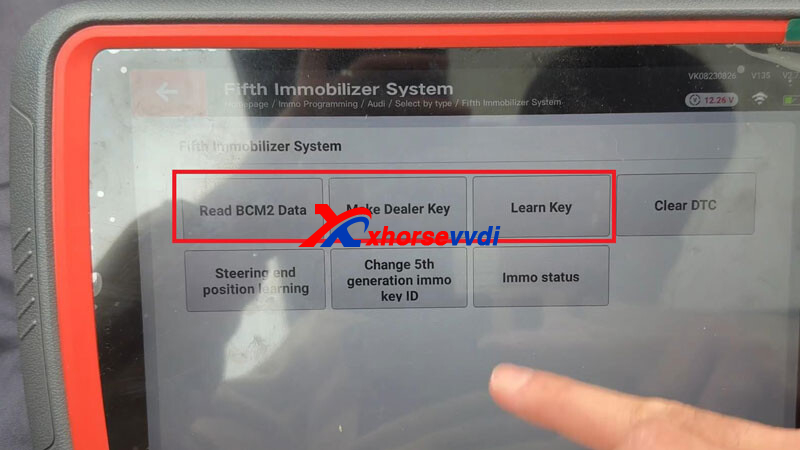
Using the solder-free adapter eliminates the risks of pin damage and soldering errors.
Module Setup
- Check the BCM2 reference number and MCU version.
- Select the correct adapter version (Adapter #1 or #2).
- Secure the BCM2 properly and ensure all pins align correctly.
Data Reading Path
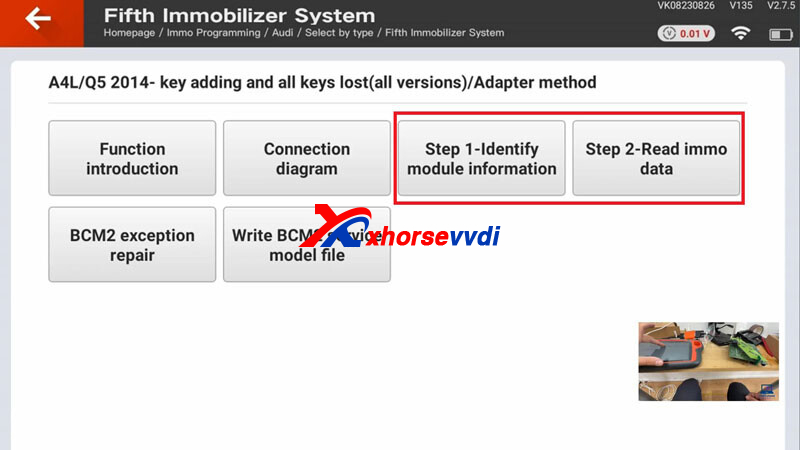
Immo Programming → Europe → Audi → Select by Type → Fifth Immobilizer System →
Read BCM2 Data → Programmer Read (Encrypted BCM2) →
A4L/Q5 2014– Key Adding & All Keys Lost (All Versions) → Adapter Method
Key Steps
Step 1 – Identify Module Information
- Read and confirm module data.
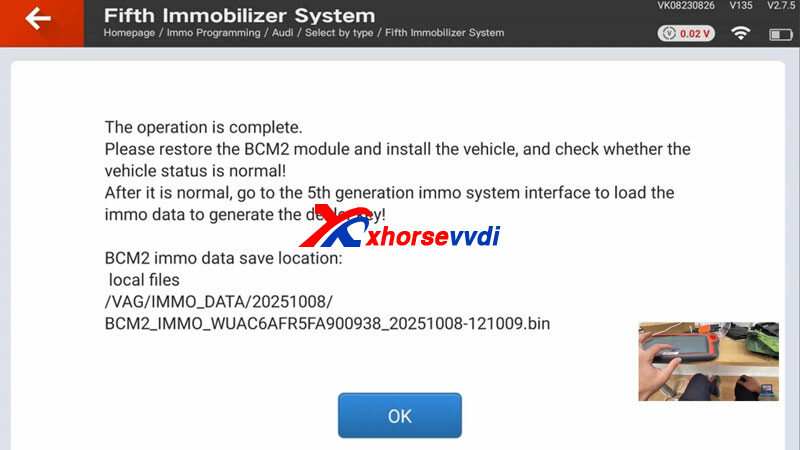
- Save the original data file immediately.
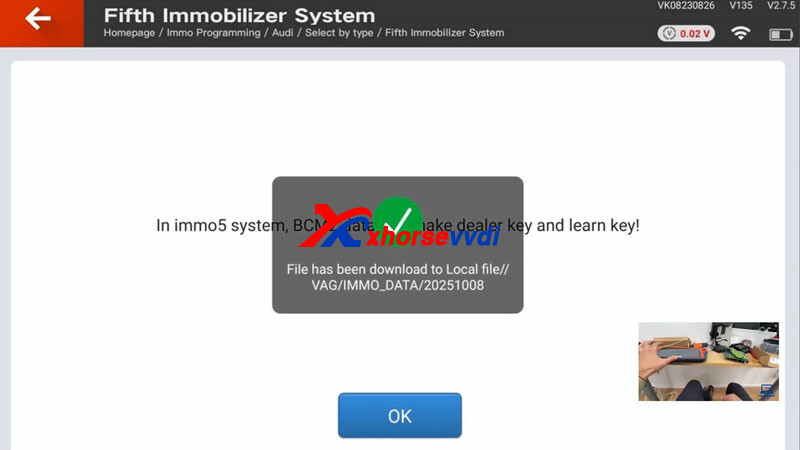
Step 2 – Read & Save Immo Data
- Follow prompts carefully.
- Keep Wi-Fi stable.
Step 3 – Write Service Mode
- This is the most critical stage.
- Click Write → Save BCM2 Data.
- Do NOT interrupt the process.
After service mode writing is completed successfully, reinstall the BCM2 into the vehicle.
Step 4: Generate and Learn the Key
Once the BCM2 is reinstalled:
Remote Generation
Go to:
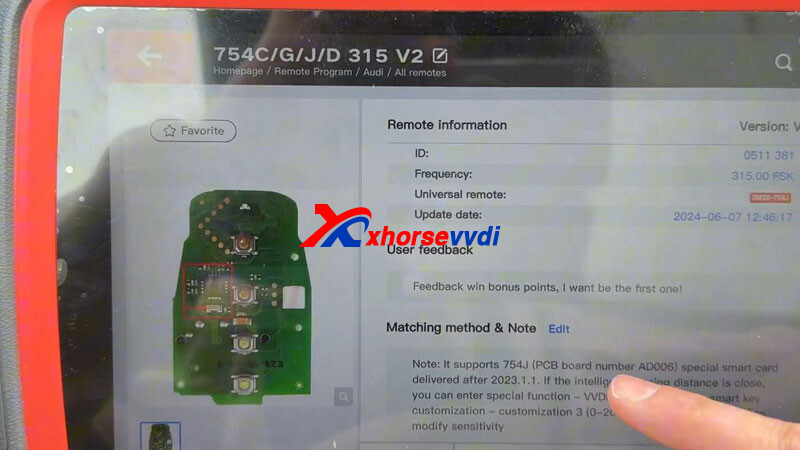
Remote Program → Audi → All Remotes → 754C/G/J/D 315 V2
Select the correct remote type and frequency (e.g., 315MHz or 433MHz depending on market).
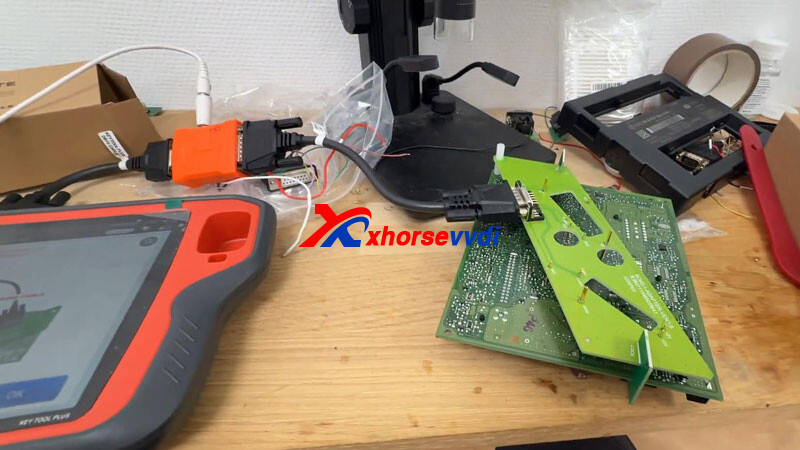
Make Dealer Key
Immo Programming → Fifth Immobilizer System → Make Dealer Key
Ensure frequency matches the vehicle specification, especially for imported models.
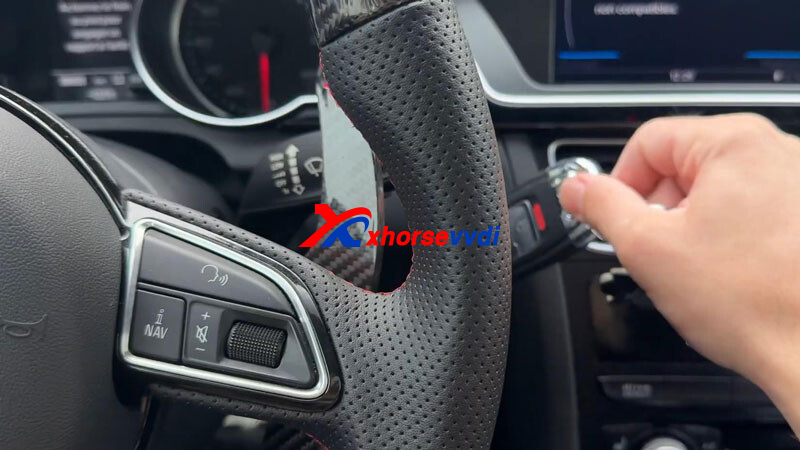
Key Learning Procedure
- Insert the original working key first (if available).
- When dashboard displays “1/2”, insert the new key.
- Follow on-screen instructions to complete synchronization.
For AKL situations, follow the guided key learning process after dealer key generation.
Final Verification
After programming:
- Start the engine with both keys.
- Test remote lock/unlock functions.
- Verify keyless entry and push-start operation.
- Clear any fault codes if present.
Ensure all functions operate normally before returning the vehicle to the customer.
Professional Tips
- Backup First: Always save original BCM2 data before writing service mode.
- Internet Stability: Weak Wi-Fi is the most common cause of failure.
- Correct Frequency: Imported vehicles may require manual frequency confirmation.
- Power Supply: Use a regulated power source during bench work to prevent voltage drops.
Encrypted BCM2 key programming is considered a high-value locksmith service. With VVDI Key Tool Plus and the correct adapter, the process becomes efficient, safe, and highly profitable.
Upgrade your key programming capability with professional tools and proper workflow to handle Audi RS5 encrypted BCM2 systems confidently and successfully.
Skype: xhorsevvdi.com
Whatsapp: https://wa.me/8613983756354


 Whatsapp:
 Skype: