




A customer reported encountering an error message while installing Xhorse Multi-Prog on a Windows 7 (32-bit) computer: “The older version of Multi-Prog cannot be removed.”
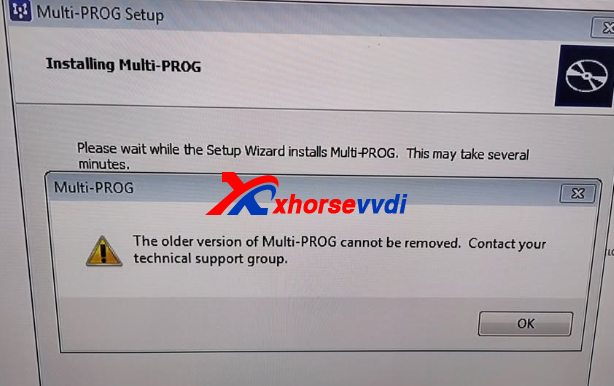
The engineer from XhorseVVDI.com suggested the following steps:
- Uninstall the current version of the software.
- Restart your computer after shutdown.
- Download and install the latest Multi-Prog version using the official link.
If the issue persists, try these additional methods:
- Manual cleanup: Delete all program files related to Multi-Prog and remove any related entries from the Windows registry.
- Use a third-party tool: Tools like Revo Uninstaller are highly recommended for completely removing leftover files, ensuring a clean installation of the software.
Following these steps usually resolves the installation conflict and allows the latest Multi-Prog version to install successfully.


 Whatsapp:
 Skype: