



If your Xhorse VVDI Key Tool Max Pro can’t connect to a mobile hotspot but works with home Wi-Fi, the reason is simple:
The device only supports 2.4GHz Wi-Fi, not 5GHz.
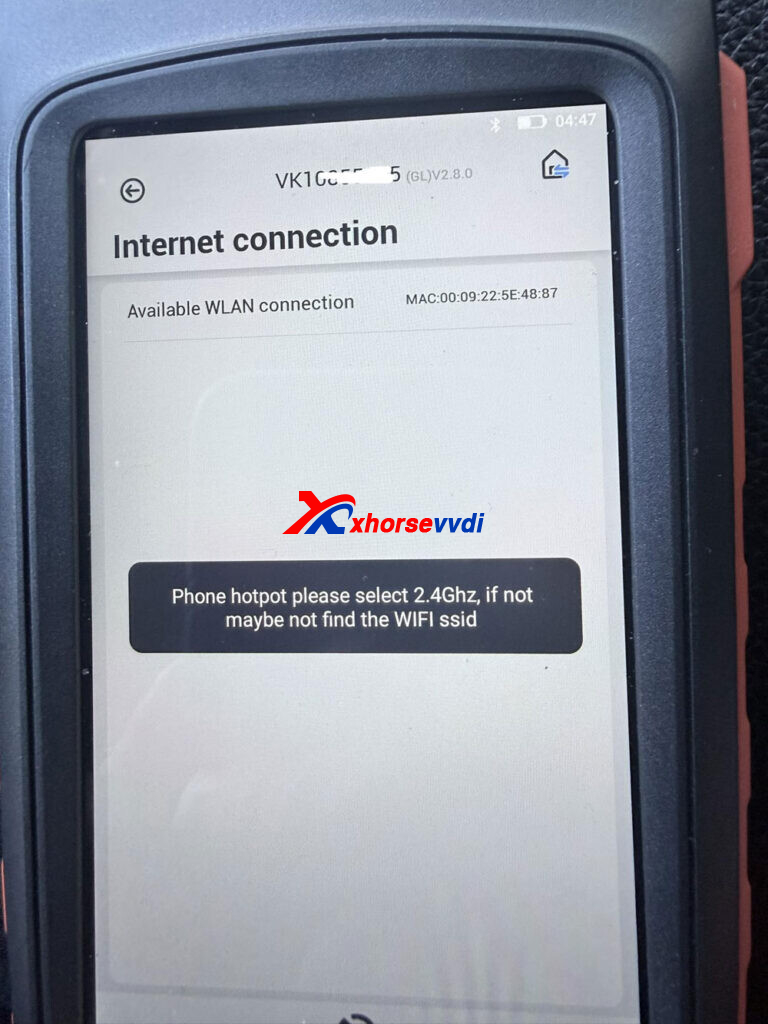
How to Fix?
- Set your hotspot to 2.4GHz
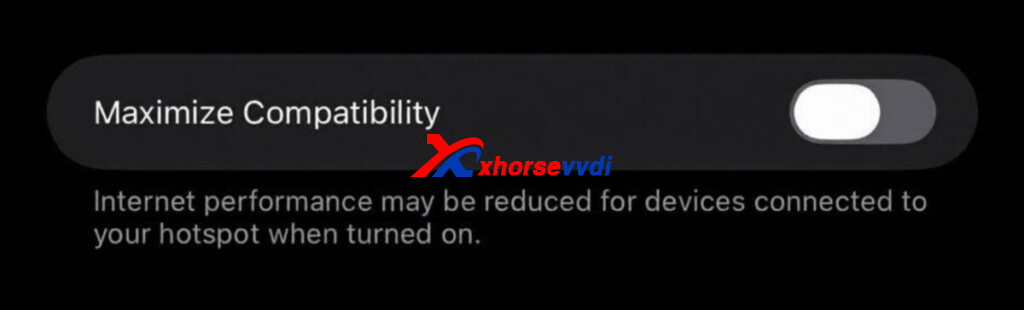
- On iPhone: turn on “Maximize Compatibility”
- On Android: select 2.4GHz band or disable 5GHz
- Or use dual-band (2.4GHz + 5GHz)
After switching to 2.4GHz, the connection should work normally.
Skype: xhorsevvdi.com
Whatsapp: https://wa.me/8613983756354


 Whatsapp:
 Skype: