


Xhorse Key Tool Plus has added the ability to manually unlock the VAG/Audi SFD security gateway. While automatic SFD unlocking is not yet supported, users can still complete the process by obtaining a calculation code from a reliable third-party service. Below is the recommended workflow.
Step-by-Step Guide
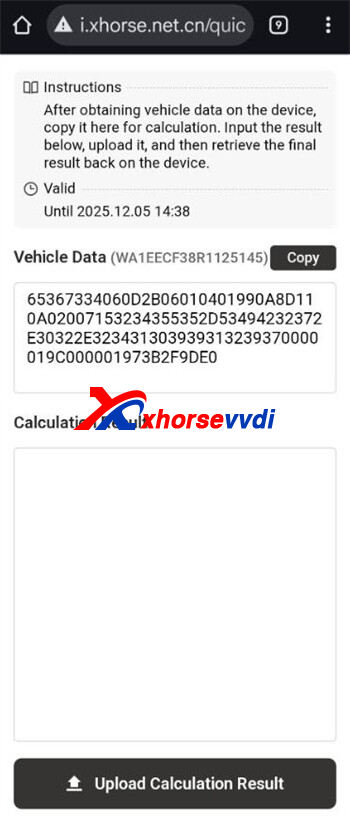
1. Retrieve SFD Seed Code
Connect the Xhorse device to the vehicle through the OBD port and read the SFD seed code. This seed is vehicle-specific and required for further processing.
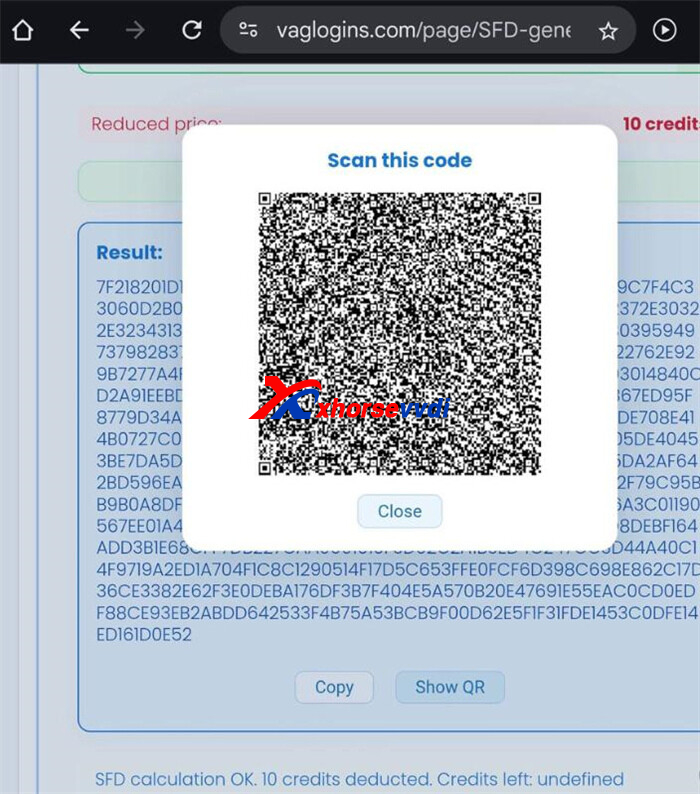
2. Get Calculation Code
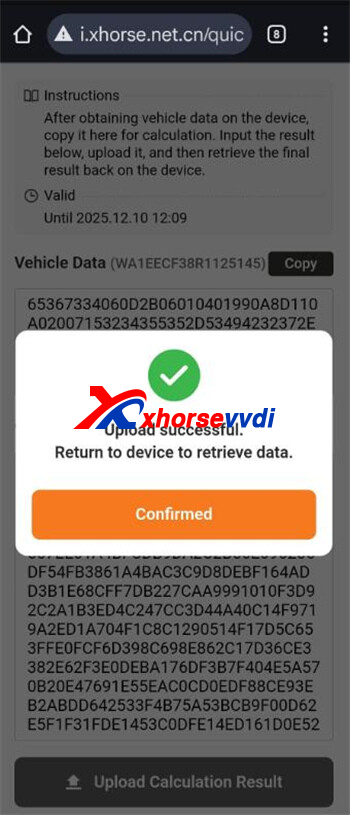
Send the extracted seed code to a trusted calculation provider such as VAG Logins.
Note: At present, VAG Logins supports SFD1 only and does not unlock SFD2 systems.
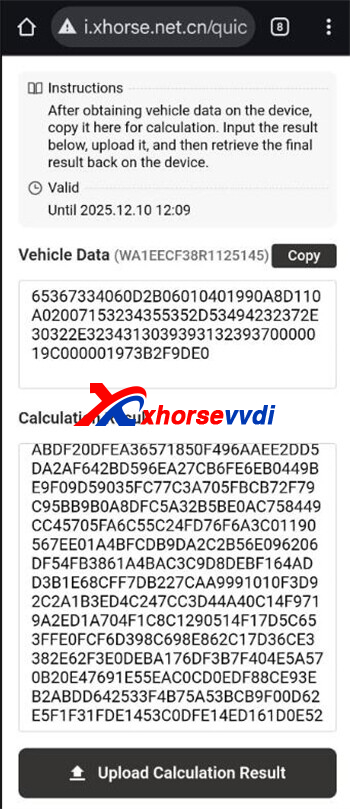
3. Manually Unlock the SFD Gateway
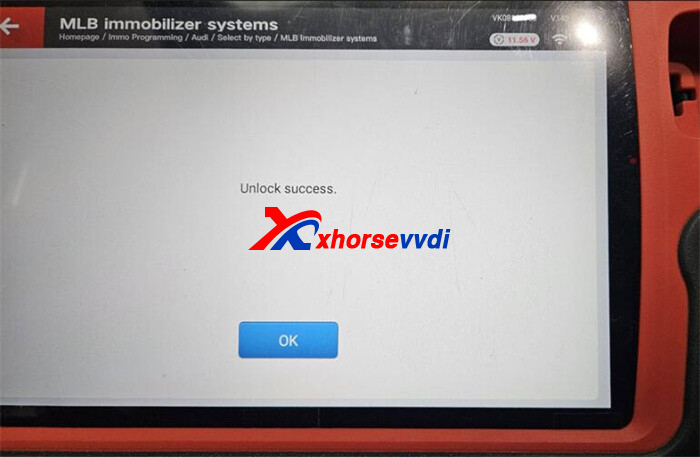
Once the third-party service returns the calculation result, enter the response code into your Xhorse device (VVDI Key Tool Plus or Key Tool MIDI). Confirm the action and wait for the unlock process to finish.
4. Perform Key Programming (Example Workflow)
After successful unlocking, a 90-minute validity window begins. All diagnostic, coding, and key programming tasks must be completed within this period. You can then proceed with operations such as generating dealer keys, adding keys, or performing learning functions using the Xhorse VVDI Key Tool Plus Pad.
Important Notes
- Ensure all required procedures are completed before the 90-minute session expires.
- Manual SFD unlocking currently supports SFD1 systems only.
This method provides a practical solution for technicians needing SFD access even before full automatic unlocking is available.
Skype: xhorsevvdi.com
Whatsapp: https://wa.me/8613983756354


 Whatsapp:
 Skype: