


Problem:
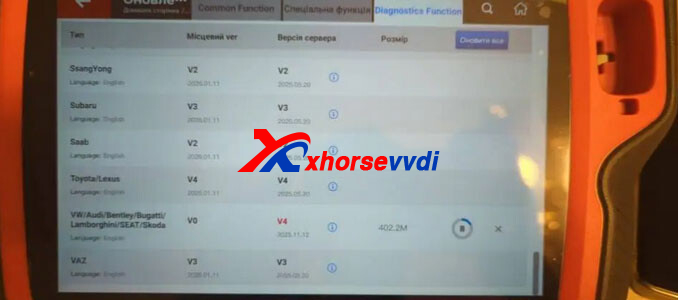
I’m using the Xhorse VVDI Key Tool Plus (VAG version), but I can’t download or install the software update. The loading is extremely slow and often stops halfway through. Has anyone encountered this?
Solution:
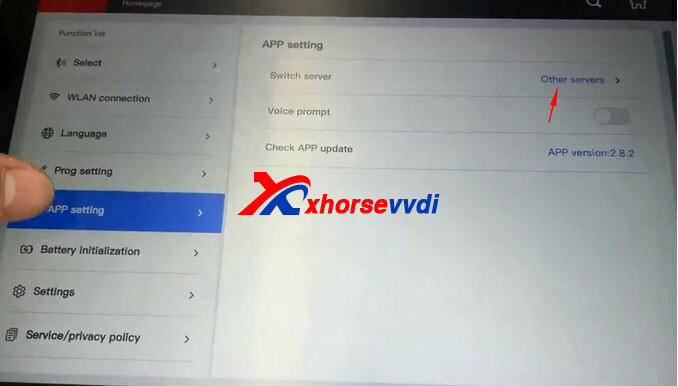
This issue is usually related to the device language or server settings. To fix it, follow these steps:
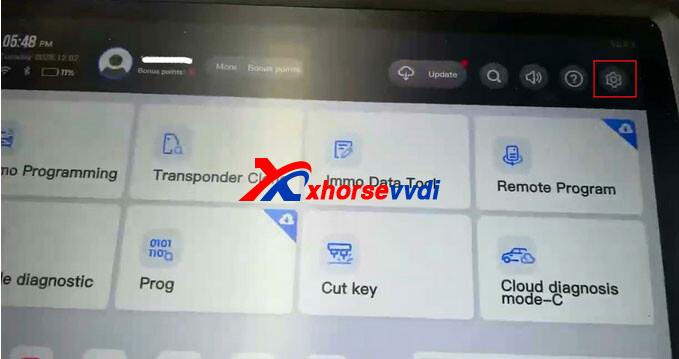
- Go to Settings on your device.
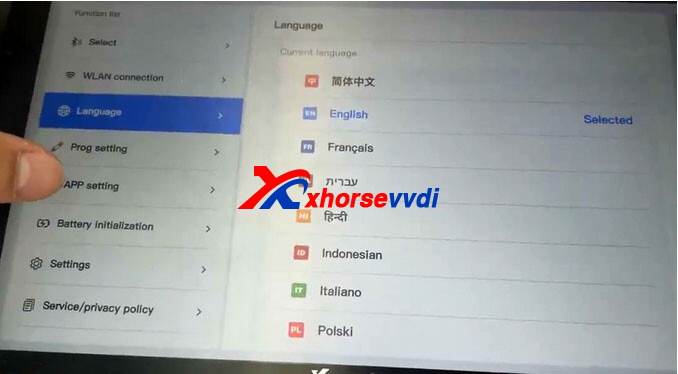
- Navigate to Language and change the device language.
- Go to App Settings and switch to a different server.
- Try downloading or updating the software again.
After changing the language and server, the update should download and install without interruptions.


 Whatsapp:
 Skype: