



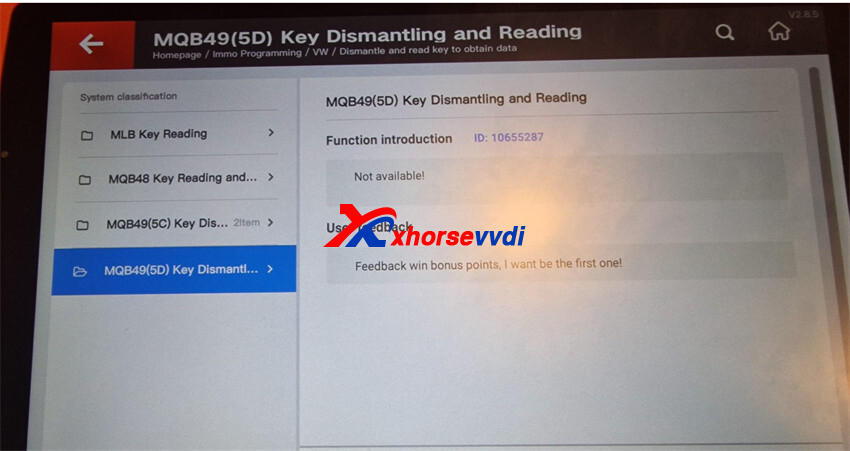
Some users reported that after updating the 5C/5D function on the Xhorse VVDI Key Tool Plus, the device showed a “Not Available” error when trying to read an MQB49 5D key.
Problem
Although the 5C/5D function was updated, the MQB49 5D key reading option could not be used.
Solution
According to Xhorseshop.co.uk engineer:
- Go to the update menu.
- Update both the IMMO Programming database and PROG database to the latest version.
- Restart the device and test again.
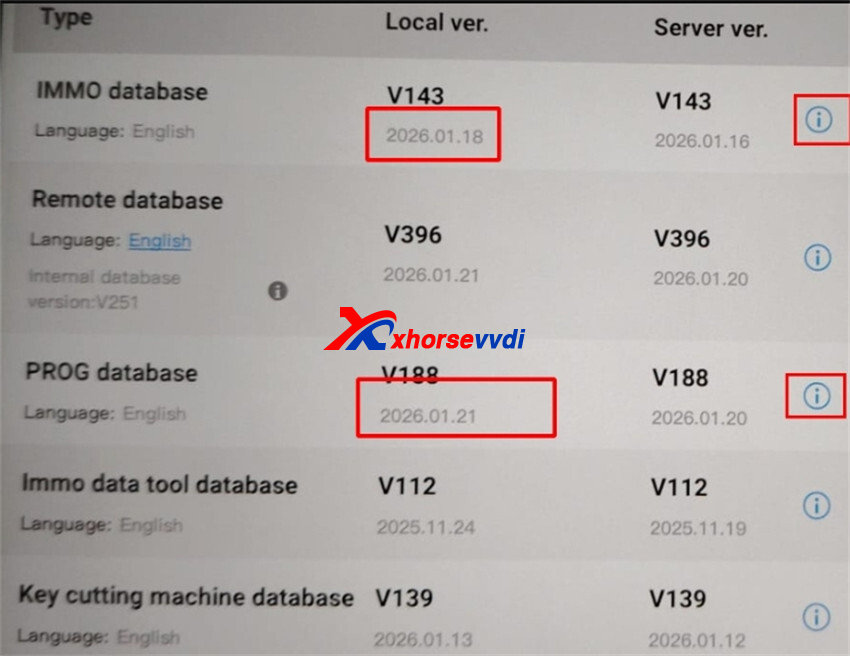
After updating both databases, the MQB49 5D key reading function should work normally.
Tip: Always make sure all related databases are fully updated after adding new functions.
Skype: xhorsevvdi.com
Whatsapp: https://wa.me/8613983756354


 Whatsapp:
 Skype: