


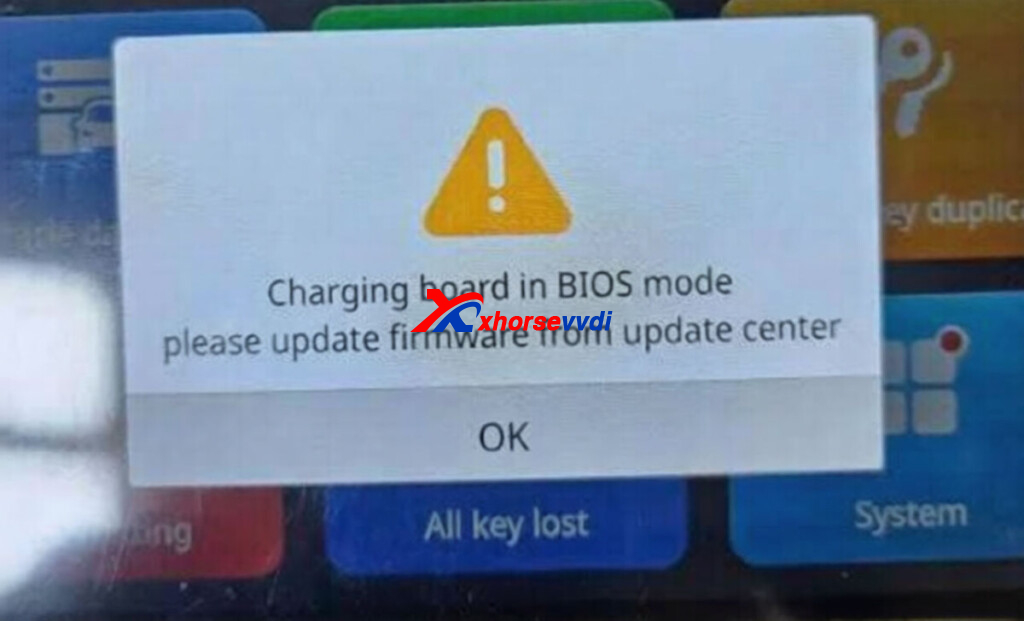
The Xhorse Dolphin XP005L key cutting machine may sometimes display the error message “Charging board in BIOS mode.” This issue usually appears due to a temporary firmware communication problem with the charging board.
Fortunately, it can be resolved quickly with a simple firmware update process.
Problem
When powering on the Xhorse Dolphin XP005L, the machine shows the message:
“Charging board in BIOS mode.”
This indicates the charging board firmware is not running correctly and requires a reset or update.
XhorseVVDI.com Engineer’s Answer:
Follow these steps to fix the issue:
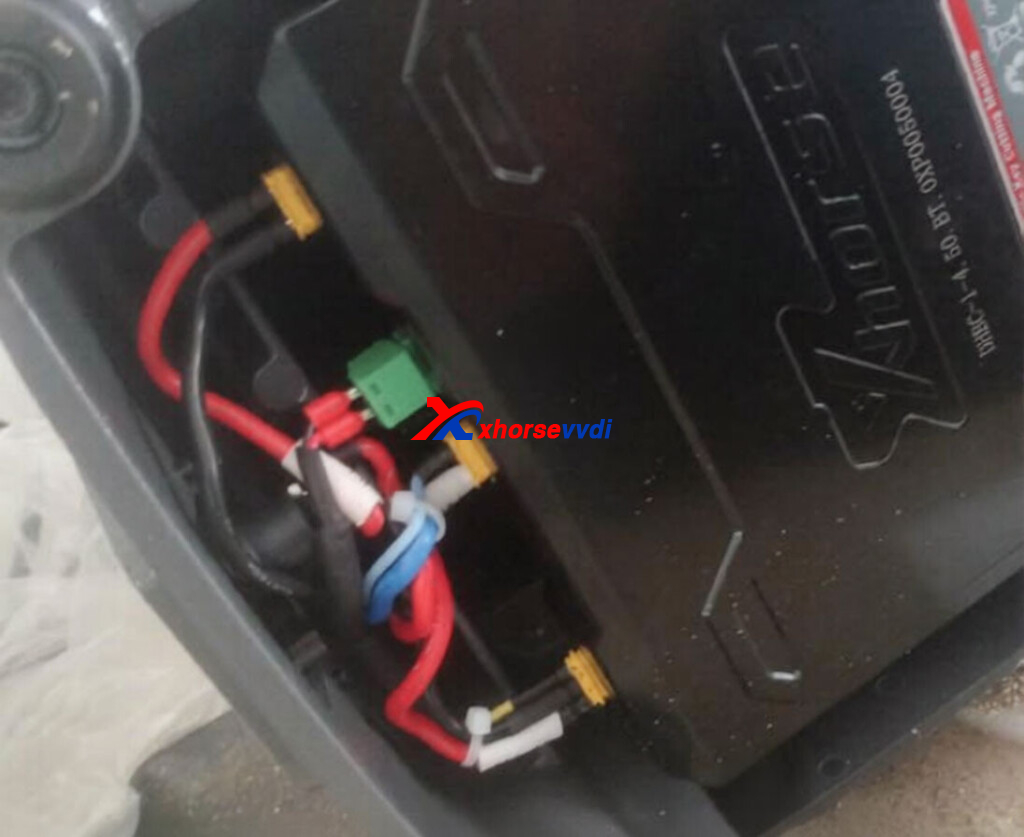
- Disconnect the battery cable
Open the machine and unplug the green cable connected to the battery.
- Run a firmware update
Turn on the machine and perform a firmware update through the system.
- Reconnect the battery cable
After the first update finishes, plug the green battery cable back in.
- Update firmware again
Run the firmware update a second time to ensure the charging board initializes properly.
Result
After completing the two firmware updates, the “Charging board in BIOS mode” error should disappear and the machine will return to normal operation.
Tips
Always ensure the machine has stable power during firmware updates.
Avoid interrupting the update process to prevent firmware issues.
This quick procedure can save time and restore your Xhorse Dolphin XP005L without needing additional repairs.
Skype: xhorsevvdi.com
Whatsapp: https://wa.me/8613983756354


 Whatsapp:
 Skype: