
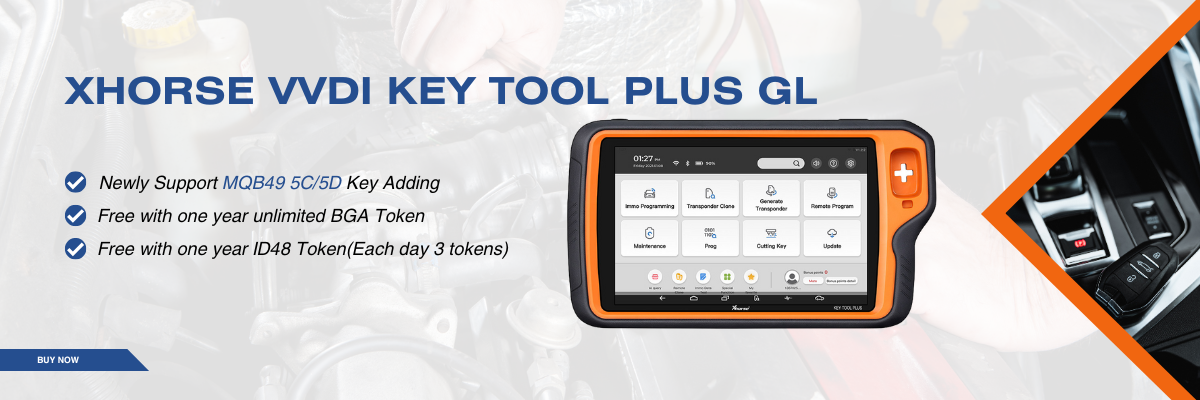


Upgrade your workshop capabilities with the advanced Xhorse MQB49 5D key programming solution, designed to simplify and accelerate key adding for modern VW group vehicles. With the powerful combination of Xhorse VVDI Key Tool Plus and the VW 5C 5D adapter, locksmiths can now handle complex immobilizer systems with confidence and efficiency.
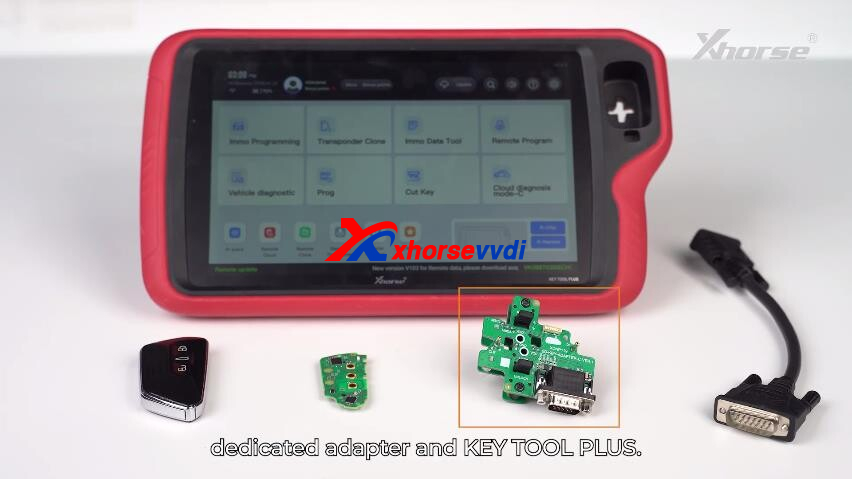
Required Equipment
- VVDI Key Tool Plus
- Xhorse MQB 5C/5D Dedicated Adapter
- Original working key
- New key (OEM or VVDI key)
Programming Procedure
1. Read & Confirm Key Data
Begin by navigating through the system:
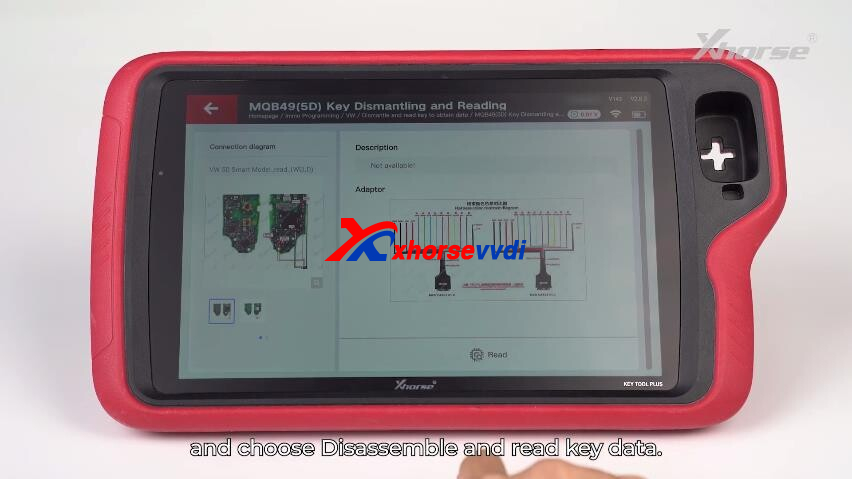
IMMO Programming → VW → Dismantle and Read Key → MQB49 (5D)
- Carefully open the original key and remove the PCB.
- Install the PCB onto the VW 5D adapter.
- Connect the adapter to the Key Tool Plus and select Read.
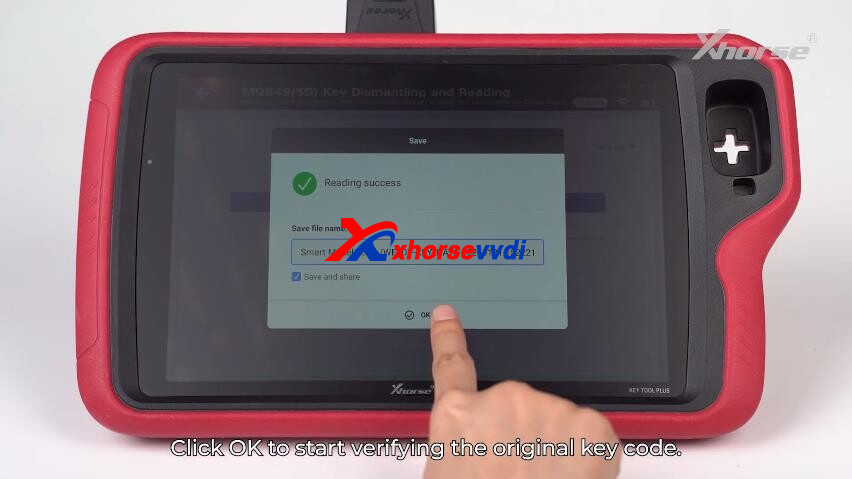
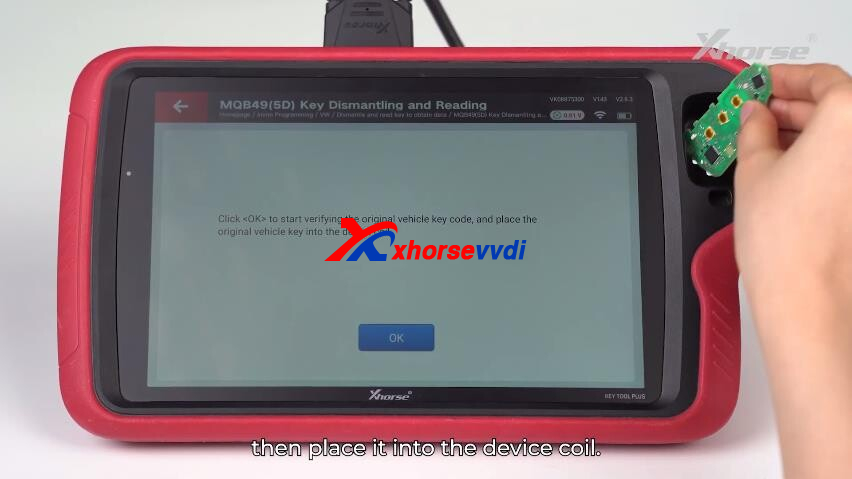
- When prompted, place the original key into the coil area to verify the data.
This step ensures accurate key data extraction for further processing.

2. Create Dealer Key
Access: Generate Dealer Key → Load Key File
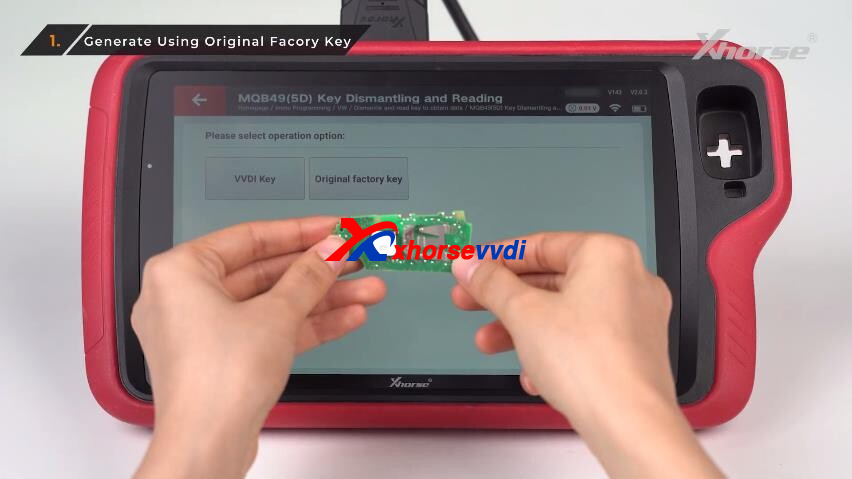
You can choose between two practical options:
Option A – OEM Key Reuse
- Load the saved key data file.
- Write the data back to the original key via the adapter.
Option B – VVDI Key Generation
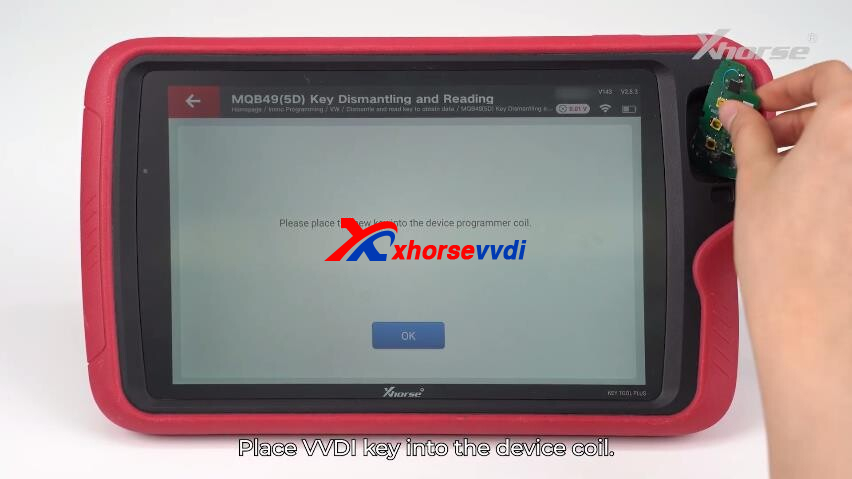
- Load the key file into the system.
- Place a VVDI key into the coil to generate a new dealer key instantly.
Both methods provide flexibility depending on available key types.


3. Key Learning Process
Now synchronize the keys with the vehicle:
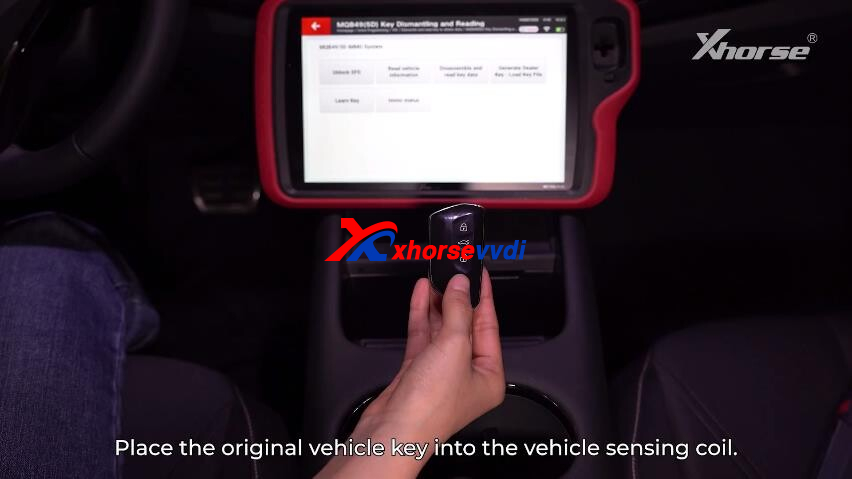
- Insert the original key into the vehicle’s sensing coil.
- Select: Learn Key → Load Key File
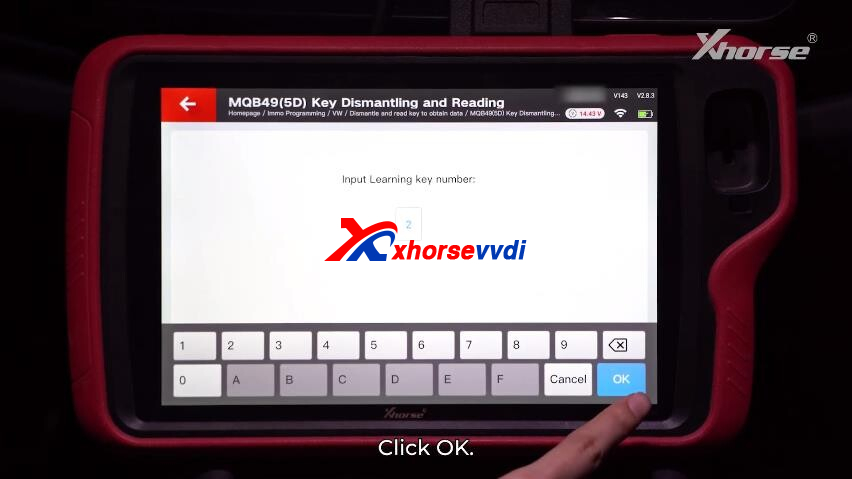
- Enter the number of keys to be programmed.
- Follow the guided instructions on the device screen.
Important: Ensure all keys have batteries installed before learning.
Final Testing
After programming is complete:
- Disconnect the Key Tool Plus.
- Test all keys thoroughly.
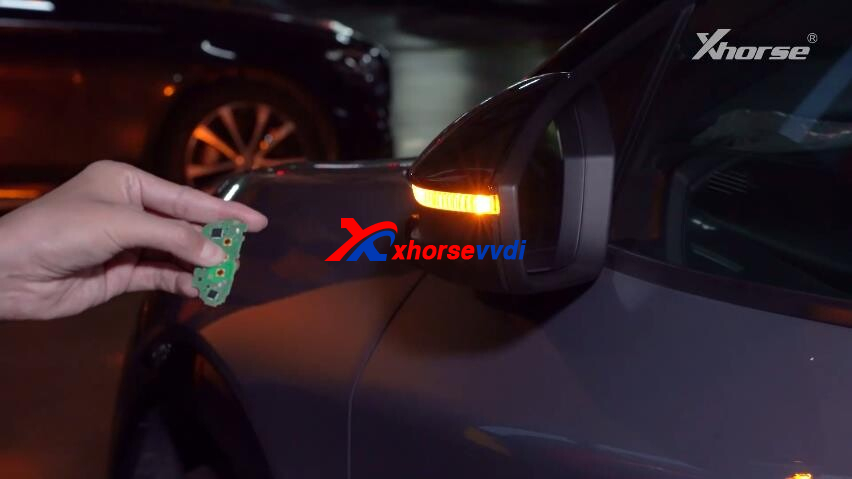
A successful operation will confirm:
- Smooth Push Button Start functionality
- Fully working remote locking/unlocking
Reliable performance for both OEM and VVDI keys
Take Your Locksmith Skills Further
With Xhorse’s latest MQB49 5D solution, complex key programming becomes faster, safer, and more efficient. Whether you’re working on Volkswagen, Audi, or other MQB platforms, this setup ensures professional-grade results every time.
Stay updated with the latest tools and techniques to keep your workshop ahead of the curve.
Video Guide:
Skype: xhorsevvdi.com
Whatsapp: https://wa.me/8613983756354


 Whatsapp:
 Skype: