


This guide walks you through using the Xhorse Motorcycle Adapter together with the VVDI Key Tool Plus to perform both key adding and all keys lost (AKL) procedures on Honda motorcycles.
Part 1: Key Adding Procedure
Required Tools
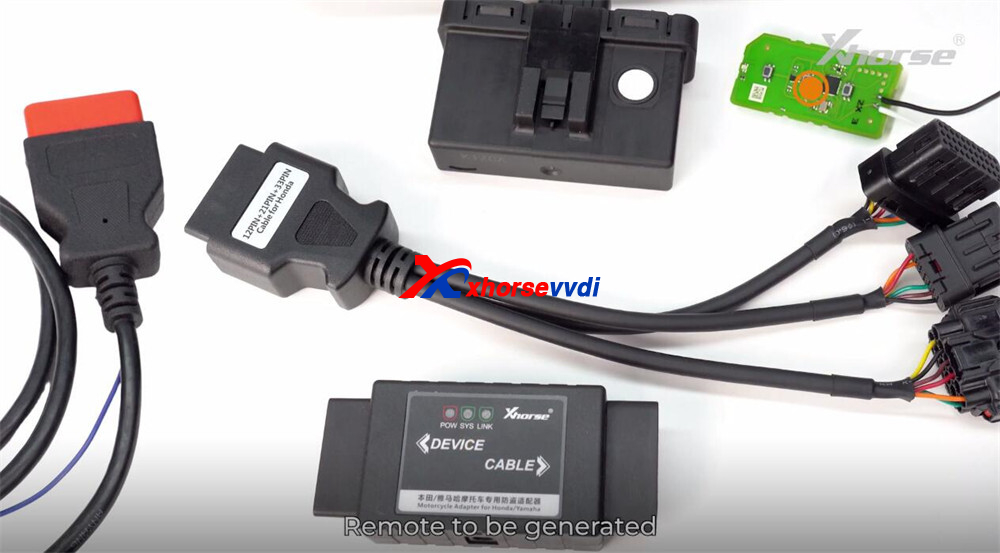
Xhorse Motorcycle Adapter (Honda)
Key Tool Plus connection cable
Original remote key to be generated
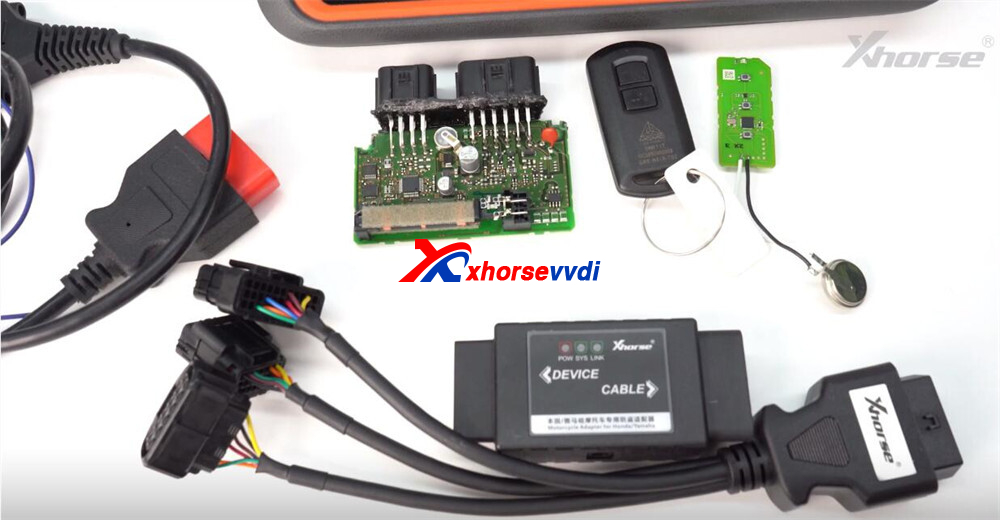
Note: In this demonstration, a standalone SCU module is used (commonly located under the seat or fuel tank).
Step 1: Generate Remote
- Place the remote into the coil of the Key Tool Plus.
- Navigate to Remote Program.
- Select the correct Honda option.
- Click Generate.
Remote generation completed.
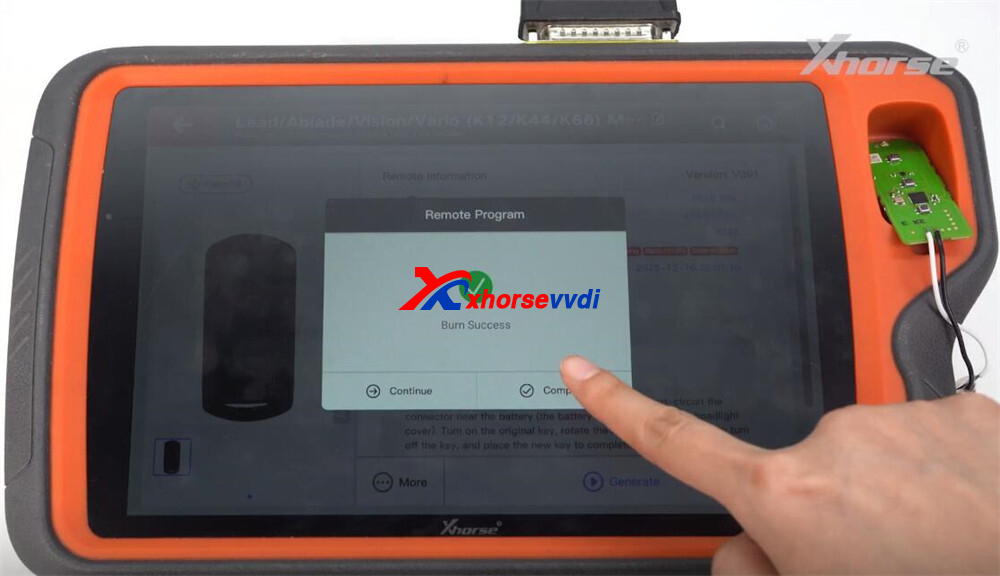
Step 2: Start Programming
- Enter IMMO Programming.
- Go to:Motorcycles → Honda → System Selection → KeylessGo
- Choose the correct type (e.g., Type 1 – 12 PIN).
- Start the programming process.
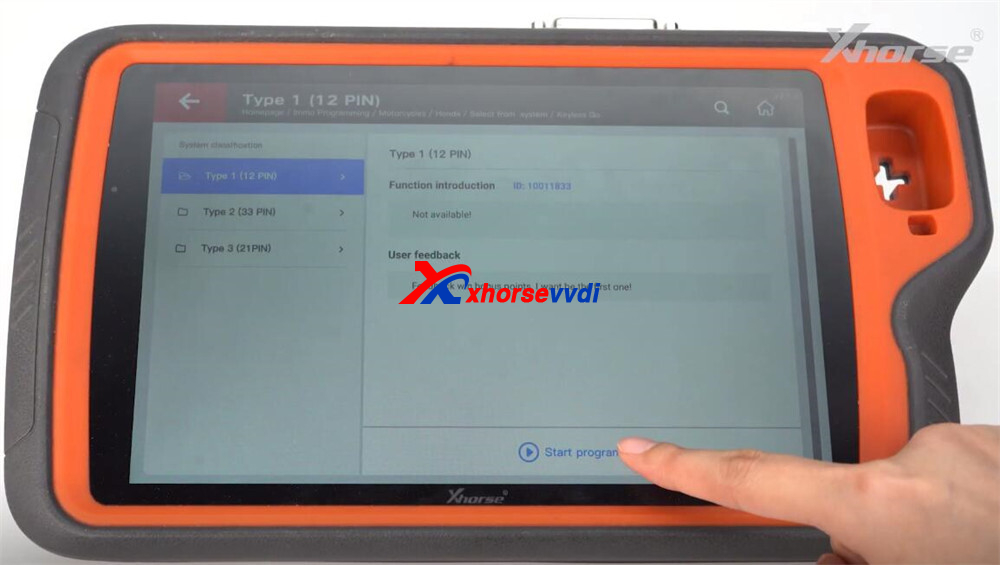
Step 3: Connect Hardware
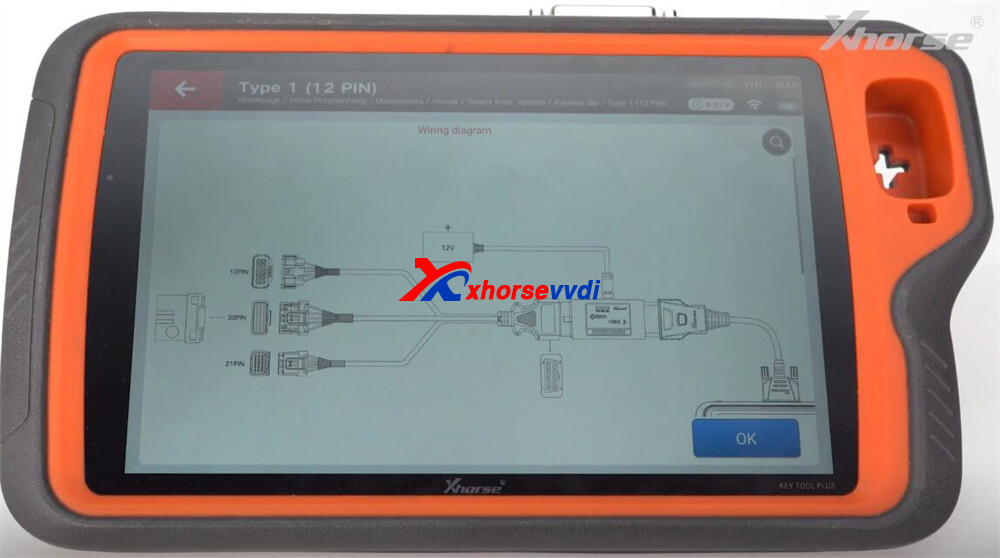
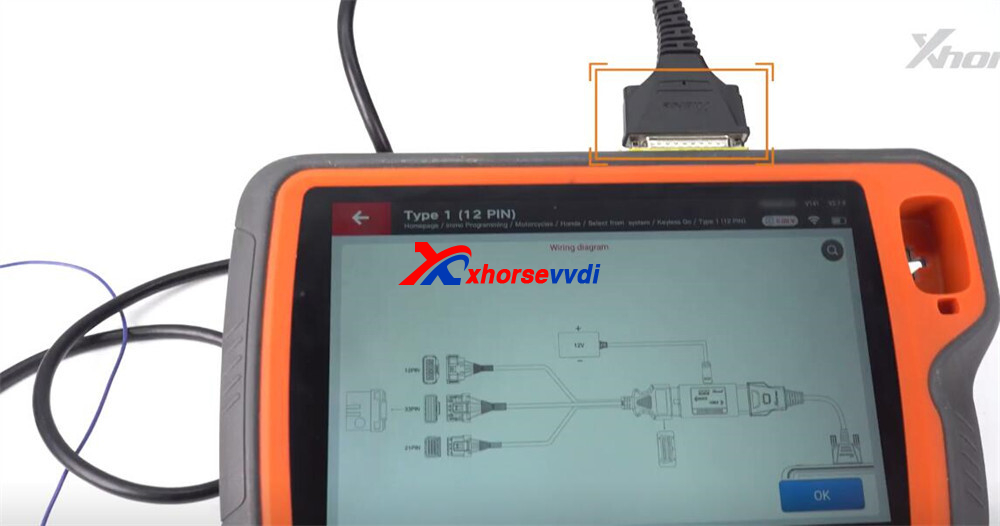
After entering the interface, click on Wiring Diagram.
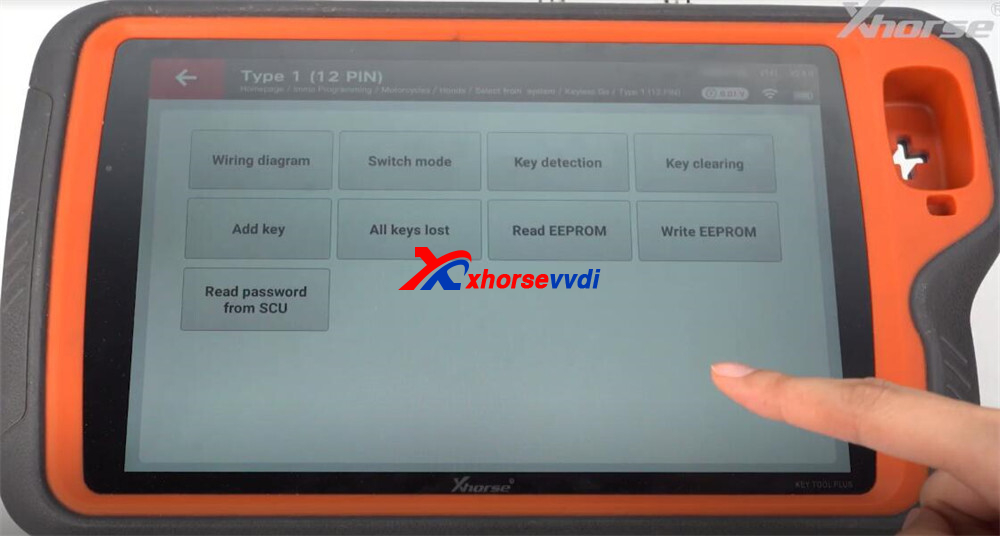
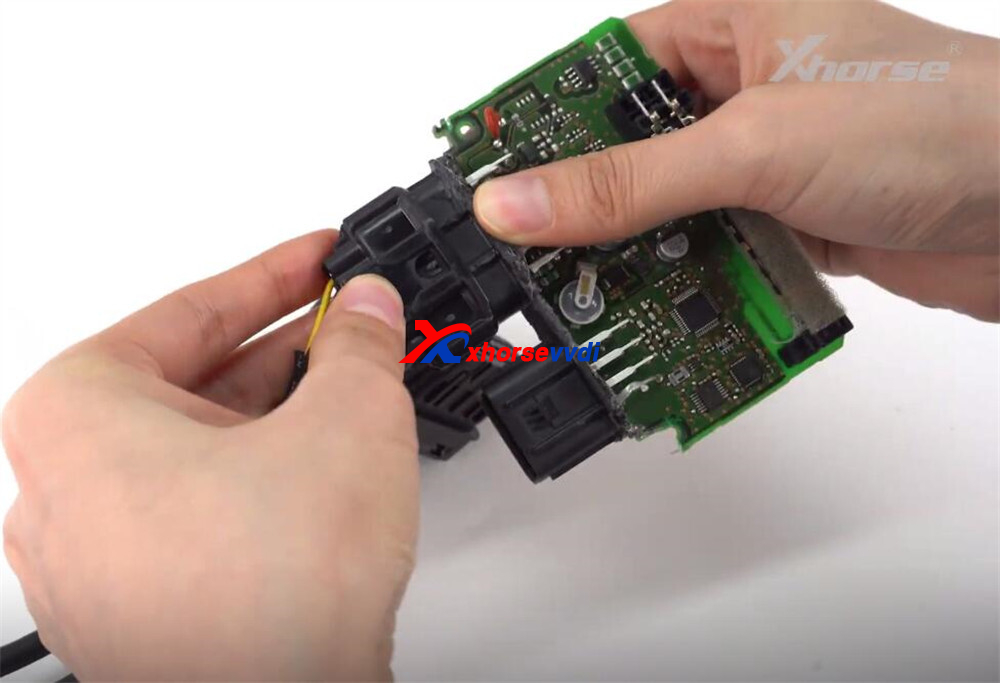
Locate the larger connector on the motorcycle SCU module and match it with the corresponding plug on adapter cable.
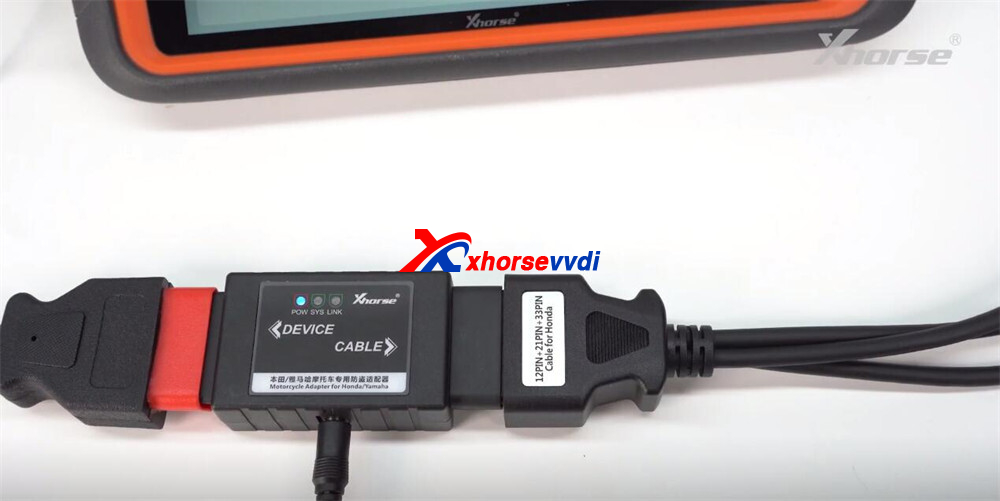
Connect cable to the adapter.
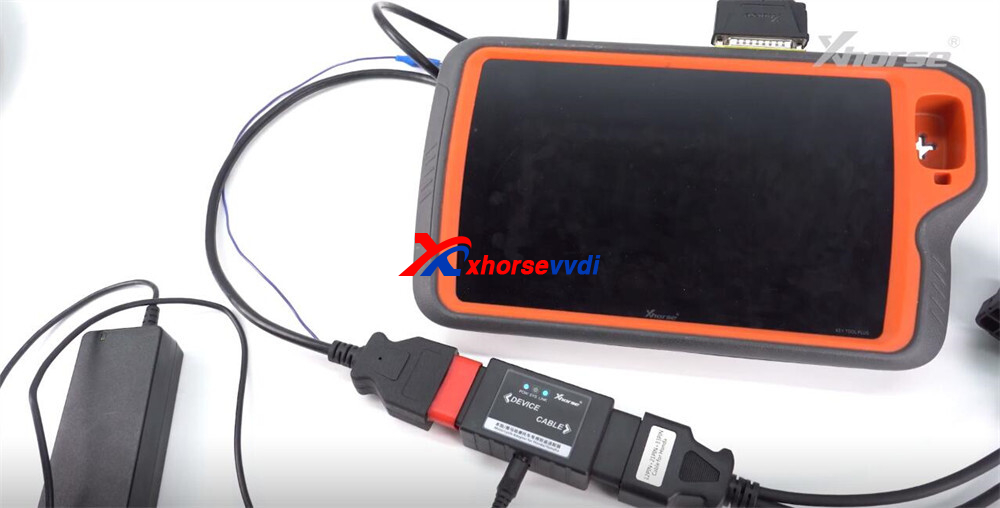
Connect adapter to Xhorse Key Tool Plus cable.
Connect Key Tool Plus cable to the Key Tool Plus device.
Finally, supply 12V power to complete the setup.
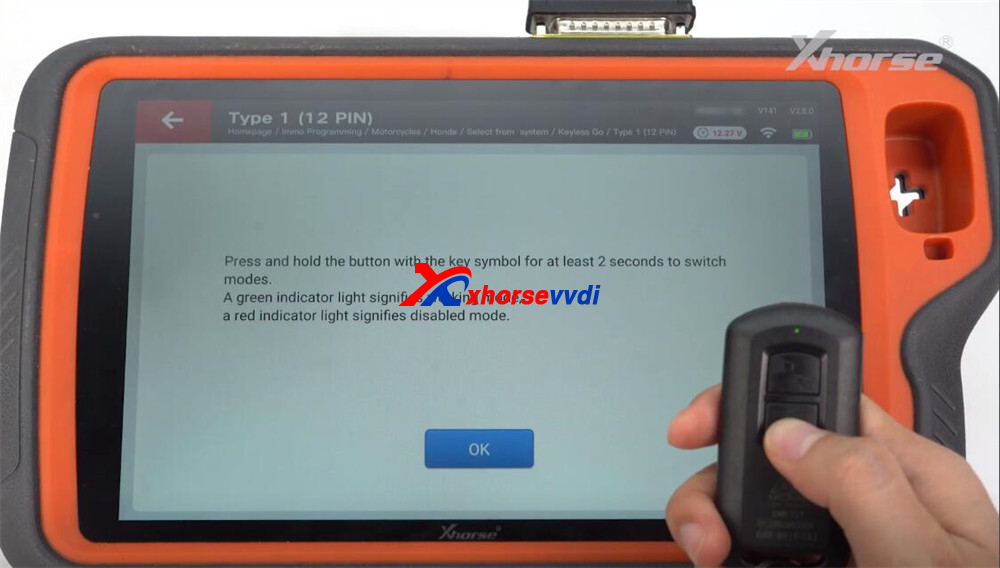
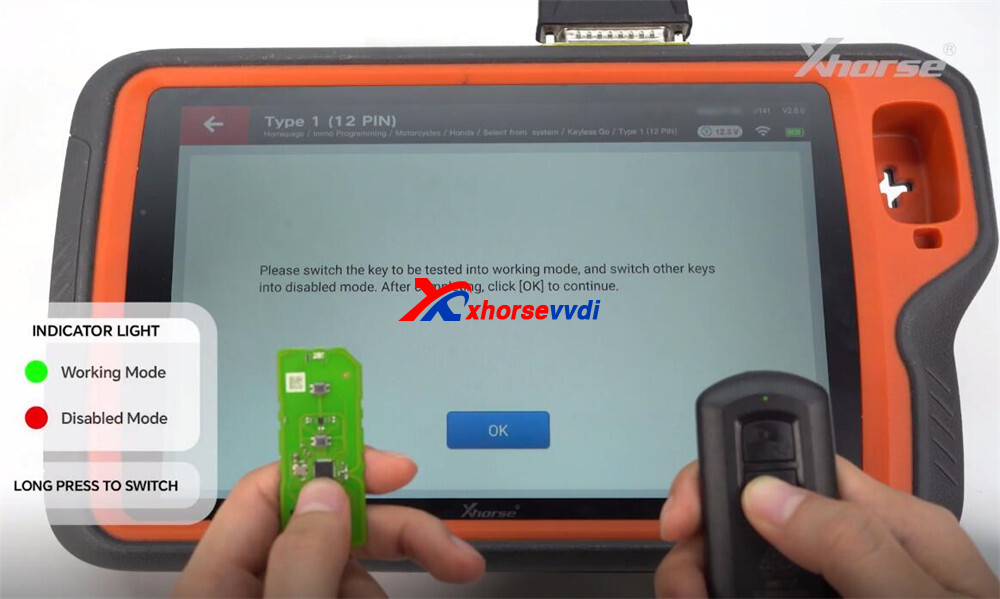
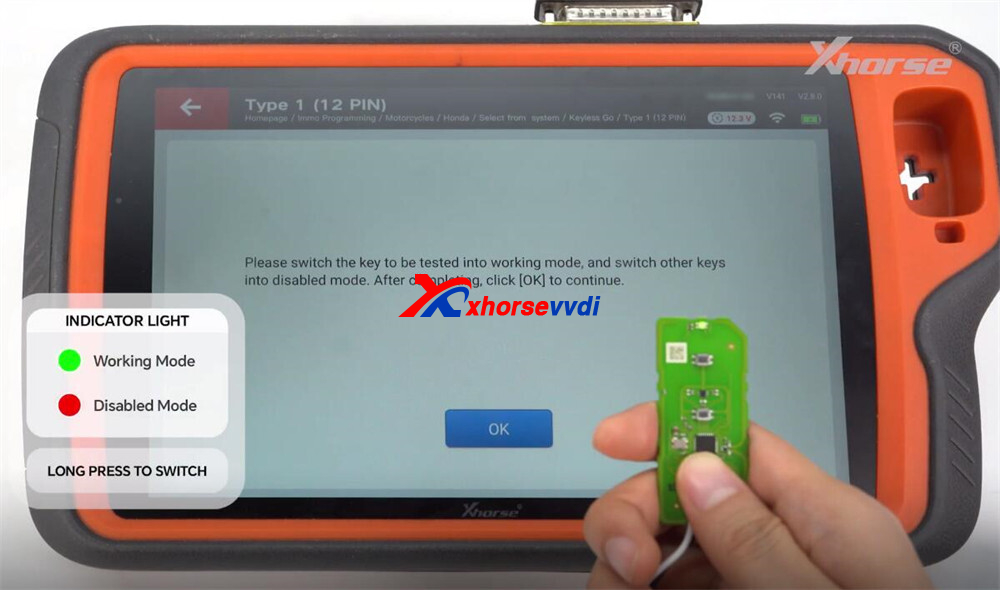
Step 4: Mode Switching
- Green Light → Working Mode
- Red Light → Disabled Mode
Long press to switch modes when required.
Step 5: Key Detection
- Select Key Detection.
- Follow instructions.
Result: Unmatched → Ready to add key
Step 6: Add Key
- Click Add Key.
- Follow on-screen steps.
Key successfully added.
Step 7: Verify Key
Run Key Detection again.
Result:
- Matched → Operation successful
Optional: Key Clearing
- Select Key Clearing
- Confirm operation
- Run detection again
Result: Unmatched → Clearing successful
Part 2: All Keys Lost (AKL) Procedure
Required Tools
- Xhorse Motorcycle Adapter (Honda)
- Key Tool Plus cable
- New remote key
Example module used: Honda PCX160
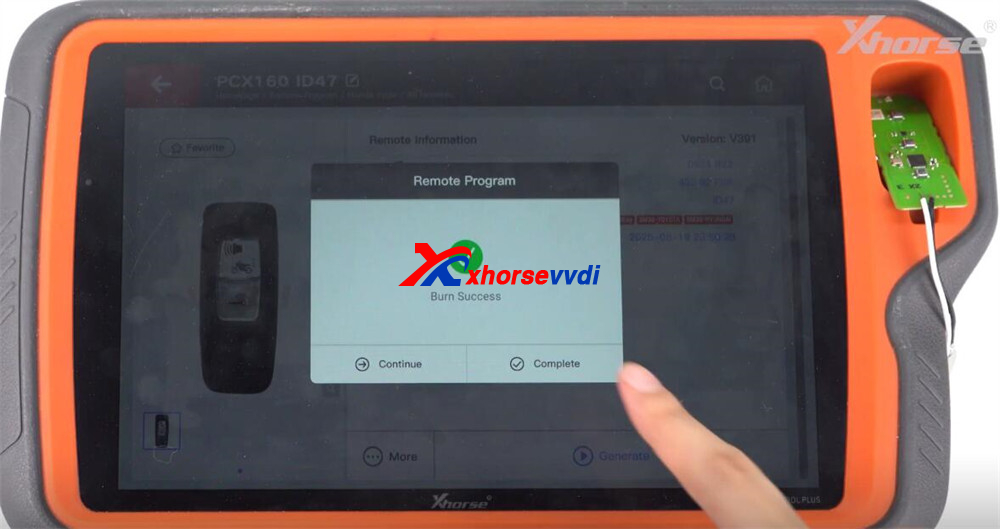
Step 1: Generate Remote
- Place remote in coil.
- Select Honda motorcycle option.
- Click Generate.
Completed
Step 2: Soldering Preparation
1. Enter: IMMO Programming → Motorcycles → Honda → HDS System
2. Choose correct type (e.g., Type 3 – 21 PIN).
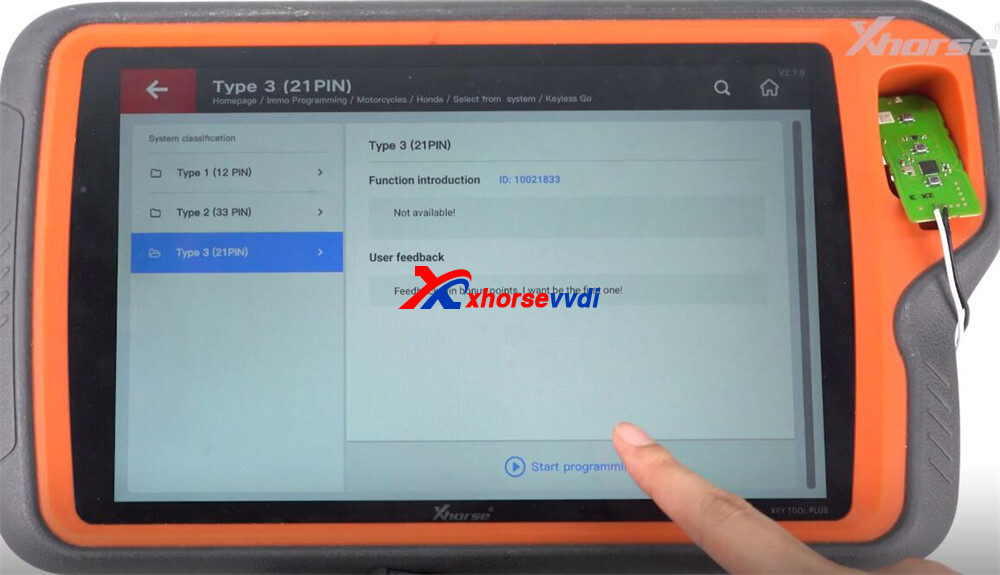
3. Click Read EEPROM.
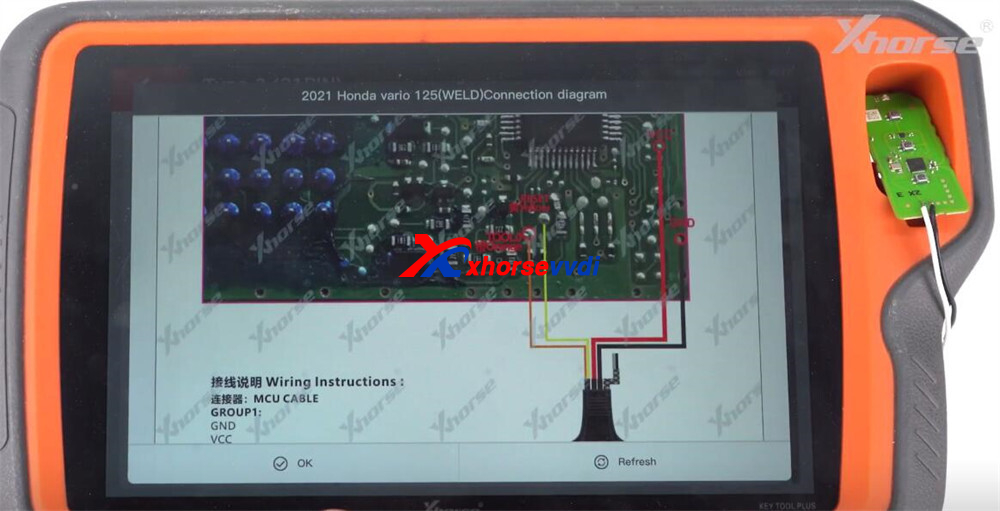
4. View soldering diagram.
Solder MCU cable to the module (required for AKL).
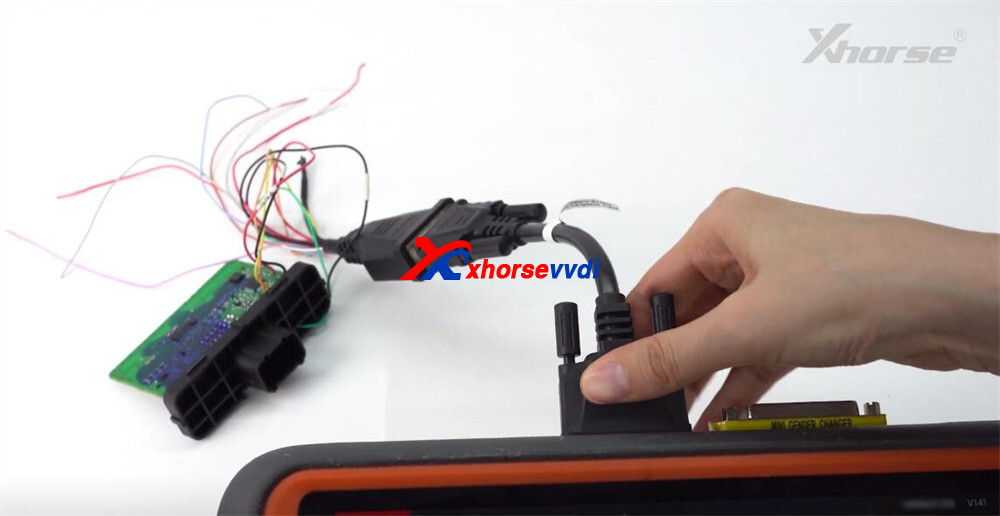
Step 3: Read Password
1. Connect:
- MCU cable → DB15 cable
- DB15 → Key Tool Plus
2. Click Read.
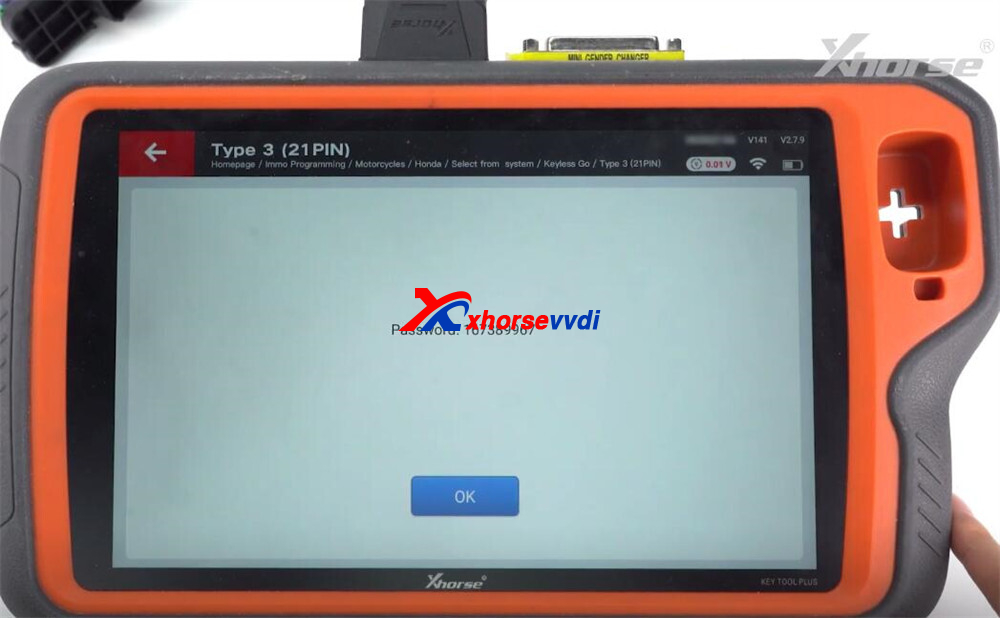
Password read successfully
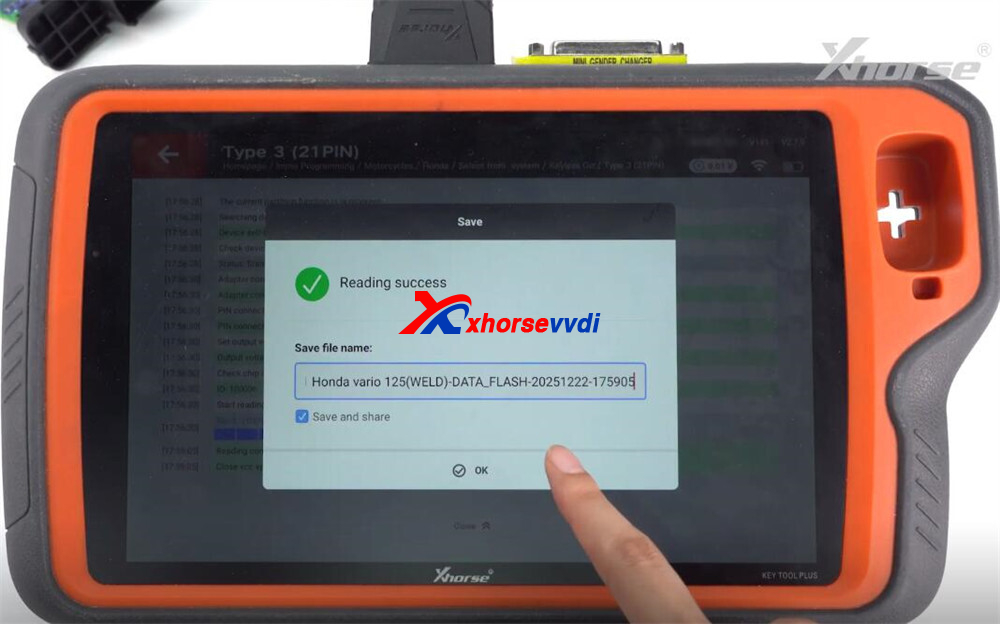
3. Save the file
4. Load file and calculate password
Step 4: Reconnect Wiring
- Remove soldered wires.
- Reconnect using adapter (same as key adding wiring).
Step 5: Mode Switching
- Green → Working Mode
- Red → Disabled Mode
Step 6: Key Detection
Run Key Detection.
Result:
- Unmatched
Step 7: Program Key (AKL)
- Select All Keys Lost.
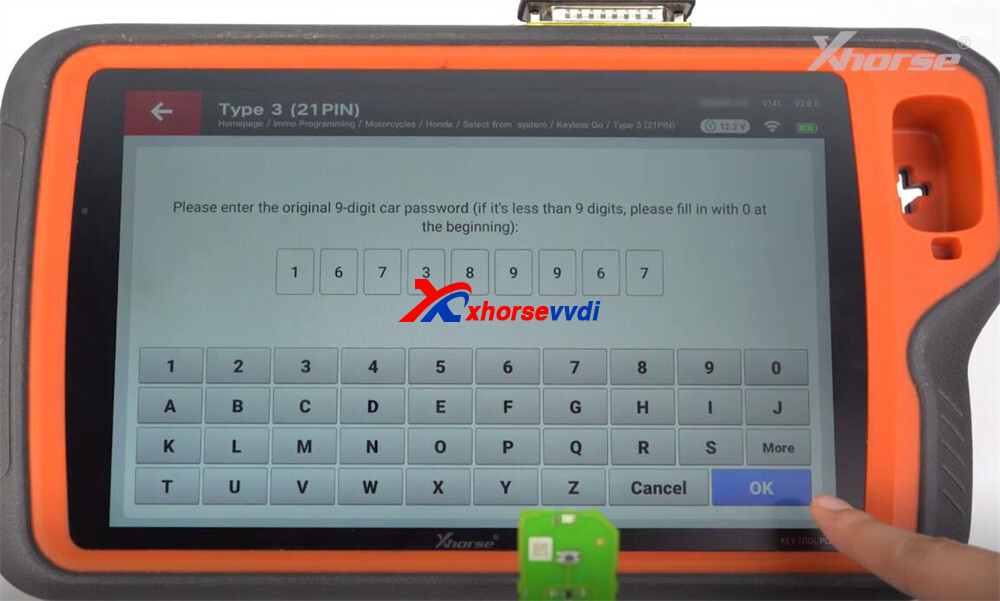
- Enter the calculated password.
- Follow prompts.
Programming successful
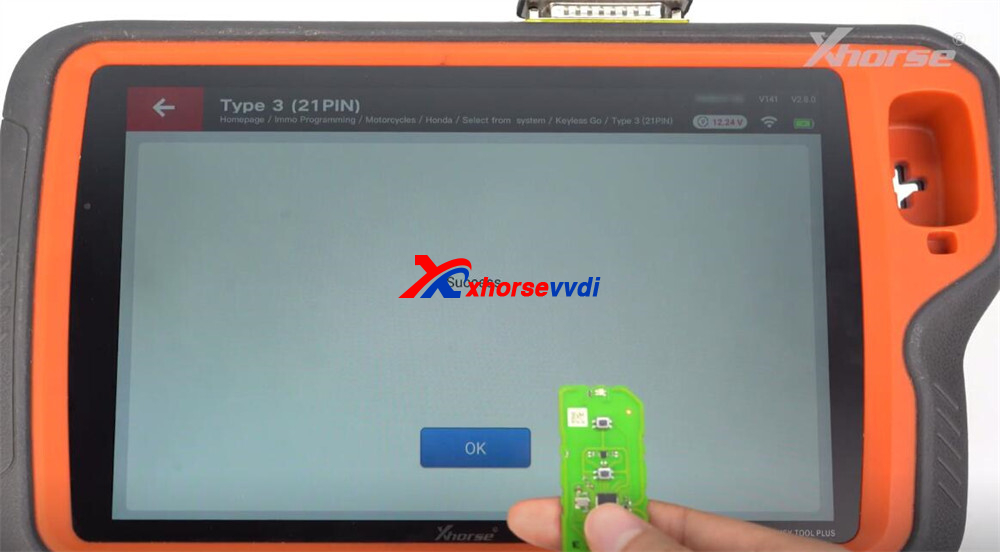
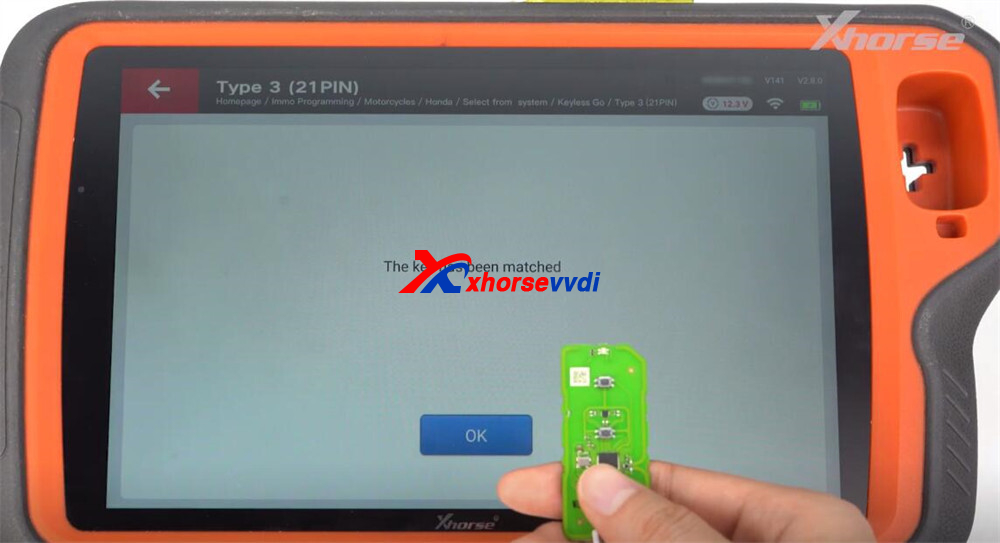
Step 8: Final Verification
Run Key Detection again.
Result: Matched → AKL completed successfully
With the Xhorse XDKP92GL Motorcycle Adapter and Key Tool Plus, you can efficiently handle both:
- Key Adding (spare key programming)
- All Keys Lost (AKL recovery)
The process mainly involves:
- Remote generation
- Proper wiring
- Mode switching
- Key detection and programming
Following the correct sequence ensures a smooth and successful operation.
Skype: xhorsevvdi.com
Whatsapp: https://wa.me/8613983756354


 Whatsapp:
 Skype: