


Problem:
When attempting to read VAG MQB49 5C/5D key data using the Xhorse Multi-Prog, the device repeatedly shows the error: “CLK line not connected.” Even after checking the wiring and confirming that the CLK line is properly connected, the issue persists.
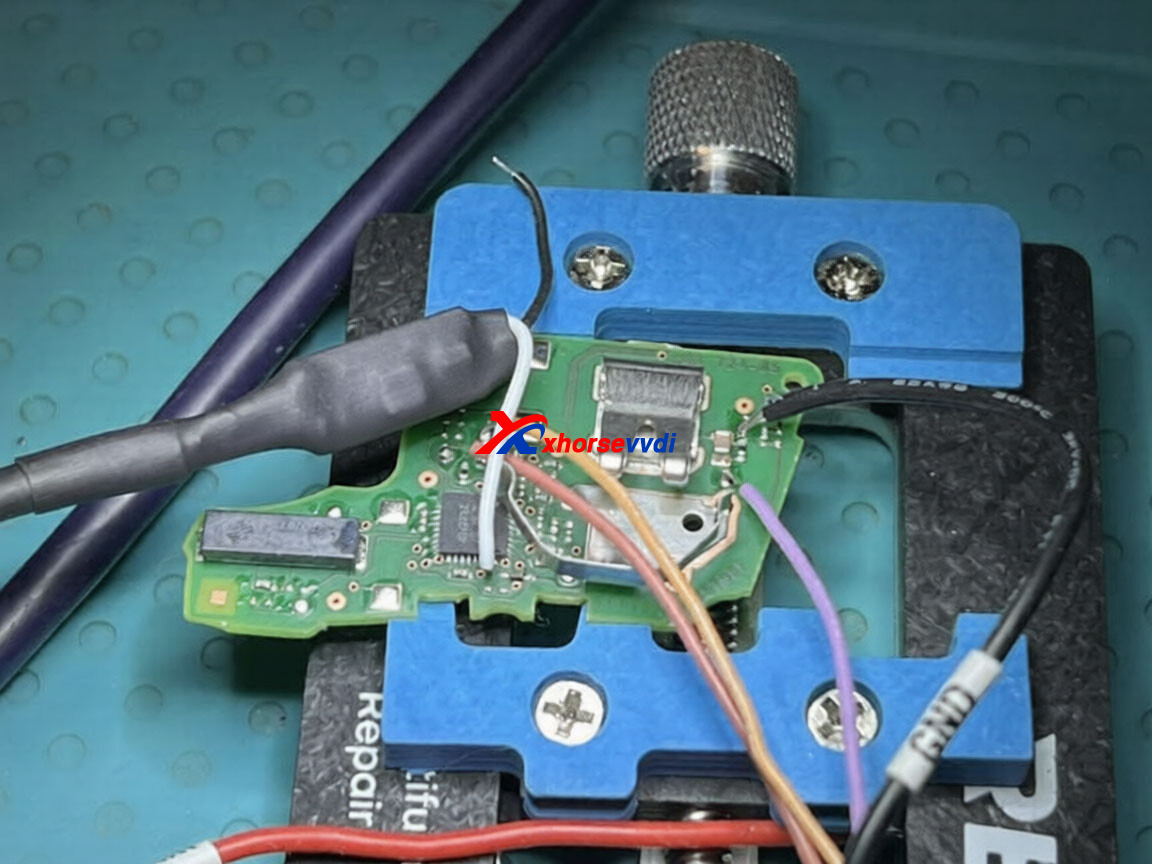
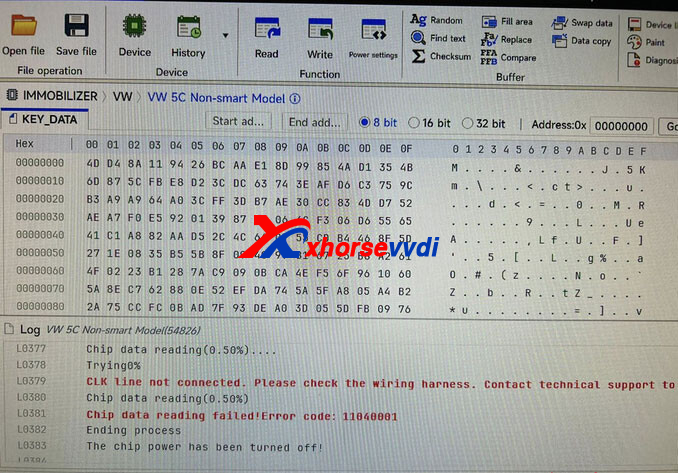
XhorseVVDI.com‘s Engineer Answer:
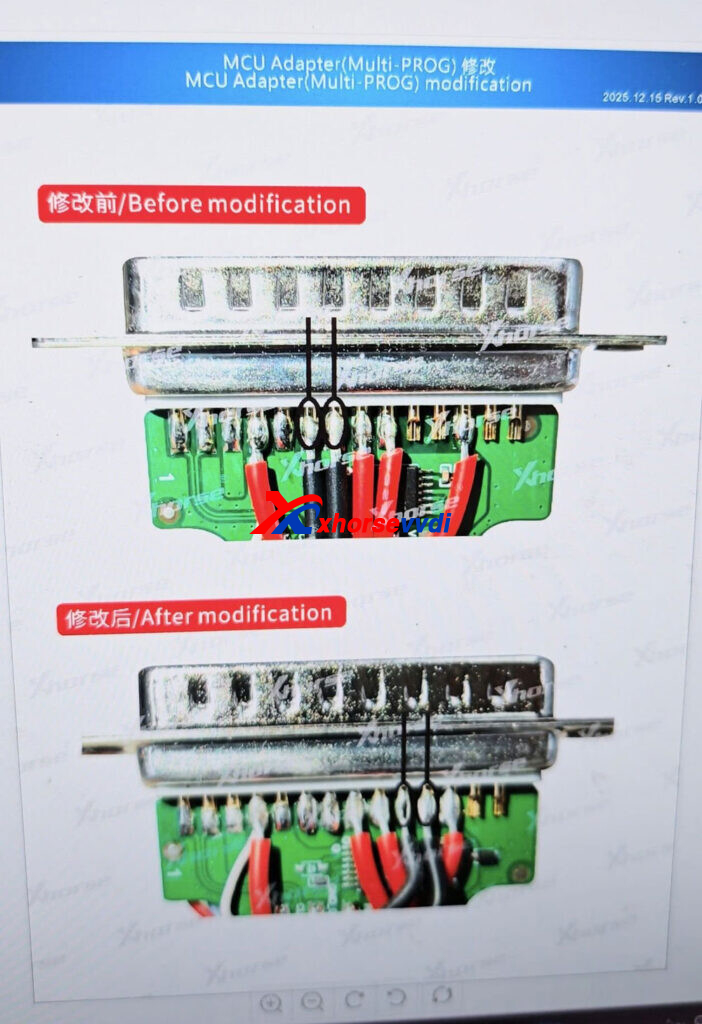
Didn’t modify the mcu cable.
To read MQB49 5C 5D key data with multiprog, you need to modify the MCU cable first.
Then try again.
Skype: xhorsevvdi.com
Whatsapp: https://wa.me/8613983756354


 Whatsapp:
 Skype: