



Good news for VAG locksmiths! The Xhorse Multi Prog now officially supports reading VAG MQB49 5C/5D original key data.
At the same time, the MQB49 5C function in VVDI2 is currently under debugging. If required, you can download and replace the test version of the VVDI2.exe file to access the latest updates.
VVDI2 MQB49 5C/5D Available Functions
With the updated function, VVDI2 supports:
- Decode IMMO data
- Make dealer key
- Identify MQB / 5C remote
- Change MQB / 5C ID
- Add key
How to Add VAG MQB49 5C/5D Key with Xhorse Multi Prog + VVDI2?
Please note: VVDI2 cannot directly read MQB49 5C/5D original key data. You must use Multi Prog for this step.
Step-by-Step Guide:
1. Read Original Key Data
Use Xhorse Multi Prog to read the original 5C/5D key data.
2.Make Dealer Key in VVDI2
Open VVDI2 software
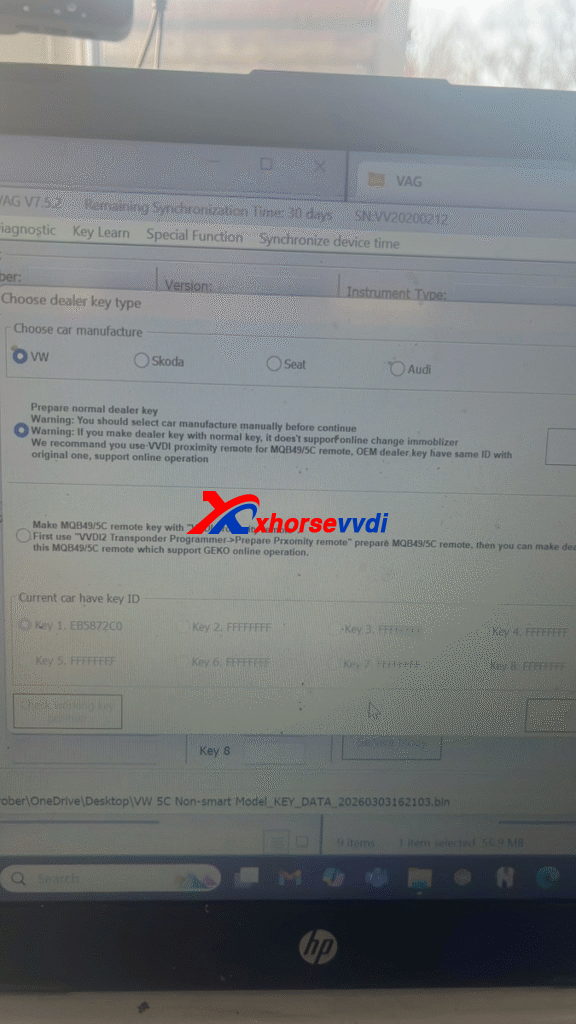
Select “Make Dealer Key”
Upload the original key data file read by Multi Prog
Generate the dealer key
3.Learn Key to Vehicle
After generating the dealer key, proceed with key learning and program it to the vehicle.
Important Note:
SFD unlock function is NOT available in VVDI2 software.
Use other compatible diagnostic tools to complete the SFD unlock before performing key programming.
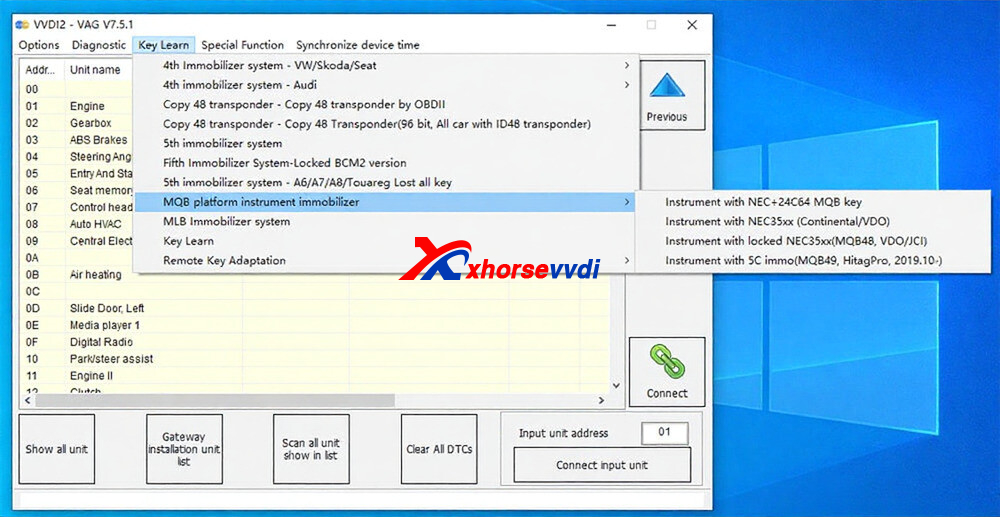
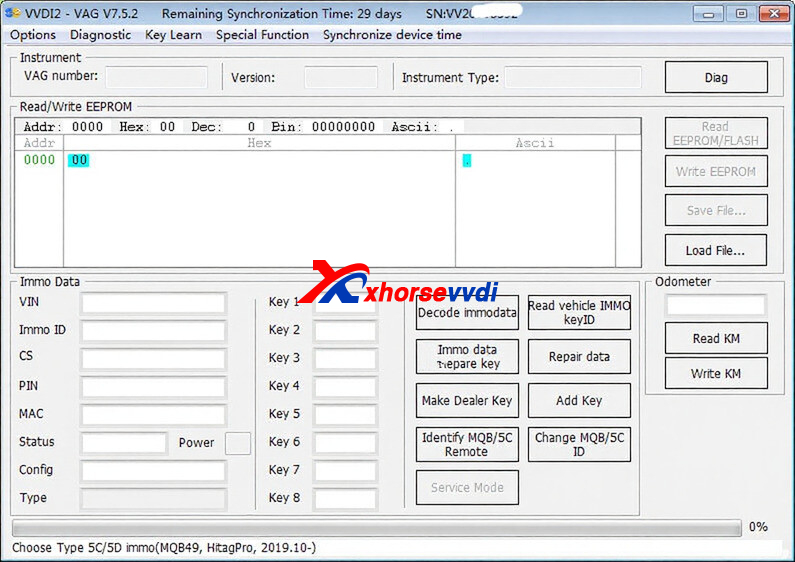
This combination of VVDI Multi Prog + VVDI2 provides an effective solution for adding VAG MQB49 5C/5D keys, especially when handling original key data extraction.
If you’re working on MQB platforms regularly, this update will significantly improve your workflow efficiency.
And customer feedback that:
I have read the data with multiprog but won’t do anything when the files is uploaded into the system. It comes up with this
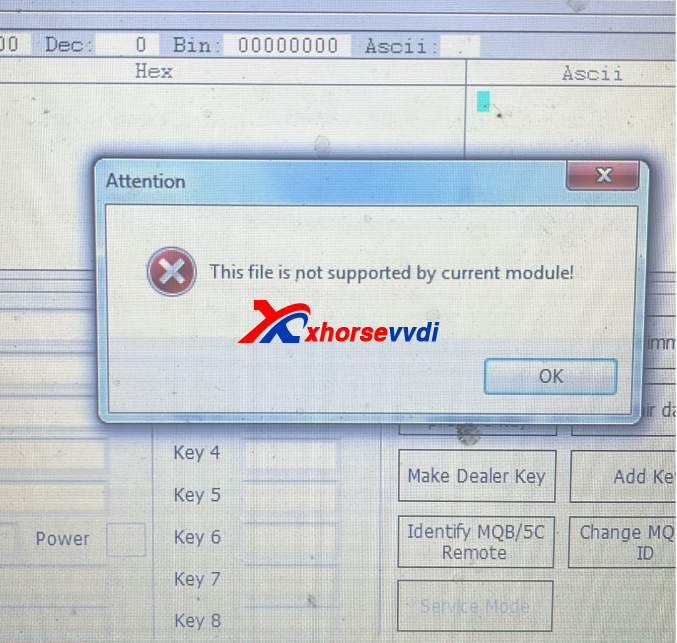
We extracted the replacement file, copied and pasted it
Here is download link:
https://mega.nz/file/kb5kDKiC#A-6V7ZEb5UNd_MGklpzN5of5J5vBEz96Tx6cYgPLRUQ
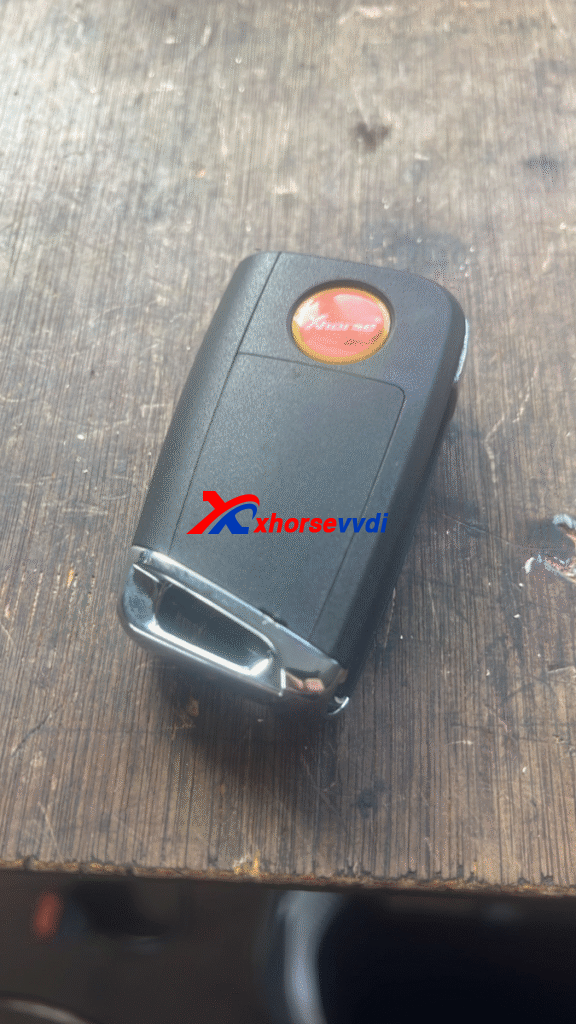
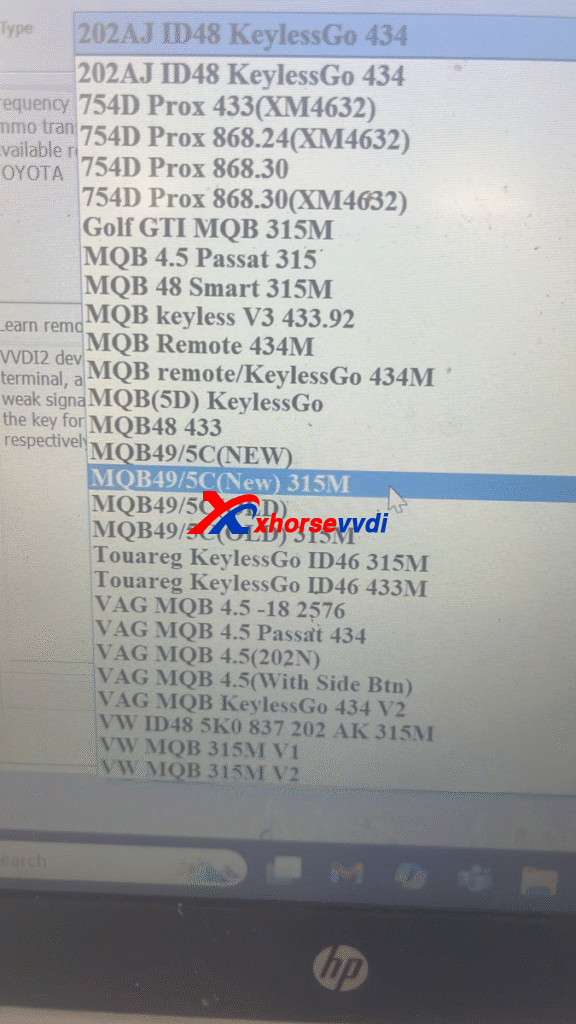
Does vvdi need to be plugged into the car? It’s a 5c key also The files says mqb 5d function
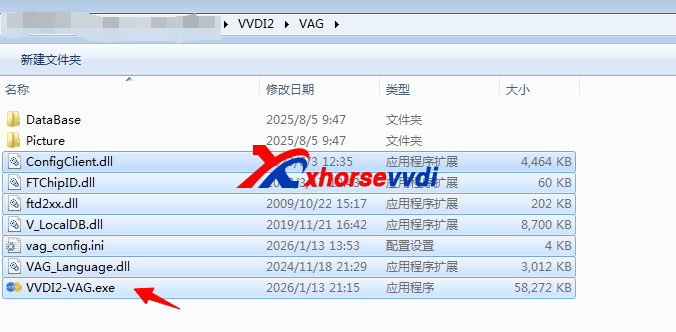
Yes,it is OK. Replace the following parts:
Skype: xhorsevvdi.com
Whatsapp: https://wa.me/8613983756354


 Whatsapp:
 Skype: