


It has been tested and verified that Xhorse Multi-Prog works perfectly with the GODIAG Gearbox Cable 8-in-1 to read DQ200 MQB gearbox data. The whole process is stable, fast, and straightforward, making it a reliable solution for VAG DQ200 bench operations.
Connection Setup
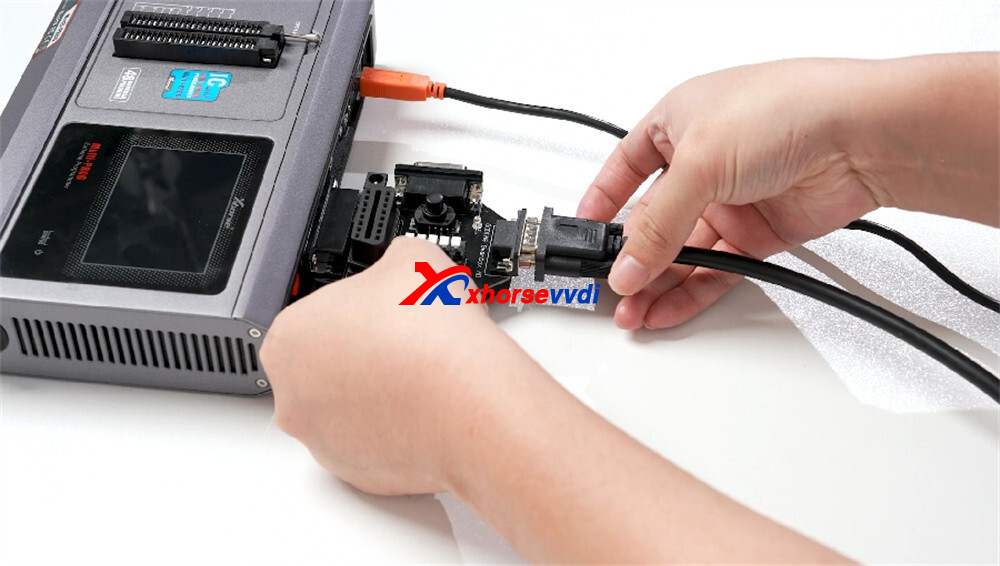
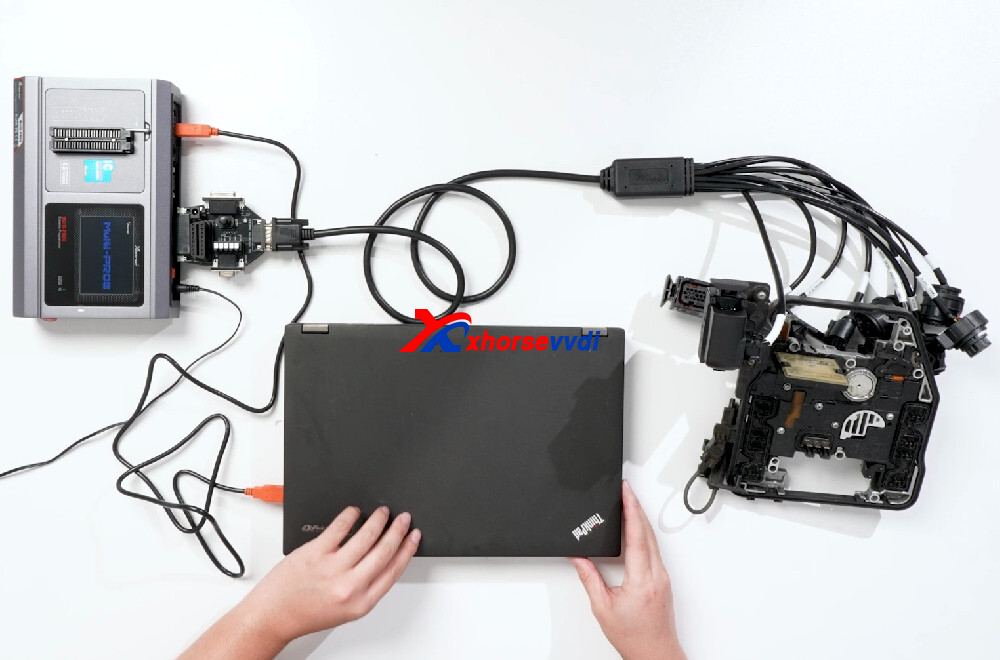
- Connect the GODIAG Gearbox Adapter directly to the VVDI Multi-Prog Programmer.
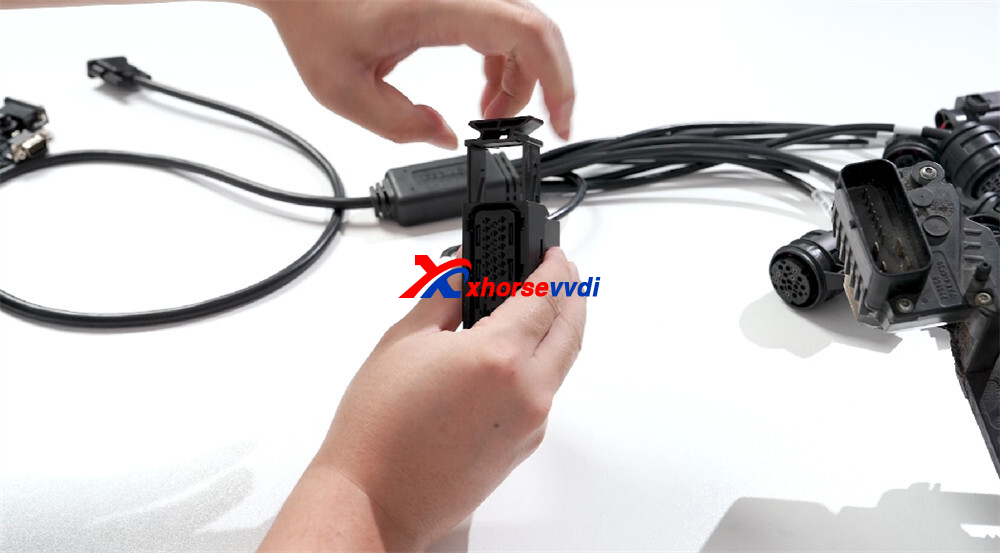
- Use the GODIAG Gearbox Cable 8-in-1 to correctly connect the Multi-Prog programmer to the gearbox adapter.
- Connect the Multi-Prog to the computer using a USB cable.
- Supply external power to the device.
Software Operation
- Launch the Multi-Prog software on the computer.
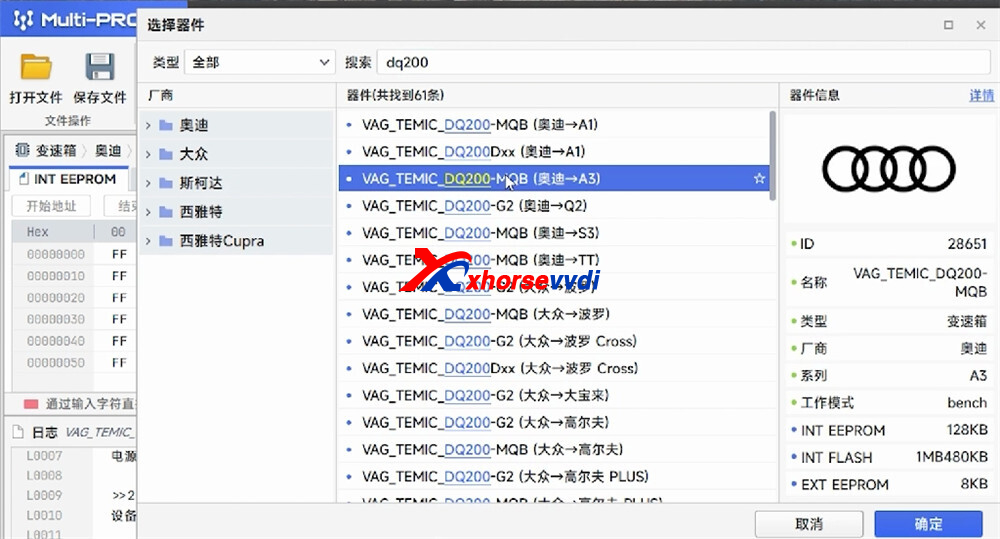
- In the software, search for “DQ200”.
- Select VAG_TEMIC_DQ200-MQB
Path: Audi → A3
ECU Connection
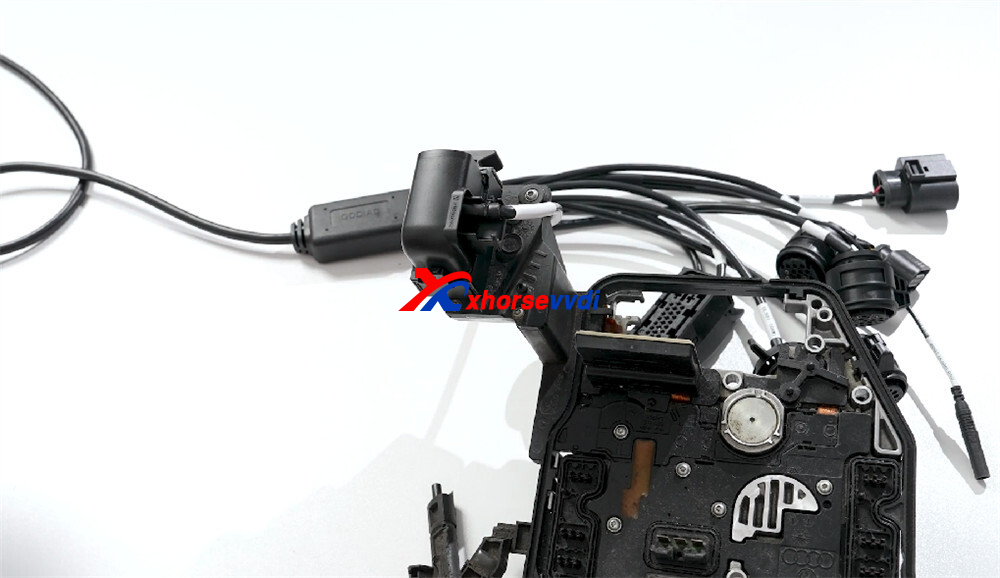
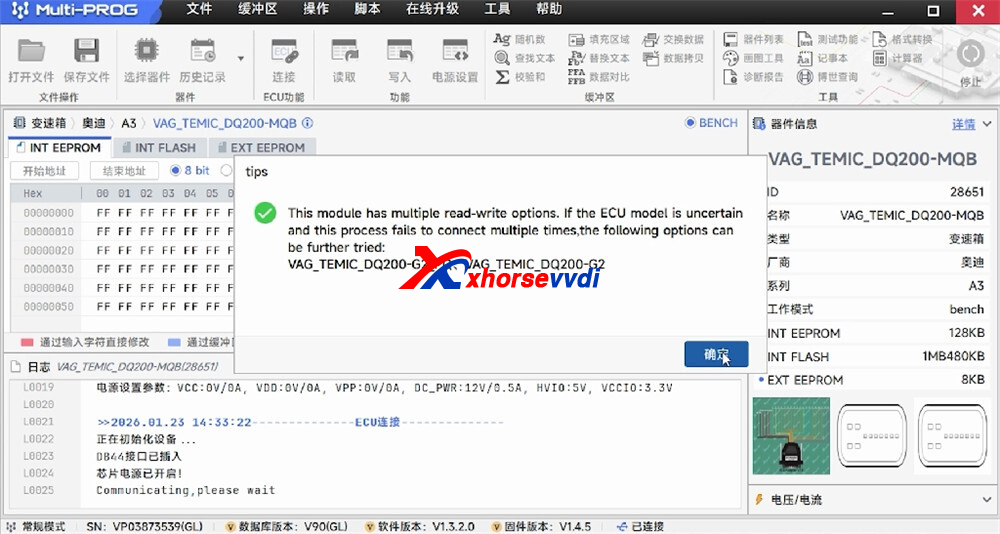
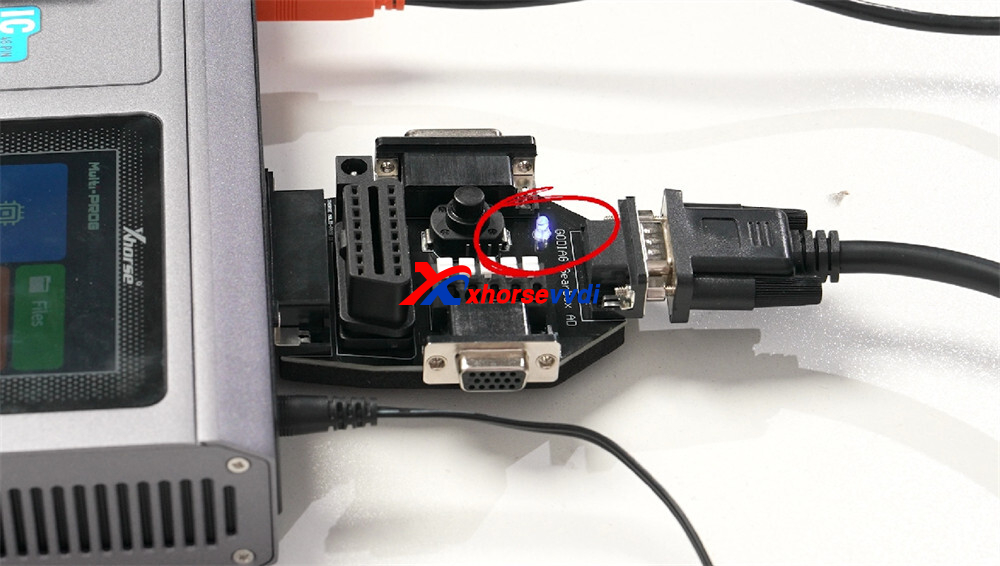
Connect the gearbox ECU to the adapter.
The power switch indicator on the gearbox adapter will flash, indicating communication.
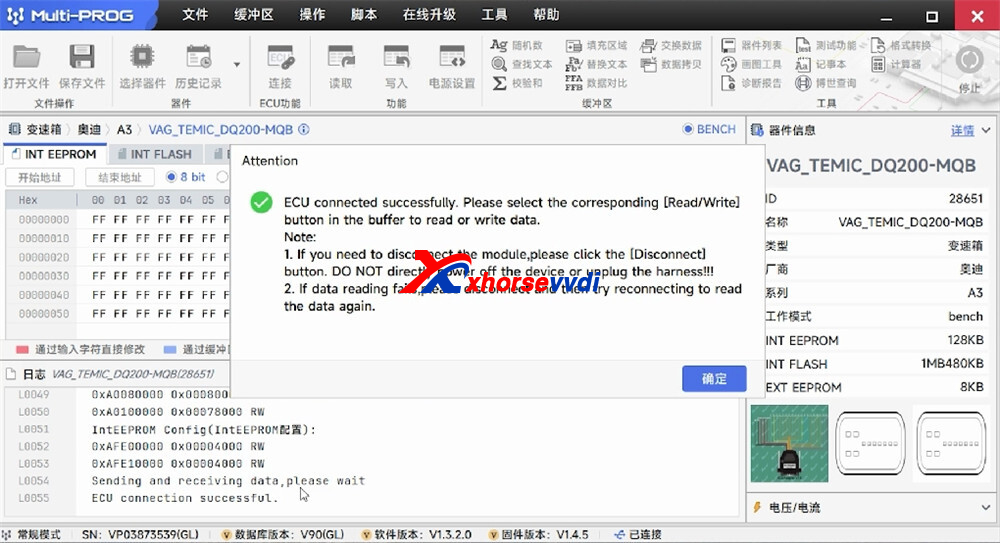
Once connected successfully, the ECU status is confirmed in the software.
Data Reading Result
- Click Read to start the process.
- DQ200 MQB data read successfully
- Reading time: 4 seconds 988 milliseconds
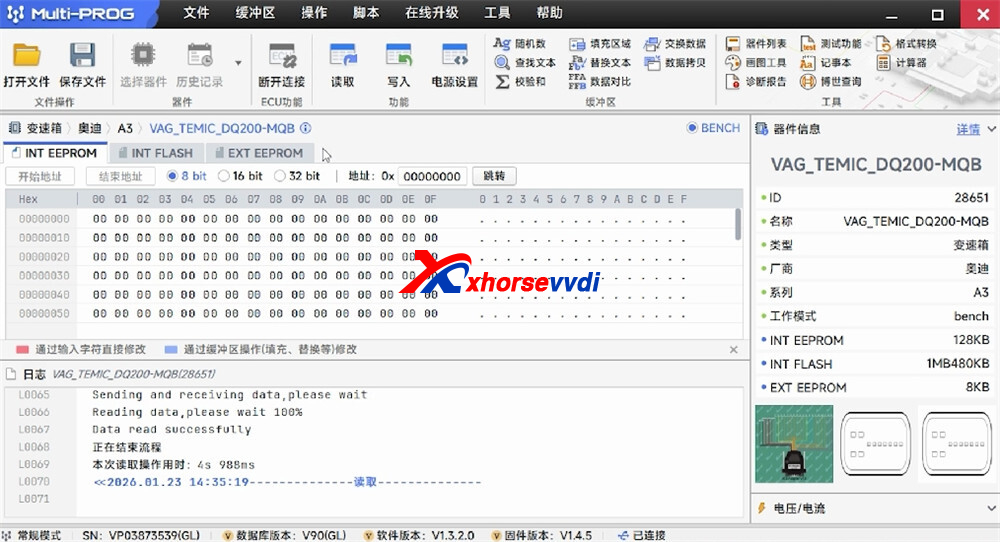
Using Xhorse Multi-Prog together with the GODIAG Gearbox Cable 8-in-1 provides a fast and reliable solution for reading DQ200 MQB gearbox data. The direct connection, clear software guidance, and quick read speed make this setup ideal for professional technicians working on VAG MQB vehicles.
Skype: xhorsevvdi.com
Whatsapp: https://wa.me/8613983756354


 Whatsapp:
 Skype: